MAIKONG MK001 — Practical accessories checklist for a quantum analyzer clinic in Nigeria · body
Quick answer
For a MAIKONG MK001 installation in a private clinic we recommend three accessory groups first: a stable mounting option (wall bracket, floor stand or a portable cart) chosen to match your room layout and patient flow; a clinic-capable printer (USB or network thermal/laser depending on report length and clinic IT); and a small set of peripherals that speed throughput — barcode reader for patient IDs, a footswitch or external keypad for hands-free capture, and a secondary monitor or tablet for patient-facing reports. Configure these against the MK001 and Quantum Analyzer Software 2026 (supported on Windows xp/7/8/10/11) and state that software version when you request a quote. For an immediate quote or tailored configuration, contact our sales team at lucy@quantumanalyzer.ng or +8613510907401.
Contents
Direct answer: the essential accessories your clinic needs for a MAIKONG MK001 setup
We prioritise accessories that reduce staff time and protect the device investment. Buy or specify:
One mounting solution: wall bracket for fixed locations, a floor stand if you need adjustable height, or a lockable portable cart when you want to move the MK001 between rooms.
A printer that matches your reporting workflow: small thermal printers for short receipts, A4 laser or inkjet printers when you need full-colour or PDF hard-copies of reports.
Peripherals that reduce errors and speed visits: a USB barcode scanner for patient records, a USB or Bluetooth keyboard and mouse (or footswitch for hands-free capture), and a secondary monitor or tablet for client-facing result display.
Basic security and cabling: lockable cables or a Kensington lock, cable management to prevent trips and accidental unplugging, and a small UPS if your clinic experiences power instability.
Tell us your primary goal (walk-in screening, appointment-based consultation, or spa/wellness demos) and we will recommend the specific mount and printer type that fits that workflow.
What matters first: compatibility with MK001 and Quantum Analyzer Software 2026
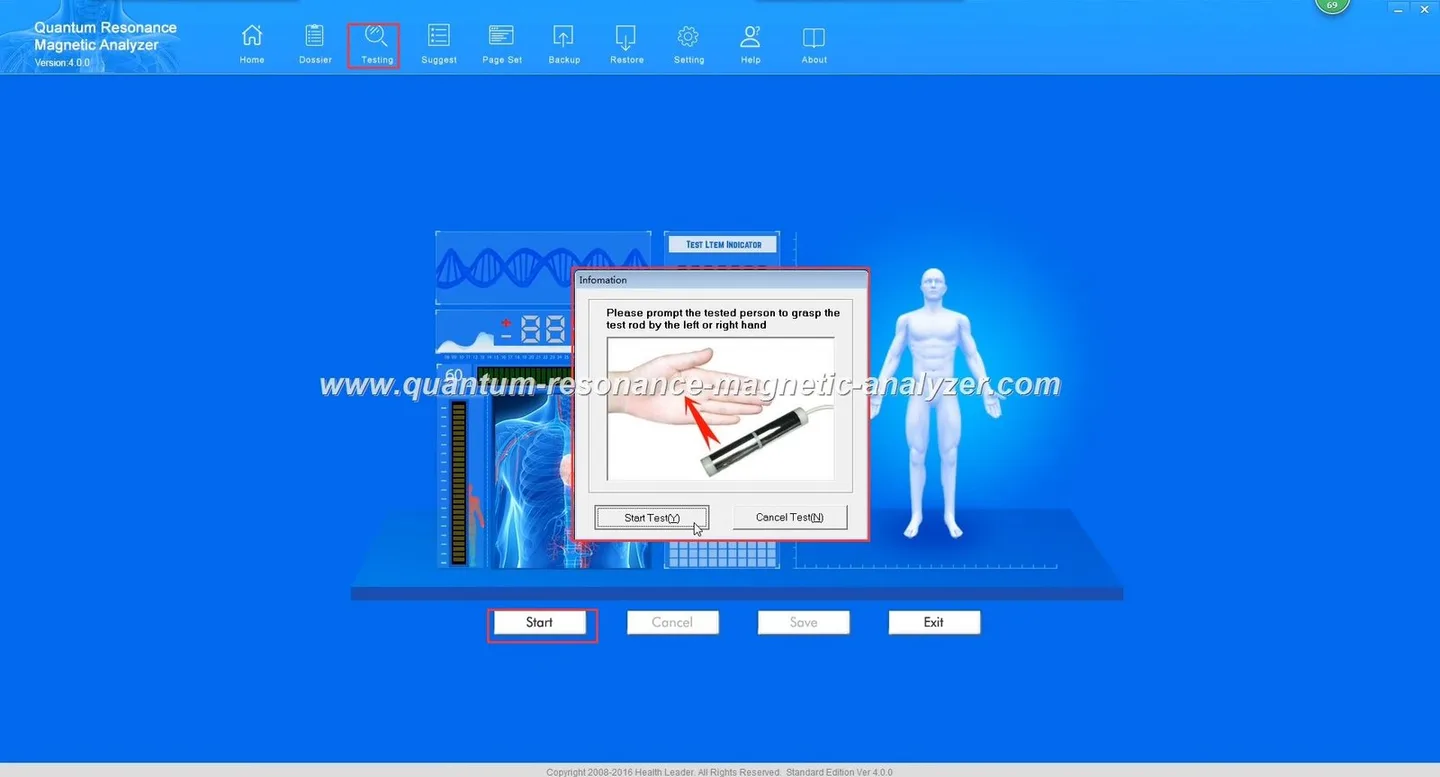
Make compatibility the first check. The model you will be using is the MK001 Quantum Analyzer (MK001), and the supported application is Quantum Analyzer Software, version 2026. The software runs on Windows xp/7/8/10/11 — confirm which Windows release your clinic PC uses before buying peripherals or drivers. If you plan to use an older laptop, confirm driver availability for that Windows version and the printer model.
When you submit an accessory list for quotation, include the MK001 model and the exact software version (“Quantum Analyzer Software 2026”) so we can ensure driver and integration compatibility in our recommendation.
Mounts and stands: clinic-grade options and how to choose by workflow
Choose a mount that matches how the device will be used day-to-day:
Wall mount
Best when the device remains in a single, space-constrained consultation room. Wall mounting secures the MK001 out of the way and reduces accidental knocks. Opt for a professional installer to locate studs and manage concealment of cables.
Floor stand
Choose a heavy-base or wheel-locked stand when you need adjustable height for operators of different stature, or when the analyzer must be accessible for seated and standing patients.
Portable cart
Use a lockable, ventilated cart for multi-room use. A cart with a drawer for consumables and a secure top shelf for the MK001 is the most practical for outreach clinics and mobile services.
Printers and reporting: recommended printer types, formats and export considerations
MAIKONG MK001 — Practical accessories checklist for a quantum analyzer clinic in Nigeria · body
Match the printer to how you deliver reports:
Thermal receipt printers — low-cost, quick for short summaries or tokens. Good for high-volume screening where a one-page summary suffices.
A4 laser printers — best for delivering formal, multi-page reports that may require clients to keep records. Use a network (Ethernet/Wi‑Fi) or USB connection.
Inkjet colour printers — suitable when you require colour charts or photographs in reports, but expect higher running costs for ink.
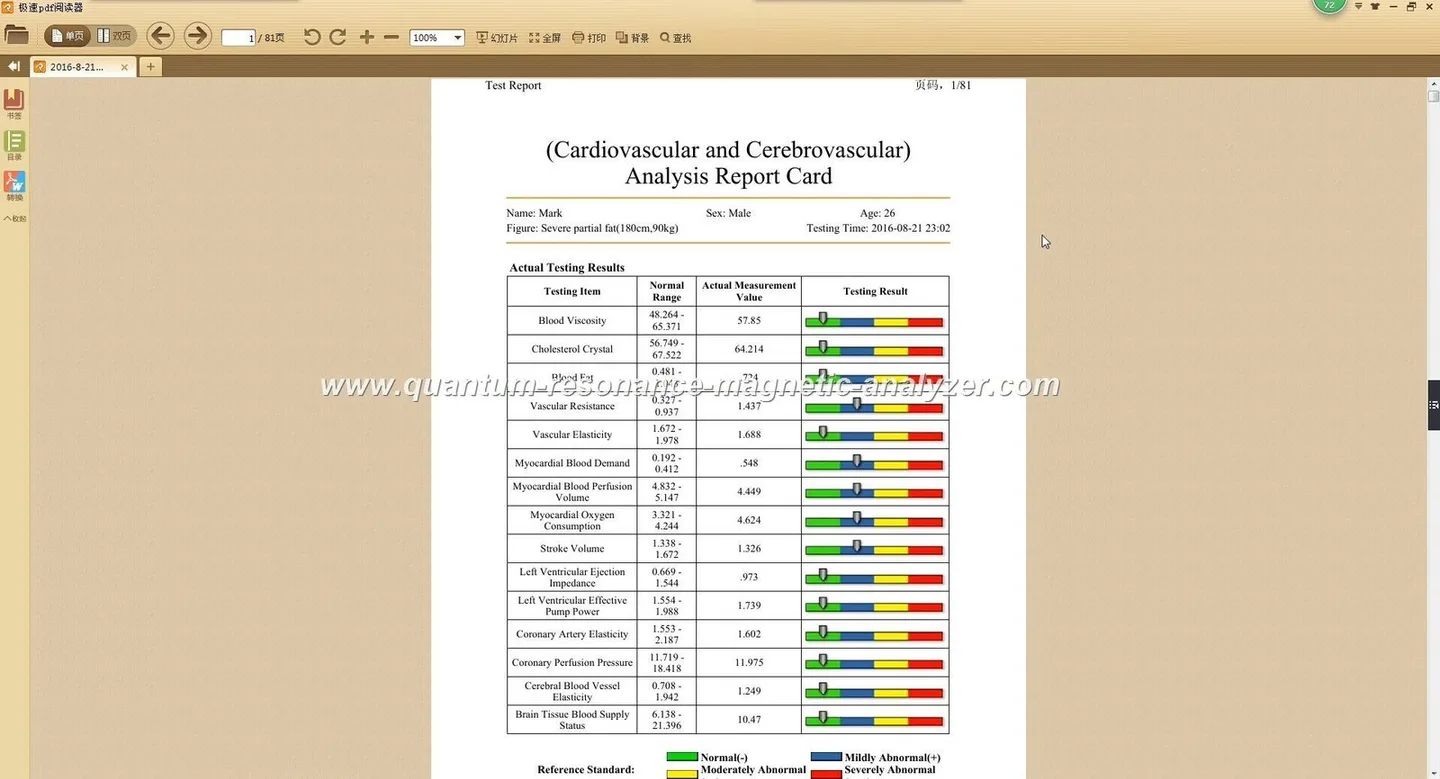
Export considerations: the MK001 software (2026) supports saving and exporting reports — confirm whether you need PDF export, CSV for EMR import, or direct printing. If you plan to email PDFs to patients, establish a clinic email policy and secure network access before adding a network printer.
Peripherals that improve throughput and patient experience
MAIKONG MK001 — Practical accessories checklist for a quantum analyzer clinic in Nigeria · body
Peripherals deliver the most immediate efficiency gains:
Barcode reader: links patients to records quickly and reduces ID errors. Choose a plug-and-play USB model that emulates keyboard input for compatibility.
Footswitch or external keypad: lets the operator record steps without touching the mouse during scans, speeding workflow where staff handle instruments aseptically.
Secondary monitor or tablet: use a customer-facing display to show selected report pages while keeping the primary workstation private.
Tablet + stylus: useful for consent capture and quick forms at reception; ensure the tablet OS and the clinic EMR accept exported PDFs or images from the Quantum Analyzer
PC, OS and network checklist tied to accessory choice
MAIKONG MK001 — Practical accessories checklist for a quantum analyzer clinic in Nigeria · body
Before you buy peripherals confirm these points on your clinic PC:
OS compatibility: Quantum Analyzer Software 2026 supports Windows xp/7/8/10/11 — choose peripherals with drivers for your specific Windows version (MK001 software 2026).
Ports and connectivity: verify available USB ports, an Ethernet jack for network printers, and Bluetooth support if choosing wireless peripherals.
Network security: when using a network printer or email export, ensure your clinic network uses basic segmentation and secure Wi‑Fi credentials. Bring networking questions into your quote so we can advise on compatible printers and recommended configurations.
UPS and surge protection: add a small UPS for the MK001 and the PC if mains stability is an issue.
Practical setup steps: how to add a printer or peripherals to your MK001 workstation
MAIKONG MK001 — Practical accessories checklist for a quantum analyzer clinic in Nigeria · body
Decide connection type: USB direct to the PC for simplicity, or network/Ethernet for shared access.
Install Windows drivers for the printer and peripherals on the PC that runs Quantum Analyzer Software 2026. If your Windows version is older, confirm driver availability with the peripheral vendor.
Set the chosen printer as the default in Windows, then open Quantum Analyzer Software 2026 and select the same printer in the software’s print/export settings.
Run a test export and a test print from the software; check margins and orientation for multi-page reports.
If using a tablet or secondary monitor for patient display, configure display settings (duplicate or extend) and ensure the software output is viewable at the intended size.
If you require remote installer files for the software on a particular Windows build, ask us for the installer and state your OS version so we can provide the correct package.
Comparison table: wall mount, floor stand and portable cart — quick pros and cons
MAIKONG MK001 — Practical accessories checklist for a quantum analyzer clinic in Nigeria · body
Mount type
Best for
Pros
Cons
Wall mount
Fixed consultation rooms
Space-saving; secure; low movement risk
Not mobile; requires professional installation
Floor stand
Adjustable height; shared rooms
Ergonomic; easier to reposition; simpler install
Occupies floor space; may need wheel locks for stability
Portable cart
Multi-room or mobile clinics
High mobility; storage for consumables; lockable options
Bulkier; needs secure locking for transport
What to include in an accessory quote request to MAIKONG
Software: “Quantum Analyzer Software 2026” and the Windows version on the workstation
Clinic use case: walk-in screening, appointment service, or mobile outreach
Preferred mount type and whether you need installation or local sourcing of mounts and printers
Peripherals required: printer model preference (thermal vs A4 laser), barcode scanner, tablet or secondary monitor, footswitch
Network notes: are printers to be shared on clinic LAN? Is Wi‑Fi available?
Any local installation constraints: limited floor space, frequent power outages, or security concerns
We will respond with a recommended kit and a formal quote. Pricing is available on inquiry.
Common pitfalls and troubleshooting tips when combining accessories with MK001
Driver mismatch — check that peripheral drivers match the exact Windows version before purchase.
Power interruptions — a UPS protects against data loss during scans; inexpensive UPS units are cost-effective for single workstations.
Network printer confusion — set the network printer as default in Windows and in the Quantum Analyzer Software to avoid printing to the wrong device.
Loose cabling and trips — use simple cable raceways or clips; unsecured cables are the most common cause of accidental disconnections.
Physical security — choose lockable mounts or use a Kensington lock on portable units if theft or tampering is a local risk.
Short FAQ
Do I need a special printer driver from MAIKONG?
No. We integrate with standard Windows printers. Provide your Windows version and the printer model in the quote request so we can confirm compatibility with Quantum Analyzer Software 2026.
Can the MK001 export client reports as PDFs for emailing?
The software supports export and saving of reports. State whether you need PDF export when you request a configuration so we can recommend printers and workflow for patient record delivery.
Will MAIKONG supply mounts and carts?
Yes — we can supply recommended mounts and carts or specify third-party models you can source locally. Tell us which option you prefer in your inquiry.
Limitations and risks
Our accessory recommendations address integration and clinic workflow. We do not make clinical claims about diagnostic accuracy here. Electrical installation requirements and local code compliance in Nigeria are not covered in this article; consult a local electrician for mounting and power distribution work. If a specific driver or certification is required for a peripheral, include that in your request so we can verify support.
Next step: request a tailored configuration or quote
Local disclaimer: Information in this article is for clinic setup and health-management workflow only. The MK001 and report outputs are tools for screening and education; they do not replace professional medical diagnosis or treatment.
This content is provided for learning, information sharing and professional communication only. It is not medical advice and is not a basis for treatment or diagnosis. Confirm suitability, operation and purchasing requirements against the product manual, local regulations and qualified professional guidance.
When you contact us for a configuration or quote, include:
For installation help, include photos of the room and the PC setup when you request a quote; that lets us suggest the right mount and cable lengths.
Send your clinic details, the MK001 model reference and the Quantum Analyzer Software 2026 Windows version to lucy@quantumanalyzer.ng or contact us by WhatsApp/phone at +8613510907401. Attach photos of the room and the PC configuration if you can — that speeds our recommendation for mounts, cable lengths and printer types.