Integrating MAIKONG MK001 analyzer outputs into a small clinic EMR in Nigeria: a practical plan · body
Quick answer
You can integrate MAIKONG Quantum Analyzer MK001 outputs into a small-clinic EMR reliably using three realistic approaches: (1) manual import of PDF reports when you need minimal change to workflow, (2) scheduled CSV exports and a lightweight import job for routine syncing, or (3) a small middleware mapper that converts MK001 CSV/CSV-like exports to your EMR’s API or import file. For most private clinics in Nigeria the scheduled CSV sync balances simplicity, cost and staff effort. Confirm the MK001 export formats and whether your copy of Quantum Analyzer Software (2026) can produce CSV; if that is not documented, ask for the software export options before you commit to a full integration plan.
Contents
Direct answer: short practical verdict for private clinic owners in Nigeria
We recommend starting with a scheduled CSV sync if your EMR accepts bulk imports (CSV or XLS). It requires minimal technical work, preserves discrete data fields needed in patient records and keeps the clinic in control of data flow. Use manual PDF import only as a stopgap or for storing full reference reports. Reserve middleware mapping where you need real-time updates, multiple MK001 units, or when the EMR has an API but cannot read the analyzer’s native export format.
What EMR integration means for small clinics — practical goals and limits
Integration here means moving relevant MK001 report data (patient identity, date/time, key measurement fields) into the same patient record in your EMR so clinical staff don’t re-enter the same basic details. For small clinics the practical goals are:
Reduce front‑desk duplicate entry by 60–90% for routine analyzer tests;
Attach a machine-readable report (CSV) or a full reference PDF to the patient chart;
Keep a clear audit trail so results can be reviewed or removed if needed.
Limits: the MK001 is a diagnostic device with its own proprietary software layer (Quantum Analyzer Software 2026). Unless the software advertises an API or configurable exports, you will be limited to whatever export formats the device software supports. Always confirm formats before planning automated, real-time integrations.
Evidence: MAIKONG Quantum Analyzer MK001 and Quantum Analyzer Software 2026 — what you can rely on
Integrating MAIKONG MK001 analyzer outputs into a small clinic EMR in Nigeria: a practical plan · body
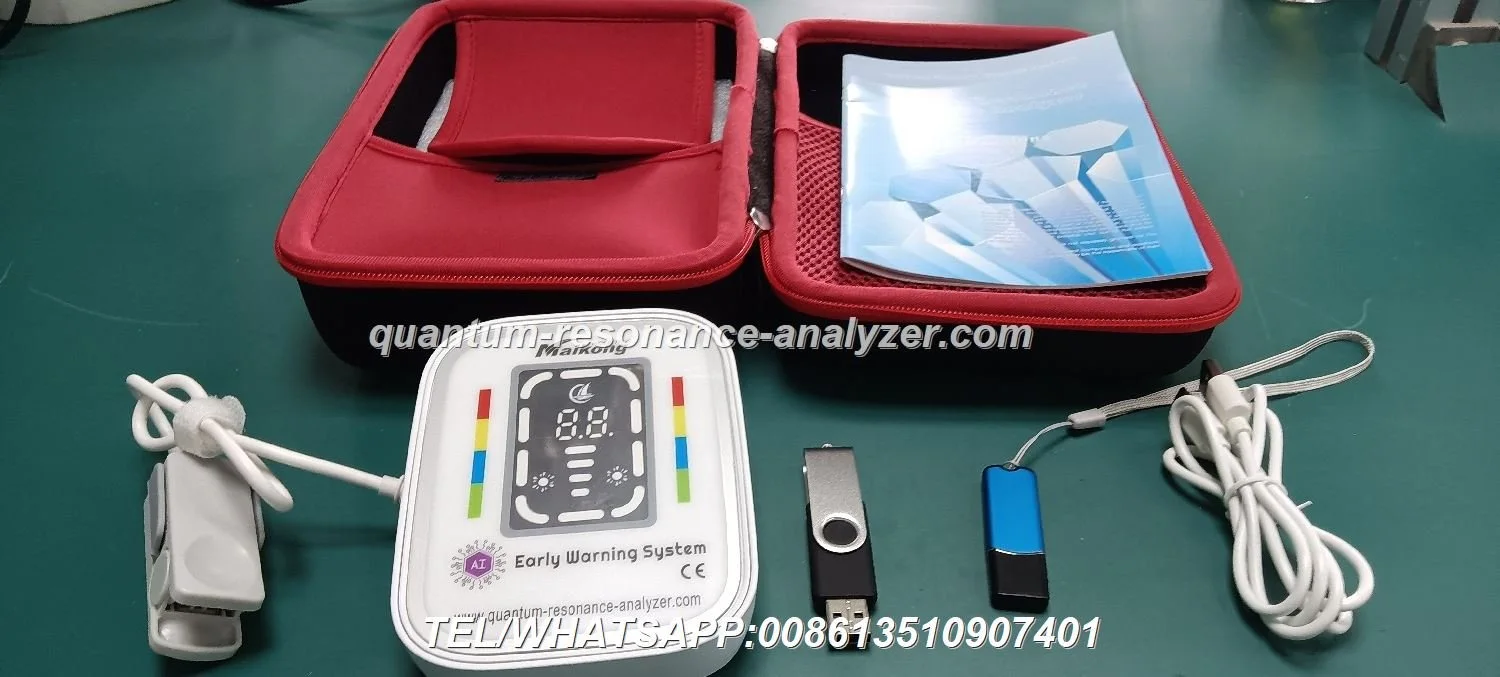
Company-provided product facts we used in this article include the model name and software details for traceability:
Field
Value
Model
Quantum Analyzer MK001
Software
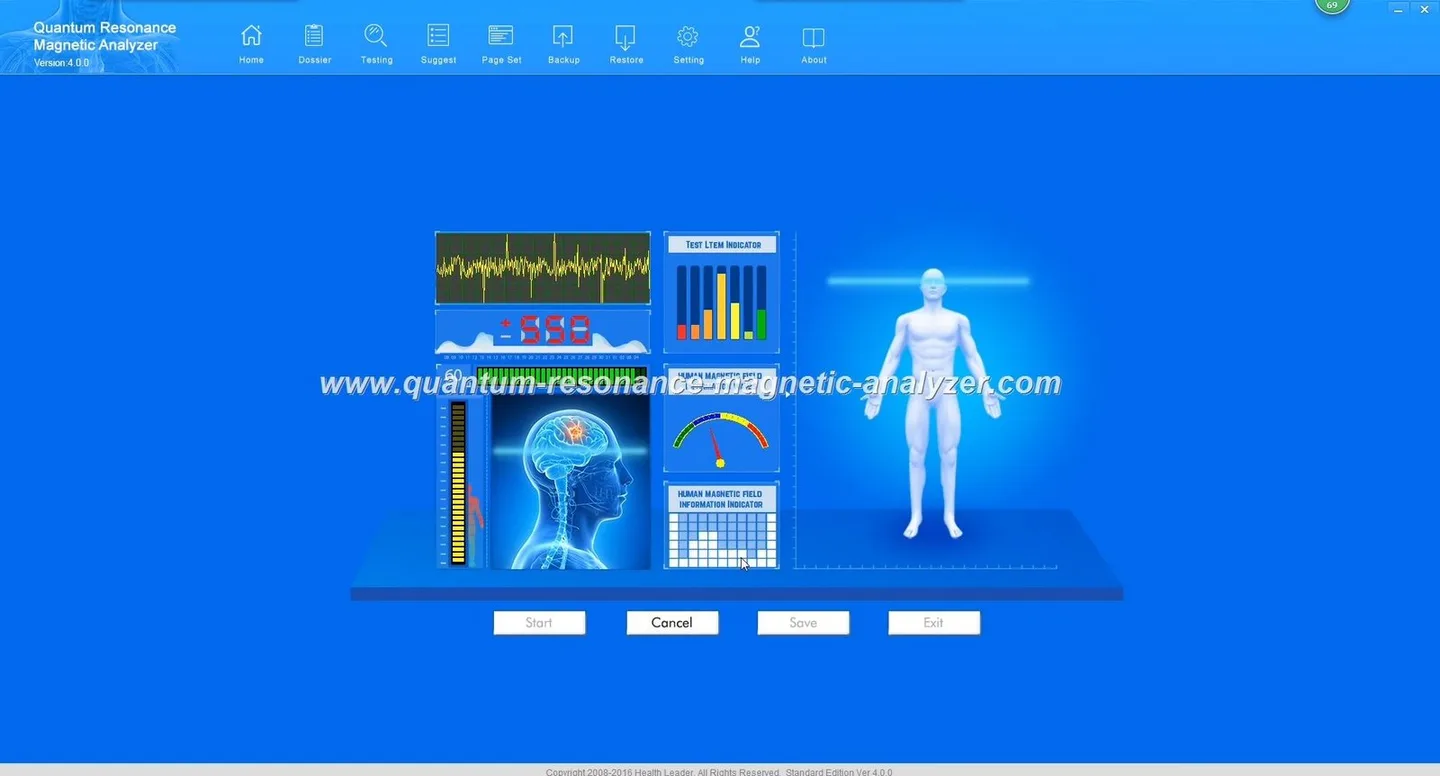
Quantum Analyzer Software, version 2026
Supported systems
Windows xp/7/8/10/11
Commercial notes
MOQ 1; lead time 2–3 Days; warranty 1 Year; price range USD 100–500
These entries are company-provided details and should be checked against your device paperwork or the model manual. For software behavior (export types, encryption options) we rely on what your installed copy of Quantum Analyzer Software 2026 reports in its export menus; if that information is missing in your manual, ask us to confirm allowed export formats before you build the integration.
Pre-integration checklist: hardware, OS, PC and network basics for running MK001 outputs
PC running one of the supported systems (Windows xp/7/8/10/11) with the Quantum Analyzer Software 2026 installed.
Disk space for temporary export files; plan for 1–2 GB free if you will retain multiple months of exported CSV/PDF files locally.
Reliable local network — even when using offline export/import, a wired LAN or a stable Wi‑Fi reduces transfer errors.
Export folder policy: designate a single shared folder (on the PC or a secure NAS) where the analyzer writes exports; this folder will be the input for your EMR import or middleware process.
Account and access control: limit the analyzer PC to trusted staff; use Windows accounts with passwords and audit log enabled where possible.
Output options from the Quantum Analyzer MK001 — typical report formats and what they look like
Common outputs for analyzer software fall into two practical categories:
Human-readable reports (PDF): formatted summaries that are useful for attaching to the patient’s chart as a scanned report or reference file.
Structured exports (CSV, XLS or delimited text): row/column data you can map into EMR fields. These are the integration workhorses because each column can be assigned to a discrete EMR field.
If your installed copy of Quantum Analyzer Software 2026 does not show a CSV/XLS export option, you can still use a PDF plus manual transcription or optical character recognition as a fallback — more labour and more risk of error, so treat it as temporary. If you need us to confirm the exact export set for your MK001 unit prior to integration, request the software export screenshot or the model manual.
Three practical integration approaches for small-clinic EMRs
1) Manual import (PDF or CSV)
Workflow: operator runs the scan → software exports PDF/CSV → receptionist drags file into EMR patient file or runs the EMR’s import wizard. Pros: low cost, minimal IT. Cons: staff time, risk of skipped imports, not scalable.
2) Scheduled CSV sync (recommended default)
Workflow: MK001 exports CSV into a shared folder hourly or daily → small script or EMR-built import job ingests new files and maps columns to fields. Pros: low-cost automation, predictable batch processing, easy rollback. Cons: requires a one-off technical setup and a basic scheduler on the analyzer PC or server.
3) Middleware mapping (small integration service)
Workflow: lightweight middleware watches analyzer exports or listens to the EMR API and performs field-level mapping, validation and de-duplication in near real-time. Pros: flexible, supports many mappings and data transformations. Cons: higher cost, needs a developer or vendor support, may be overkill for one MK001 and a low test volume.
Step-by-step: a 6-step path to integrate MK001 outputs with your EMR
Confirm export formats on your MK001: open Quantum Analyzer Software 2026 export menu and verify CSV/XLS/PDF availability (capture a screenshot for your IT/vendor).
Decide the scope: fields you want imported (minimum: patient identifier, date/time, test type, result summary) and whether you will attach full PDF reports.
Set a shared export folder and naming convention: ClinicCode_PatientID_YYYYMMDD_HHMM.ext.
Build or configure import: either create a scheduled EMR import job for CSV files or configure a middleware script to map fields and call the EMR API.
Run a dry-run with test patients for 7–14 days and verify that mapped fields land in the expected places and that no duplicate patient records are created.
Go live with limited hours (e.g., weekdays mornings) and monitor for one month; keep an audit log and a rollback plan (archive CSVs before import).
Data mapping checklist: patient ID, date/time, report fields to capture and fields to avoid
Primary keys: use the clinic’s internal patient ID as the import key. If MK001 exports only names, add a front-desk step to confirm or append the patient ID before export.
Date/time: use ISO-style timestamps where possible (YYYY-MM-DD HH:MM). If MK001 uses the local machine time, ensure timezone consistency with the EMR server.
Fields to capture: test name, numeric result(s), normal range flags, short textual conclusion, operator ID, device serial/model.
Fields to avoid or attach-only: raw sensor dumps, proprietary binary blobs — store these as attached files (PDF) rather than trying to parse into the EMR fields.
Duplicate handling: implement a simple match rule (patient ID + date) to prevent re-importing the same record.
Security and privacy considerations for patient data and the analyzer
Protect patient data during export, transfer and storage. Recommended practices:
At rest: keep exported files in a restricted folder with NTFS permissions or on an encrypted volume.
In transit: use secure channels (SFTP, secure file share) when moving files between locations; avoid unsecured USB handoffs for PHI.
Device and software features: confirm whether your MK001 or its software supports an “encryption lock” or offline-only operation. Our supplied product snapshot does not list those details; check the MK001 manual or ask us to confirm available security features before you assume them.
Retention: set a retention policy for exported files and attached PDFs according to your clinic’s data policy and Nigeria’s applicable privacy guidance.
Testing and validation: how to run dry-runs, verify mapping and keep an audit trail
Run the integration in a test environment using synthetic or consenting test patient records. For each import:
Compare source CSV/PDF to the EMR entry field-by-field.
Log each import with source filename, operator, timestamp and a checksum. Keep the original file archived until validation is complete.
Maintain a simple “import issues” register so staff can report mapping errors and you can iterate quickly.
Staff roles, simple training and handover: who does what after integration
Operator (technician): runs MK001 scans and saves exports using the clinic naming convention.
Front-desk: confirms patient ID when required and monitors the import queue for failures.
IT/Integrator: maintains the scheduled import, resolves mapping errors and performs monthly audits.
Clinical lead: signs off test templates and the list of EMR fields to receive analyzer data.
Train staff on the naming convention, the import check procedure and how to flag duplicates or mismatches. Keep a single short SOP document near the analyzer PC.
Common pitfalls and how to avoid them (file naming, encoding, duplicate records, timezones)
Filename collisions: enforce a ClinicCode_PatientID_Timestamp pattern to avoid overwrites.
Character encoding: insist on UTF‑8 or the EMR’s expected encoding for CSV imports; avoid office defaults that produce non-standard encodings.
Duplicates: use a matching rule that includes patient ID plus date; never match on name alone.
Timezone drift: if the analyzer PC and EMR server are in different timezones, normalize timestamps during import.
Unsupported export formats: if the MK001 only offers PDF and you need structured data, plan for a temporary manual extraction workflow or request a software update from the vendor.
Limitations and risks
We rely on company-supplied facts for model and software identity (Quantum Analyzer MK001; Quantum Analyzer Software 2026) but do not have an exhaustive technical manual inside this article. Specific security features such as encryption lock, precise export types and API availability are not detailed in the supplied product snapshot; you should request those items before commissioning an automated integration. Also, device-level claims about diagnostic accuracy or clinical outcomes are company statements and do not replace professional clinical judgement — use results within your clinic’s clinical governance framework.
Useful internal references: read the product report and software pages for more model-level details — Quantum Resonance Magnetic Analyzer Report and Quantum Resonance Magnetic Analyzer Software.
Next step — how we can help
If you want a short technical check tailored to your EMR and clinic workload, email lucy@quantumanalyzer.ng with: (1) a screenshot of the Quantum Analyzer Software 2026 export menu on your MK001, (2) a sample anonymised CSV or PDF output, and (3) the name and import format of your EMR. For quotations or to request a configuration suitable for a Nigerian private clinic, call or WhatsApp +8613510907401.
Local disclaimer: Our information is for health-management and integration planning only. MAIKONG does not promise medical diagnosis, treatment or cure from analyzer outputs; device reports are adjunctive and must not replace professional clinical assessment.
This content is provided for learning, information sharing and professional communication only. It is not medical advice and is not a basis for treatment or diagnosis. Confirm suitability, operation and purchasing requirements against the product manual, local regulations and qualified professional guidance.