Nigeria Quantum Resonance Magnetic Analyzer

FQA

» FQA

Building Practical Multilingual Client Workflows for MAIKONG Quantum Scans in Nigeria

October 28, 2026

Building Practical Multilingual Client Workflows for MAIKONG Quantum Scans in Nigeria — Quantum Resonance Magnetic Analyzer Understanding its Work (1).jpg
Creating Multilingual Client Workflows with MAIKONG Support · body

Quick answer

If your clinic serves multiple language communities, we recommend implementing a focused multilingual intake and reporting workflow around three priorities: (1) identify the 3–5 highest-volume languages in your neighbourhood, (2) translate front-desk greetings, informed-consent prompts and the short report summary, and (3) verify the MK001’s software language outputs and fonts on your target Windows environment before going live. With MAIKONG’s MK001 (Quantum Analyzer) running Quantum Analyzer Software 2026 you can support 30+ languages, but you must confirm which language packs, fonts and keyboard input are actually installed on your clinic PCs, and run a small user-acceptance test with native speakers before billing clients. (See practical checklist and quote-prep steps at the end.)

Contents

Why multilingual workflows matter in Nigerian private clinics

Nigeria’s linguistic diversity is both an opportunity and an operational challenge. Patients are more likely to complete intake, give valid consent and trust a screening when they understand the wording that explains what will happen and what the device produces. For private clinics the trade-off is simple: a short investment in translated scripts and staff training prevents repeated patient queries, reduces administrative errors and lowers the risk of a consent gap that could lead to complaints. We approach multilingual workflows as service design: simplify communications where possible, translate where it matters most, and verify accuracy with native speakers.

What MAIKONG supplies that helps—practical limits and what to verify

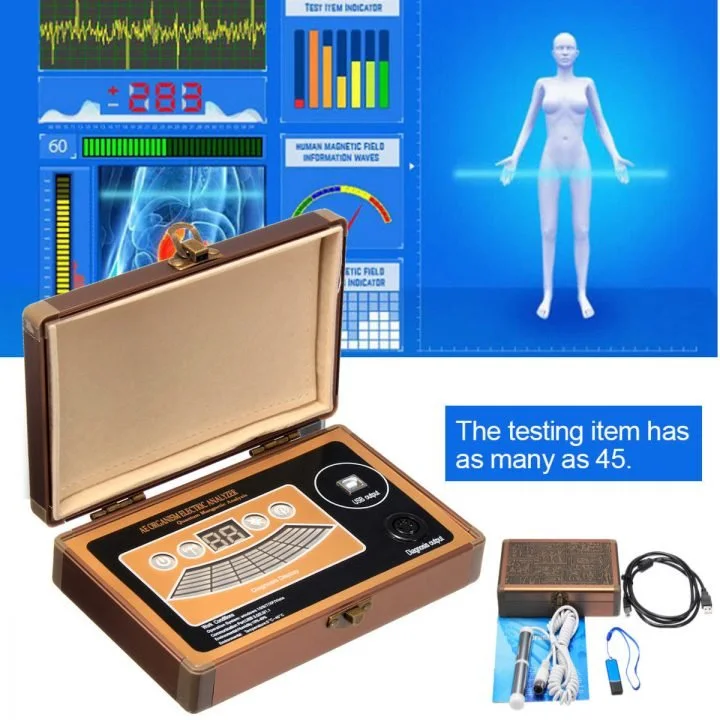
We supply the MAIKONG Quantum Analyzer MK001 (model MK001) with Quantum Analyzer Software, version 2026. The software package supports a wide range of Windows releases: Windows XP, 7, 8, 10 and 11. Please note these platform details when planning installations and upgrades. The MK001 is available with standard commercial terms including lead time and warranty listed by our commercial team; see the product fact summary below for the exact commercial fields we publish.

FieldValue
ModelQuantum Analyzer MK001
SoftwareQuantum Analyzer Software 2026
Supported systemsWindows XP / 7 / 8 / 10 / 11
CommercialPrice range: 100–500 USD; MOQ 1; Lead time 2–3 Days; Warranty 1 Year

What to verify before you assume full multilingual readiness:

  • Which of the 30+ languages the system claims are available are actually implemented in your software build and whether those include the dialects your clinic needs.
  • Whether the on-screen UI, the printed report summary and the exported report text are translated consistently or whether some items remain in English.
  • Font rendering and keyboard input for languages that require extended Latin characters, diacritics or non-Latin scripts; these can break on older Windows builds if the correct fonts are not present.

Before you translate everything, decide what must be translated. For most clinics we recommend prioritising:

  1. Greeting and registration prompts at the front desk.
  2. Short informed-consent text that describes the scan, its non-invasive nature and data handling.
  3. Pre-scan checklist items (e.g., remove jewellery, remain still) that affect the quality of the measurement.
  4. The one-page report summary given to clients and the short clinician note for follow-up.

Legal and consent requirements vary. Translate enough of the consent so a patient can understand what the device does and what the report is: do not rely on an interpreter to create the consent at the moment of care. When in doubt, keep a short translated consent and a longer English version on file.
Step-by-step: design a multilingual intake and scan workflow for a private clinic

Building Practical Multilingual Client Workflows for MAIKONG Quantum Scans in Nigeria — quantum resonance magnetic analyzer software (6).JPG
Creating Multilingual Client Workflows with MAIKONG Support · body

Below is a pragmatic twelve-step workflow we use with clinics that want to roll out MAIKONG scans with minimum disruption.
  1. Map patient languages: Review last 100 bookings and identify the top 3–5 languages you see.
  2. Choose content to translate: pick the items listed above—greeting, consent, checklist, and report summary.
  3. Create plain-language source texts in English aimed at a 6–8th grade reading level.
  4. Commission professional translations for each language; for legal content use a certified translator when available.
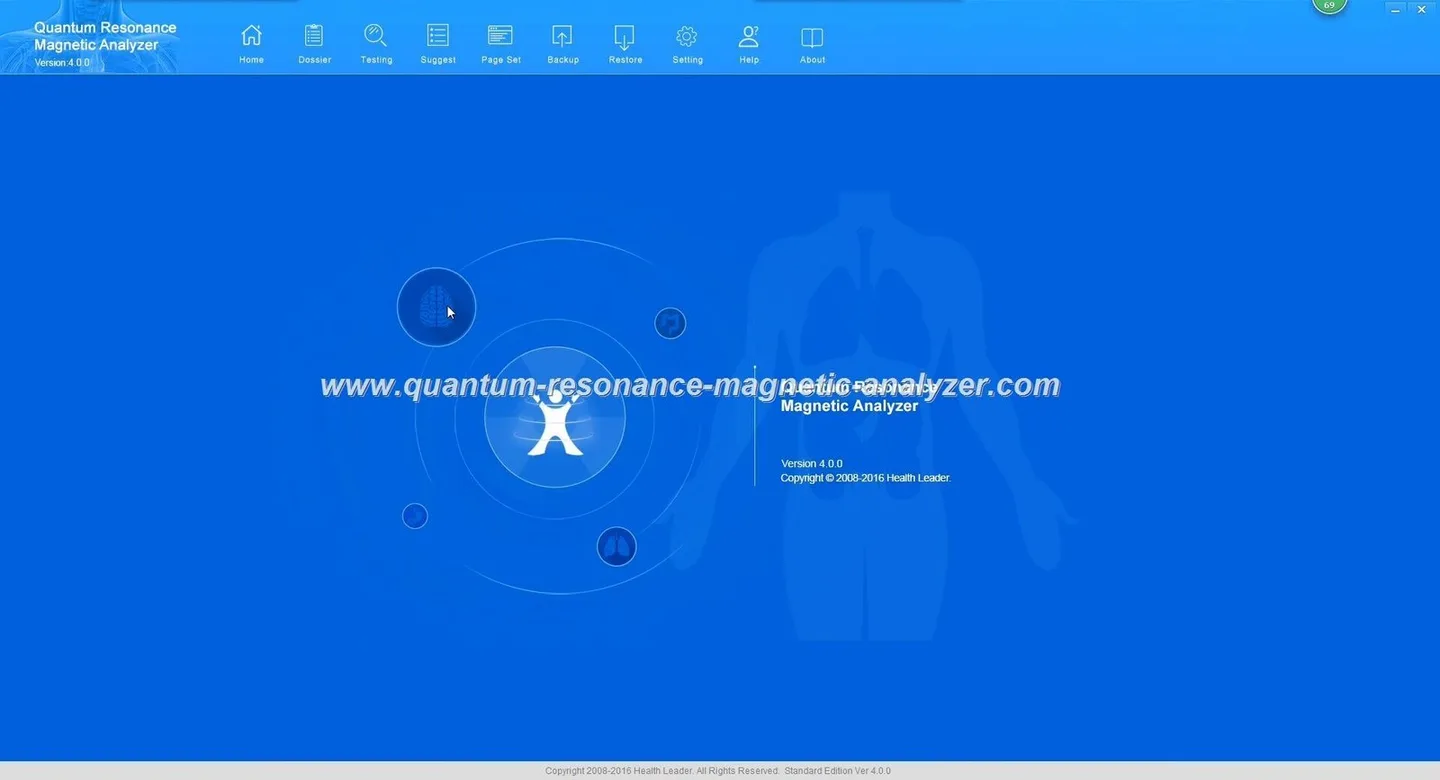
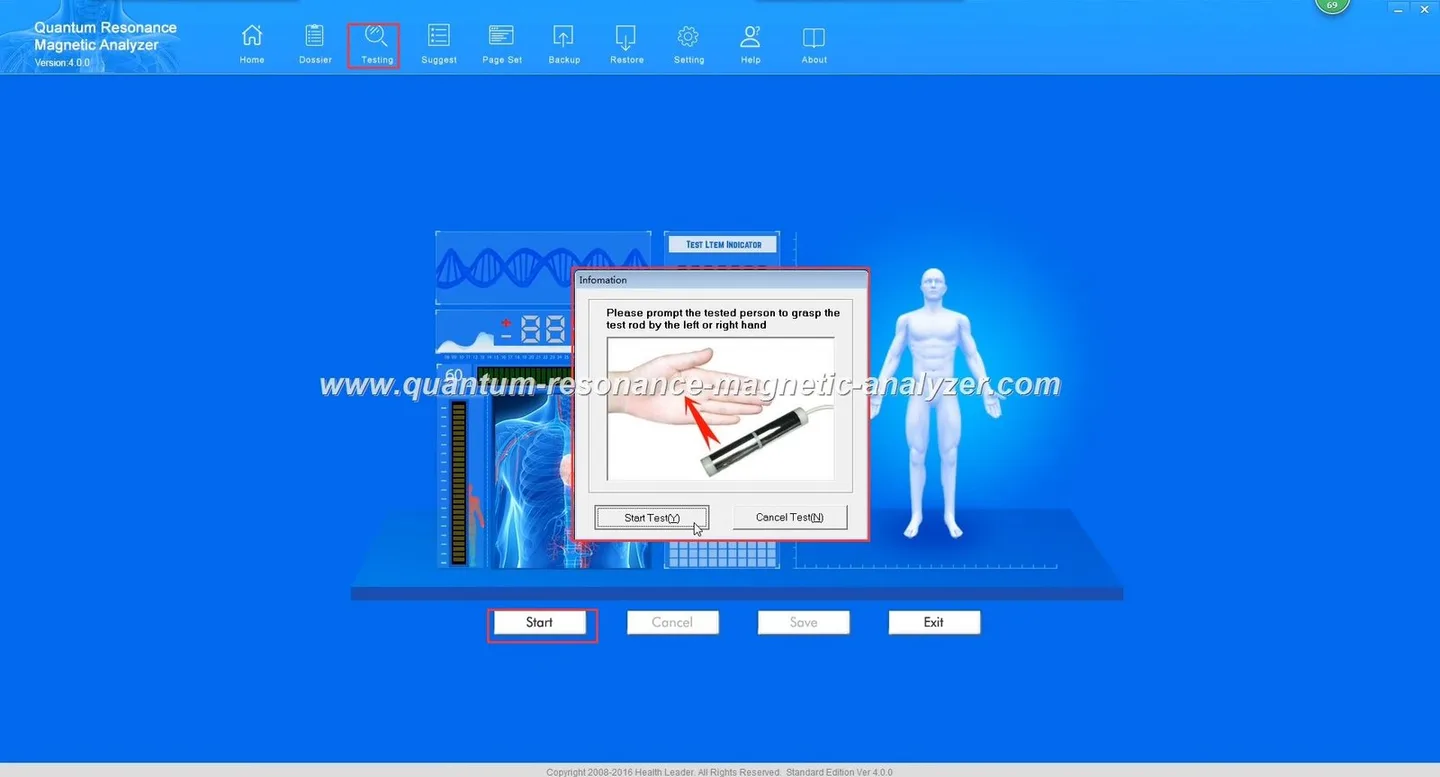
  5. Configure the MK001 workstation(s) with Quantum Analyzer Software 2026 on a supported Windows build; confirm installed language pack and fonts.
  6. Load translated text into the software where supported and prepare printable client handouts for languages the software cannot render.
  7. Train front-desk and operator staff on the bilingual workflow and show them how to switch the UI language (if available).
  8. Run small UAT (user acceptance test) with native speakers—five volunteers per language is practical—and correct issues.
  9. Publish a simple SOP for operators that includes who to call when a translation error appears.
  10. Launch a soft opening with multilingual signage and monitor the first 30 clients for issues.
  11. Collect structured feedback and log translation or interface problems.
  12. Iterate: fix text, update fonts, or provide printed handouts where in-software translation is impossible.

Sample client-facing scripts and form items to translate

Building Practical Multilingual Client Workflows for MAIKONG Quantum Scans in Nigeria — quantum resonance magnetic analyzer software (9).JPG
Creating Multilingual Client Workflows with MAIKONG Support · body

Translate these short items first; they are high impact and low effort.

  • Greeting (front desk): “Good morning. Do you prefer English or [Language]? This screening gives a short wellness summary; it is not a medical diagnosis.”
  • Consent short form: “I understand this scan is non-invasive and provides a health screening report. I consent to the scan and to my data being stored by this clinic for clinical use.”
  • Pre-scan checklist: “Please remove metal items, remain seated and keep still during the test. Inform staff if you are pregnant or have implanted electronic devices.”
  • Report summary heading: “Your screening summary — follow-up recommended with a clinician if you have symptoms.”

When translating, keep sentences short and avoid idiomatic expressions that do not transfer well across languages. For items that touch on clinical risk (e.g., pregnancy, implants), keep the English original available and flag the need for a clinician translator if the patient does not understand the translated text.

Technical setup: language packs, Windows versions, fonts and keyboard needs

Software note: Quantum Analyzer Software 2026 supports Windows XP / 7 / 8 / 10 / 11 (see product fact). For stable multilingual displays we recommend Windows 10 or 11 where possible: these builds have wider font coverage and newer Unicode support. If your clinic runs older hardware and Windows versions, confirm that the particular language fonts and input methods are installed before committing to a translation.

Checklist for IT setup:

  • Install language packs and regional settings on the workstation(s).
  • Install Unicode fonts that cover your target languages (e.g., Noto Sans family or system equivalents where licensing permits).
  • Test keyboard input for staff who must enter patient names in local scripts or extended Latin characters.
  • Confirm the print driver encodes characters correctly—test a sample report printout in each language.
  • Keep a PDF fallback: if the software cannot produce a translated printed report, prepare a templated PDF to hand to the patient after the scan.

Operator training: running multilingual sessions with the MAIKONG interface

Training points for operators:

  • How to switch UI language (if available) and how to select a printed language for the report.
  • Which phrases to use verbally when the patient’s language is not supported by the UI (use the translated scripts).
  • Who to escalate to when a translation appears incorrect: maintain a “language champion” list of staff or an external translator contact.
  • How to document consent in both the patient’s language and English.

Quality checks before launch: language QA, user testing, privacy review

Run these checks before you accept paying clients for translated services:

  • Language QA: native-speaker review of every translated string, including UI labels and report text.
  • User testing: confirm patients understand the consent and pre-scan instructions without additional explanation.
  • Privacy review: ensure translated consent covers data storage and sharing practices in line with your clinic policy.

Monitoring and iteration: what to measure

Useful metrics to track:

  • Completion rate by language (did patients finish intake without an interpreter?).
  • Number of translation corrections logged per 100 scans.
  • Patient feedback scores on clarity of consent and report understanding.

Set a review cadence (monthly for the first quarter, then quarterly) to act on feedback and prioritise fixes that reduce friction.

Common pitfalls and how to avoid them

Partial translations: avoid mixing languages within the same sentence. If the software cannot translate a field (for example, clinician notes), provide a short translated summary in the report header.

Legal consent gaps: a translated form that omits a key legal clause creates risk. Maintain both a short translated consent and a full English copy in the patient file.

Report misinterpretation: provide a one-paragraph translated “what this report means” and emphasise the screening nature of the output so patients do not treat it as a definitive diagnosis.

Evidence and product facts we used

We used our company’s product information for the MK001 (Quantum Analyzer) and the published software compatibility for Quantum Analyzer Software 2026. These details include supported Windows versions and commercial fields such as lead time and warranty. These are MAIKONG’s published product facts and commercial terms.

Risks and limitations

Software language support varies by installation and build; claiming the device supports a language does not guarantee every UI string or report element will be translated. Older Windows versions may lack fonts or proper rendering for some scripts. Language translations are fallible—use native-speaker QA for legal and clinical wording. Finally, the device’s report is a screening tool and not a substitute for a professional medical diagnosis; clinics should not represent it as definitive diagnostic evidence.

Checklist to prepare a quote or support request from MAIKONG

  • Clinic address and how many MK001 workstations you intend to operate.
  • Requested languages (list top 3–5 first; specify dialect if needed).
  • Preferred Windows version for the workstation(s) and whether you need us to supply PCs.
  • Whether you need printed multilingual handouts or in-software report translations.
  • Any required training or on-site support you expect.

Contact MAIKONG sales:
Phone/WhatsApp: +8613510907401
Email: lucy@quantumanalyzer.ng
About us: MAIKONG company page

Localised disclaimer: The information in this article is for health management and educational reference only and should not replace professional medical diagnosis or treatment. We do not promise diagnostic or treatment outcomes. For clinical questions, consult a qualified healthcare professional.

This content is provided for learning, information sharing and professional communication only. It is not medical advice and is not a basis for treatment or diagnosis. Confirm suitability, operation and purchasing requirements against the product manual, local regulations and qualified professional guidance.

Next step: request a configuration or quote. Contact our sales team and include the checklist above so we can provide an accurate configuration and price. We can also advise on fonts and software builds that match your language needs.

Related resources


Contact us By WhatsApp:


maikong whatsapp

Maybe you like also

  • Categories