
Categories
- FQA (218)
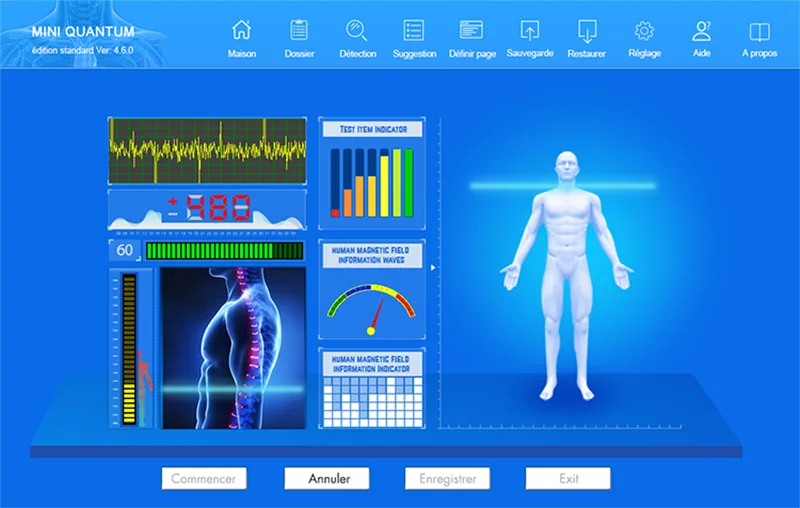
The simplest same‑day scan-to-consult workflow for a private clinic is a compact sequence: pre-screen and book by patient type, complete a short intake with consent, run a supervised MAIKONG quantum scan, generate the device’s 41-item non-diagnostic report, have a clinician review and translate findings into clear, limited wellness advice or referral, then record actions in the patient file and schedule follow-up. This pathway keeps the patient in clinic for one visit, protects clinical scope (the MAIKONG output is a screening aid, not a medical diagnosis), and converts brief scans into billable consults when paired with a short clinical review. For a configuration or quotation that fits your clinic size and patient mix, contact our sales team at lucy@quantumanalyzer.ng or +8613510907401.
We recommend a single-visit flow that closes the loop from intake to action within the clinic: 1) a targeted booking for screening or wellness, 2) a concise consent and intake (including any exclusion questions), 3) a supervised MAIKONG quantum scan, 4) an immediate clinician review of the generated 41-item health report, 5) on-the-spot non-diagnostic wellness counselling or referral, and 6) EMR entry plus scheduled follow-up. This keeps the total patient touchpoints focused and practical for private clinics serving walk-ins and booked wellness visits.
Use the MAIKONG features that suit operations rather than adopting the device for purposes it does not serve. From our enterprise data, MAIKONG devices produce 41-item health reports, support multilingual output in 30+ languages (helpful in Nigeria’s multi-lingual context), and the company declares CE and ISO 9001 / ISO 13485 manufacturing standards. The devices come with lifetime free software upgrades and are positioned as screening tools with reported 85–90% accuracy for the items the manufacturer measures. These points can help you budget training, patient communication and translation needs for same‑day consults.
| Feature | Claim / Value |
|---|---|
| Report depth | 41-item health report |
| Languages | 30+ multilingual reports (includes local Nigerian dialects) |
| Declared certifications | ISO 9001, CE, ISO 13485 |
| Software policy | Lifetime free software upgrades |
| Reported accuracy (manufacturer) | 85–90% for measured items |
At a glance: Book (front desk) → Intake & consent (front desk / nurse) → Scan (trained operator) → Clinician review (consult room) → Actions: advice, referral, tests, or follow-up (clinician) → Documentation (admin/EMR). Required tools: tablet or PC with MAIKONG software, comfortable scan chair/table, consent forms, basic vitals kit, quiet review room for clinician counselling, and EMR or secure patient file.
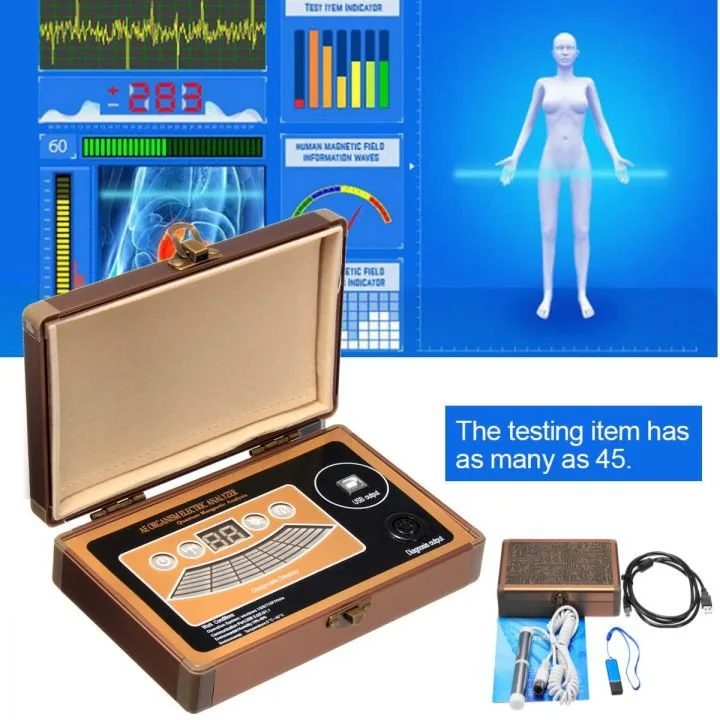
Define which patients you will screen during the same visit: corporate wellness clients, asymptomatic adults, chronic-care check-ins, or walk-in preventive checks. For each booking type create a short reason-for-scan code and an intake checklist. Make consent explicit: the scan is a non-diagnostic aid for wellness screening and may flag items that require professional medical review.
On arrival capture identity, reason for visit, and a signed consent that states limits of the scan. Add three quick items to your intake: recent acute symptoms (fever, chest pain), implanted devices (pacemakers) or pregnancy status if relevant for clinic policy. Take baseline vitals and record them in the same file where the scan report will be saved.
The scan operator must follow the MAIKONG user instructions and infection-control measures. Typical operator steps are: confirm patient ID and consent, seat the patient comfortably, attach required sensors if any, run the MAIKONG software profile for the correct language and age group, and supervise the scan. Keep lighting and electronic interference minimised and ensure the patient understands they should remain still. The output is the device’s 41-item report; treat it as screening data, not a confirmed diagnosis.
The MAIKONG report lists 41 screening items and provides multilingual summaries. Use the report as a triage tool: highlight items outside the expected ranges or flagged by the software, and prioritise those in the clinician review. Because MAIKONG offers lifetime software updates, ensure your device runs the latest release before use to avoid missing report-format changes.
The clinician’s role is to interpret the report conservatively. Translate device flags into practical, non-diagnostic guidance: lifestyle advice, targeted physical exam, point-of-care tests (glucose, CBC, urinalysis) or formal referral to a specialist. If the patient needs further evaluation, prepare a referral letter that names the specific abnormality noted by the scanner and the clinical observations. Keep counselling focused and document what was communicated.
Export the MAIKONG report into your patient records—PDF is usually the simplest format for immediate attachment. Record: consent form, baseline vitals, scan report, clinician note, and agreed follow-up. If your EMR supports attachments, create a standard naming convention: YYYYMMDD_patientID_MAIKONG.pdf. If direct integration is not available, store the report in a secure clinic drive and reference its path in the EMR note.
| Role | Primary tasks | Minimum count for 8-hour clinic |
|---|---|---|
| Front desk | Booking, consent, payment | 1–2 |
| Scan operator / nurse | Run scans, basic vitals, device maintenance | 1–2 (shared) |
| Clinician (physician/nurse practitioner) | Review reports, consult, referrals | 1–2 depending on throughput |
| Admin/records | EMR entry, scheduling follow-up | 1 (part-time) |
For a small clinic with limited staff, cross-train one nurse as the scan operator and one clinician for immediate reviews during peak wellness hours.
Treat any device flag that corresponds with acute symptoms or significant deviation as a trigger for immediate licensed medical review. Examples include reports that align with symptoms such as chest pain, sudden breathlessness, fainting, severe abdominal pain, or neurological deficits. The device is a screening aid and abnormal results should prompt standard clinical pathways and, when needed, urgent referral.
The workflow recommendations above draw on common private-clinic practices for point-of-care screening and on MAIKONG’s company information: 41-item reports, multilingual support (30+ languages), declared certifications (ISO 9001, CE, ISO 13485), lifetime software upgrades and reported accuracy of 85–90% for measured items. These device details are company self-reported and useful for planning staffing, translation and patient communication.
The MAIKONG device is intended as a screening tool. It cannot replace clinical diagnosis or specialised tests. We do not claim the device provides definitive medical diagnoses, and clinicians must confirm any clinically significant finding using accepted diagnostic pathways. Some installation and electrical specifics for Nigeria are not included in the supplied materials; clinics should verify local power and installation requirements before purchase. Pricing is available on inquiry—request a tailored quotation for your configuration.
If you want a quote or a configuration suitable for a single-room clinic or a multi‑room wellness service, email our sales team at lucy@quantumanalyzer.ng or call/WhatsApp +8613510907401. Tell us your clinic size, expected daily screening volume, and whether you need multilingual report settings for specific Nigerian languages; we will propose a suitable package and training plan.
Disclaimer: The content here is for health management and operational planning only. MAIKONG scans are screening tools and do not replace professional medical diagnosis, testing or treatment. Always refer patients with concerning signs to licensed medical professionals.
This content is provided for learning, information sharing and professional communication only. It is not medical advice and is not a basis for treatment or diagnosis. Confirm suitability, operation and purchasing requirements against the product manual, local regulations and qualified professional guidance.
