
Categories
- FQA (229)
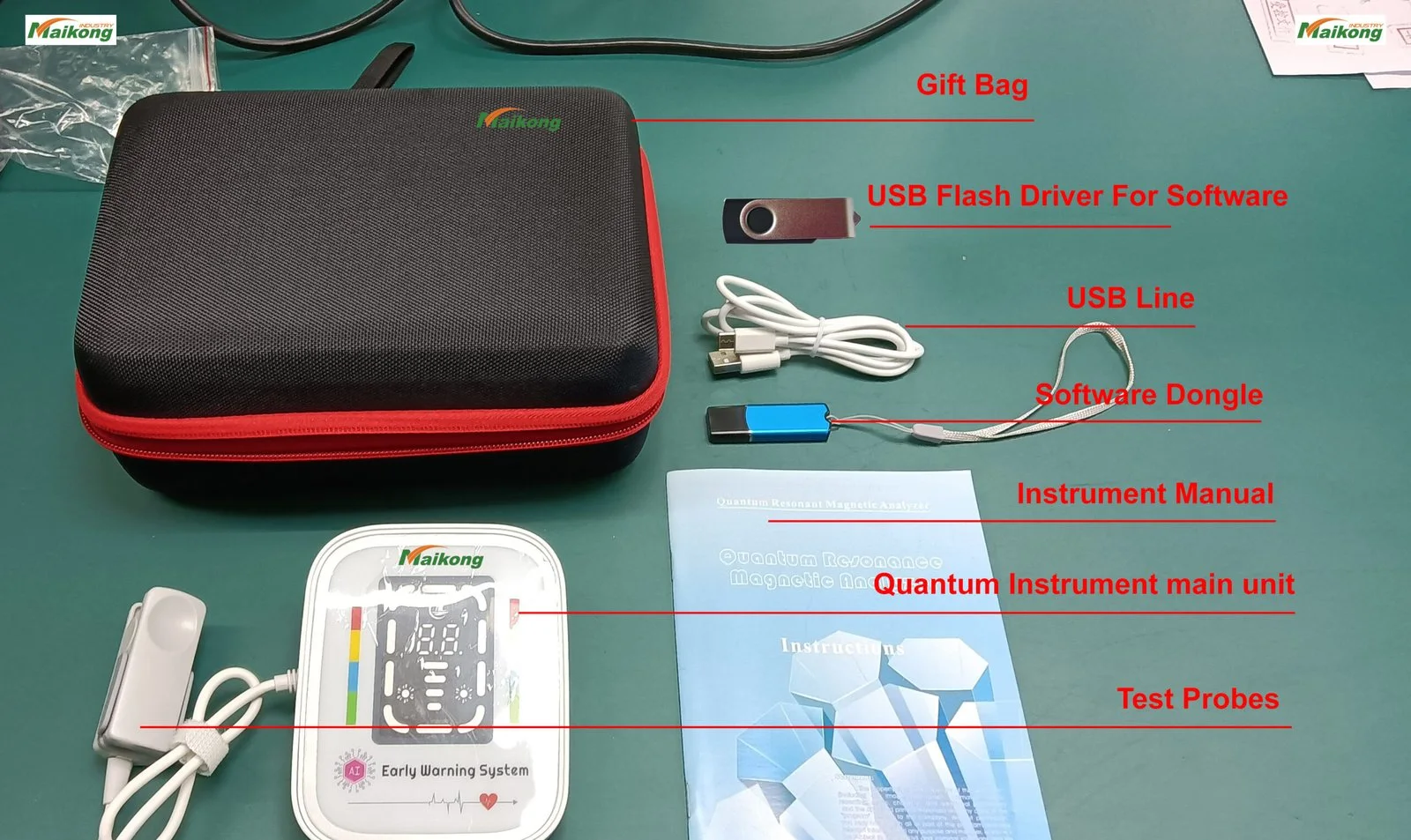
For a single small exam room, place the MAIKONG Quantum Analyzer MK001 so the operator sits between the patient and the main workstation, with the unit on a stable surface that keeps the patient’s handrest at comfortable elbow height. Give a 0.6–0.9 m clear approach on the patient side, a 0.6 m service clearance behind the device for cable access and cleaning, and a dedicated PC that runs Quantum Analyzer Software 2026 on a compatible Windows system (Windows xp/7/8/10/11). Three practical options work in tight rooms: desktop on a compact table, a small wheeled cart, or a secured wall mount; choose based on room entry, cleaning access and whether you need to move the unit between rooms. Before purchase confirm mains voltage, local plug type and whether you want the unit permanently fixed or mobile; include these items in your RFQ so we can quote a ready-to-install configuration.
Private clinics in Nigeria often manage limited floor area, a steady patient flow and the need to preserve client confidentiality. Layout and ergonomics are not decoration: they determine whether an MK001 scan proceeds quickly, whether staff avoid repetitive strain, how easy it is to clean between patients, and whether the room meets basic privacy expectations during consultations. We write from engineering and installation experience: a poor layout creates bottlenecks, increases appointment length, and raises risk of equipment damage from accidental knocks or exposed cables.
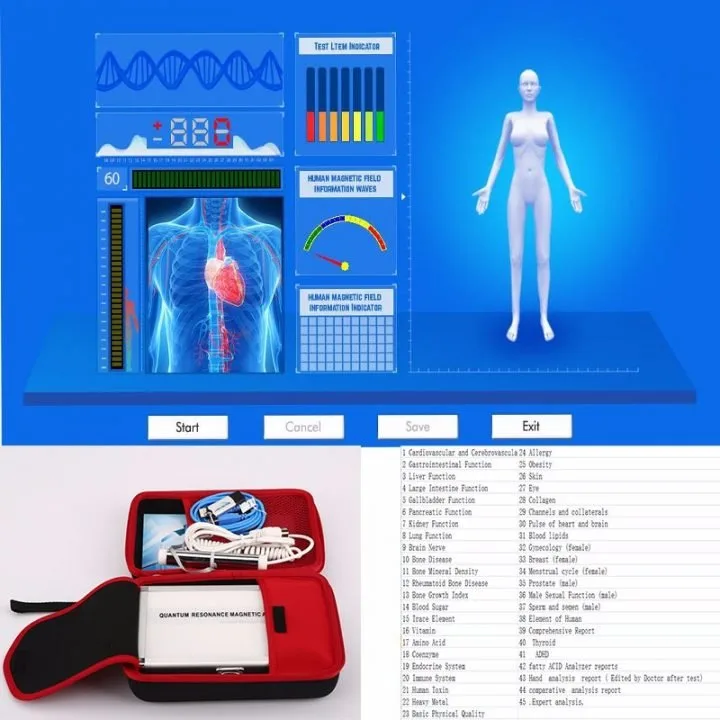
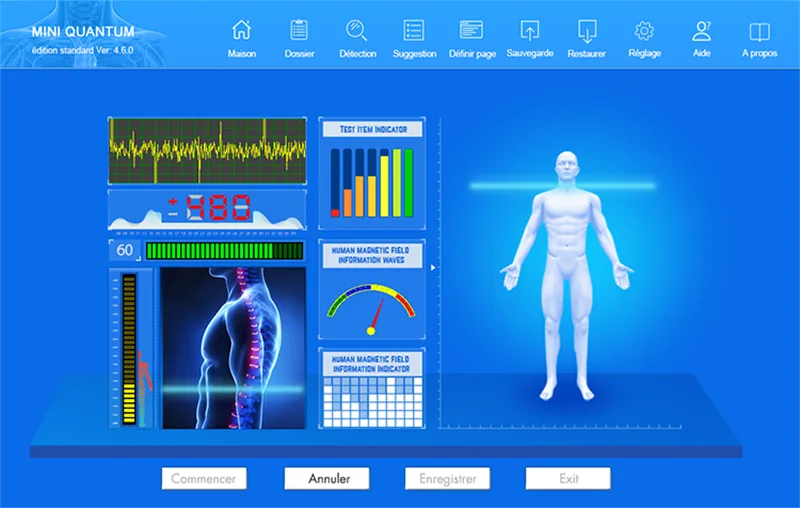
The MK001 requires a host PC to run its application. The product record shows the unit uses Quantum Analyzer Software, version 2026, and the software supports Windows xp/7/8/10/11. Please plan to supply a Windows PC that meets your clinic’s standard security policy and has uninterrupted power protection (see below). We did not receive country-specific wiring or plug specifications for the MK001; confirm mains voltage compatibility and local plug type with us before installation.
Commercially, the verified product snapshot lists a warranty period of 1 Year, lead time of 2–3 Days, and a price range currently recorded as USD 100–500. Treat this as a preparatory indicator only; final pricing, shipping and customs must be confirmed in your quotation request.
| Placement | When to choose it | Pros and practical notes |
|---|---|---|
| Desktop on compact table | Stable room where unit stays in one room and floor space is limited | Lowest cost; easy to integrate with a fixed PC. Ensure table is stable and vibration-free; secure cables along the table leg. |
| Small wheeled cart | Clinic needs occasional relocation or cleaning under the device | Mobile, simple to roll away for room cleaning; choose a lockable wheel and a cart with a cable tray to prevent trips. |
| Wall-mount bracket (secured) | Very tight floor space or to keep the device out of patient traffic | Leaves floor clear and reduces accidental knock risk; requires firm wall, certified mount and consideration of cable routing and ventilation. |
Consistency of scans depends as much on posture as on the device. For seated operation choose an adjustable chair with lumbar support; for most adults a seat height of about 45–55 cm lets the operator keep feet flat and forearms parallel to the work surface. Aim for a table height that places the patient handrest and the operator’s forearm at roughly the same horizontal plane—typically a table top 70–75 cm from the floor works for standing operators and about 68–72 cm for seated setups depending on local chair choices.
Keep frequently used items (mouse, keyboard, documentation) within a forward reach of 40–60 cm so the operator does not rotate repeatedly. If you expect long scanning sessions, rotate staff duties or provide short breaks to reduce repetition injuries.
Place the handrest where the patient can sit comfortably without twisting. For seated patients, a handrest height that aligns near elbow height is easiest; for children or very tall patients you will need an adjustable armrest or simple cushions. Position the PC screen so the operator can read results without turning away from the patient during the scan; where possible angle the machine and screen so the waiting area cannot see sensitive results.
If consultations include private discussion of results, plan a small privacy screen or orient the desk to avoid direct sightlines from the door or adjacent areas. Acoustic privacy is often overlooked in small clinics—soft furnishings, a curtain, or a portable screen can reduce voice carry between rooms.
In small Nigerian clinics the practical decision usually comes down to three trade-offs: mobility, floor clearance and ease of cleaning. A desktop setup costs least and is simple to secure; a wheeled cart adds mobility at the price of extra floor footprint and need to lock wheels; a wall mount frees the floor but requires a competent installer and guarantees permanent placement. Whichever you choose, specify a serviceable cable tray, a small shelf for the PC (if separate) and enough ventilation clearance behind the unit for heat dissipation.
Tight rooms mean surfaces are touched more and cleaning windows are smaller. Use wipeable surfaces for the table and handrest, and allocate disinfectant wipes that won’t damage plastics or screens. We recommend keeping a small cleaning kit in the room and a defined cleaning protocol between patients. For model-specific cleaning guidance, see our cleaning and maintenance notes for the device (link below).
Preventive maintenance in compact clinics should prioritize cable strain relief, wheel locks (if mobile), and checking ventilation paths. If you plan to mount the unit on a wall, verify the wall structure can carry the load and allow future access for service.
For configuration and cleaning guidance see our product support pages: Best practices for cleaning and maintaining a Quantum Resonance Magnetic Analyzer. For purchase and suitability information see Why Clinic Owners Prefer Manufacturer-Supplied Quantum Analyzer and How to Choose the Right Quantum Resonance Magnetic Analyzer for Your Clinic.
Ready to get a tailored installation quote? Email our sales engineer with the checklist items above to lucy@quantumanalyzer.ng and include room photos or a simple plan. We will prepare a configuration recommendation and a quotation based on the details you supply.
Disclaimer: Our guidance is for clinic layout, ergonomics and equipment readiness only. Device reports are for health-management reference and do not replace medical diagnosis or treatment. Confirm electrical compatibility, exact device dimensions and installation requirements with our team before mounting or permanent installation.
This content is provided for learning, information sharing and professional communication only. It is not medical advice and is not a basis for treatment or diagnosis. Confirm suitability, operation and purchasing requirements against the product manual, local regulations and qualified professional guidance.