
Categories
- FQA (190)
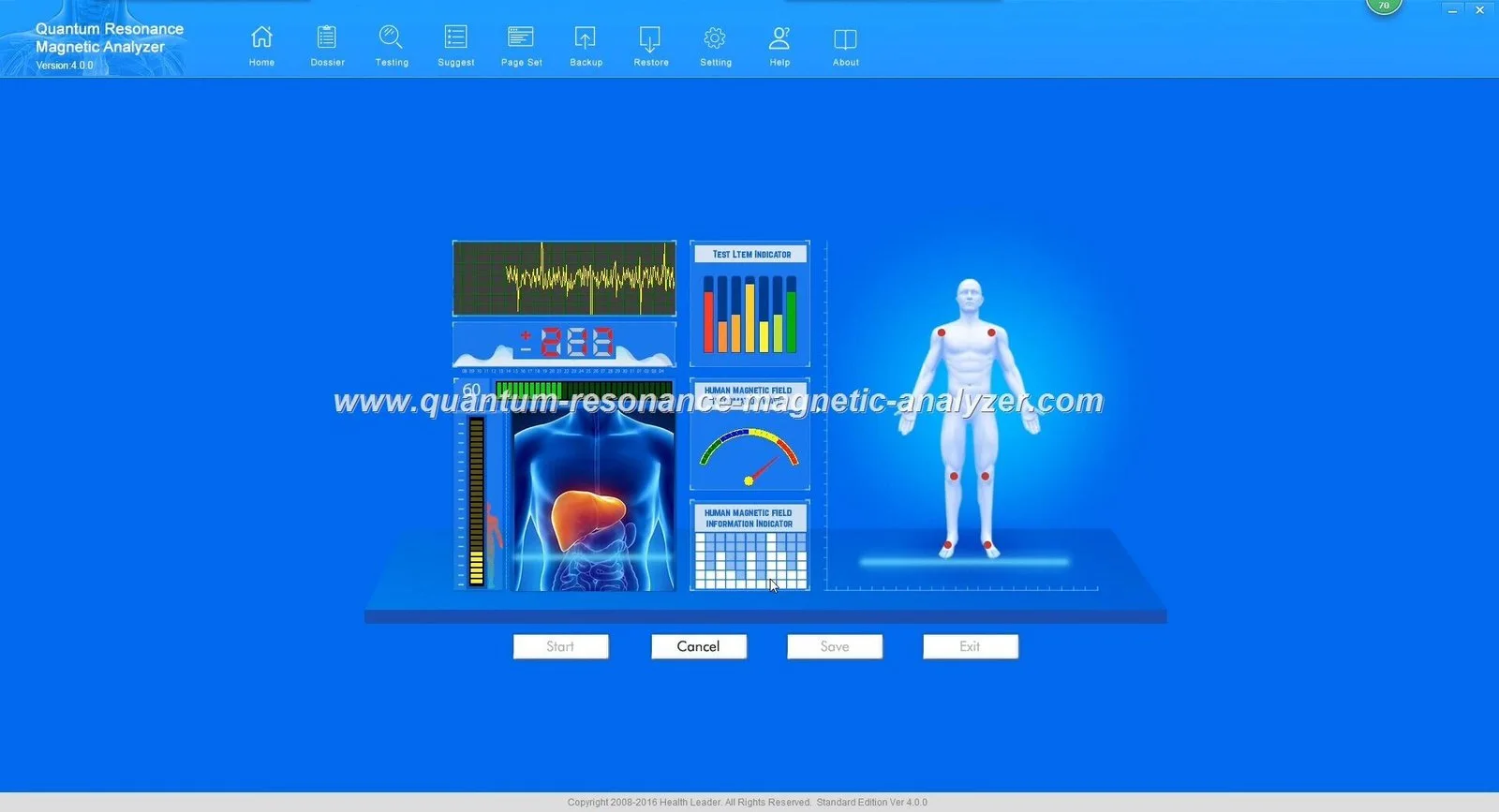
Yes — the Quantum Analyzer MK001 (running Quantum Analyzer Software 2026) can be used in a private Nigerian clinic as a non‑invasive wellness screening and client-engagement tool, provided you deploy it with clear limits and the right operational setup. It is best used for baseline wellness reports, client education and monitoring trends, not for medical diagnosis or treatment decisions. Before purchase, confirm the exact package contents with us, verify any claims you plan to present to patients, ensure the clinic has a reliable Windows PC (supported: Windows xp/7/8/10/11) and stable power, and request a live demo and configuration quote tailored to your workflow. data-citation-section=”direct-answer”
The company declares ISO 9001, CE and ISO 13485 as its certifications; these are supplied declarations and should be verified against the actual certificate documents you receive with an order if local regulators or partners request proof.
For product software details see our Quantum Resonance Magnetic Analyzer Software page: Quantum Resonance Magnetic Analyzer Software.
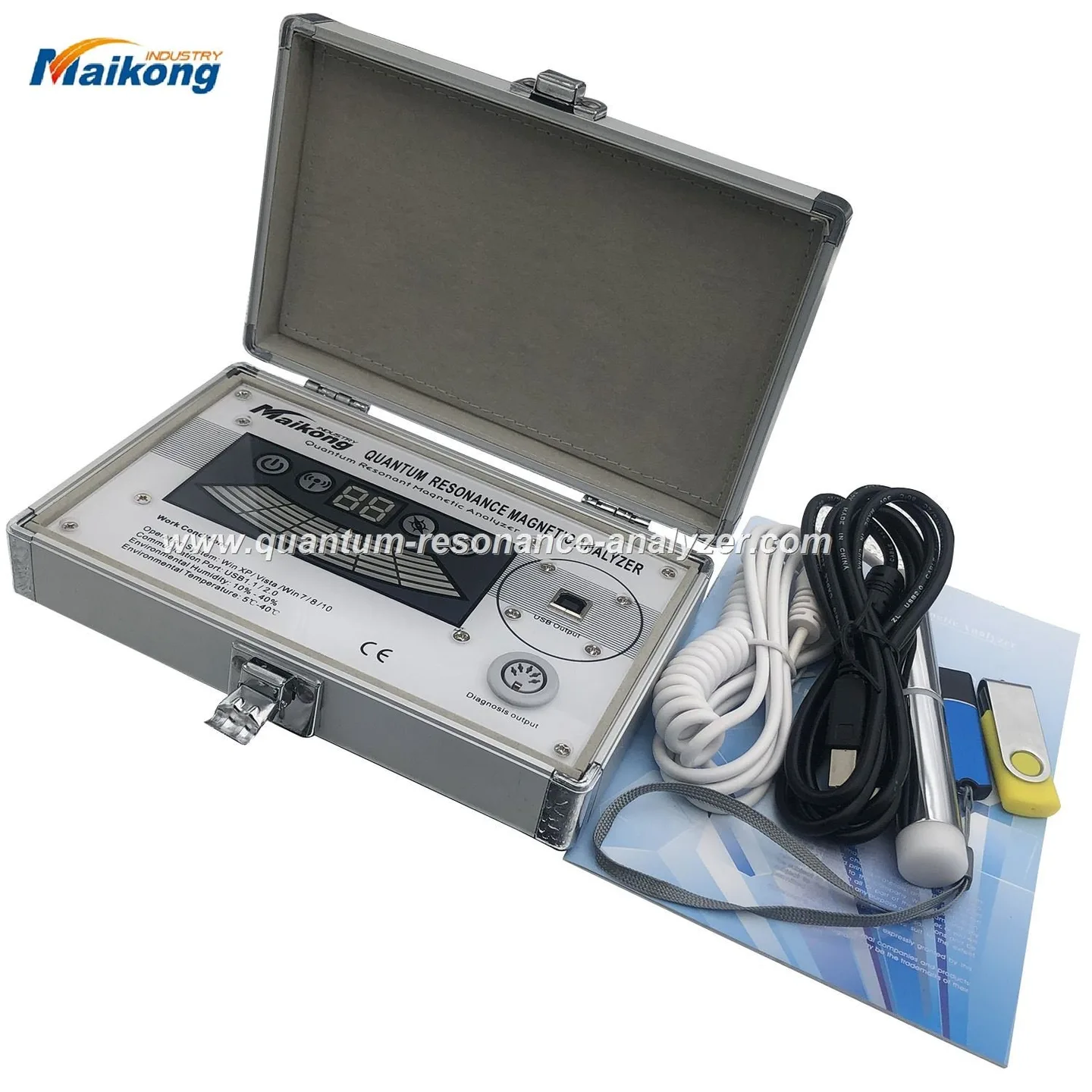
The supplier facts confirm the model (MK001) and the software version (2026) but do not list a full packing slip in the public facts we hold. That means you should confirm with our sales team the exact shipped items: whether a probe, USB cable, calibration certificate, printer-ready report templates or training materials are included. We ship single units (MOQ 1) and can confirm lead time and warranty at quote stage.
Known software/system prerequisites: the device supports Window xp/7/8/10/11; you will need a Windows PC with available USB ports and a local printer if you give printed reports. If you need the software on another OS or a networked multi‑clinic setup, request that configuration when you ask for a quote.

We see clinics using the MK001 in four practical ways:
Suggested wording for client materials and consent: “This scan provides a wellness assessment and baseline report for health management and education. It is not a medical diagnosis and should not replace professional medical advice or testing.” Use similar language when presenting results verbally.
Verify any local regulatory requirements before offering the service as a paid clinical diagnostic. We have not published Nigeria‑specific electrical installation guidance or regulatory approvals in the public facts; you should confirm with local regulators or legal counsel if required.
– “This report is a wellness snapshot based on the device’s algorithms. It highlights areas you may want to discuss with your doctor.”
– “We use this as a screening and monitoring tool; any serious concern will be referred for medical tests.”
– “Would you like a printed copy now or an emailed PDF to review with your family or physician?”
We recommend this pragmatic first week to embed the MK001 into clinic operations:
If you prefer, we provide structured training and onboarding; request those options in your quote.
The company provides product accuracy claims in its promotional material; these are self‑reported. Use the device for screening and monitoring rather than as a definitive diagnostic. If accuracy for a specific clinical condition is a must for your service, request the supporting documentation and clarify you will use the device as an adjunct, not a replacement, to clinical testing.
The MK001 uses Quantum Analyzer Software 2026. We supply software updates and a 1‑year warranty (supplier-declared). For clinics planning multi‑year use, discuss a software/update plan and remote support options in your purchase conversation.
Calibration and maintenance intervals are specified in the user manual. If the manual is not included in the initial facts you received, request it before purchase so you can budget for periodic servicing.
Contact: lucy@quantumanalyzer.ng or WhatsApp/phone +8613510907401 to request a demo, ask for the full packing list and get a configuration quote.
Before offering scans to patients, check Nigerian regulatory and professional guidance that applies to wellness devices in clinical settings. We have not published Nigeria‑specific electrical installation or regulatory approvals in our product facts; verify these items locally as needed.
Clinic disclaimer (use on consent forms and reports): “This scan is provided for wellness management and education only. It is not a medical diagnosis and should not replace professional medical consultation, laboratory tests or treatment.”
Items you should verify with our sales team before committing:
Yes, many clinics offer the scan as a paid wellness service. If you charge, be transparent about what the scan provides and supply the client with the report and the disclaimer above.
The MK001 is designed for clinic use and can be moved between rooms; confirm transport and recalibration needs with the supplier for frequent relocation.
Email lucy@quantumanalyzer.ng with your clinic size, intended monthly scans and whether you want on‑site or remote training; request a live demo and the full packing list so you can compare configurations and receive a tailored quote.
This content is for health management and education. It does not replace professional medical diagnosis, treatment or legal advice. We do not promise diagnostic or therapeutic results.
This content is provided for learning, information sharing and professional communication only. It is not medical advice and is not a basis for treatment or diagnosis. Confirm suitability, operation and purchasing requirements against the product manual, local regulations and qualified professional guidance.
If you want a tailored configuration for your clinic (single‑room setup, networked multi‑clinic, report branding or training), contact our sales team with your clinic profile (number of locations, intended monthly scans, preferred report language). Pricing and configuration are provided on inquiry.
