Preventative maintenance schedule for quantum analyzers in private clinics: preconditions, step-by-step calendar and common misuses · body
Quick answer
Implementing a simple daily/weekly/monthly calendar with operator checks, basic cleaning, monthly software health checks and quarterly technician inspections will typically cut avoidable service calls by more than half and keep device availability high for routine screening—provided the clinic secures stable power, the original manufacturer software/licenses, and trained operators before starting.
Contents
Evidence and scope
We produce and support MAIKONG quantum resonance magnetic analyzers and provide manufacturer-level service guidance and software updates. The steps below combine our company maintenance practice with industry-standard device-care routines for electronic diagnostic equipment. Where we reference product or service amenities we offer, those are self-reported by MAIKONG (for example, declared certifications and software upgrade policy) and are stated as company information.
Limitations and risks
This guidance is maintenance and operations advice only. It does not replace your device manual, a qualified electrical/biomedical technician’s instructions, or regulatory compliance checks for your state or facility. Maintenance that requires firmware changes, internal hardware replacement, or calibration beyond the visible user adjustments should be performed by certified technicians. Never use guidance here to diagnose or treat patients.
Why a preventative maintenance schedule matters for clinic uptime
Devices like quantum analyzers are electronic systems that combine sensors, software, and user interfaces. The majority of downtime we see in clinics is caused by preventable issues: corrupted software installs, poor power quality, blocked connectors, user errors and missing consumables. A repeatable schedule reduces random failures, shortens troubleshooting time, and protects the investment in training and client bookings. For a small private clinic in Nigeria, fewer service calls mean fewer cancelled appointments and steadier revenue.
Preconditions before you start a schedule (what the clinic must provide and verify)
Designated device room: a dry, dust-controlled room away from direct sunlight and heavy foot traffic.
Stable power and surge protection: an uninterrupted power supply (UPS) or voltage stabiliser appropriate for the device rating, plus a surge protector on the device circuit.
Original software and licence keys: confirm the device is running manufacturer-supplied software and that licence/USB keys (if any) are present and secured.
Operator assignment: one or two named staff who will run daily checks and be responsible for logs.
Basic tool kit and consumables: distilled soft cloths, isopropyl alcohol wipes (70% or per manual), lint-free swabs, printer paper for reports, and spare power cords or connectors you buy from the manufacturer.
Access to technical support: a contact method for manufacturer/authorized service. For quote or configuration requests, prepare device model/configuration, quantity and delivery destination.
Daily quick checks: what to do every day before opening
Daily checks are designed to detect user and environment issues quickly. These take five minutes but prevent many service calls.
Physical inspection: no visible damage to casing, cables securely connected, vents unobstructed.
Power status: UPS on, battery charged, device boots normally with no error lights. If boot warning appears, take a photo of the screen and note the exact message before attempting fixes.
Peripheral readiness: printer has paper, any USB security key is present, keyboard/mouse works and touchscreen responds (if applicable).
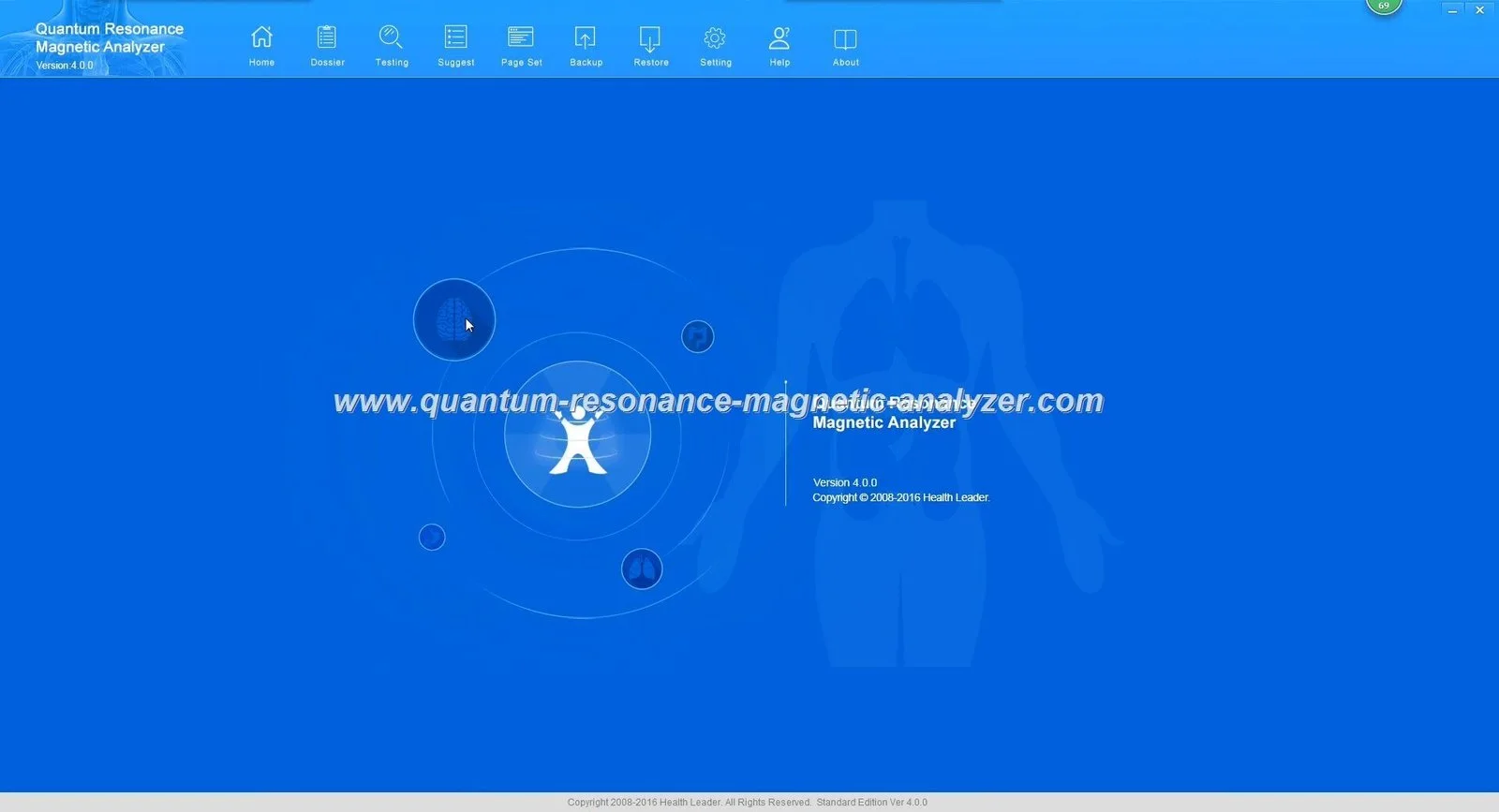
Software check: open the application, confirm it reaches the main menu and can detect the expected hardware. Note start-up delays or repeated crashes.
Basic hygiene: wipe accessible surfaces with an approved wipe and ensure the patient contact area is clean and dry.
Weekly checks: basic verification steps and operator actions
Weekly tasks catch slowly developing problems that daily checks miss.
Run a self-test or demo scan: use the device’s self-test function or a harmless sample run to confirm sensors and software behave normally. Record any anomalous readings as “suspect” and flag for technician review if repeated.
Inspect cables and connectors: look for frayed insulation, bent pins, or loose USB connectors; reseat any modular connections.
Printer and consumables: refill printer paper, test print a report, confirm report formatting is normal.
Backup: export a copy of daily reports and store on a clinic server or encrypted external drive. If your device supports cloud backup through manufacturer services, verify the last successful sync.
Monthly preventive tasks: inspection, cleaning and simple tests
Monthly tasks require a slightly longer slot (20–40 minutes) and usually need the named operator plus one assistant.
Deep clean: power down and clean all external vents with a soft brush and use alcohol wipes on patient-contact surfaces per manual instructions.
Software health: check for and apply manufacturer-supplied patches or updates; confirm the update log and document the version installed. If MAIKONG-provided lifetime software updates are available for your unit, record that you have applied or deferred them and the reason.
Function test: run a standard sample test and compare the key result fields with previous monthly baselines to detect drift in behaviour.
Inventory check: confirm you have at least one spare power cord, one spare USB security key (if applicable and legally permitted), printer paper for 50 reports, and cleaning supplies.
Review logs: scan the last month’s device log for repeated warnings; note patterns for escalation.
Every three months, schedule a trained technician—either in-house biomedical staff or an authorised MAIKONG technician—to perform these checks:
Internal inspection: open and inspect connectors, fans and internal cable routing for dust, loose screws or wear (do not attempt if your staff are not authorised).
Sensor and connector integrity: verify sensor mounting and connector contacts with the proper test equipment.
Calibration verification: if your model requires calibration, confirm the calibration status or perform calibration according to the manufacturer manual. If the manual or a calibration certificate is not available, request the authorized procedure from the manufacturer before proceeding.
Full software audit: confirm licenses, dongles and security tokens, and review software logs for abnormal exceptions that may indicate failing modules.
Annual service: comprehensive inspection, software and hardware review
A yearly service by an authorised technician should include:
Complete internal clean and component inspection, replacement of wear items as advised in the service manual.
Firmware and software major upgrades where applicable; preserve a backup of the pre-upgrade image.
Review of consumable replacement intervals and replenishment plan for the next year.
Operator competency review and retraining where records show recurring user errors.
Common misuses and mistakes that reduce uptime (and how to avoid them)
Most avoidable failures arise from: improper power handling, using non‑original software/accessories, skipping backups, and poor operator technique. Practical countermeasures:
Avoid unstable power: never plug the analyzer into an ordinary wall socket without UPS/stabiliser—brownouts and spikes cause data corruption and hardware stress.
Use original software and authorized dongles: third-party USB keys or modified installers are common causes of licence errors and software instability.
Don’t spray liquids directly onto controls: use lint-free wipes dampened with the recommended cleaning solution.
Don’t allow untrained staff to perform repairs: opening a sealed module or attempting soldering usually voids warranty and causes further faults.
Prevent theft/misplacement of USB keys and licenses: keep security tokens in the clinic safe and log access.
Spare parts, consumables and inventory to hold locally
Maintain a short local inventory to bridge lead times for repairs. Balance cost against downtime exposure—if service visits take days, keep more spares; if next‑day service is available locally, keep a minimal kit.
1 spare power cord and 1 spare UPS battery or a working UPS with serviceable battery.
1 spare manufacturer-supplied USB security key or license mechanism if the device uses one (confirm transfer rules with the manufacturer).
Printer paper for 50–100 reports and any model-specific consumables listed in your manual.
Cleaning supplies: isopropyl alcohol wipes and lint-free cloths.
External backup drive or access to a secure clinic server for monthly backups.
Operator training and competency checklist
Operators should be trained and signed off on the following items. A simple competency checklist reduces user errors and enables quicker escalation.
Daily start-up and shutdown procedure (including UPS use).
How to run and interpret a self-test/demo run and when to escalate.
Safe cleaning and handling of patient-contact areas.
Backing up reports and exporting logs.
What to photograph and record if an error appears (exact error text, serial number, time and steps taken).
Record-keeping template and simple log entries to track maintenance
Keep one maintenance log per device. Below is a compact HTML table example you can adopt as a printed form or spreadsheet.
Date
Device S/N
Operator
Task performed
Result / Error message
Next action
2026-11-01
MK-ANL-12345
Jane A.
Daily start-up, demo scan
OK
Weekly self-test on 2026-11-07
Escalation pathway for persistent or unclear issues
When daily or weekly troubleshooting does not clear a fault, follow this escalation:
Collect evidence: screenshots or photos of the error, time stamps and recent log extracts.
Contact your in-house biomedical engineer (if available) with the collected evidence.
If unresolved, contact the authorised MAIKONG support channel with device model, serial number, software version and the evidence. Include request details if you need a spare part or a service visit.
One practical trade-off to consider
Holding a larger spare-parts inventory reduces downtime but increases capital tied up in stock; relying on fast factory support lowers inventory costs but risks longer outages. For clinics with heavy daily throughput we usually recommend keeping at least a power cord, backup licence token procedure and printer paper locally; for low-volume clinics the minimal kit plus fast service agreements may be acceptable.
Next step — request a customised preventative maintenance plan
If you want a tailored schedule for your exact MAIKONG model and clinic volume, email us with: application (what you use the device for), device model/configuration, quantity and destination. Send that request to lucy@quantumanalyzer.ng and we will prepare a recommended maintenance calendar and spare‑parts checklist for your site. You may also call or WhatsApp +8613510907401 for general enquiries about service offerings.
Disclaimer: This content is for health management and operational reference only. It is not a substitute for professional medical diagnosis or treatment, and does not promise clinical outcomes. Follow the device manual and certified technician guidance for calibration, internal repairs or medical decision‑making.
This content is provided for learning, information sharing and professional communication only. It is not medical advice and is not a basis for treatment or diagnosis. Confirm suitability, operation and purchasing requirements against the product manual, local regulations and qualified professional guidance.