How to Staff and Schedule a High‑Throughput Wellness Clinic in Nigeria · body
Quick answer
Yes — a Nigerian wellness centre can run efficient, high‑throughput clinic staffing and appointment workflows if it designs clear station roles, builds appointment types (express / standard / extended), parallelises non‑critical tasks, and enforces a few simple queue checkpoints. Focus on predictable slot content and handoff rules more than rigid staff counts: a single scanner bay with one dedicated operator plus a receptionist, an intake/consent person and a rotating consultant can handle steady throughput; multi‑bay setups scale by repeating that four‑station cell and adding a clinical supervisor and IT support for peak times. We outline an operational playbook below you can adapt to your space, staffing and MAIKONG analyzer model choice.
Contents
What “high‑throughput” means for a wellness centre — realistic capacity goals and why they matter
“High‑throughput” in preventive wellness is an operational target, not a technology promise. For most Nigerian centres that provide screening with a single analyzer bay, plan conservatively: treat high‑throughput as a steady flow where client contact time is predictable and handoffs are fast. That goal emphasises consistency — predictable slot duration, quick intake, and short report briefings — so throughput improves without lowering quality.
We recommend setting capacity goals by station (arrival throughput, scan bays, consultation turnover) rather than by an overall daily number. This prevents one bottleneck — commonly the scanner or the report briefing — from collapsing the whole day.
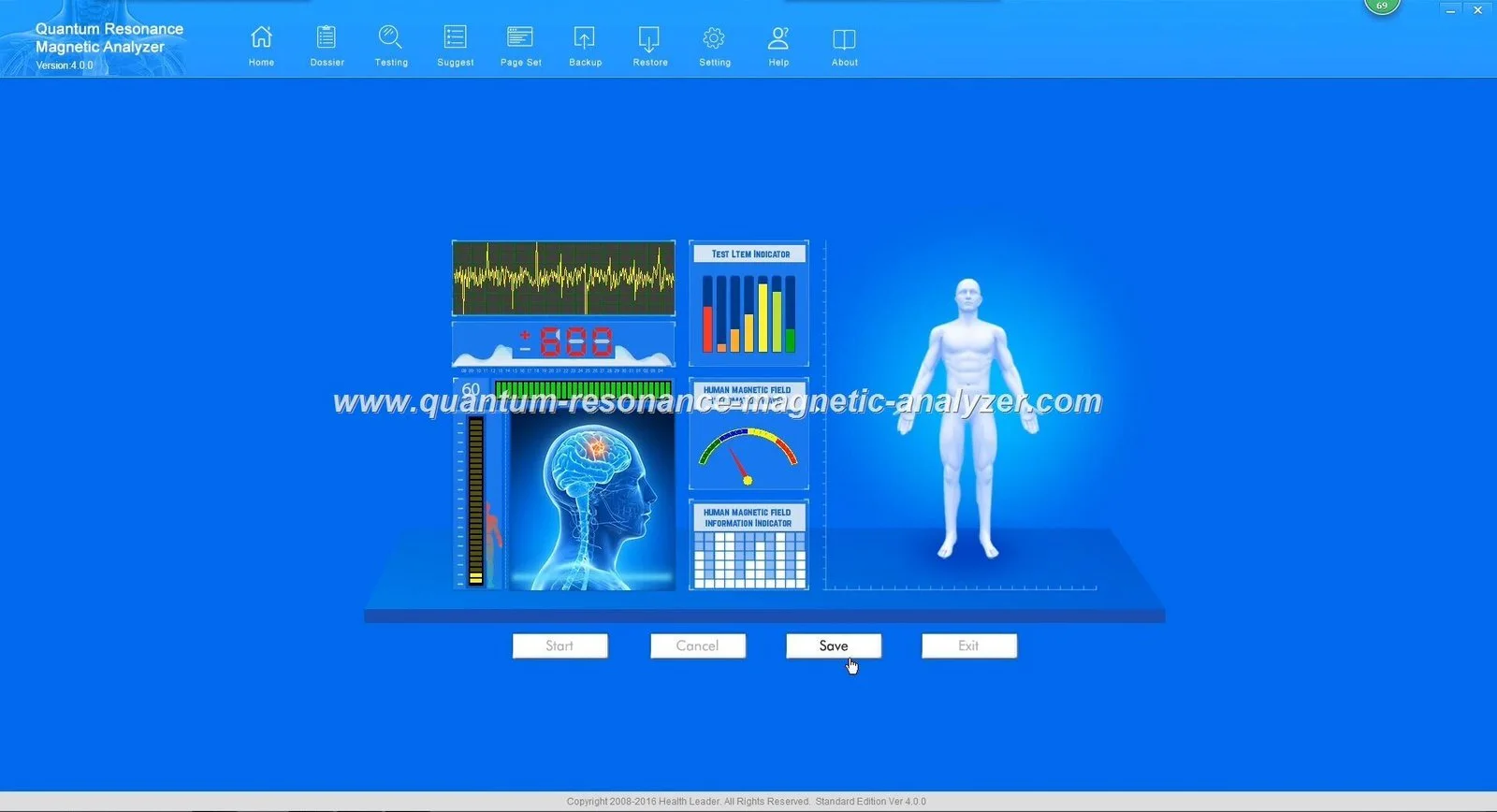
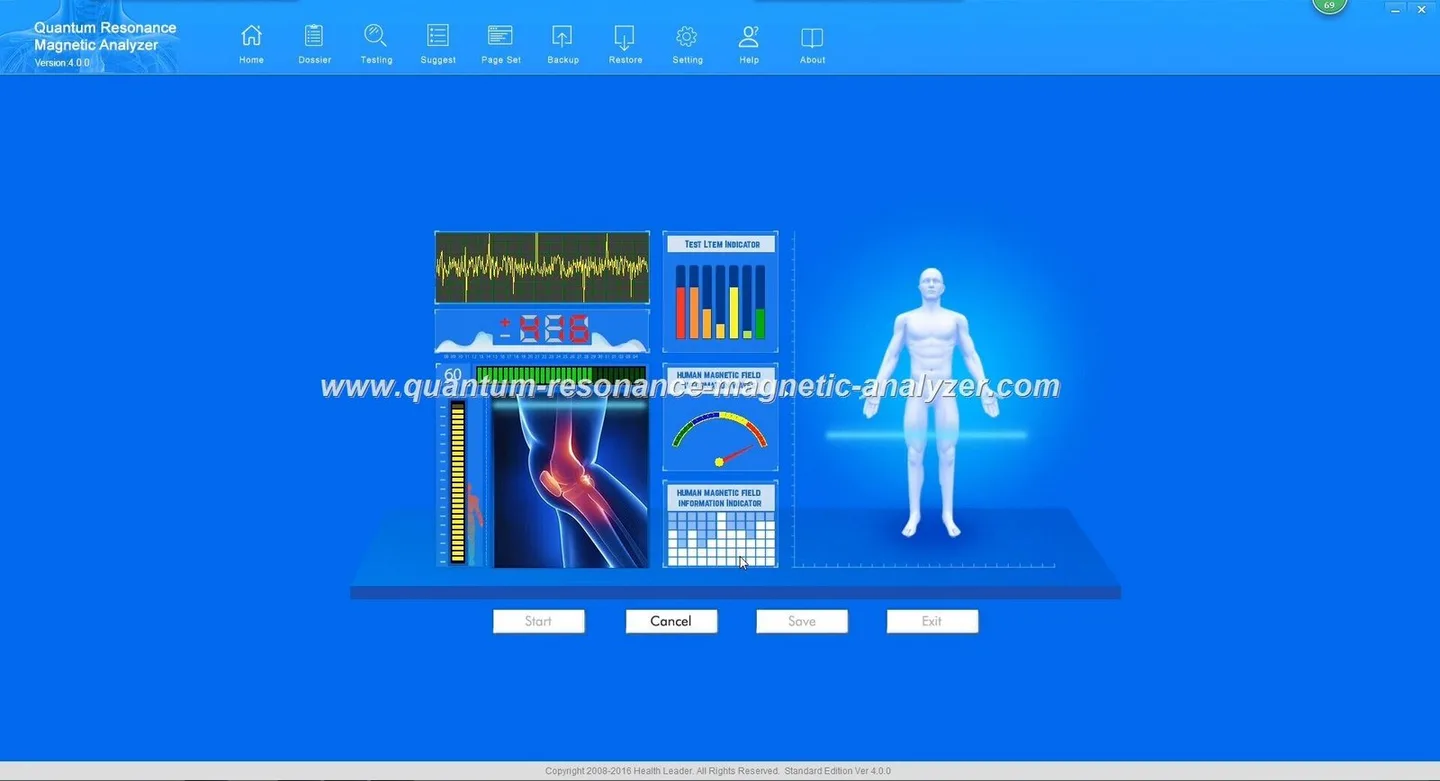
Operator (scanner technician) — runs the MAIKONG quantum health analyzer, ensures data quality and basic troubleshooting.
Therapist / consultant — briefs the client on the report, recommends next steps and products/services within scope.
Clinical supervisor — oversees clinical escalations, QA of reports and staff competency (part‑time or shared across cells).
IT / support — handles backup, printer/scanner, network, and power management (UPS/generator failover).
How to design appointment slot types for throughput
How to Staff and Schedule a High‑Throughput Wellness Clinic in Nigeria · body
Keep three standard slot types so scheduling is consistent and staff expectations match reality.
Express (20–30 minutes)
Includes arrival check, consent, rapid scan and a one‑page highlights printout. Use for walk‑ins or follow‑up clients who need a quick status update. Reserve a small fraction of slots for express traffic and require prepayment or express check‑in rules to avoid overruns.
Standard (40–50 minutes)
Full intake, complete scan, technician review and a 10–15 minute consultant briefing. This should be the default slot for first‑time clients. Make the slot content explicit on booking pages so clients know to arrive prepared.
Extended (60–90 minutes)
Used for comprehensive consultations, family bookings, or cases that need translator or additional tests. Allow stretch time after extended slots to avoid backlogs.
Practical client flow (step‑by‑step) that minimises bottlenecks
Pre‑appointment: automated SMS/WhatsApp reminder with arrival time, fasting/medication notes, and consent link. Encourage digital forms to shorten arrival processing.
Arrival & reception: Reception confirms booking, receives payment, and issues a numbered token with expected bay assignment.
Intake & consent: Intake officer verifies ID, screens brief contraindications, collects consent and populates basic fields in the EMR before sending client to scanner bay.
Scan session: Operator performs scan and a quick QC check. If data quality fails, operator rechecks immediately while client waits; avoid sending clients back to reception for retries.
Report processing: While the operator finalises the report, the consultant prepares a short personalised briefing using templated highlights.
Consultation/hand‑over: Consultant gives the report, records recommendations, and books any follow‑ups. Reception schedules and issues next steps.
Exit: Reception closes the record, obtains short feedback, and issues receipts or prescriptions as needed.
Station‑based responsibilities: exactly what each staff member must do during a client session
Reception — check appointment, collect payment, issue token, ensure forms submitted digitally where possible.
Intake — confirm identity, check contraindications, collect consent, enter minimal clinical data in EMR, attach prior reports if any.
Operator — prepare device, run scan, verify signal quality, export/store raw data, flag poor scans immediately.
Consultant — review key report sections while client is still in clinic, prepare a concise action plan and document follow‑up.
Clinical supervisor — periodically audit 10% of reports, coach operators and consultants, manage escalations.
IT/support — maintain backups, ensure printers and network are functioning, switch to UPS/generator when needed.
Parallelise tasks to increase throughput — safe examples
Parallel work reduces idle time. Examples that keep client experience intact:
While the operator runs the scan, the reception team preps the next client’s digital consent and payment so they are ready on arrival.
Consultant reviews the report draft while the operator clears the bay for the next client.
Intake takes vitals or quick screening questions in a side booth while reception handles payment — two staff, one client.
Batch printing: schedule report printing in short bursts rather than one by one to avoid printer bottlenecks during peaks.
Sample daily schedule patterns and on‑the‑fly adjustments
Design daily blocks with predictable rhythms:
Morning (peak): More standard slots; open 15 minutes earlier to stagger arrivals. Add one extra operator or temporary floater for the first two hours.
Midday (steady): Mix express and standard slots; allocate time for equipment checks and staff breaks in staggered shifts.
Evening (surge or catch‑up): Reserve buffer slots to absorb overruns from earlier; extend consulting time by appointment only.
On the fly: use buffer slots and a visible digital queue for staff to know where delays exist. If scanner queue grows, shift some express clients to later express windows and open an additional bay if available.
Checkpoints to prevent backlogs
Triage at arrival: quick classification into express / standard / extended by front desk.
Staggered arrivals: schedule arrival windows (e.g., arrive 5 minutes before scan) to avoid clusters at reception.
Buffer slots: reserve 10–15% of schedule as buffers for overruns and re‑scans.
Queue rules: one re‑scan allowed per client without penalty; rebook extended consults rather than overrun the schedule.
Training and competency checklist for staff handling quantum health analyzers and reports
Basic device operation and signal‑quality indicators — operator must prove three supervised runs.
Front‑desk scripting for booking confirmations, pre‑appointment instructions and payment workflows.
Data handling basics: file export, secure storage, and linking reports to client records.
Report briefing templates: 5–7 minute scripts for standard slots and expanded scripts for extended slots.
Escalation protocol: when to involve the clinical supervisor (e.g., ambiguous report, equipment fault, client complaint).
Power and network contingency drill: switch to UPS and offline print within 5 minutes of failure.
Data privacy, consent and record handover in a high‑throughput setting
Consent must be clear and fast. Use a short script and minimal documentation to keep throughput high:
Short consent script (verbal + checkbox): “This scan is a non‑invasive health screening using our analyzer. The report is for wellness guidance and does not replace medical diagnosis. We will store your data securely for follow‑up. Do you consent to proceed?” Record a checkbox or signature and the staff initials.
Minimal documentation: name, phone, ID, consent indicator, scan file link, consultant note and follow‑up action. Keep copies digital and encrypted; limit printed reports to the client’s request.
Limitations and operational risks to watch
Maintain realistic expectations: device claims and reported accuracy are company self‑reported metrics and do not replace clinical diagnosis. Device downtime, power instability and poor client preparation are the largest throughput risks in Nigeria; mitigate these through UPS systems, staff cross‑training and stricter pre‑arrival instructions. If a manual or safety specification for your specific MAIKONG model is not available in your clinic, do not attempt advanced troubleshooting; contact technical support.
Space, equipment and layout tips to support the workflow
Design the room flow as linear as possible: reception → intake → scan bay(s) → consultation → exit. For a single‑room clinic, locate intake and consultation adjacent to the scanner so the consultant can review reports while the next client is scanned. For multi‑bay clinics, create identical “cells” (reception + intake + 1 scan bay + consultant desk) so staffing can be shifted by cell rather than by individual station.
Power: put the analyzer and PCs on UPS; plan generator failover for long outages.
PCs and printers: maintain at least one spare workstation and a networked printer per two bays.
Privacy: use a private room or soundproof partition for consultations to preserve client confidentiality.
Signage: clear signage and numbered tokens reduce reception conversations and speed flow.
Sample scheduling patterns (quick reference)
Single‑bay modest volume: Reception + Intake (shared) + 1 Operator + 1 Consultant. Use 40‑minute standard slots with 10% buffer slots.
Two‑bay medium volume: add a second operator and a floater consultant; stagger breaks and keep shared intake staff.
Multi‑bay high volume: replicate cells, add clinical supervisor and dedicated IT/support, and assign a scheduler to handle dynamic reallocation.
Checklist: first 30 days to move to high‑throughput
Map current client flow and time each station.
Define slot types and publish clear booking rules.
Train staff to the checklist above and perform supervised runs.
Install UPS and test generator failover with IT support.
Run a pilot day with buffer slots and record KPIs: average scan time, waiting time, and re‑scan rate.
Adjust slot lengths and staff rosters based on KPIs after one week.
Localised disclaimer: Our device descriptions and workflow advice are for wellness management and operational planning only; they do not diagnose, treat or cure disease and are not a substitute for professional medical assessment. Certification and accuracy claims above are company self‑reported; verify the specific model manual and consult qualified clinical professionals for medical decisions.
This content is provided for learning, information sharing and professional communication only. It is not medical advice and is not a basis for treatment or diagnosis. Confirm suitability, operation and purchasing requirements against the product manual, local regulations and qualified professional guidance.
We can help adapt this playbook to your space, staff size and MAIKONG analyzer model. For a tailored workflow configuration or a quote on devices, training and spare parts, contact us at lucy@quantumanalyzer.ng or visit quantumanalyzer.ng.