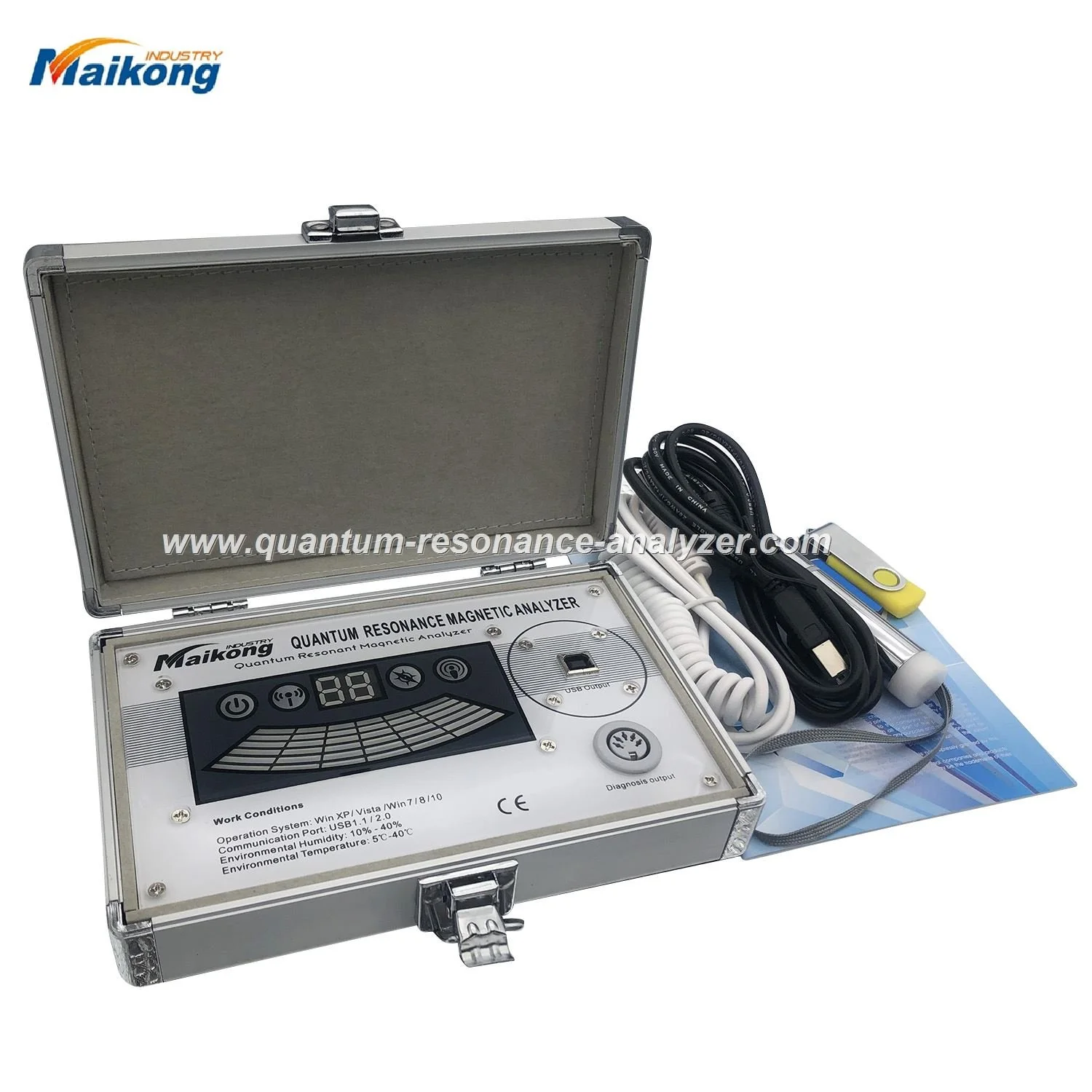
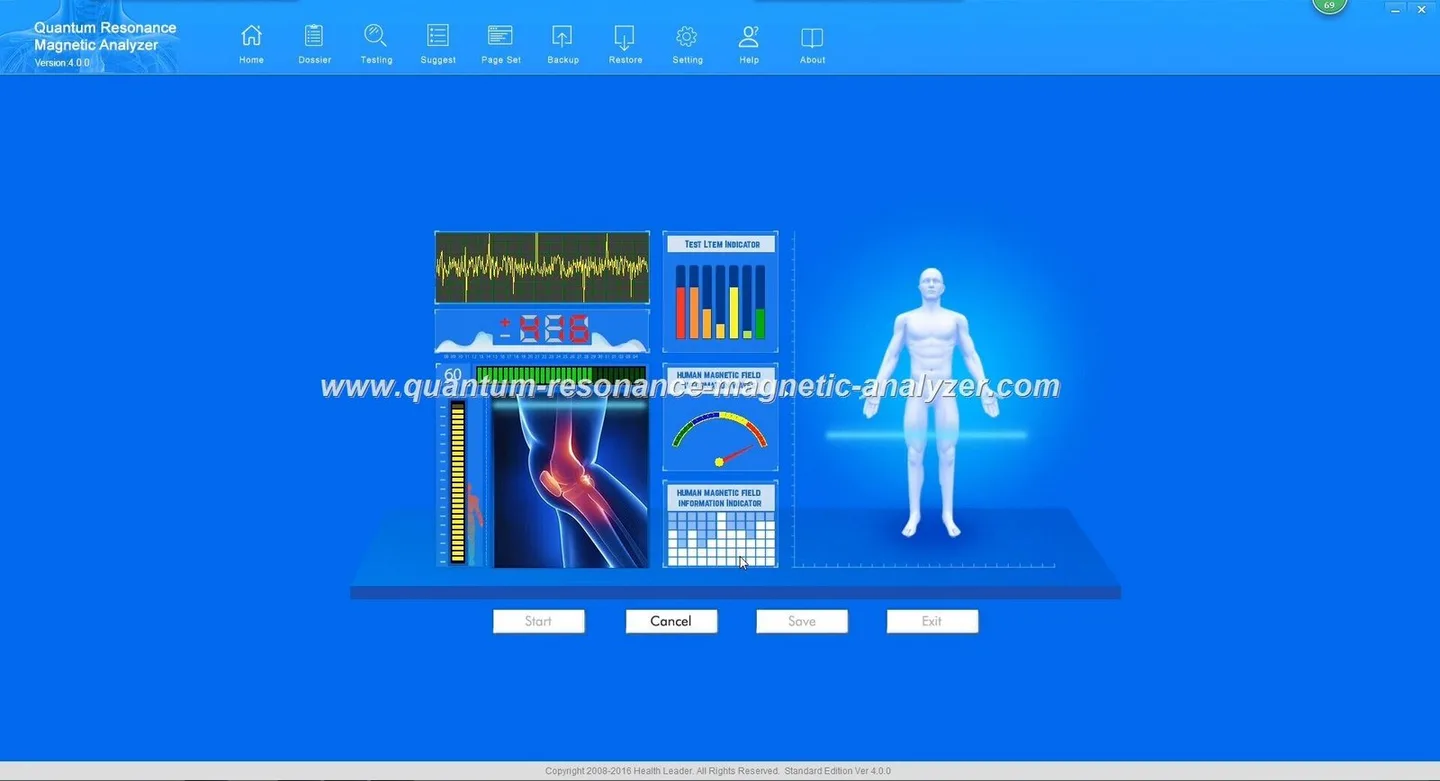
Keeping MAIKONG quantum analyzers running in Nigerian clinics during frequent power outages · body
Quick answer
For a small private clinic in Nigeria the practical route is a layered approach: (1) identify the total power draw of the MAIKONG analyzer plus its PC and peripherals, (2) fit a line-interactive or online UPS sized to supply safe shutdown and short sessions, (3) add an inverter + battery or a solar-hybrid only where you need multi-hour autonomy, and (4) keep the MAIKONG software and its installer on a secure local machine with scheduled offline backups and controlled syncs when the internet returns. This arrangement protects equipment, preserves client reports and keeps screening sessions serviceable during short and medium outages while you consider a longer-term solar investment.
Contents
Direct answer: the short practical verdict for private clinic owners in Nigeria
We recommend you treat the analyzer and its host PC as a single critical system. Protect it first with a UPS sized to let staff finish an active scan and shut down cleanly, then decide whether you need sustained runtime (inverter + battery or solar hybrid). Keep the MAIKONG application installed and licensed on a dedicated local workstation, maintain local encrypted backups of client reports, and only perform software updates or driver installs from the official MAIKONG package to avoid compatibility problems.
Why power reliability and offline software matter for quantum analyzers used in clinics
Two failures cause the most service disruption: sudden power loss damaging ongoing sessions or corrupting data, and inability to run the analyzer software because the PC cannot boot or the software requires an online activation/update. Both prevent you from serving paying clients and risk losing generated reports. A short UPS prevents abrupt cuts; an offline-ready software workflow keeps the device usable when connectivity is intermittent.
What MAIKONG declares about software support and language/updates that affects offline plans
We produce MAIKONG analyzers and provide multilingual support across 30+ languages and lifetime free software upgrades as part of our standard offering; these are our company-declared services. Keep in mind that software update frequency and licensing details are set by MAIKONG and should be confirmed at purchase for your specific unit and licence terms. If you ever receive a third‑party installer, do not install it — request the official package from MAIKONG or your seller to avoid compatibility or support gaps.
Do not install unverified files; request the official software package from the seller or manufacturer.
Immediate, low-cost power fixes clinics can implement today (short checklist)
Keeping MAIKONG quantum analyzers running in Nigerian clinics during frequent power outages · body
Connect analyzer + PC to a good surge-protected outlet; avoid multi-socket extenders that hide poor wiring.
Buy a reliable UPS (line-interactive or better) and configure its software to log events and perform an automatic safe shutdown when battery reaches a threshold.
Keep a recent offline installer and the current licence key on a secure USB drive or local server.
Train one staff member to perform a controlled shutdown: finish the scan, export reports to PDF, close the MAIKONG app, then shut down the PC and analyzer in that order.
Keep an external drive for daily backups and a printed client log as a temporary continuity measure.
Recommended UPS and battery sizing approach for typical clinic workflows (step-by-step method)
Because model power draws vary, follow this method rather than buying by guesswork:
List components that must stay on during a session: the analyzer, the host PC, monitor, and any network-attached storage or modem used to sync reports.
Find each device’s nameplate power (watts) or measure steady-state wattage with a plug power meter; total these watts to get the continuous load.
Decide desired protected time: short (safe shutdown and finishing a scan) or extended (complete multi-client operating period). Short-protection is the minimum requirement.
Choose UPS VA rating by converting the continuous watt load into VA using the UPS power factor (for example, divide watts by 0.7–0.9 depending on the UPS class). Ask the supplier to confirm the VA conversion for the UPS model you consider.
For runtime beyond what a UPS battery provides, calculate battery capacity using the formula: required Ah = (Total watts × Required hours) / (Battery nominal voltage × Usable depth-of-discharge × Inverter efficiency). Provide this computed Ah to local battery/inverter suppliers for quotes.
Finally, buy a UPS with a replaceable battery and a monitoring interface so you can log runs and know when batteries need replacement.
We recommend involving an electrician to confirm wiring and earthing before connecting medical equipment.
Portable inverter/solar hybrid options for clinics without stable grid supply — practical pros and cons
Choose based on how many hours of autonomy you need and how much you can invest.
UPS-only: cheapest short-term option, provides seconds-to-hours runtime depending on battery size, fast fail-safe for active scans. Best for clinics where outages are short and frequent.
Inverter + battery bank: provides multi-hour operation, supports full clinic loads if sized correctly, but requires proper inverter selection and battery maintenance. Installation complexity and upfront cost are higher.
Solar hybrid (inverter + charge controller + panels + batteries): good if outages are long and fuel costs or generator logistics are problems. Higher initial cost and space needs for panels; needs proper design to handle peak clinic loads and seasonal variation.
Trade-offs: UPS protects against sudden loss and spikes; inverters provide longer runtime but not always the same transient protection as a quality UPS. Solar hybrid reduces fuel dependence but requires larger capital and periodic panel/battery maintenance.
Offline software strategies: how to run, licence and protect MAIKONG analyzer software during outages
Keep an official offline installer and the licence key on a secure local path or encrypted USB. Confirm with MAIKONG whether your licence supports offline activation and whether an activation code or hardware dongle is required.
Do not install unofficial drivers or software from unknown sources; if you encounter compatibility or missing drivers, contact MAIKONG support for the correct package.
Designate one workstation as the analyzer host and disable automatic large updates that could interrupt sessions; schedule updates during planned online windows and test updates on a second machine first.
If the software requires periodic online checks, plan scheduled sync times and document how often the analyzer must be online to remain fully functional.
Data backup and client-report continuity when the analyzer or PC goes offline
Reports must be preserved exactly as generated. We suggest:
Export each client report immediately to PDF and save a copy to a local backup drive and to an encrypted USB.
Keep a small local server or NAS if you manage many clients; configure automatic nightly backups from the workstation to the NAS.
When internet is available, sync encrypted backups to cloud storage or your central clinic server. Maintain an audit log of report exports and any offline edits.
Keep printed client appointment sheets as a short-term fallback to track who was scanned during outages.
Day-to-day operating protocol for clinics facing frequent outages (staff checklist before, during and after scans)
Before a scan
Verify UPS battery level and display for any warnings.
Ensure the MAIKONG software is open and client data is ready to be entered.
Confirm backup drive is connected and has free space.
During a scan
Watch UPS status; if the UPS signals a switch to battery, finish the active recording and export the report immediately.
If power fails and you cannot finish, note the exact time, patient ID and partial result; perform a repeat scan when power returns and flag duplicate records clearly.
After power returns
Check all logs and verify report integrity; compare the exported PDF with the session entry in the MAIKONG software.
Run a quick self-test of the analyzer per the manual and note any error codes for MAIKONG support.
Archive backup copies and document any interrupted sessions for quality control.
When to seek a professional electrical or IT installation — red flags and minimum requirements
Call an electrician or certified IT technician if you observe persistent voltage fluctuations, repeated UPS or inverter trips, overheating equipment, frequent blown fuses, or if you plan an inverter/solar installation. Minimum requirements for safe operation include dedicated power circuits, correct earthing/grounding, and electrical panels sized for the inverter and clinic load. For software or driver conflicts, contact MAIKONG support before attempting third-party fixes.
Quick comparison: UPS-only vs inverter + battery vs solar hybrid for a small private clinic
Option
Upfront cost
Runtime flexibility
Installation complexity
Best for
UPS-only
Low–medium
Short (safe shutdown / one or two scans)
Low — plug-and-play for most models
Clinics with short, frequent outages
Inverter + battery
Medium–high
Multi-hour (depends on battery bank)
Medium — wiring and battery placement required
Clinics needing longer autonomy without solar
Solar hybrid
High
Long — day/night with proper sizing
High — panels, charge controller, inverter and batteries
Clinics with long outages and high fuel costs
Evidence and source notes
This guidance is based on our MAIKONG product support approach and common field practice for sensitive diagnostic equipment. MAIKONG declares multilingual support and lifetime free software upgrades as company services; please confirm license terms for your specific unit at purchase. For safety with software installers, a widely reported best practice is to request the official package from the seller or manufacturer rather than installing unverified files (see vendor guidance on compatibility and official installers) .
Limitations and practical risks
We do not promise that any power solution will eliminate downtime entirely. Battery capacity, inverter sizing and solar performance depend on your clinic’s exact load profile, local sunlight and installation quality. Our statements about MAIKONG services are company-self-reported; they are not independent validation of clinical effectiveness. For model-specific shutdown steps, driver versions or licence activation details, refer to your model manual or contact MAIKONG support.
FAQ
Can I run the MAIKONG software fully offline?
Many clinics run the software offline for normal scanning and export. Confirm with MAIKONG whether your licence requires periodic online activation. Keep an official offline installer and licence key in a secure place.
How do I safely shut down the system during a power cut?
Finish or abort the active scan according to the software prompt, export the current report to PDF, close the MAIKONG application, then shut down the PC and finally disconnect power to the analyzer. Avoid sudden unplugging unless hardware is damaged.
Is a demo mode available if the licence check fails during an outage?
Demo or limited modes vary by MAIKONG licence. If the software prompts restrict functionality when offline, contact MAIKONG support for guidance and to request an offline activation path.
Local compliance note: Information in this article is for clinic operational planning and health‑management education only. It does not replace professional medical diagnosis, treatment, or electrical installation advice.
This content is provided for learning, information sharing and professional communication only. It is not medical advice and is not a basis for treatment or diagnosis. Confirm suitability, operation and purchasing requirements against the product manual, local regulations and qualified professional guidance.
If you want a site-specific configuration or a quote for UPS/inverter/solar options matched to the MAIKONG analyzer in your clinic, contact our sales team: quantumanalyzer.ng, email lucy@quantumanalyzer.ng, or phone/WhatsApp +8613510907401.