How to use MAIKONG Quantum Analyzer MK001 outputs in a nutrition consultation workflow in Nigeria · body
Quick answer
We recommend using the MAIKONG Quantum Analyzer (model MK001) as a screening input—one structured data point among your intake measures—to prioritise areas for dietary assessment, personalise behaviour-focused plans, and track non-clinical wellness outcomes; do not use its report alone for medical diagnosis or to replace laboratory tests. Quantum Analyzer MK001 outputs are best integrated where they clarify risk areas (metabolic profile, nutrient-related flags, organ-system summary) and help set measurable lifestyle goals you will monitor with conventional metrics (weight, haemoglobin A1c, food intake logs).
Contents
What the Quantum Analyzer MK001 supplies your nutrition consultation
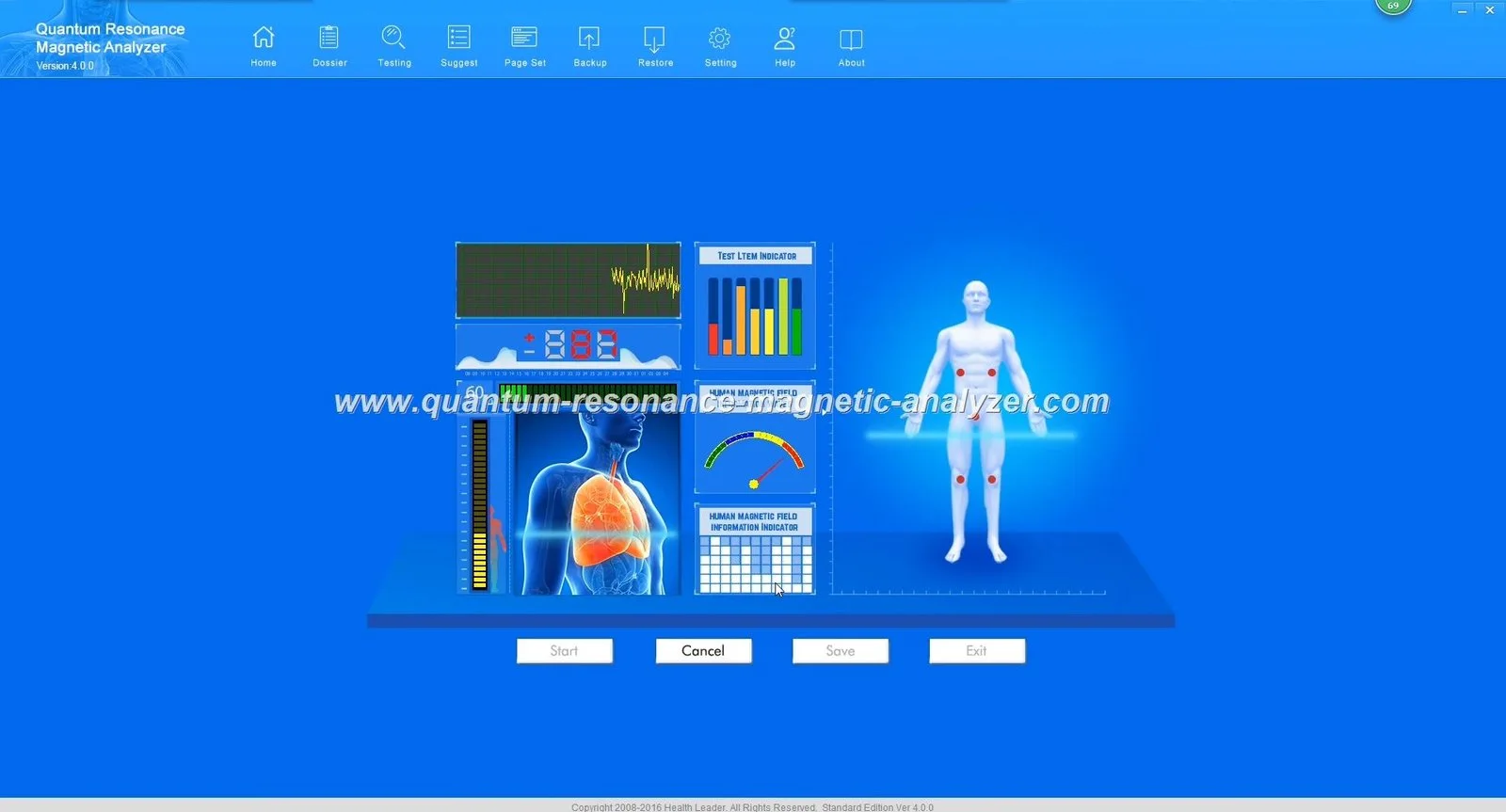
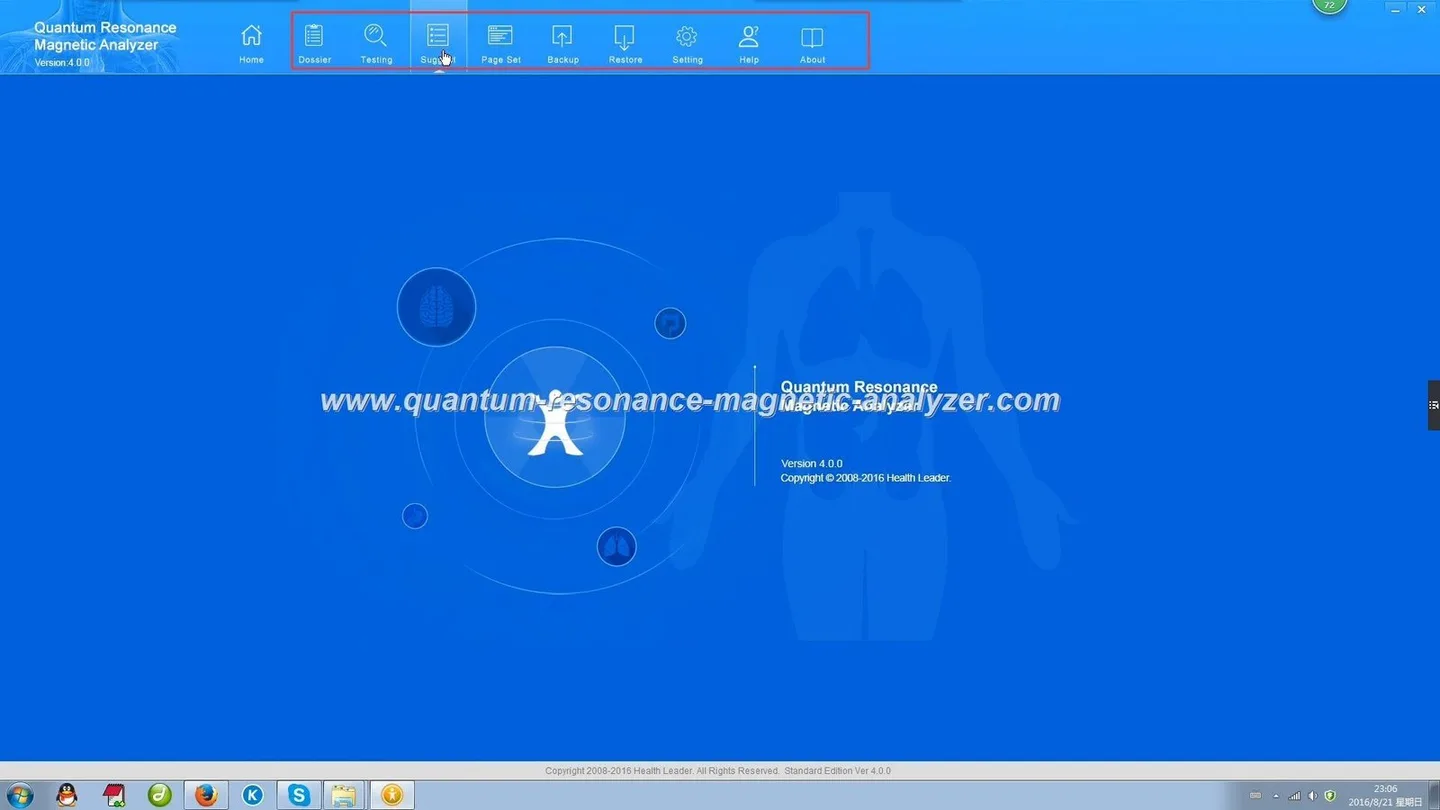
According to MAIKONG’s product information, the MK001 is part of the Quantum Analyzer line and runs on Quantum Analyzer Software version 2026. The company reports the device produces a multi‑item health report (company statement: “41-item health reports”) using a non‑invasive sensor workflow. MAIKONG declares multilingual support (30+ languages), an MOQ of 1 unit, lead time 2–3 days, and a 1‑year warranty. The company also lists declared certifications (ISO 9001, CE, ISO 13485) as its own claim; these are manufacturer declarations, not independent clinical validation.
How that helps you: the MK001 gives a quick, standardised report you can add to your intake record. The Software 2026 compatibility with Windows xp/7/8/10/11 means typical clinic PCs will run the reporting tool. Treat the MK001 output as a screening summary—useful for starting conversations, triage and baseline tracking—but pair it with objective measures you already collect (body weight, waist, dietary recall, basic blood tests when clinically indicated).
When to use an analyzer report in a nutrition consultation — realistic value and limits
Value: rapid, non‑invasive screening to flag possible nutrient imbalances, metabolic trends or organ function areas to check further; useful for client engagement and objective baseline tracking between visits.
Limits: MAIKONG’s product facts do not substitute for diagnostic laboratory tests. The company-reported accuracy figures and report scope are business-provided; confirm with MAIKONG which specific biomarkers or report items correspond to validated clinical measures before relying on them for clinical decisions.
Best fit: wellness clinics, preventive screening, behaviour-change programmes and commercial weight-management services where rapid risk stratification and repeatable tracking improve client adherence.
Step-by-step scan-to-consult workflow you can run today
The following workflow is a practical, clinic-ready sequence you can adopt immediately. It assumes a pre-booked nutrition visit and access to an MK001 and the Quantum Analyzer Software 2026.
Pre-visit (remote intake)
Collect standard intake: reason for visit, current medications/supplements, recent lab reports (if any), 24‑hour recall or food frequency, anthropometry and key chronic conditions.
Send a short consent form explaining the MK001 scan is a screening tool used for wellness planning (see consent checklist below).
Request that clients avoid metal accessories and large electronic devices at scan time to reduce noise during the sensor reading.
On the day — scan
Position the MK001 according to the manufacturer manual. Start software and confirm client identity. Record time, operator and device serial (for audit).
Run the standard MK001 scan protocol. Save the primary report PDF and any raw output file provided by the Quantum Analyzer Software 2026 for your records.
Interpretation and plan (during the consultation)
Use the MK001 report to prioritise areas for nutritional assessment: e.g., flagged micronutrient insufficiency, digestive function, metabolic tendency. Cross‑check against clinical history and recent lab results.
Create a behaviour‑focused plan: specific diet changes, meal patterns, supplement considerations (if within your scope), and follow-up measurement markers (weight, waist, dietary logs, targeted lab tests where indicated).
Set SMART process goals tied to the report (e.g., increase protein at breakfast 3x/week; schedule lab glucose test in 6 weeks if metabolic flag persists).
Follow-up
Repeat MK001 scan at agreed intervals only as a screening progress measure—not a diagnostic substitute—and combine with objective outcome data.
Document changes in report items and link them to behaviour adherence and objective markers.
How to read and map MK001 outputs to nutrition actions — an interpretation checklist
How to use MAIKONG Quantum Analyzer MK001 outputs in a nutrition consultation workflow in Nigeria · body
Convert each report item into a practical action step. The checklist below maps common MK001-style outputs (report names are illustrative—confirm label names with your device manual):
Metabolic summary / glucose tendency: If the scanner flags elevated risk, prioritise dietary pattern changes, weight management, and request confirmatory blood glucose/A1c if clinically appropriate.
Digestive/absorption items: Use flagged digestive function to probe symptoms (bloating, stool changes), adjust fibre and meal timing, and consider referral for stool or breath testing when indicated.
Micronutrient flags: Treat as hypotheses: use targeted dietary adjustments or order conventional blood tests before long‑term supplement prescriptions when possible.
Inflammation/oxidative stress trends: Emphasise whole‑food anti‑inflammatory patterns and monitor with symptoms and objective markers—not scanner output alone.
Always note on the client file that recommended clinical tests were advised where the report raised concern, and that the MK001 result informed triage, not a medical diagnosis.
Client communication, informed consent and data privacy for nutrition screening (practical checklist)
Provide a one‑page written consent: purpose of the MK001 scan, what the report can and cannot do, data storage and sharing policy, and that clinical tests are recommended when issues are flagged. Keep a signed copy.
Explain in plain language how you will use the data for diet planning and follow-up tracking.
Store reports on encrypted clinic software or a secure folder; restrict access to authorised staff only.
If you export reports to clients (PDF), include a cover note reinforcing that the scan is for wellness guidance and advising medical follow-up for clinical concerns.
Link to MAIKONG’s privacy and software guidance if clients ask about data handling by the device software (see Quantum Analyzer Software documentation linked below).
Operational checklist: space, equipment, software and languages to confirm before you start
Quiet, clutter‑free scan area with a stable table/desk and chair.
Clinic PC that meets MAIKONG Software 2026 compatibility (Windows xp/7/8/10/11 declared by MAIKONG).
Backup power or surge protection for the PC and MK001 sensor in clinics with unstable power.
Confirm language pack: MAIKONG states multilingual support (30+ languages). Ask MAIKONG which local Nigerian languages are included or available as custom options.
Recordkeeping: standardise file names to include client ID, date and device serial for traceability.
Limitations, verification steps and questions to ask before relying on a scan in care decisions
Do not treat the MK001 report as definitive. Before relying on outputs for care decisions, confirm the following with MAIKONG and in your clinic protocol:
Which report items directly map to validated clinical biomarkers? (Ask MAIKONG for item definitions and supporting documentation.)
What is the exact meaning of company‑reported accuracy figures (e.g., the company statement about “85–90% accuracy”)? Request the method, study population and endpoints behind that number.
Software audit trail: can the Quantum Analyzer Software 2026 export raw data and PDF reports with operator metadata for audit?
Language and user‑interface localisation: confirm availability for the clinic’s operating language(s).
Warranty, support and training included in purchase (MAIKONG lists 1 Year warranty and lifetime free software upgrades in their company profile—confirm scope in writing).
Roles: Nutritionist/clinician does brief history + scan; admin prints report.
Sequence: Review adherence (3 minutes), run MK001 scan (2–3 minutes), review key flagged items and set one actionable behaviour goal (8–12 minutes), book follow‑up.
Record: note behaviour goal, scan summary and any lab referrals.
Roles: Nutritionist leads; support staff handle intake and scan setup.
Sequence: Full intake + medication/supplement review (15 minutes), MK001 scan and immediate review (10 minutes), integrate with diet recall and anthropometry (15 minutes), co‑create plan and order follow‑up testing if needed (10–20 minutes).
Record: detailed plan, consent for follow‑up scans, and baseline objective markers requested.
Records, reporting and tracking outcomes without making medical claims
Track outcomes using a combination of MK001 report items and conventional metrics. Example minimal tracking set: body weight, waist circumference, dietary adherence score, and the MK001 report summary items you found actionable. When reporting results to clients, use language such as “screening result suggests X; we recommend confirming with a laboratory test” rather than asserting diagnosis. Keep a clinical notes field describing how the MK001 result changed your prioritisation.
Research gaps and verification checklist (what our supplied facts don’t prove and what to confirm with MAIKONG)
Confirm which specific report items correspond to validated laboratory markers and request documentation of validation studies.
Ask MAIKONG for the MK001 user manual, detailed report item definitions and the evidence behind any accuracy claims.
Verify the exact languages included in the Software 2026 package for your intended clinic use.
Clarify warranty scope, software upgrade policy and on‑site or remote training options.
Direct evidence summary
The workflow above uses the following MAIKONG supplied facts and platform details:
Product identity: Quantum Analyzer, model MK001; product line: Quantum Analyzer; software: Quantum Analyzer Software version 2026; supported systems: Windows xp/7/8/10/11; commercial terms: MOQ 1, lead time 2–3Days, warranty 1 Year (company‑provided details).
Workflow practice guidance is informed by corroborated workflow knowledge used to structure scan‑to‑consult steps.
These facts change choices by: (a) confirming that the software runs on common Windows PCs, affecting your hardware readiness; (b) signalling that device purchase and proof‑of‑concept can be low‑volume (MOQ 1) for a trial; and (c) indicating MAIKONG declares multilingual capability and declared certifications, which affects training and regulatory paperwork you will request.
Limitations and legal/clinical cautions
We must emphasise: the MK001 scan is a screening tool and MAIKONG’s product statements are company declarations. Do not promise diagnosis, treatment, cure or that the device replaces clinician judgment or laboratory testing. Where the scanner flags clinical risk, refer for standard medical assessment or laboratory confirmation.
Next step: if you want a written configuration or a quotation tailored to a clinic pilot (including language pack, number of licences and training), email our sales contact with your clinic location, intended application (wellness screening or weight‑management), desired language(s) and trial quantity: lucy@quantumanalyzer.ng.
Local compliance note: This content is for health management and education; it does not replace medical diagnosis or treatment. We do not promise diagnostic accuracy or clinical outcomes beyond the manufacturer’s declared specifications. Please obtain confirmatory laboratory tests and follow national clinical guidelines for any medical concerns.
This content is provided for learning, information sharing and professional communication only. It is not medical advice and is not a basis for treatment or diagnosis. Confirm suitability, operation and purchasing requirements against the product manual, local regulations and qualified professional guidance.