
Categories
- FQA (220)
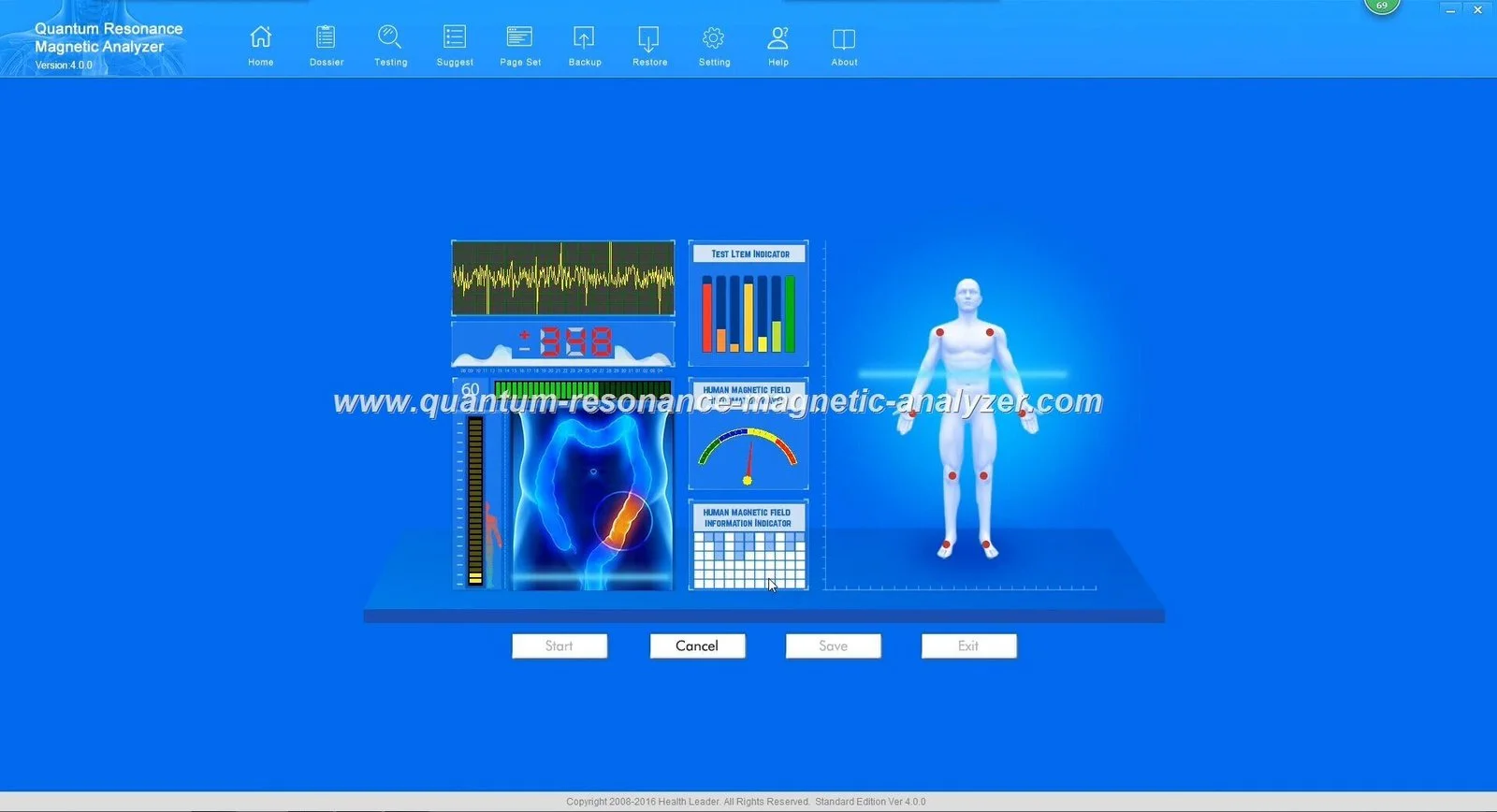
For most small private clinics in Nigeria that need occasional wellness screening, a mini quantum analyzer usually fits best: it saves counter or room space, is easier to move between rooms and supports lower daily throughput with minimal operator training. For multi‑room clinics, dedicated wellness centres or any practice expecting steady daily volumes (many scheduled assessments per day), a desktop unit is the safer choice: it offers a more stable workstation, simpler integration with printers and EMR, and a clearer operator role for repeated sessions. Mobile screening or pharmacy shelf demonstrations favour the mini for portability; high‑throughput programmes favour the desktop for workflow and peripherals. Use the five practical steps later in this article to confirm the decision for your specific venue.
We recommend choosing by how you use the device day-to-day, not by a procurement template. If your clinic runs a handful of wellness checks per day, operates from a small reception or single consulting room, or you need to move the device between rooms or outreach sites, choose a mini unit. If you schedule continuous testing, plan to attach a printer, mount the device on a dedicated stand or desk, or need a single, repeatable workstation operated by trained staff, choose a desktop unit.
Put plainly: pick mini for space and mobility; pick desktop for repeatability and integrated peripherals. The rest of this article explains the trade‑offs and gives a practical checklist to confirm the choice on site.
A mini quantum analyzer is a compact, lighter unit designed to sit on a counter, small table or mobile trolley. It is built for portability and short setup times. Expect simpler cable runs, fewer built‑in peripherals, and a design that prioritises flexibility over permanence.
A desktop quantum analyzer is a larger device intended for a dedicated bench or a fixed stand. It often assumes a stable power and network connection, room for an attached printer and perhaps a monitor, and an operator who conducts repeated sessions from the same place each day.
Common case in Nigeria. You usually need something compact that doesn’t reduce seating or examination space. A mini unit allows quick drop‑in assessments between consultations and can be stored when not in use.
If you expect scheduled screening blocks or a dedicated wellness service, a desktop unit on a fixed station improves throughput and makes training and quality control easier. Consider adding a dedicated room for client privacy.
Where dozens of clients pass through daily, a desktop configuration with a stable desk, external printer and trained operator is preferable; it reduces setup time per session and integrates better with booking and reporting workflows.
Mini units work better when you need to move the device to outreach events, pharmacies or temporary booths. They lower transport weight and set‑up complexity, but plan power and protection for travel.
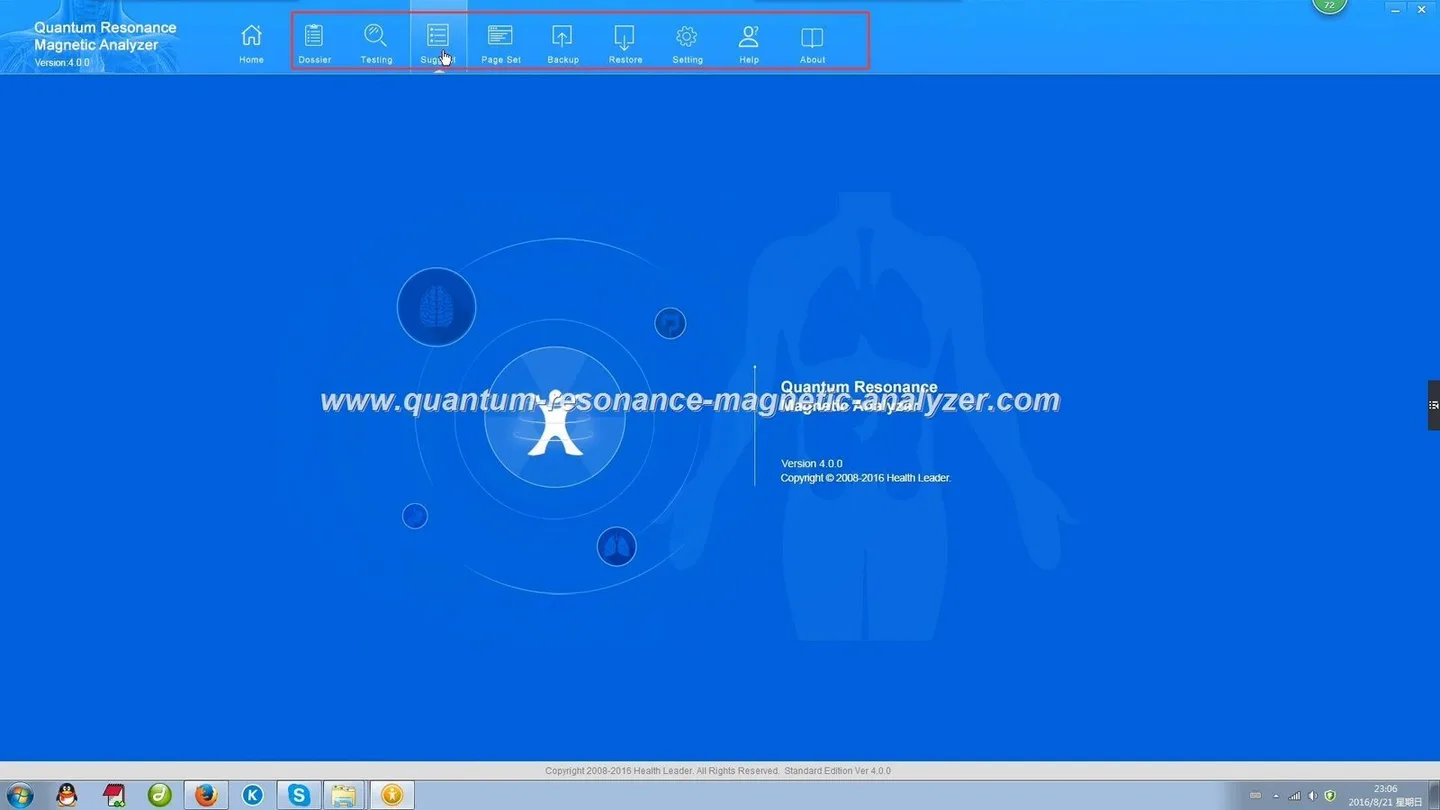
Estimate your daily sessions and the adjacent tasks (consent, sitting, explanation, printing). If sessions are occasional and spread through the day, the mini avoids wasted space. If sessions form blocks (for example, a morning screening clinic), a desktop workstation reduces per‑session non‑productive time (setup, calibration, file transfer) and makes reporting faster.
Minis lower initial integration cost because they need less furniture and wiring. They are ideal if the device serves multiple sites or is shared between practitioners. The limit is that frequent movement increases wear and may complicate cable management, printing and network access. For shared use within a building where the device must be quickly available every day, a desktop is usually cheaper in staff time.
Desktop: plan space for a printer or direct network printing, a stable monitor and a keyboard if you want to capture client notes directly into EMR. Network integration is simpler with a fixed desktop station.
Mini: you may need a compact Bluetooth or USB printer, a tablet or laptop for client records, and a plan for pairing devices each time. If your EMR requires continuous network availability, confirm the mini’s compatibility with your clinic network or bring a tablet that syncs when online.
Desktop installations typically require one‑time setup: fixed cabling, printer pairing and operator training. Maintenance is concentrated on scheduled checks. Minis reduce installation time but may need more frequent basic inspections because of transport. We offer lifetime software upgrades and after‑sales support; discuss a service plan that matches the device mobility and your staffing model.
| Characteristic | Mini unit | Desktop unit |
|---|---|---|
| Clinic fit | Small clinics, mobile outreach, pharmacies | Multi‑room clinics, wellness centres, high throughput |
| Space need | Small counter or trolley | Dedicated bench or stand |
| Average operator role | Occasional operator / front‑desk staff | Dedicated operator or clinician |
| Mobility | High — easy to move | Low — intended to stay in place |
| Peripherals | Portable printer, tablet | Full printer, monitor, EMR integration |
| Best use case | Ad‑hoc screening, home visits, product demos | Daily screening programmes, integrated reporting |
Pricing is available on inquiry; include the checklist above so our response matches your clinic reality.
We are MAIKONG, Nigeria’s local manufacturer of quantum resonance magnetic analyzers. We report CE, ISO 9001 and ISO 13485 declarations for our manufacturing process and offer lifetime free software upgrades; please consider these as our company statements. Our product lines include mini and desktop form factors and multilingual software options. For any purchase, request the exact model name, software version and the training scope in writing so the delivered configuration fits your clinic workflow.
Our product information and certifications are company‑reported. Devices of this type are intended for wellness screening and health management information; they are not a substitute for professional medical diagnosis. You should confirm any regulatory or clinical usage requirements that apply to your facility and obtain client consent and clear explanatory materials when you offer screening. If you need certificates, manuals or technical specifications for a specific model, request them with your quote so you can review the exact documentation before purchase.
Yes, many clinics integrate screening devices into EMR workflows, but the method depends on your EMR system. When requesting a quote, tell us whether you need CSV export, direct API, or manual entry. We will list supported integration options for your chosen model in the quotation.
For clinics with frequent outages we recommend a simple UPS for the desktop workstation to protect open files and ensure consistent software behaviour; for mobile minis, consider portable power options and robust case protection. Include your power profile in the checklist so we can advise the correct accessories.
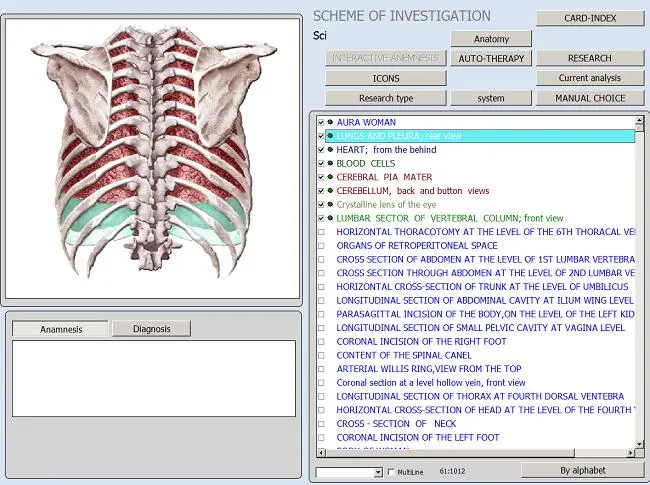
Our devices are intended for wellness screening and health information only; they do not replace medical diagnosis or treatment by a qualified healthcare professional. Always provide clients with clear consent and explanatory materials when offering screening services.
This content is provided for learning, information sharing and professional communication only. It is not medical advice and is not a basis for treatment or diagnosis. Confirm suitability, operation and purchasing requirements against the product manual, local regulations and qualified professional guidance.
When you contact our sales team, include the items below so we provide a clinic‑ready quote rather than a generic price list:
We offer multilingual support and can arrange training in several Nigerian local dialects; specify language needs when you request a quote so we assign the appropriate trainer.
If you want a configuration that fits your clinic, send the checklist above and venue photos to Lucy at lucy@quantumanalyzer.ng or contact our sales team on WhatsApp/phone at +8613510907401. Tell us whether you prefer a mini or desktop form factor and include your preferred training language; we will return a configuration checklist and options for peripherals and service plans so you can compare the real clinic costs.
