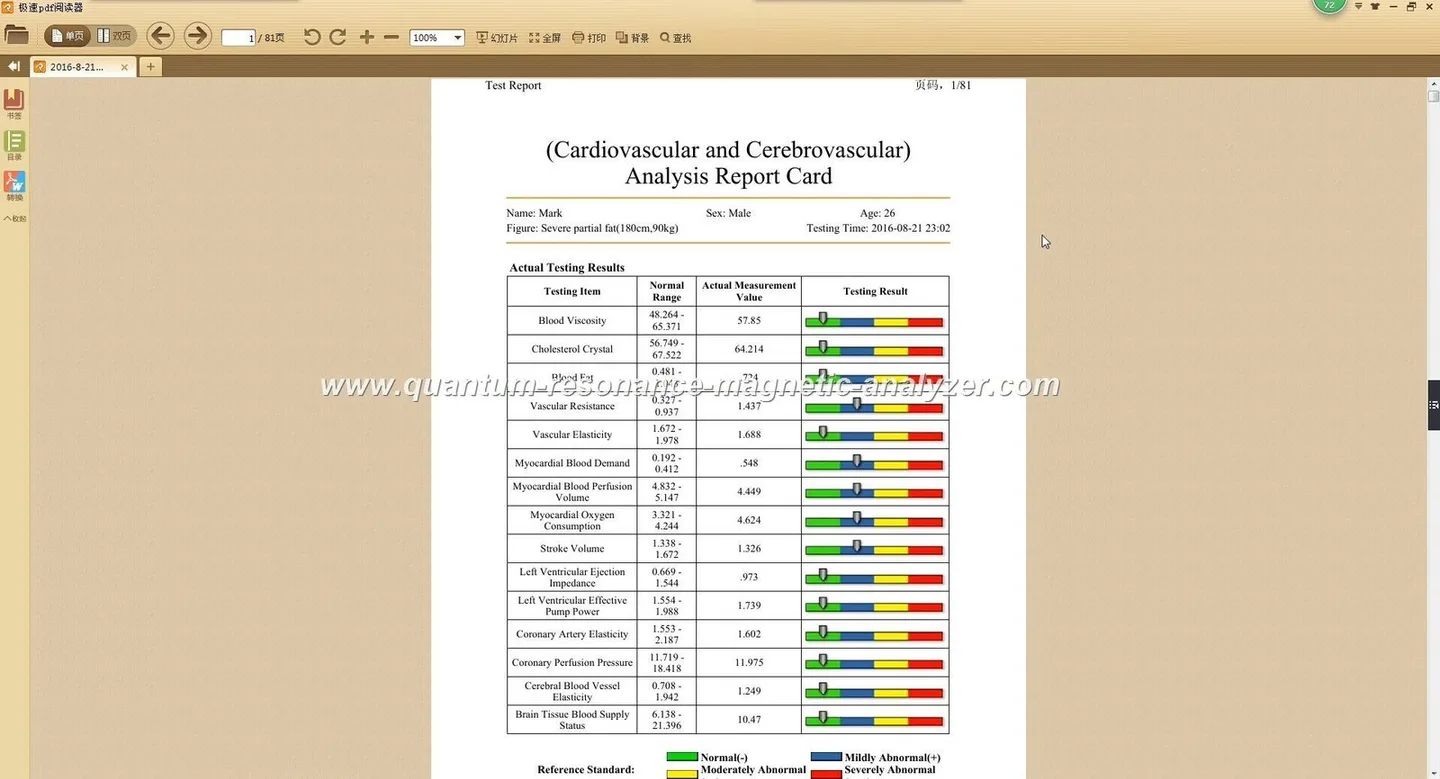
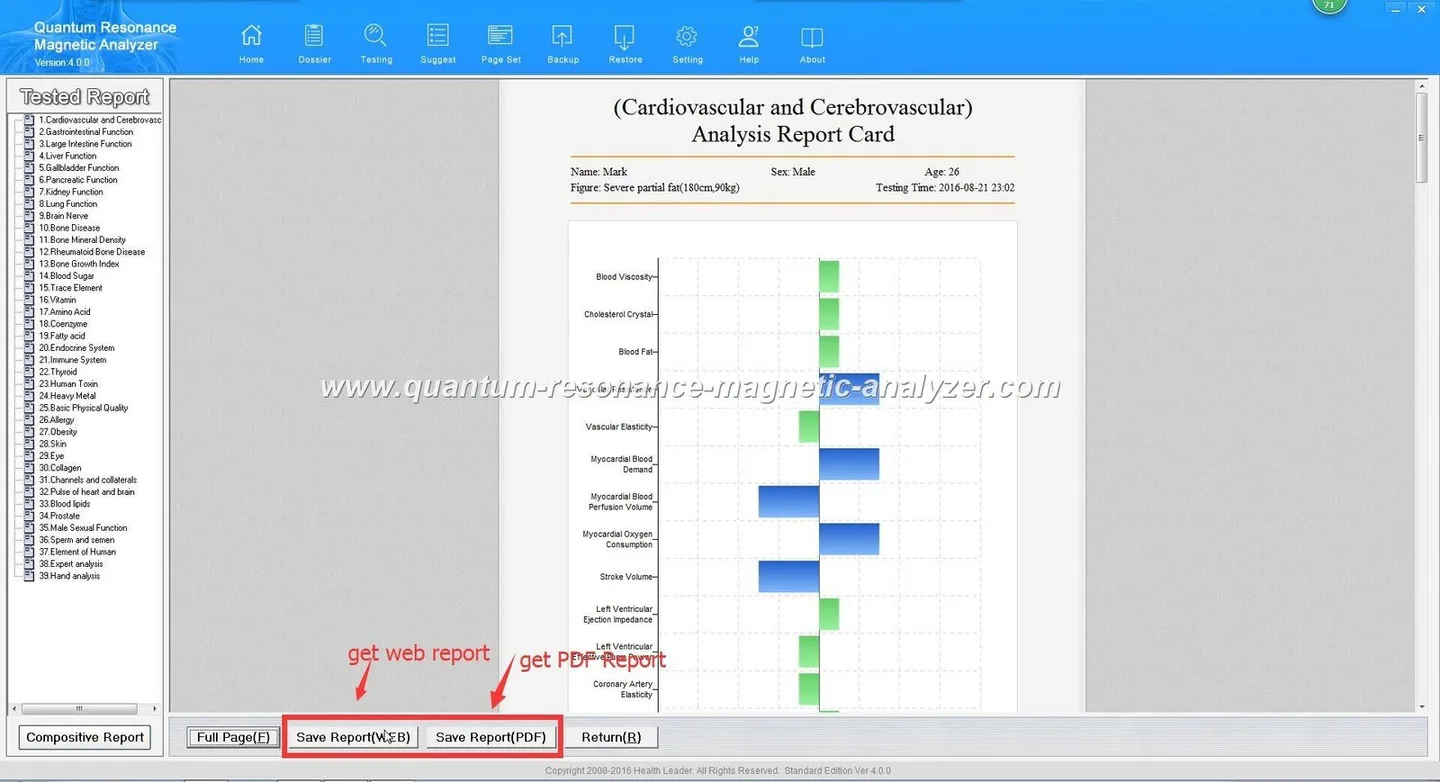
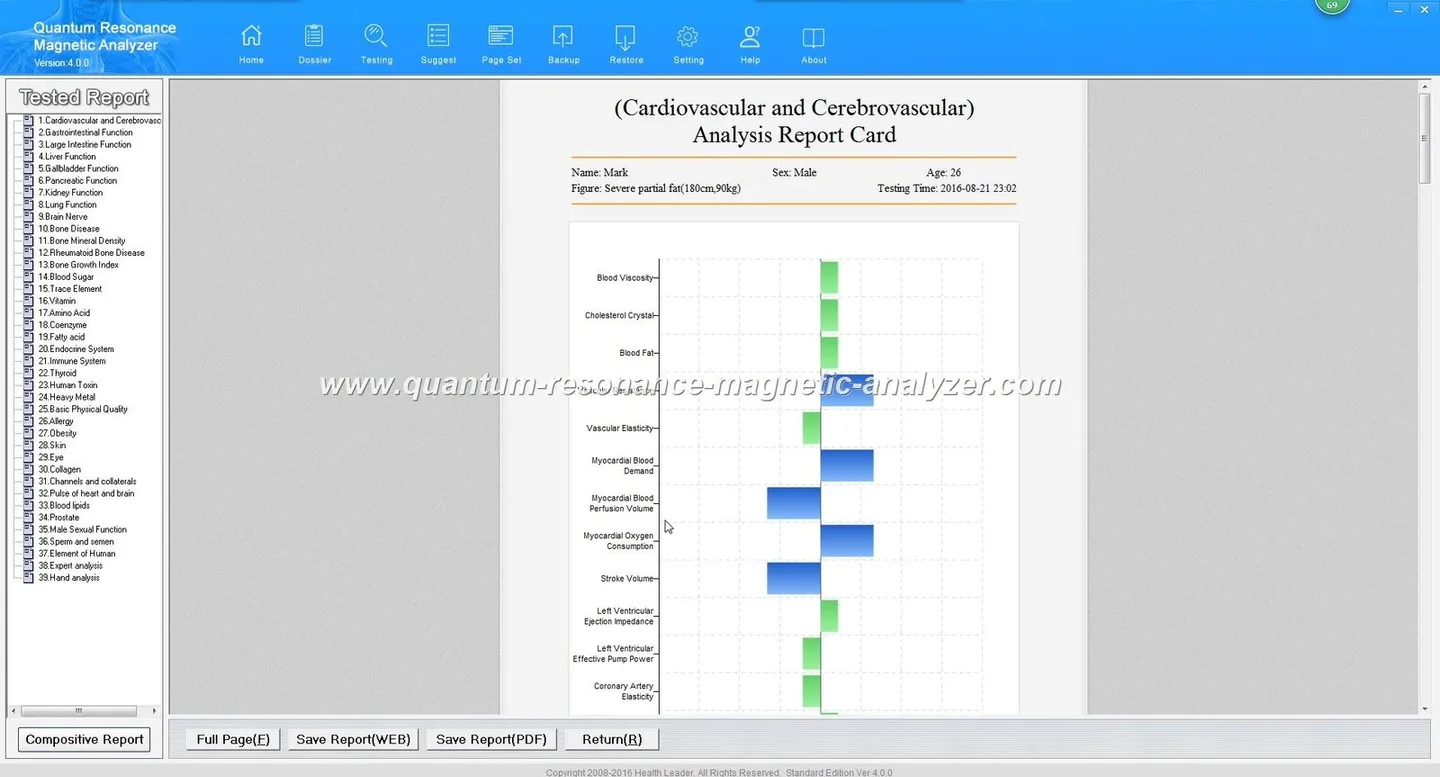
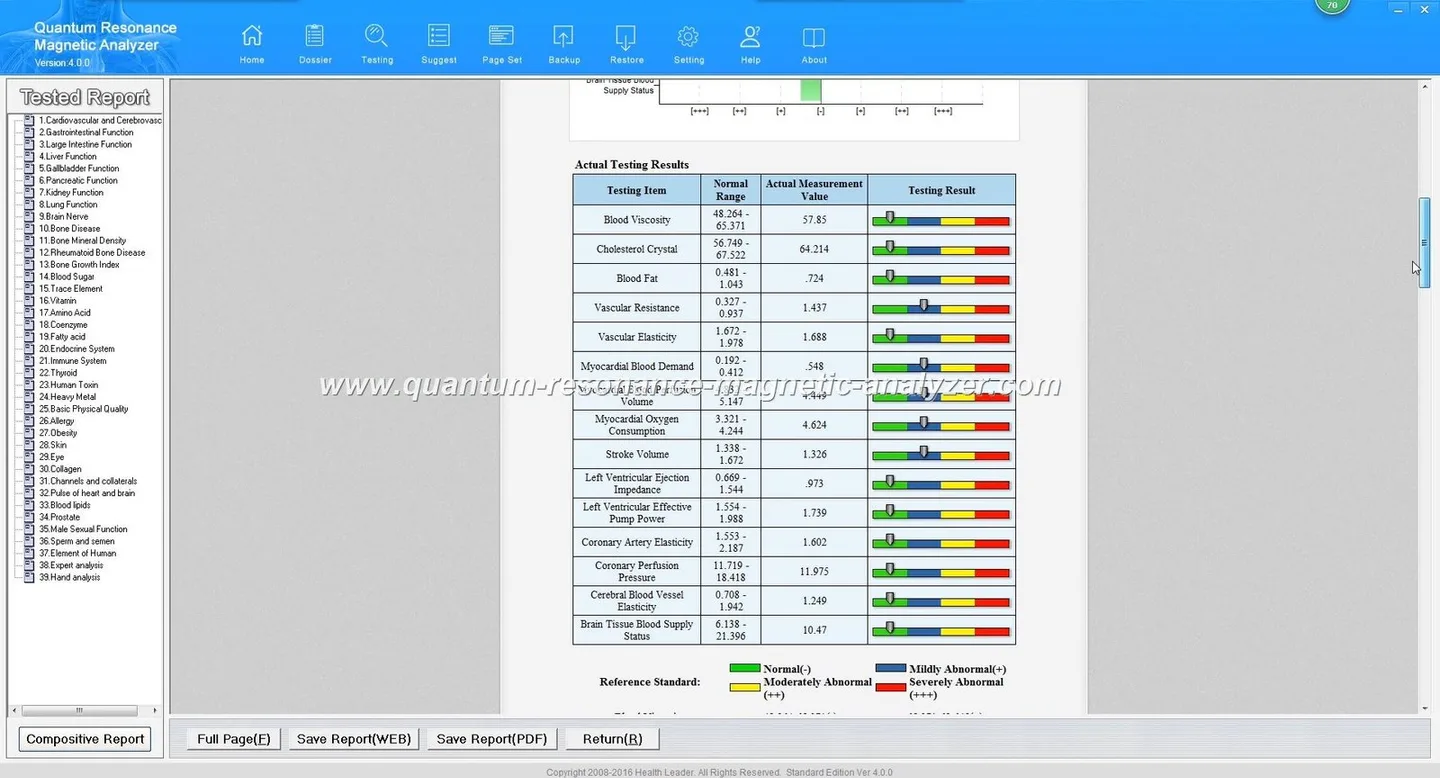
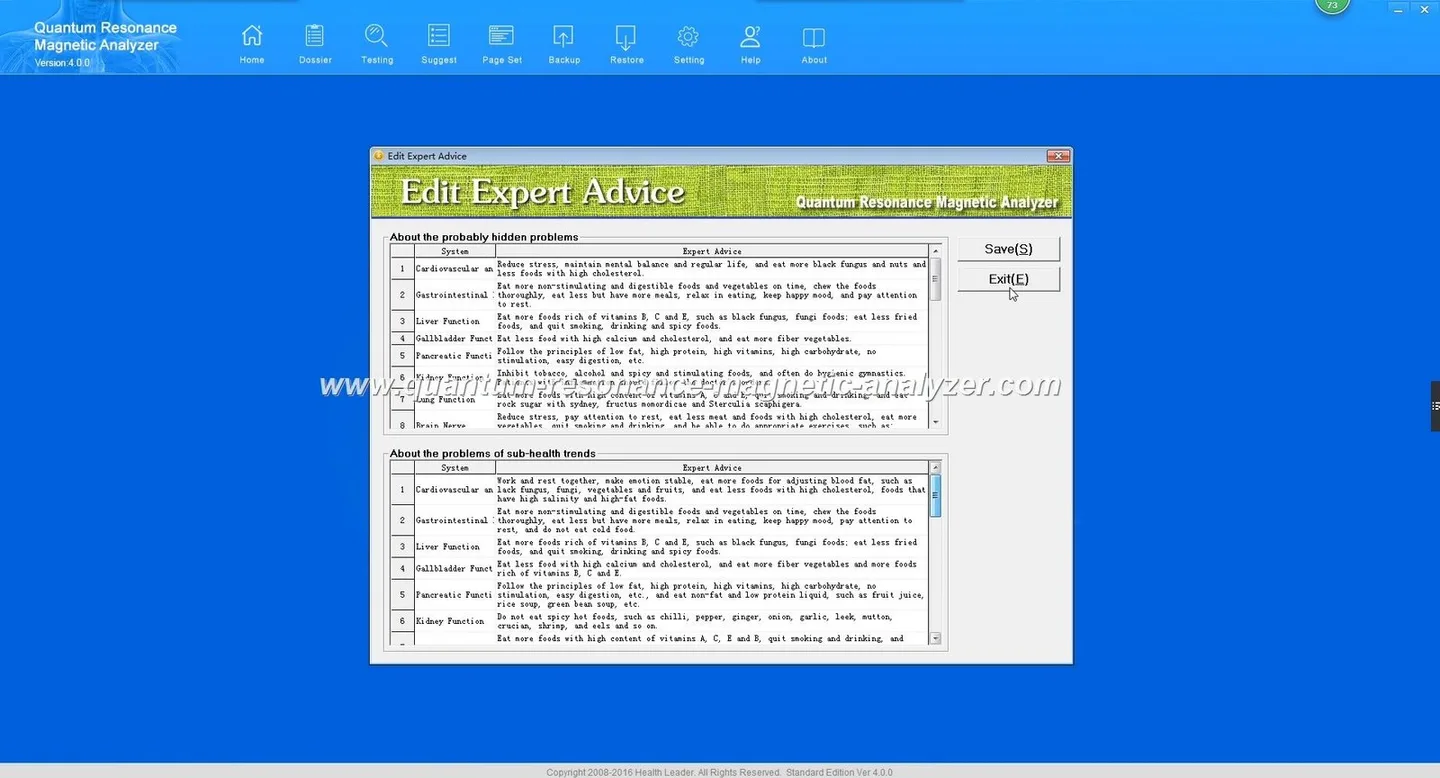
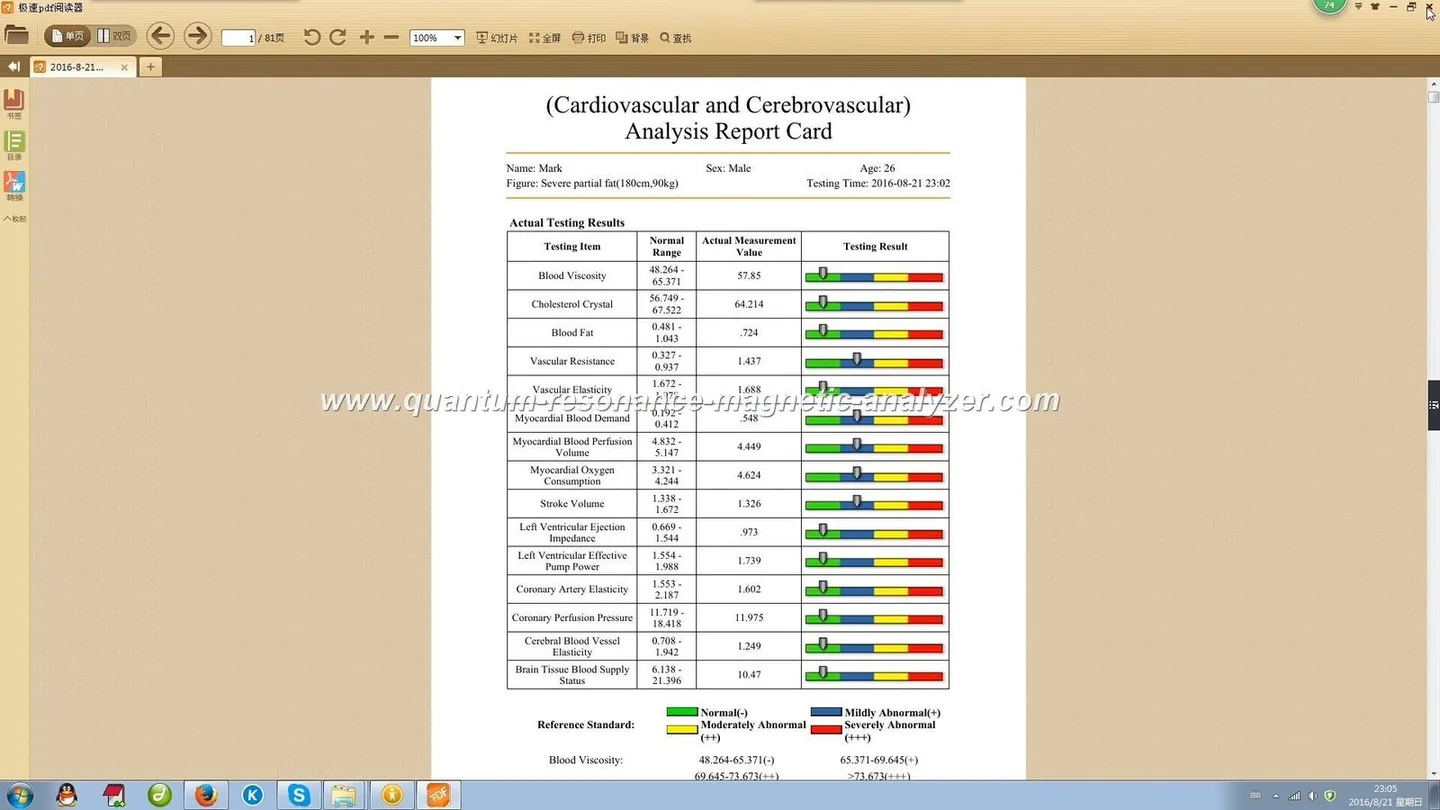
Yes — a wellness centre in Nigeria can use a quantum analysis device such as the Quantum Analyzer MK001 to add a non‑invasive screening and client-engagement option. The immediate value is operational: faster, repeatable screening at reception, structured conversation points during consultations, and a simple numeric report you can track over time. The device is a screening and wellness‑management tool, not a medical diagnostic or a substitute for clinical assessment; confirm software and PC compatibility, power supply arrangements, and the exact demo scope before you buy.
Contents
What we mean by “quantum analysis” in a wellness setting
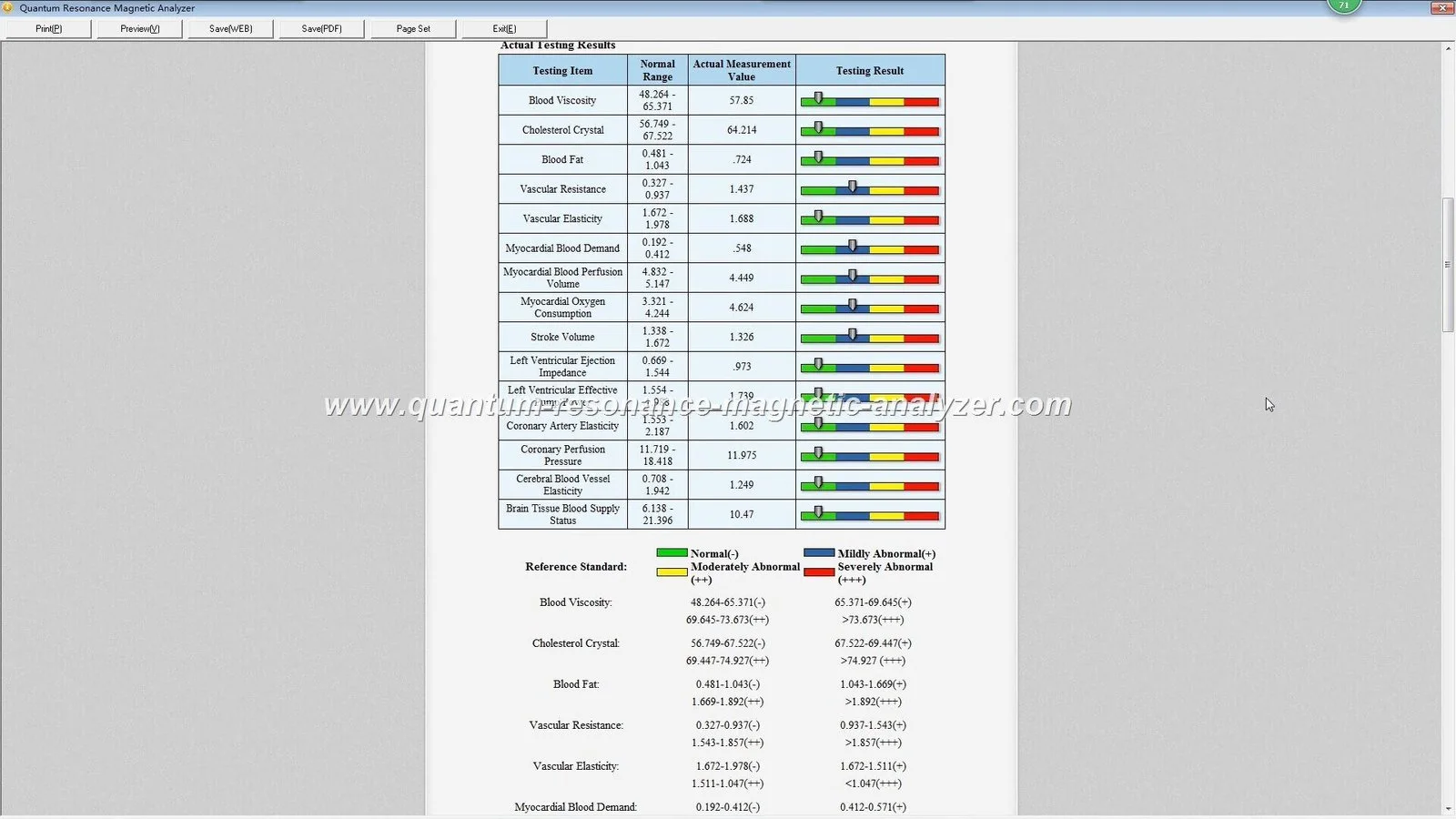
In wellness practice language, “quantum analysis” typically refers to a quantum resonance magnetic analyzer — a compact system that connects a sensor or probe to analysis software and produces a multi‑item health-style report. Centres use these reports as a conversation aid and as a way to record baseline information for nutrition, detox, anti‑aging and general wellness programmes. The technology is presented as non‑invasive and quick: a single session normally takes minutes from setup to printed or on‑screen report.
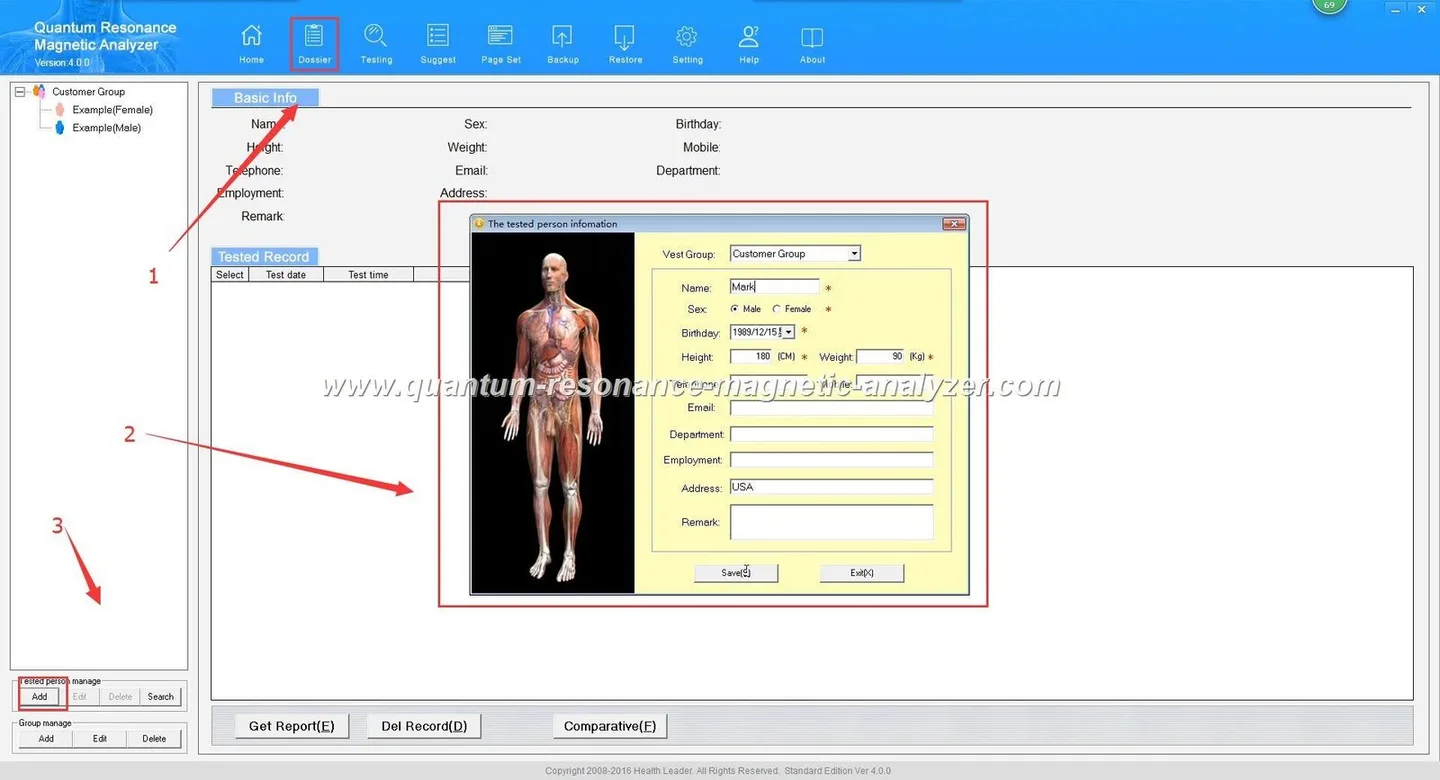
From an operational view, think of it as an engagement and monitoring tool: it helps structure the client intake, suggests wellness areas to explore, and provides repeatable snapshots you can file in a client record.
What the Quantum Analyzer MK001 provides and what to expect from a report
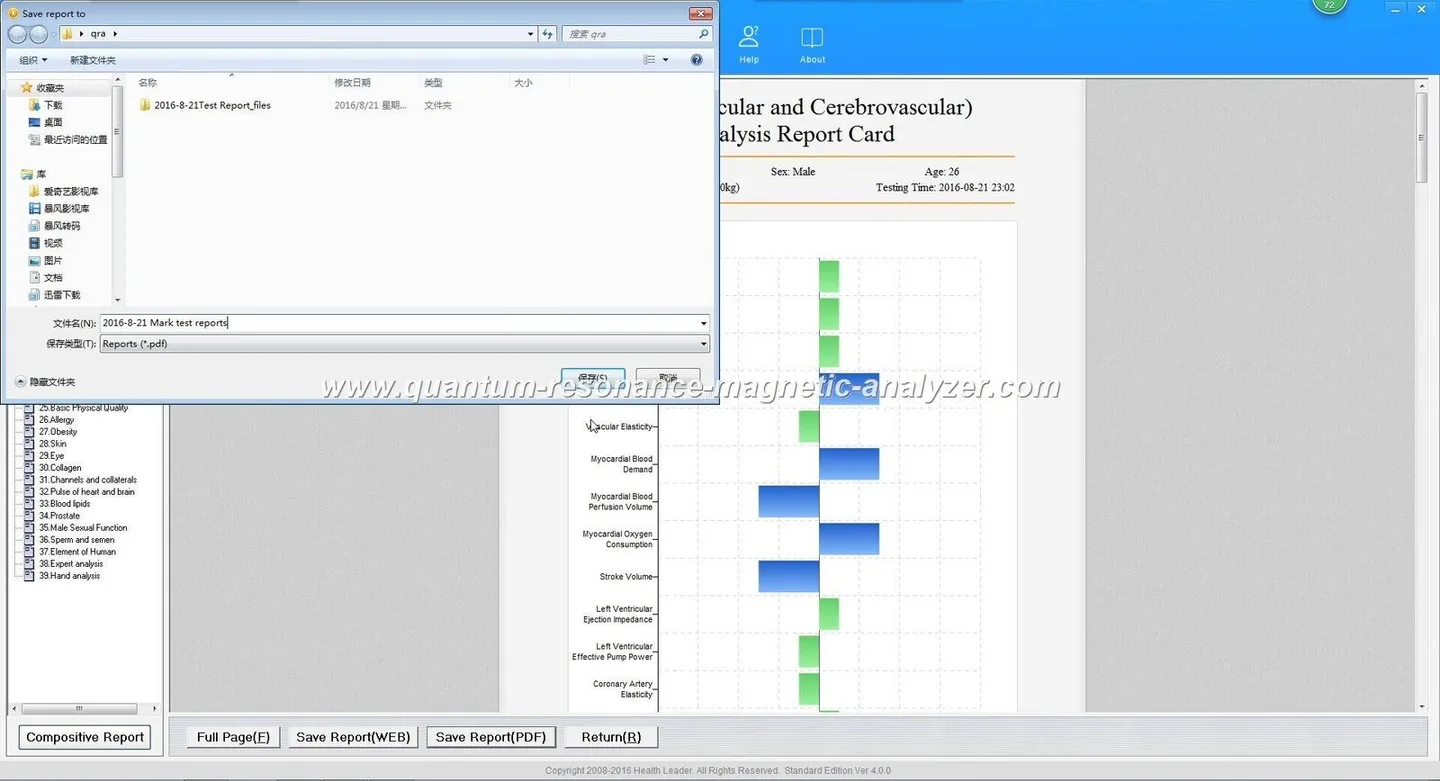
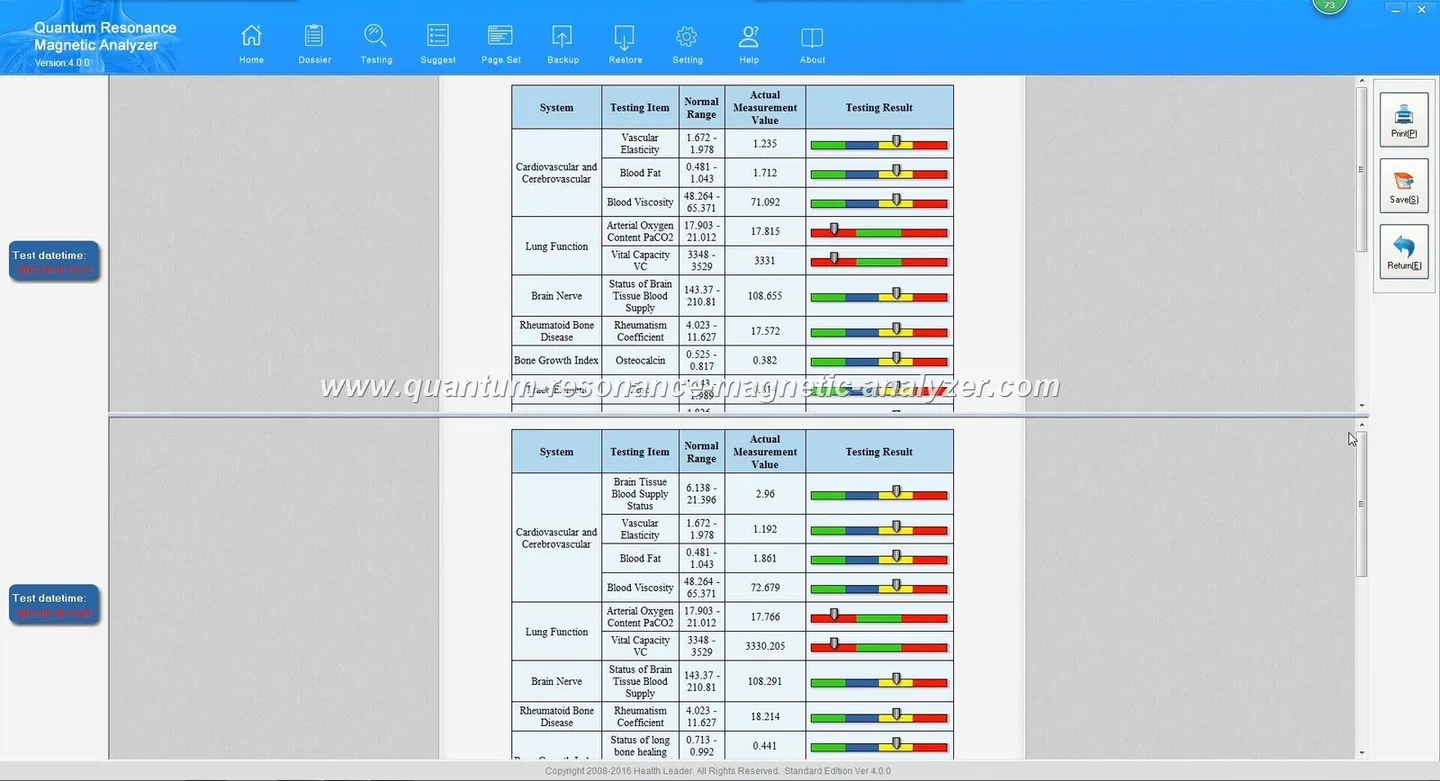
MAIKONG also states that its quantum analyzers produce a 41‑item health report and offers multilingual support across 30+ languages; the company reports 85–90% accuracy for its reports as a self-declared figure. Use these outputs primarily as a wellness screening and client-engagement document rather than as a medical diagnosis.
Practical uses in a Nigerian wellness centre
Here are the common, realistic ways centres use a unit like the MK001:
Reception screening: A quick check as clients arrive can make your intake more consistent and allows staff to flag areas for the consultation (nutrition, sleep, detox, allergies etc.).
Consultations: Use the report to structure a 20–30 minute wellness consult: show baseline values, explain lifestyle interventions, and set measurable follow‑up goals.
Tracking progress: Repeat scans at agreed intervals to record client-reported outcomes alongside the device report. This helps demonstrate value to paying clients when paired with your treatment logs or lab tests.
Marketing and packages: The device can be positioned as part of a “wellness assessment” package — but be transparent about what the device does and does not do.
Trade-offs: the device speeds engagement but does not replace lab work. Some clients will appreciate a structured report; others will expect clinical-style certainty, so staff must manage expectations (see responsible messaging below).
Limits and responsible messaging — what the device can’t and shouldn’t claim in client care
We must be explicit: the MK001 is a wellness screening tool and should not be presented as a medical diagnostic device. It cannot replace laboratory tests, specialist imaging, or clinical evaluation. Claims of diagnosis, treatment, cure, or medical authority are inappropriate.
When you present results, use clear language: the report highlights areas for wellness attention and is intended for health management and educational reference only. When a client needs medical diagnosis or urgent care, refer them to a licensed clinician.
MAIKONG declares ISO 9001, CE and ISO 13485 in its company profile; this is a manufacturer statement about processes and standards and not a substitute for local regulatory clearance where that is required.
Operational requirements you must confirm before a demo
Before scheduling an on‑site demo, confirm all of the following with the supplier and your IT/electrical team:
Software and OS compatibility: The device uses “Quantum Analyzer Software” (2026) and is stated to support “Window xp/7/8/10/11”. Confirm whether the installer supports 64‑bit Windows 10/11 and whether any legacy drivers are required; ask for an installer package and a system requirements sheet.
PC and peripherals: Ask for minimum CPU, RAM, storage and recommended display resolution. The supplied materials do not list minimum PC specs, so this must be requested.
Power and adapters: Confirm the unit’s required voltage, plug type and any external power supplies. The supplier material does not include Nigeria‑specific electrical guidance — arrange local adapter or UPS advice from your electrician.
Network and data export: Check whether reports store locally, print directly, or export to CSV/PDF/EMR. If you need client records integrated into your practice management system, ask for export formats and API or manual workflow options.
Language and report layout: MAIKONG reports multilingual support; confirm which Nigerian languages or English variants are available for the demo and printed report.
Training and warranty: Verify on‑site or remote training scope, and the 1 Year warranty terms listed by the supplier.
How to integrate quantum analysis into your client workflow — three steps
Define the use case: Decide whether the device is primarily for reception screening, consultation support, or progress tracking. This determines where in your client flow the device sits and who will be trained to operate it.
Set staff scripts and consent: Prepare a short client consent form and a 60–90 second script that explains what the scan does and does not say. Train staff to avoid clinical claims and to highlight the report as a wellness management aid.
Map follow‑up: Create a simple follow‑up plan tied to report categories (e.g., nutrition review, sleep coaching, detox support). Use the device’s repeat scans as one of several outcome measures — combine with client diaries or lab results where appropriate.
Common questions clients will ask and short answers to prepare staff
How accurate is it? We use the report as a screening and tracking aid. The manufacturer reports a high degree of internal consistency, but you should rely on clinical tests for medical decisions.
Does it hurt? It’s non‑invasive and painless.
Will my insurance cover it? Coverage varies. We treat it as a paid wellness service; clients should check with their insurer if needed.
What to ask the supplier before you invite a demo — practical checklist
Use this checklist when you contact the supplier or distributor. Ask for written answers where possible.
Confirm model: Quantum Analyzer MK001 and the exact software build to be shown.
Request the “Quantum Analyzer Software” (2026) installer and a minimum PC specification sheet.
Confirm supported operating systems: the supplier lists “Window xp/7/8/10/11” — ask whether Windows 10/11 64‑bit is fully supported.
Request demo report samples in English and any local language versions you need.
Confirm training scope and whether it is included in the demo or quotation.
Ask for the warranty terms (the supplier lists 1 Year) and what is covered under warranty.
Check logistics: lead time (supplier lists 2–3 Days), shipping to Nigeria, customs, and return policy.
Ask for data export formats and whether client data can be deleted on request.
Request pricing and whether local distributor support or spare parts stock is available. Pricing is provided on inquiry.
Supplier contact and next step
If you want a demo configured for your centre, we recommend you request a demo that shows your actual workflow (reception to consult to follow‑up). Ask the supplier to run a patient‑flow simulation for one client, with printed reports.
Contact MAIKONG sales to request a demo, get a configuration quote or ask for the software installer and system requirements:
For technical reading, MAIKONG also publishes software and report resources on its site; start with their Quantum Resonance Magnetic Analyzer Software page to check installer notes and language options.
Evidence notes and practical limitations
We used the supplier’s product record for the MK001 (Quantum Analyzer MK001) and MAIKONG’s company description for capabilities such as multilingual support and declared certifications. These are supplier‑reported facts. Several operational details are absent from the provided materials — notably minimum PC hardware, exact electrical input requirements for Nigerian power systems, and local regulatory clearance. Confirm those items before purchase.
Short localized disclaimer
This information is provided for wellness management and educational reference only; the Quantum Analyzer MK001 is not a substitute for professional medical diagnosis, treatment, or emergency care.
This content is provided for learning, information sharing and professional communication only. It is not medical advice and is not a basis for treatment or diagnosis. Confirm suitability, operation and purchasing requirements against the product manual, local regulations and qualified professional guidance.
quantum resonance magnetic analyzer software Reports (3).JPGquantum resonance magnetic analyzer software Reports (4).JPGquantum resonance magnetic analyzer software Reports (5).JPGquantum resonance magnetic analyzer software Reports (6).JPGquantum resonance magnetic analyzer software Reports (7).JPGquantum resonance magnetic analyzer software Reports (8).JPGquantum resonance magnetic analyzer software Reports (9).JPGquantum resonance magnetic analyzer software Reports (10).JPGquantum resonance magnetic analyzer software.JPGquantum resonance magnetic analyzer software Reports (2).JPG