How to Replace or Update Quantum Analyzer Software Keys and Activation Codes
February 5, 2026
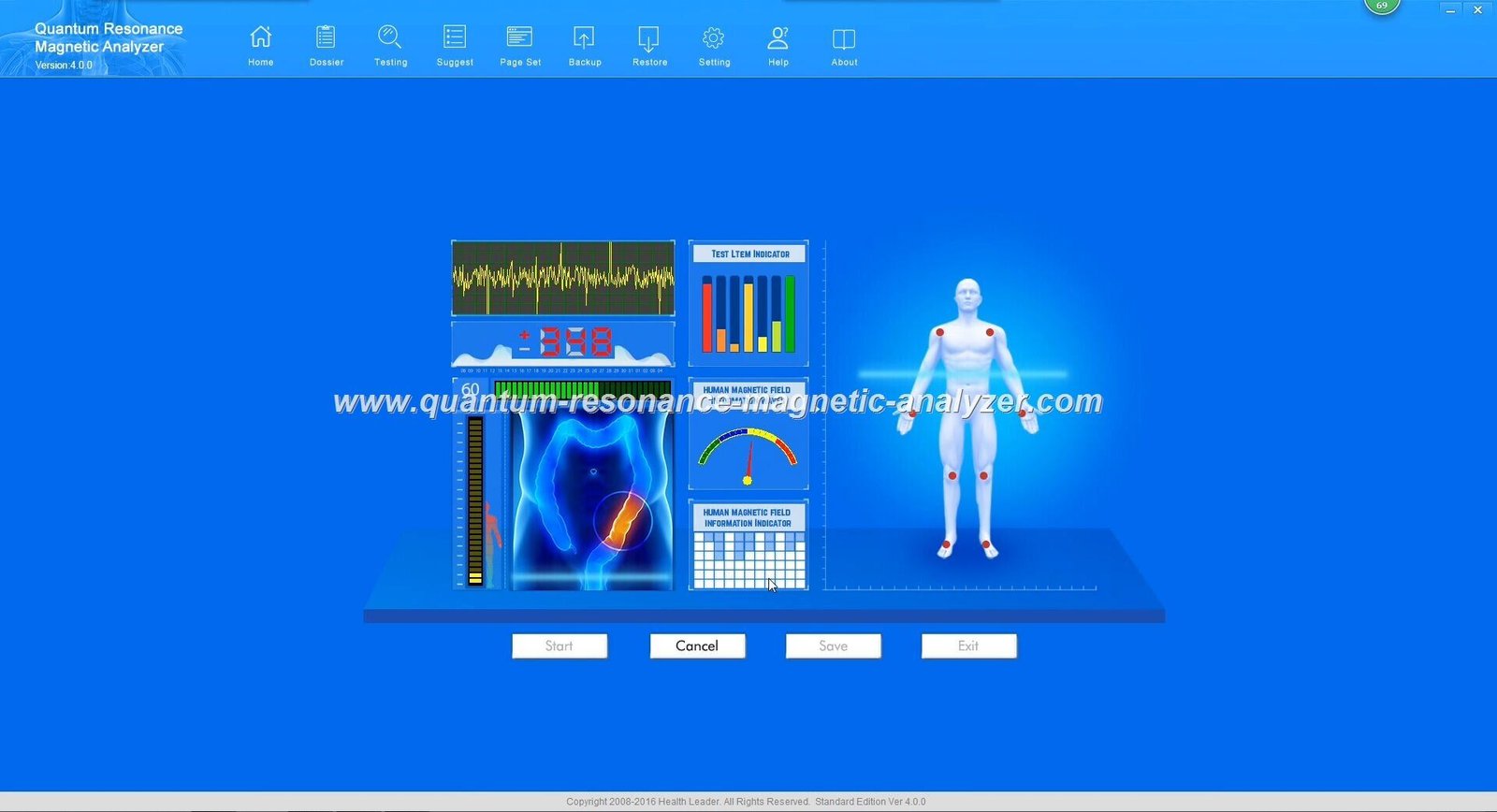
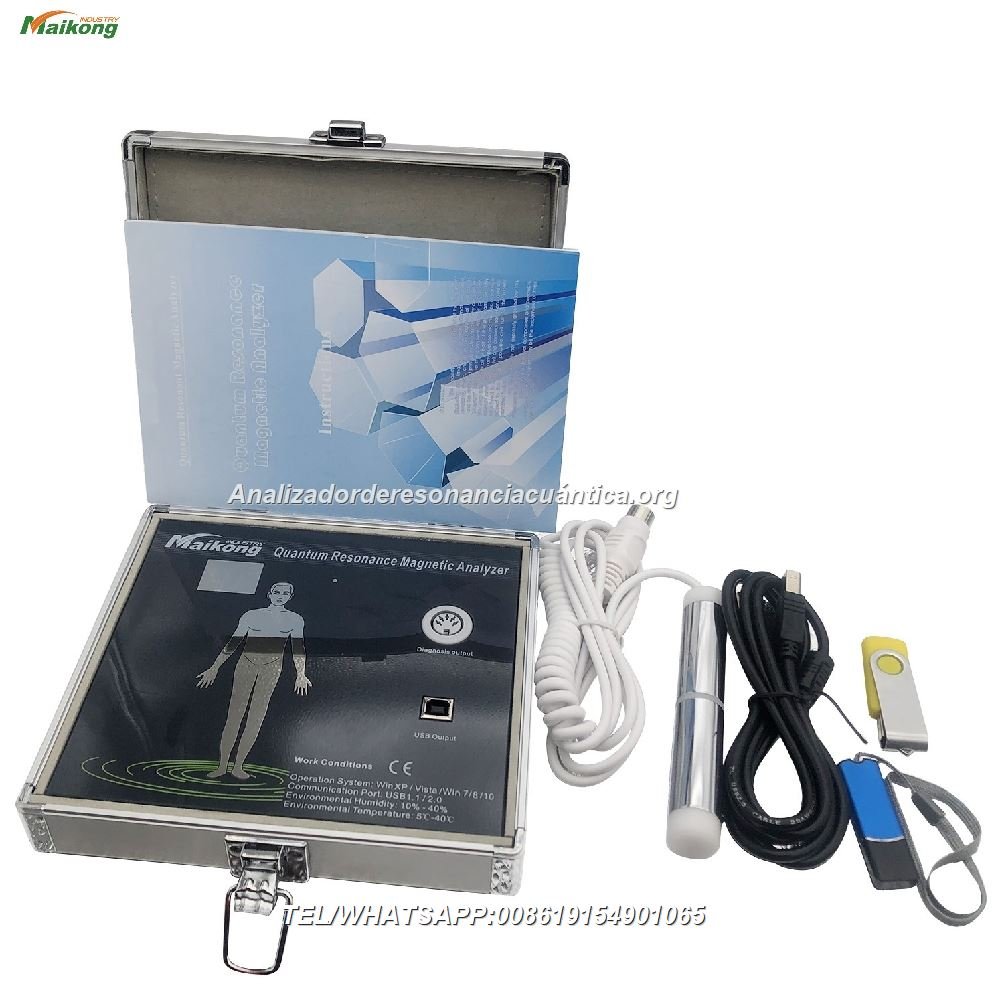
Managing your Quantum Analyzer Software effectively requires proper handling of software keys and activation codes. As Nigeria’s leading provider of quantum health analysis technology, MAIKONG understands the critical importance of maintaining properly licensed, up-to-date software for your quantum resonance magnetic analyzer. This comprehensive guide will walk you through the process of replacing or updating your software keys, ensuring your device continues to deliver accurate health assessments for your clients.
The Importance of Genuine Quantum Analyzer Software
Using authentic MAIKONG Quantum Analyzer Software is essential for several reasons:
Ensures accurate health analysis results for your patients
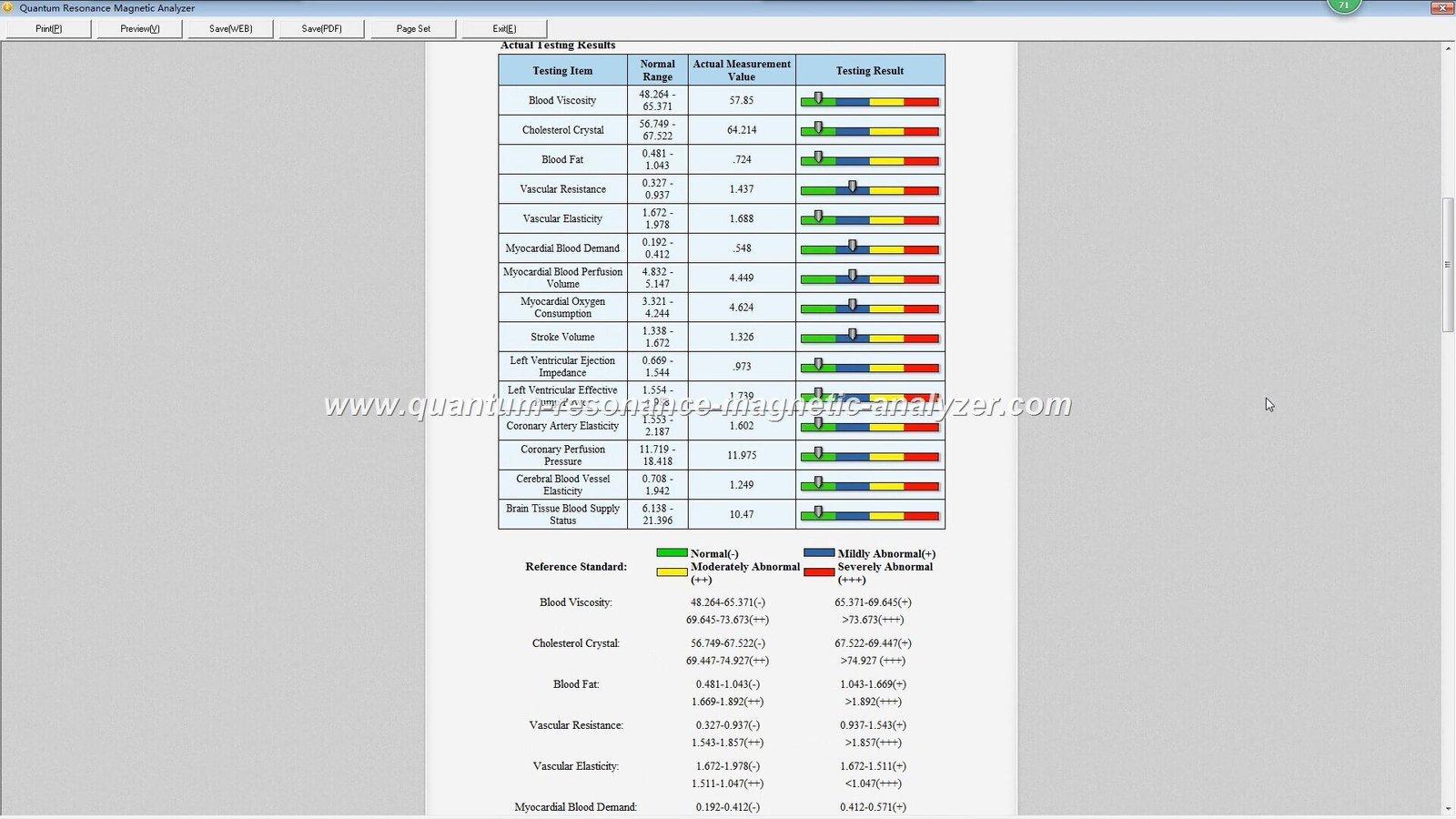
Provides access to all 54 comprehensive health reports
Maintains compatibility with the latest operating systems
Includes regular updates with improved features
Protects your device from potential damage
Preserves your warranty coverage
Offers access to official technical support
Unauthorized or counterfeit software can compromise the accuracy of health assessments, potentially leading to incorrect diagnoses and damaging your professional reputation. Additionally, using unofficial software voids your warranty and may permanently damage your analyzer device.
Need Immediate Assistance?
Our technical team is available to help with any software activation issues.
Before diving into the update process, it’s important to understand how the MAIKONG Quantum Analyzer Software licensing system works:
Hardware Code
Each Quantum Analyzer device generates a unique hardware code based on its internal components. This code is used to create your specific activation key, ensuring the software only works with your genuine MAIKONG device.
Activation Key
The activation key is a unique alphanumeric code provided by MAIKONG that unlocks your software. This key is linked to your specific hardware code and cannot be transferred to other devices.
When You Need to Update Your Software Key
After upgrading to a new version of the Quantum Analyzer Software
When moving the software to a different computer
If you receive an “Invalid Key” or “Activation Failed” error
After system changes that affect your hardware configuration
When your temporary activation period expires
Regular software updates ensure you have access to the latest features and health assessment algorithms. MAIKONG provides lifetime software updates for all registered devices, making it essential to maintain your official activation status.
The MAIKONG Quantum Analyzer Software is compatible with Windows operating systems only. It does not support Android, Apple macOS, Linux, or Unix systems.
Requirement
Minimum Specification
Recommended Specification
Operating System
Windows 7
Windows 10/11
Processor
1.5 GHz Dual Core
2.0 GHz Quad Core or better
RAM
2 GB
4 GB or more
Hard Drive Space
500 MB
1 GB or more
USB Port
USB 2.0
USB 3.0
Display Resolution
1280 x 720
1920 x 1080 or higher
Before You Begin
Ensure your computer meets the system requirements
Close all other applications to prevent interference
Connect your Quantum Analyzer device to the computer
Have your device purchase information ready
Make sure you have a stable internet connection
Temporarily disable antivirus software during installation
Important: Some antivirus programs may flag the Quantum Analyzer Software during installation due to the specialized drivers it uses. This is a false positive. Temporarily disable your antivirus during installation, then re-enable it afterward.
If you need assistance with preparing your system, our technical support team is available to guide you through the process. Contact us via WhatsApp or email at Lucy@quantumanalyzer.ng.
Step-by-Step Guide to Update Your Quantum Analyzer Software Key
Method 1: Updating an Existing Installation
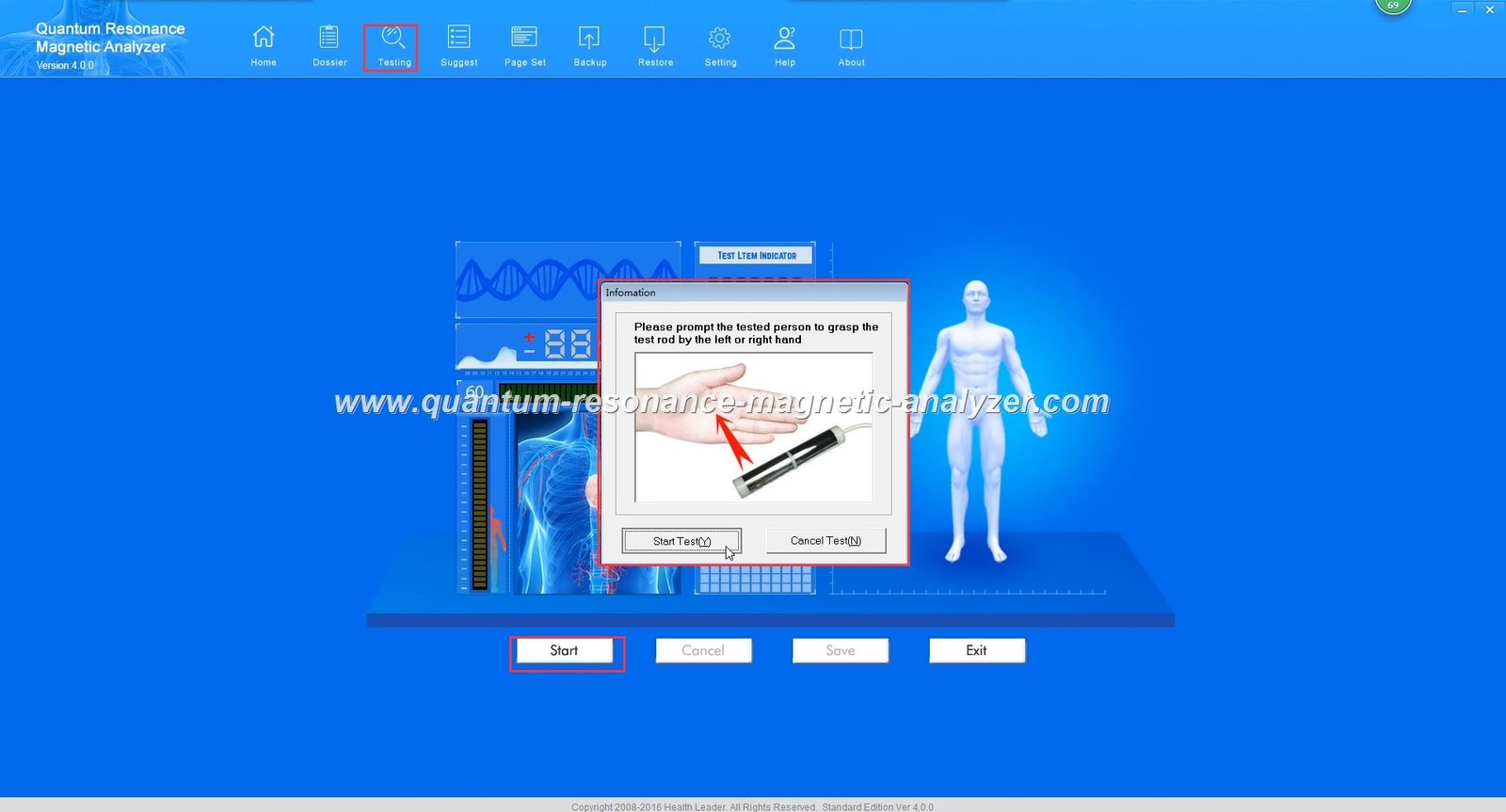
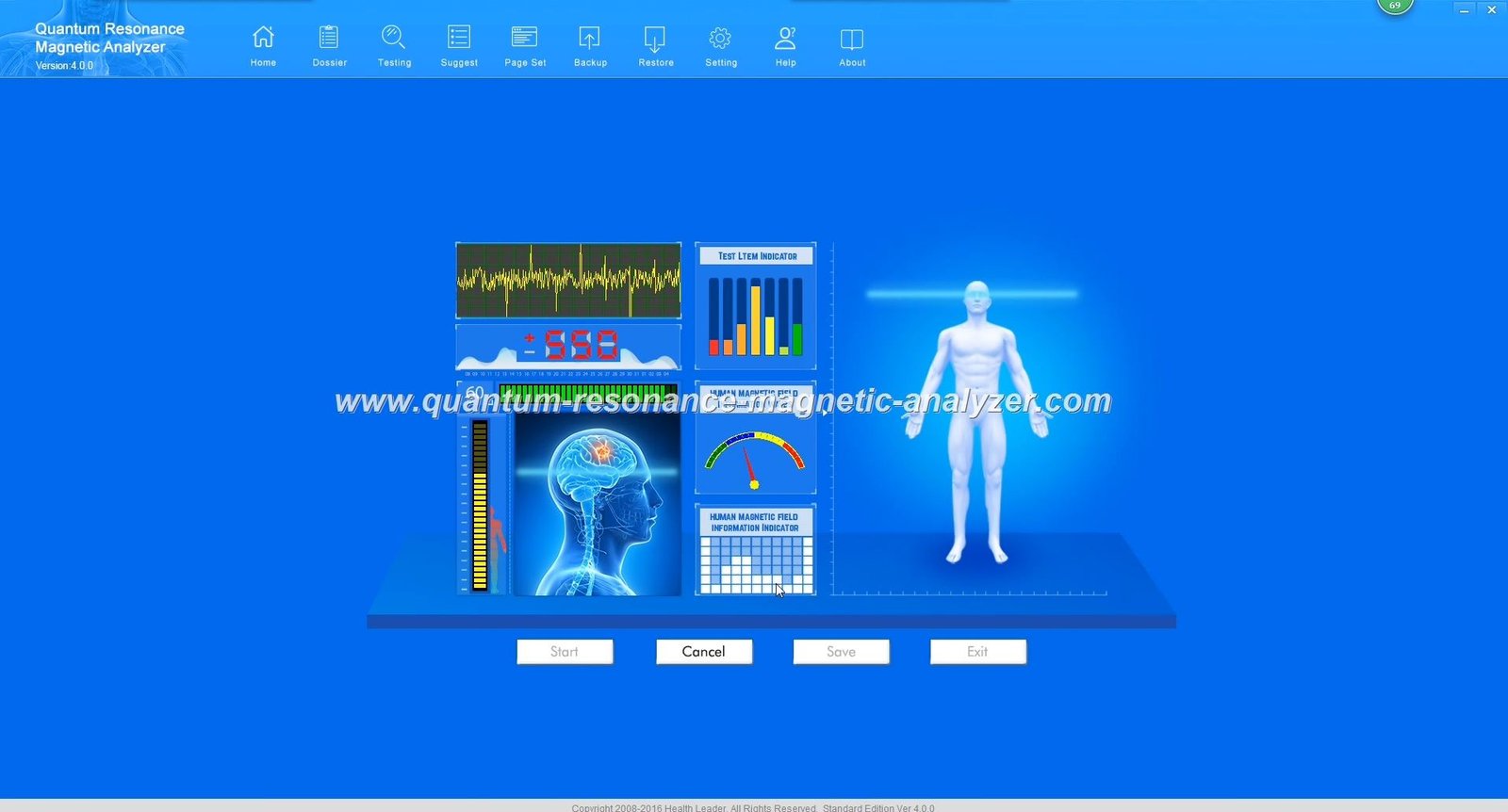
Launch your Quantum Analyzer SoftwareOpen the software by double-clicking the desktop icon or finding it in your Start menu.
Access the Help MenuClick on “Help” in the top menu bar, then select “About” or “Registration” (depending on your software version).
Locate Your Hardware CodeIn the registration window, you’ll see your unique Hardware Code. Copy this code exactly as it appears.
Contact MAIKONG SupportSend your Hardware Code to MAIKONG via WhatsApp or email at Lucy@quantumanalyzer.ng, along with your device serial number and purchase information.
Enter Your New Activation KeyOnce you receive your new activation key from MAIKONG, return to the registration window and enter it exactly as provided.
Verify ActivationClick “Activate” or “Register” and wait for confirmation that your software has been successfully activated.
Restart the SoftwareClose and reopen the Quantum Analyzer Software to ensure all features are properly activated.
Method 2: Fresh Installation with New Key
Download the Latest SoftwareVisit our Software download page to get the latest version of the Quantum Analyzer Software.
Uninstall Previous Version (if applicable)Before installing the new version, uninstall any previous versions through Windows Control Panel > Programs > Uninstall a Program.
Run the Installation WizardDouble-click the downloaded installation file and follow the on-screen instructions to install the software.
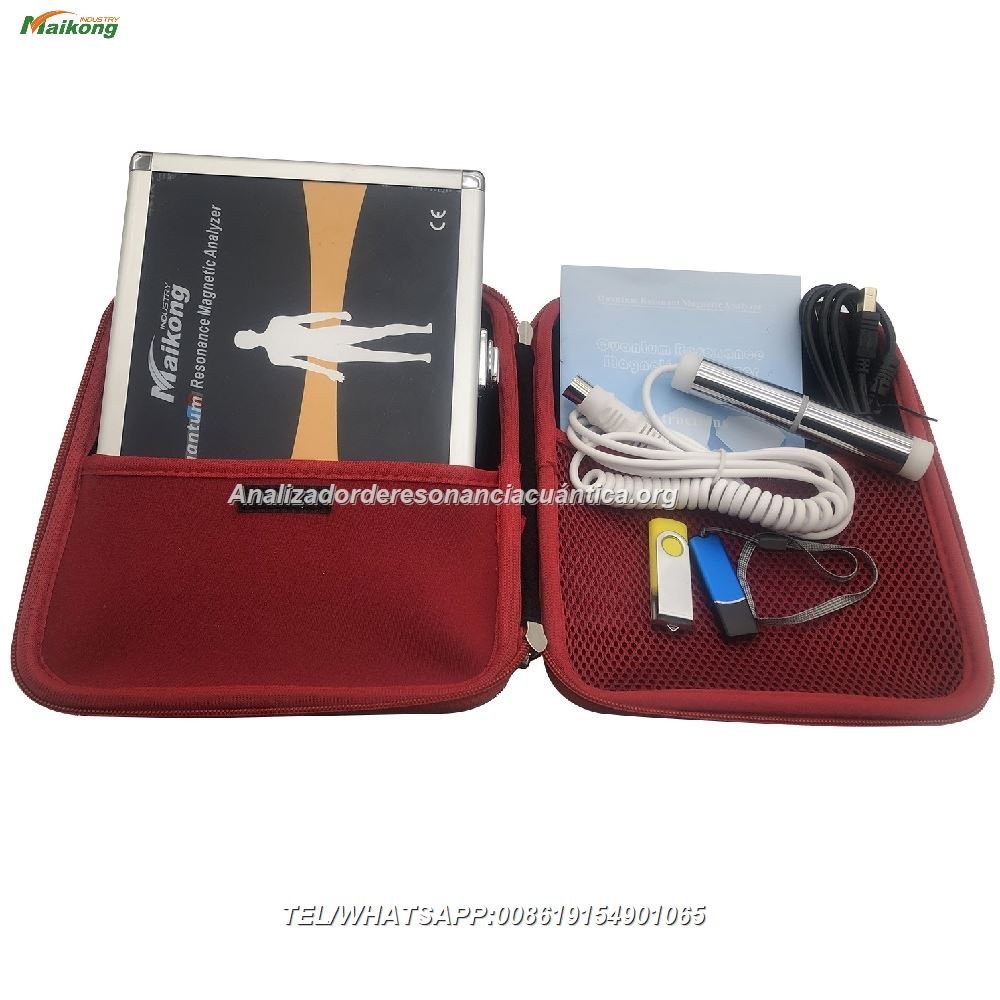
Connect Your DeviceConnect your Quantum Analyzer device to your computer using the provided USB cable.
Insert the Encryption KeyInsert the blue USB encryption key that came with your device. Learn more about the Encryption Lock.
Launch the SoftwareOpen the newly installed software. It will prompt you for activation.
Record Your Hardware CodeCopy the Hardware Code displayed in the activation window.
Request a New Activation KeyContact MAIKONG with your Hardware Code and device information to receive your activation key.
Complete ActivationEnter the provided activation key and click “Activate” to complete the process.
Need Technical Support?
Our team is ready to assist you with any installation or activation issues.
Troubleshooting Common Quantum Analyzer Software Key Issues
Common Error Messages and Solutions
“Invalid Key” or “Activation Failed” Error
Possible Causes:
Incorrect key entry (check for typos)
Key does not match your hardware code
Software version mismatch
Solutions:
Verify you’ve entered the key exactly as provided (including dashes and capitalization)
Ensure you’re using the key with the correct hardware code
Contact MAIKONG for a new key specific to your current software version
“Hardware Not Detected” Error
Possible Causes:
Device not properly connected
USB driver issues
Encryption key not inserted
Solutions:
Ensure both the device and encryption key are properly connected
Try different USB ports on your computer
Reinstall the device drivers from the installation package
Restart your computer and try again
“Hardware Mismatch” Error
Possible Causes:
Using a key from a different device
Hardware configuration changes on your computer
Damaged device components
Solutions:
Verify you’re using the correct device with its matching encryption key
Contact MAIKONG support for a new key that matches your current hardware
If your device is damaged, you may need repair services
“Expired Trial” or “License Expired” Message
Possible Causes:
Temporary activation period has ended
Software clock manipulation detected
Solutions:
Contact MAIKONG to purchase a permanent activation key
Verify your system date and time are correct
If you’ve already purchased a permanent license, contact support for assistance
Advanced Troubleshooting Tips
Run as Administrator: Right-click the software icon and select “Run as Administrator” to ensure proper permissions.
Check Windows Firewall: Make sure the software is not being blocked by your firewall settings.
Verify Hardware Connections: Ensure all cables are securely connected and the device is powered on.
System Restore: If issues began after a system update, consider using Windows System Restore to revert to a previous working state.
Clean Installation: As a last resort, completely uninstall the software, restart your computer, and perform a fresh installation.
If you continue to experience issues after trying these solutions, please contact our technical support team for personalized assistance. We’re committed to ensuring your MAIKONG Quantum Analyzer functions properly.
Still Having Issues?
Our technical experts can provide remote assistance to resolve complex software problems.
Why Choose MAIKONG for Your Quantum Analyzer Software Needs
Benefits of Official MAIKONG Software
Free lifetime software updates for registered devices
Multi-language support with over 20 language options
Comprehensive 54 health reports with detailed analysis
Dedicated technical support for Nigerian customers
Regular feature enhancements and improvements
Compatibility with the latest Windows operating systems
Secure patient data management
Risks of Unofficial Software
Inaccurate health assessment results
No technical support or troubleshooting assistance
Potential damage to your Quantum Analyzer device
Void manufacturer warranty
Security vulnerabilities and data privacy risks
Missing features and health reports
No access to software updates
MAIKONG Support for Nigerian Customers
As Nigeria’s leading provider of Quantum Health Analyzers, MAIKONG offers specialized support for our Nigerian customers:
Local technical support team familiar with Nigerian market needs
WhatsApp support for instant assistance
Comprehensive Manual Download resources in multiple languages
Training sessions for new users and clinic staff
Business development support for healthcare practitioners
Our commitment to Nigerian healthcare professionals extends beyond selling devices. We provide ongoing support to help you maximize the benefits of your Quantum Analyzer investment and grow your practice.
Are you interested in representing MAIKONG’s cutting-edge health technology in Nigeria? We’re seeking dedicated partners to join our growing network of authorized agents.
Benefits of Becoming a MAIKONG Agent
Business Advantages
Exclusive territory rights
Competitive pricing and margins
Marketing and sales support
Technical training and certification
Technical Support
Priority software updates
Direct access to technical team
Advanced troubleshooting training
Demo units for client presentations
As a MAIKONG agent, you’ll receive comprehensive training on all aspects of the Quantum Analyzer technology, including software installation, key management, and technical troubleshooting. This knowledge will enable you to provide exceptional service to your clients.
Interested in Becoming an Agent?
Contact us today to discuss partnership opportunities in Nigeria.
Conclusion: Ensuring Optimal Performance of Your Quantum Analyzer Software
Properly managing your Quantum Analyzer Software keys and activation codes is essential for maintaining the accuracy and reliability of your health assessment device. By following the guidelines in this comprehensive guide, you can ensure your MAIKONG Quantum Analyzer continues to provide valuable health insights for your clients.
Remember that using genuine MAIKONG software not only protects your investment but also guarantees the most accurate health assessment results. Our dedicated support team is always available to assist with any software-related issues you may encounter.
Need Assistance with Your Quantum Analyzer?
Our team is ready to help with any questions about software keys, activation, or general support.
Trust MAIKONG for all your Quantum Analyzer needs in Nigeria. With our commitment to quality, support, and innovation, we’re your ideal partner for quantum health assessment technology.