Staff Training, Installation and Handover Checklist for MAIKONG Quantum Analyzer MK001 in Nigerian Clinics · body
Quick answer
We recommend a role-based training package tied to a clearly documented installation and handover checklist: confirm suitable space, stable power and a Windows PC; register the MK001 and load Quantum Analyzer Software 2026; train reception, operator, clinical supervisor and IT/support on defined, testable tasks; accept delivery only after a physical inspection, sample report and licence verification; and rely on MAIKONG’s 1 Year warranty plus company-declared software upgrade policy while understanding limits to clinical diagnosis and on-site electrical work.
Contents
Direct answer — practical verdict for clinic owners in Nigeria
For a private clinic in Nigeria to deploy the MAIKONG Quantum Analyzer MK001 (data-fact-id=”118″) safely and usefully, the minimum is: one dedicated countertop or trolley space, a grounded mains outlet plus surge protection and an appropriate PC running one of the supported Windows systems, the Quantum Analyzer Software 2026 installed and licensed, and a short role-based training programme that finishes with a signed acceptance checklist and operator competency log. Anything less risks wasted time, contested results and warranty complications.
Required installation prerequisites before any training
Before we schedule any operator training, your clinic must meet these practical prerequisites. We list what we expect you to confirm so training time focuses on operation and interpretation rather than equipment fixes.
Space and ergonomics — a stable, level surface (desk or trolley) with room to place the analyser and a chair for the client. Allow clear access to the front and sides for cable routing and cleaning.
Power — a reliable mains outlet close to the unit. We recommend a dedicated outlet with surge protection and an uninterruptible power supply (UPS) where power instability is common. We do not supply local electrical wiring guidance; confirm local mains voltage and earthing with your electrician before installation.
PC and operating system — a Windows PC that will run Quantum Analyzer Software 2026. The software supports Windows xp/7/8/10/11 (data-fact-id=”118″); confirm the operating system and that the PC has available USB ports if the analyser uses a wired connection.
Network and data handling — if you plan to store client reports centrally, provide a basic network connection or local folder access. Ensure privacy controls and backup procedures are in place before collecting patient data.
Documentation and licences — have the delivered user manual, software licence key and proof of purchase available. These items are required for warranty activation and for our acceptance checklist on delivery day.
Device and software facts to state in your clinic paperwork
Staff Training, Installation and Handover Checklist for MAIKONG Quantum Analyzer MK001 in Nigerian Clinics · body
Record the product identity and the software version in your asset register and patient administration records. Key fields we expect in your paperwork:
Commercial notes: MOQ 1; price range noted for planning—confirm on inquiry (data-fact-id=”118″)
Model
Software
Supported OS
Warranty
Lead time
Price range (USD)
MK001
Quantum Analyzer Software 2026
Windows xp/7/8/10/11
1 Year
2–3 Days
100–500
Who to train and role-based objectives
Staff Training, Installation and Handover Checklist for MAIKONG Quantum Analyzer MK001 in Nigerian Clinics · body
Training must be role-specific. We structure objectives so every staff member knows their operational limits.
Reception/administrator — book scans, confirm informed consent, collect client identifiers and attach reports to patient files. Objective: complete correct client registration and basic privacy script.
Operator (primary user) — perform the scan, manage software client records, save and print reports. Objective: complete a standard scan and produce an accurate PDF report without supervisor help.
Clinical supervisor or practitioner — review reports, integrate findings into clinical assessment, decide on referrals. Objective: understand report structure, key indices and the device’s interpretation boundaries.
IT/support — manage PC, backups, software updates and licence renewals. Objective: install the software, apply updates and restore backups following the clinic’s data policy.
Staff Training, Installation and Handover Checklist for MAIKONG Quantum Analyzer MK001 in Nigerian Clinics · body
We break operator training into hands-on modules. Each module ends with an observed competency task.
Equipment familiarisation — unpacking, visual inspection, cable routing, cleaning points and where to sign the delivery note.
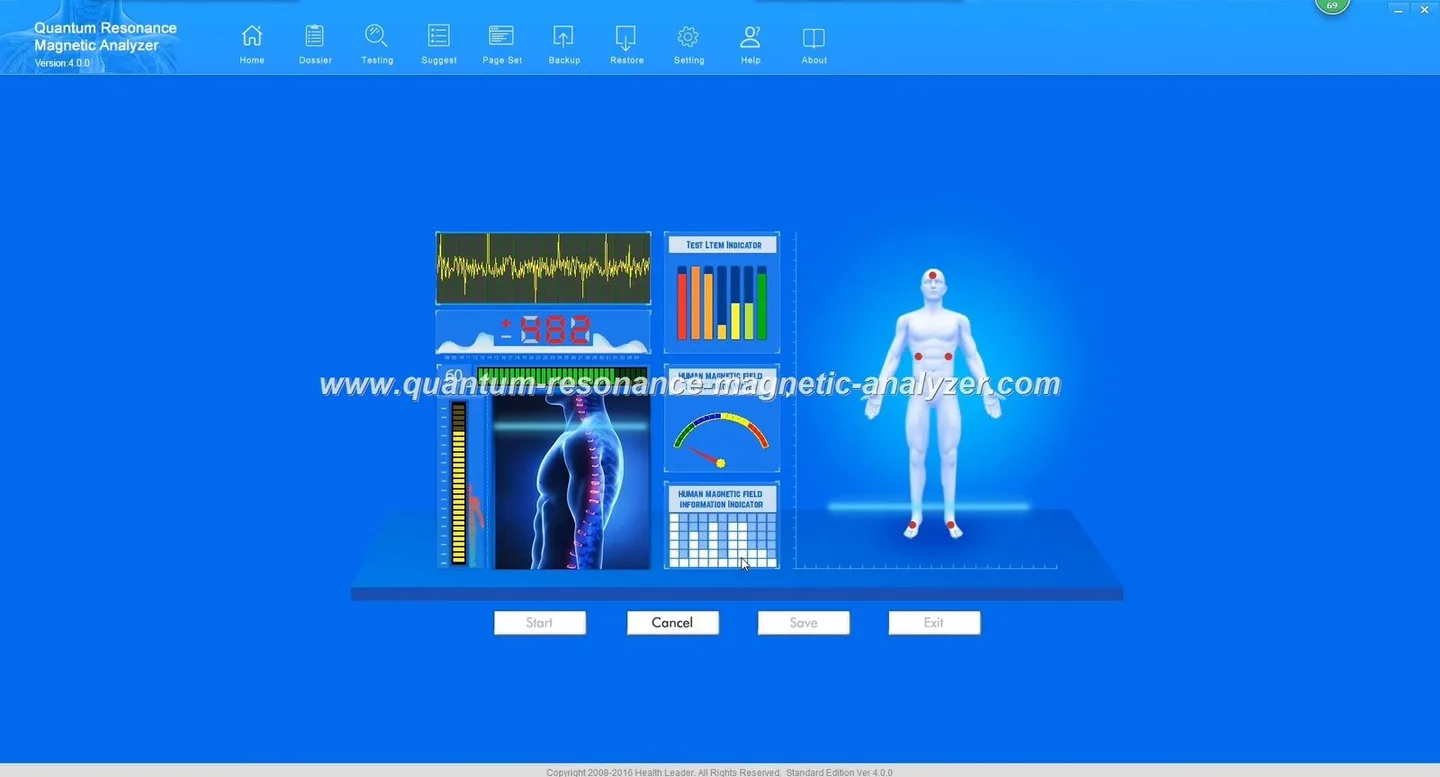
Software installation and licence activation — installing Quantum Analyzer Software 2026 and verifying the licence key (use your clinic paperwork). Trainers verify software boots and communicates with the MK001.
Pre-scan checks — client preparation, contraindications script, confirming consent and choosing the correct client record.
Performing a standard scan — stepwise scan run: position client, start capture, monitor progress, save results. Operators practice on live volunteers or supervised mock sessions until comfortable.
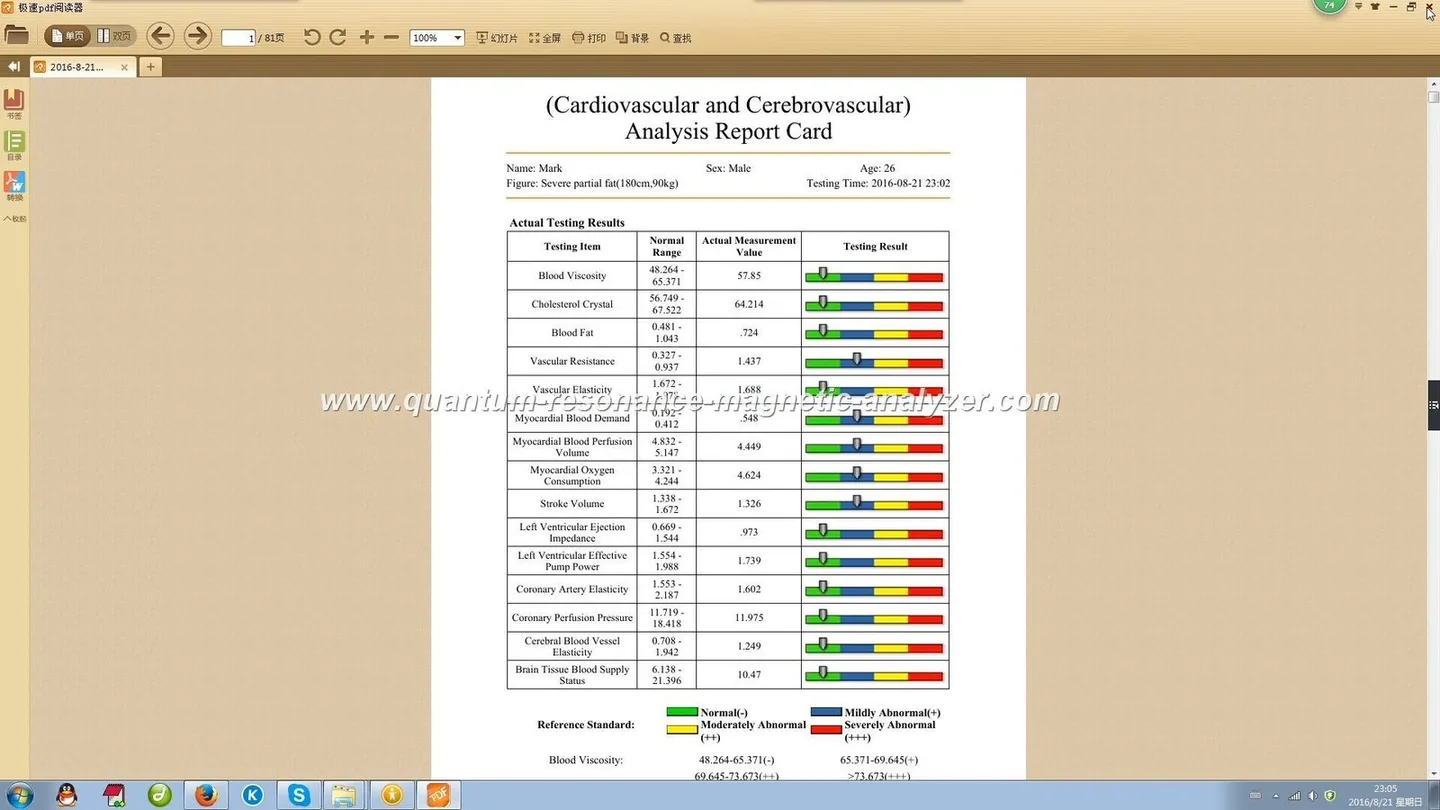
Report generation and export — generate PDF/soft copies, explain report sections for clinician review, store backup copies securely.
Record maintenance — file naming, storage policies and expiry/retention rules your clinic follows.
Interpretation boundaries and client communication
Staff Training, Installation and Handover Checklist for MAIKONG Quantum Analyzer MK001 in Nigerian Clinics · body
We train staff on what they may and may not say about results. The MK001 provides a screening-style report; it does not replace clinical diagnosis.
Frontline staff must avoid definitive clinical claims. Use phrases such as “screening result” or “report for clinician review”.
Clinical supervisors should interpret reports in the context of clinical examination and confirmed tests. If further diagnostic tests are required, recommend them explicitly.
Document the clinic’s standard script for communicating results and next steps to clients. This script should include consent language, privacy assurance and referral guidance.
Handover and acceptance checklist for delivery day
Accept delivery only once the following items are verified and signed off.
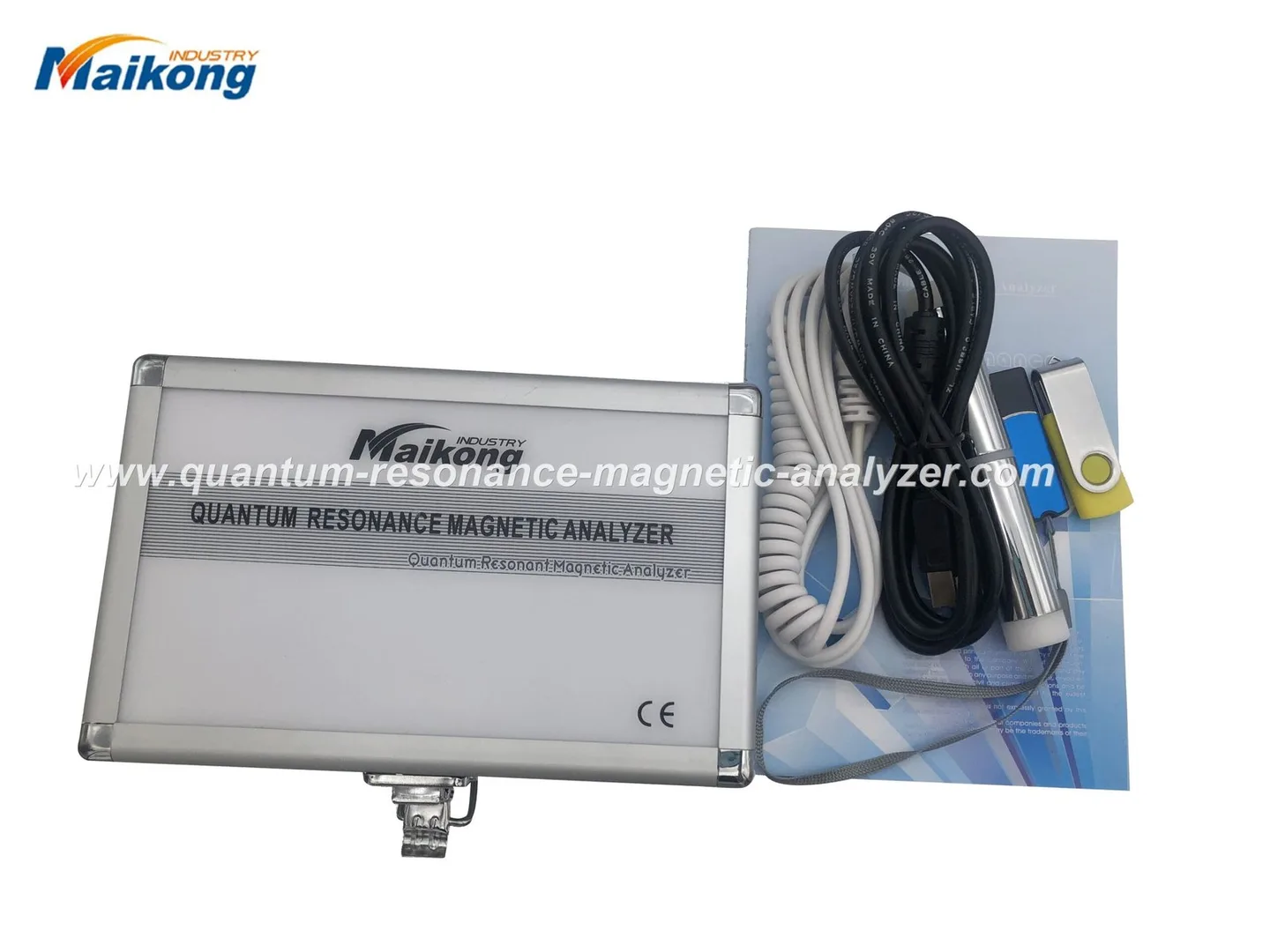
Physical inspection: no shipping damage; accessories present; user manual included.
Power and safety check: unit powers on from clinic mains with surge protection in place.
PC verification: target PC boots, software installed and communicates with MK001.
Licence and registration: software licence key verified and recorded in procurement file.
Sample report: perform a supervised scan and save a sample report to confirm end‑to‑end operation.
Training slot scheduled: operator and clinical supervisor dates confirmed.
Assessment and competency checks
Assessments are practical, documented and must be retained for warranty/audit purposes.
Practical test: operator performs a full scan and generates a report while observed by the trainer.
Verification log: record date, operator name, trainer name and pass/fail outcome; keep in the asset folder.
Sign-off template (example): name, role, tasks observed, trainer signature, operator signature, date. This is required for acceptance and for warranty activation records.
Post-delivery support and after-sales boundaries
MAIKONG provides the following as company-declared policy and as product facts:
Warranty: the MK001 carries a 1 Year warranty (data-fact-id=”118″). The warranty covers manufacturing faults; see the warranty document for exclusions.
Software: Quantum Analyzer Software 2026 is supplied with the unit (data-fact-id=”118″). Our company declares an ongoing software upgrade policy; clinics should record software update approvals and test updates in a controlled environment before applying them to live patient data.
Paid services: onsite repairs, extended maintenance contracts and custom integrations are available by quotation. We do not include such services as automatic warranty entitlements.
What MAIKONG does not provide under standard warranty: routine consumables, damage from improper installation or unauthorised repairs, and claims of clinical diagnosis or treatment efficacy.
Sources and evidence used in this article
This guidance uses the MAIKONG product identity and software compatibility as supplied by our product data (model MK001 and Quantum Analyzer Software 2026; supported Windows xp/7/8/10/11 and 1 Year warranty — data-fact-id=”118″).
Other procedural recommendations reflect common clinical equipment best practice and our factory’s standard delivery and training approach.
Limitations and risks you must note
We do not promise diagnostic or therapeutic outcomes. The MK001 is a screening tool; its reports are for health management and clinician review only. We have not included country-specific electrical wiring or voltage conversion instructions; verify local mains and earthing with a qualified electrician. Pricing variances, optional services and on-site electrical work require a separate quotation.
Common operational issues and simple troubleshooting
Keep this short list near the device and in the operator manual for quick reference.
Unit won’t power on — check mains outlet, surge protector and fuse; try a different outlet. If local wiring is suspected, pause and call authorised support.
Software won’t start or shows compatibility errors — confirm the PC OS is one of the supported Windows versions (xp/7/8/10/11) and that user account has installation rights.
Interrupted scan — save any partial data, restart the software and repeat the scan; record interruption reason in the log.
Unable to print or export report — check printer drivers or export folder permissions; IT/support role should confirm file-path access.
Training delivery options and choosing the right model
We offer three delivery models. We do not prescribe exact session lengths here; we will provide a tailored schedule once we confirm your clinic’s staffing and availability.
Onsite training — delivered at the clinic; best when multiple staff must be trained on the actual setup.
Remote training — useful for follow-ups, troubleshooting and refresher modules when internet connectivity and a test PC are available.
Train‑the‑trainer — we instruct one or two clinic staff in depth to act as internal trainers for future hires. This is practical for larger clinics or chains.
Recordkeeping and compliance — documents to keep
Maintain a single asset folder (digital and/or printed) containing:
Invoice and delivery note
User manual and software licence key
Installation checklist and signed acceptance form
Operator competency logs and trainer sign-offs
Warranty registration and any service tickets
If you want sample templates for the acceptance checklist, technician sign-off or the operator competency log, we can provide them as part of the onboarding materials.
Next step — request a tailored installation, configuration and training quote
Localized disclaimer: The information in this article is for health-management and operational guidance only; it does not replace professional medical diagnosis or treatment. Do not promise diagnosis or cure based on MK001 reports; refer clients to qualified clinicians when needed.
This content is provided for learning, information sharing and professional communication only. It is not medical advice and is not a basis for treatment or diagnosis. Confirm suitability, operation and purchasing requirements against the product manual, local regulations and qualified professional guidance.
To proceed, request a quote that specifies your clinic size, preferred training model (onsite, remote, train‑the‑trainer), and whether you require additional services such as extended support or custom reporting. Contact our sales team: