
Categories
- FQA (229)
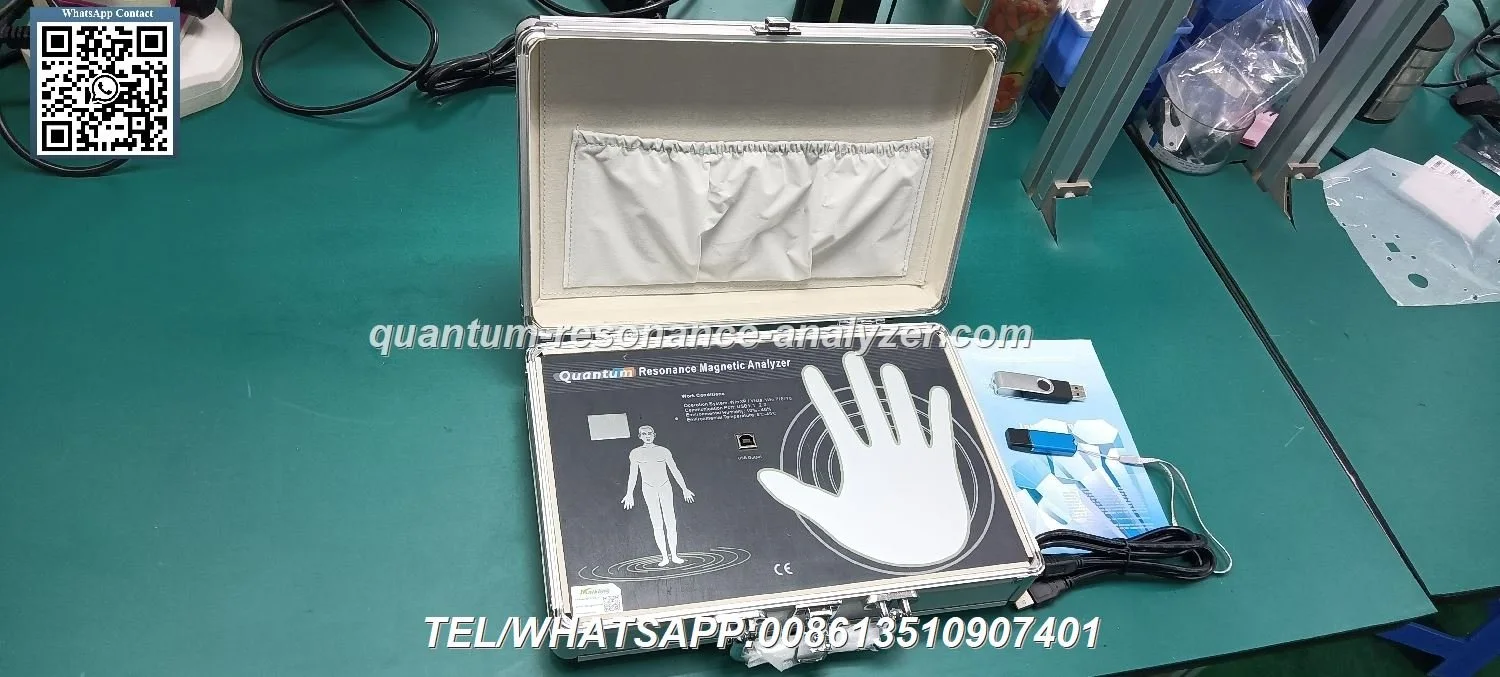
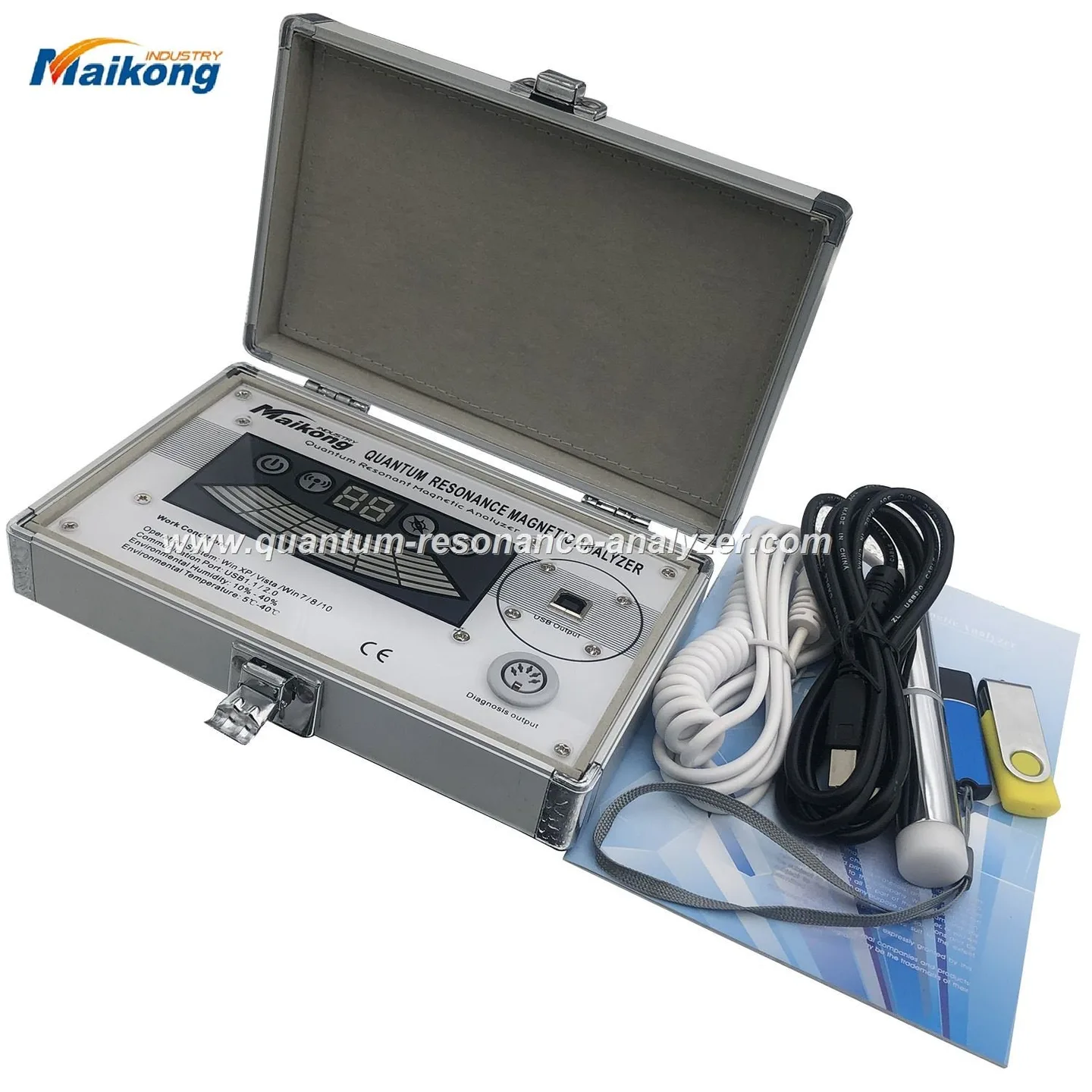
Yes — quantum resonance magnetic analysis can serve as a non-invasive wellness screening tool for a Nigerian wellness centre if you treat it as a client-education and lifestyle-planning aid rather than a medical diagnostic. It can speed up intake conversations, produce multilingual report outputs and suggest areas for lifestyle follow-up. It cannot replace clinical tests or certified medical diagnosis; you should verify the device model, software version and report language before purchase and train staff to present results with clear limits. For MAIKONG’s MK001 model, check the supplied software (Quantum Analyzer Software 2026), supported Windows systems and the one-year warranty when you request a quote (data-fact-id=”118″).
Short answer: yes, with caveats. We find these analyzers useful for non-medical health screening, client engagement and structuring wellness programmes — for example, generating broad wellness reports that help you prioritise nutritional advice, supplements, lifestyle coaching and complementary services in the centre. They are not a substitute for medical laboratory testing or a clinician’s diagnosis. Present results as educational, keep referral pathways to qualified clinicians, and make the device one part of your intake and retention workflow rather than the single basis for treatment.
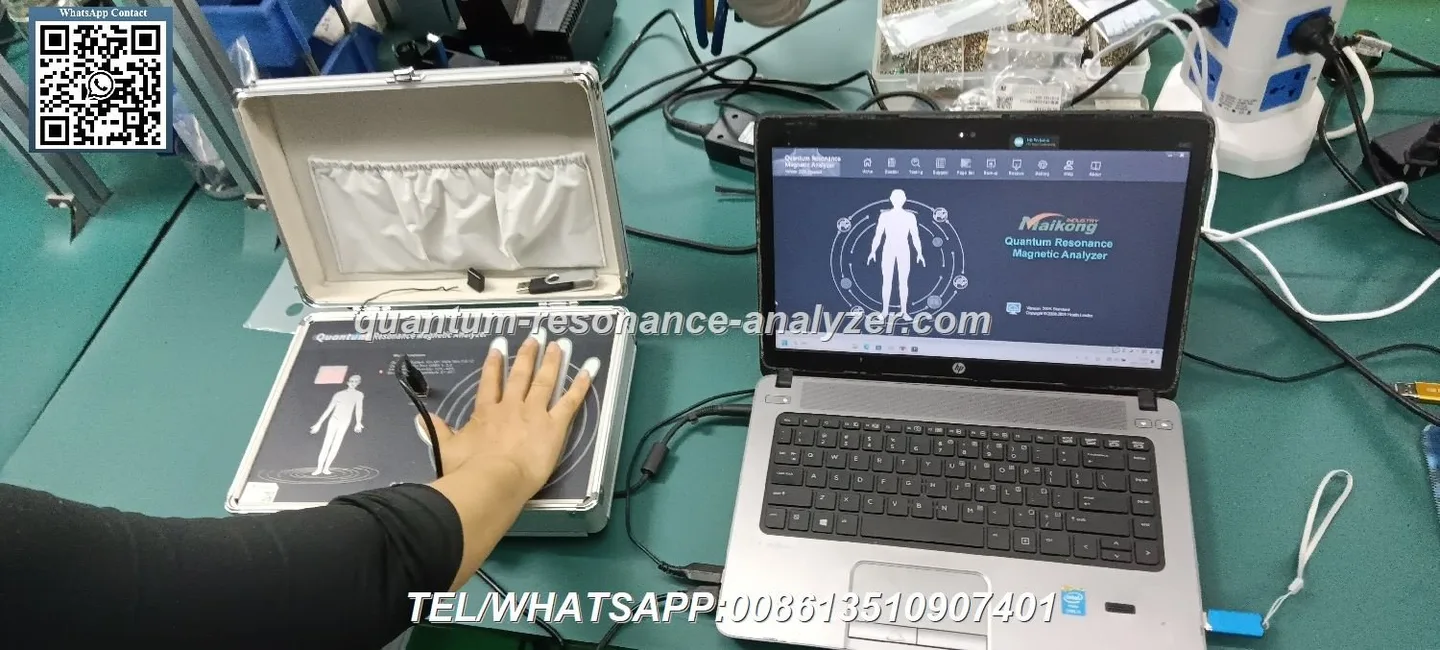
Quantum resonance magnetic analysis, as used in wellness centres, refers to a class of non-invasive devices that collect bio-signature data (often via hand or head sensors) and generate a software report suggesting where a person’s systems may benefit from lifestyle, diet or targeted wellness services. The output is a computer-generated report intended for health management and educational use. We emphasise that these systems are screening and advisory tools: the result is a starting point for discussion, not a clinical diagnosis.
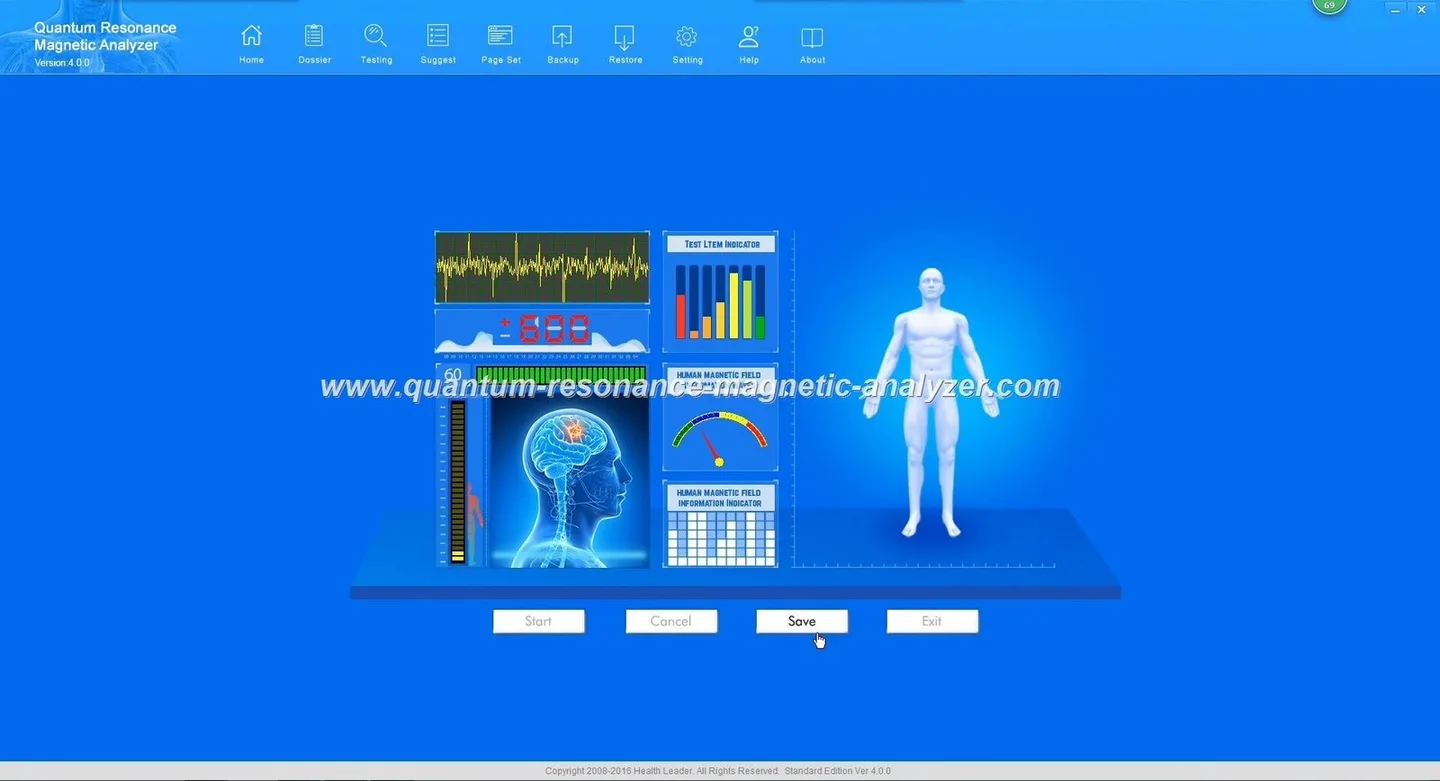
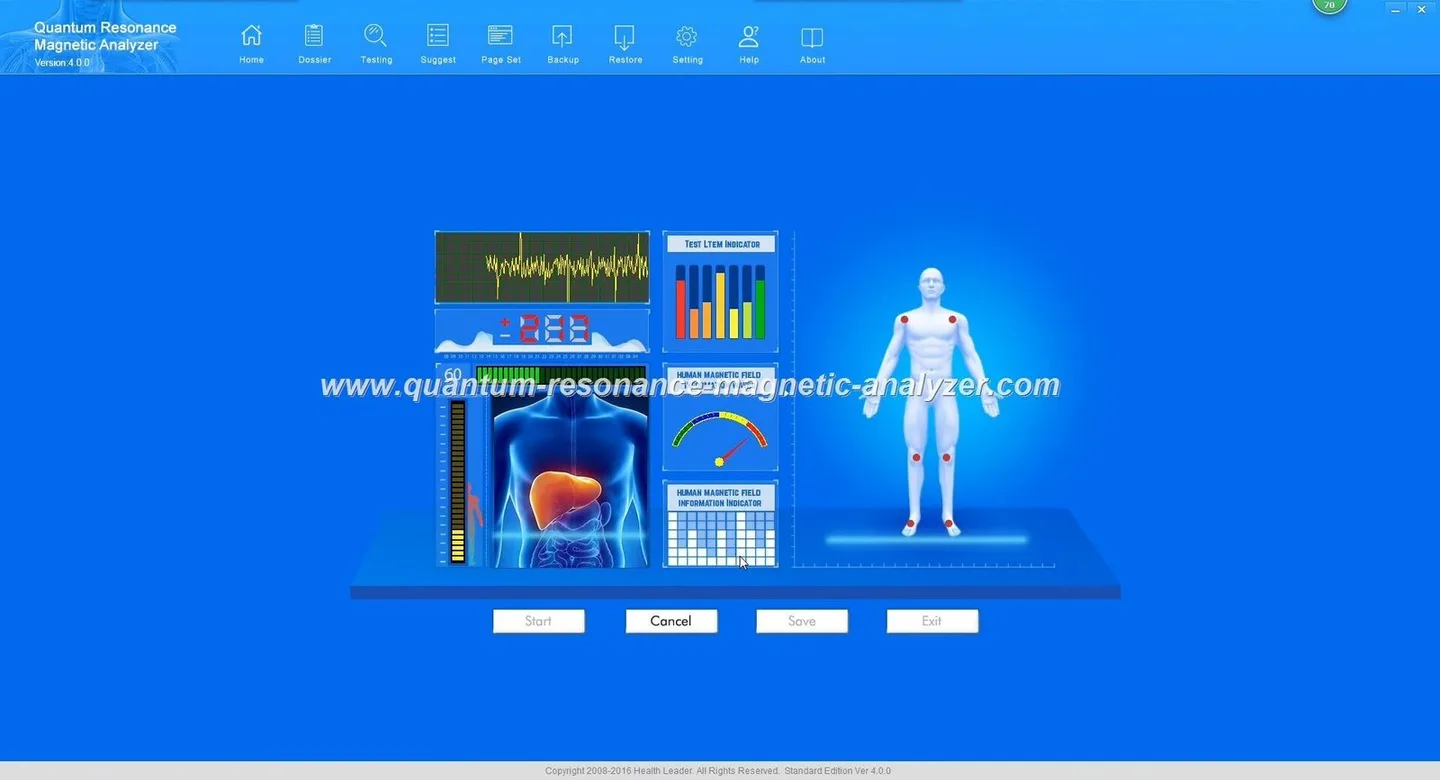
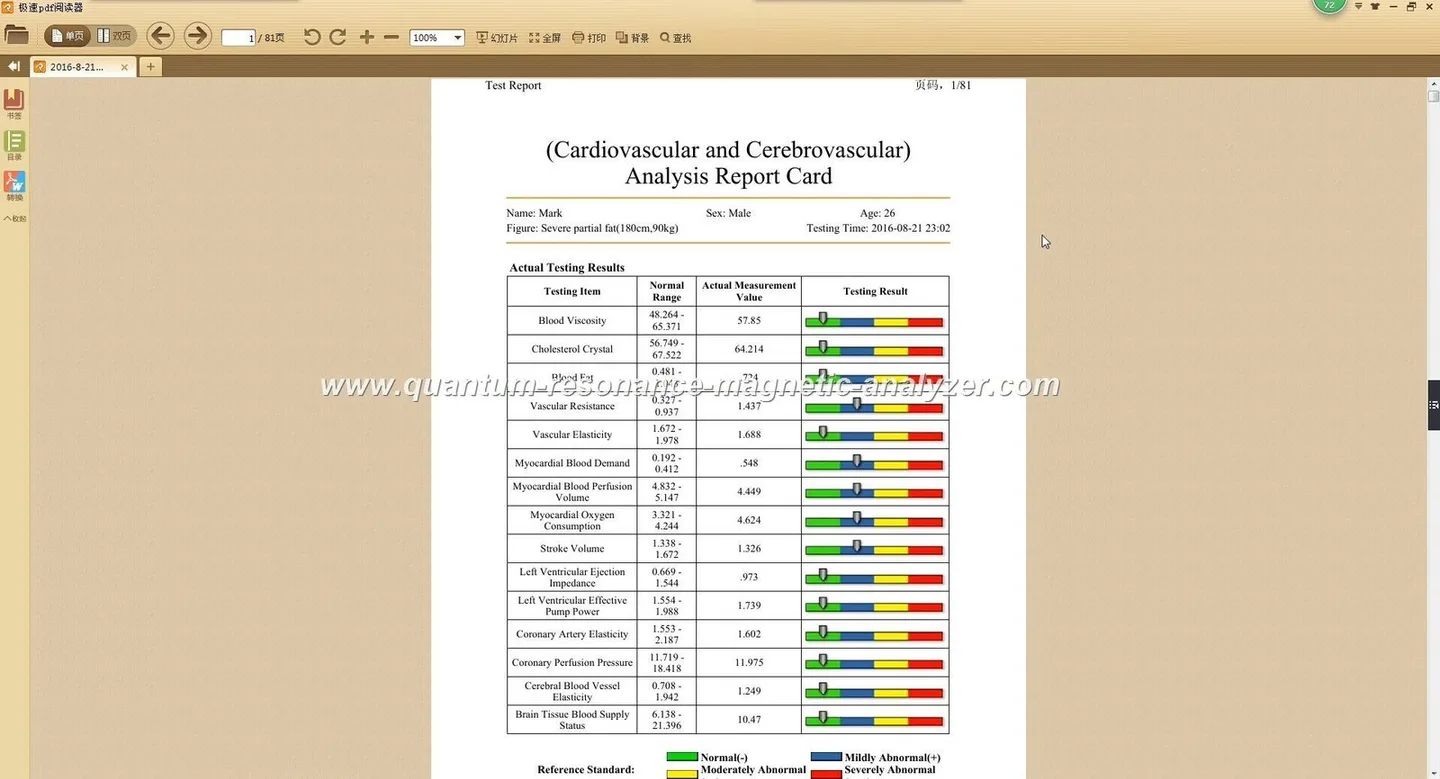
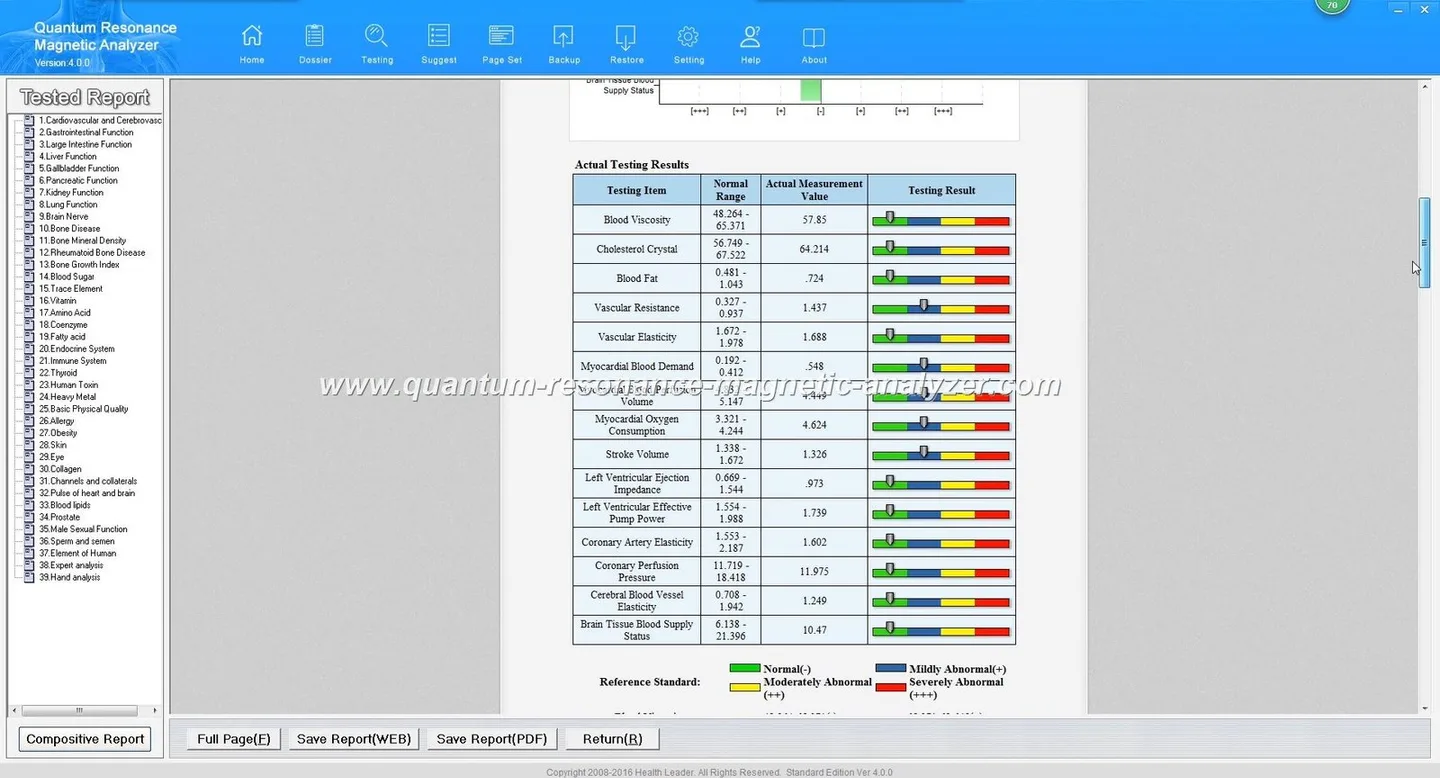
Reports are typically structured as multi-section summaries covering system areas (metabolic, immune, digestive, etc.) and itemised points for follow-up. If your clientele prefers local languages, confirm the report language options and any customised templates before purchase — MAIKONG supports multilingual outputs, which is useful in Nigeria’s multilingual context.
When we introduce these devices into a centre, owners use them in three practical ways:
Operationally, a typical session is run by a trained technician or therapist who reviews the report with the client and records recommended actions in the client file. In Nigeria, offering reports in English plus a local language (Yoruba, Igbo, Hausa or Pidgin) improves comprehension and perceived value.
Do not advertise the analyzer as diagnostic, curative, or as a replacement for medical tests. It cannot definitively detect disease or prescribe medication. We recommend these scripts when explaining results to clients: “This report highlights areas to watch and suggests where lifestyle changes may help. For medical diagnosis or treatment, we can refer you to a certified clinician or laboratory.” That keeps expectations honest and reduces legal and reputational risk.
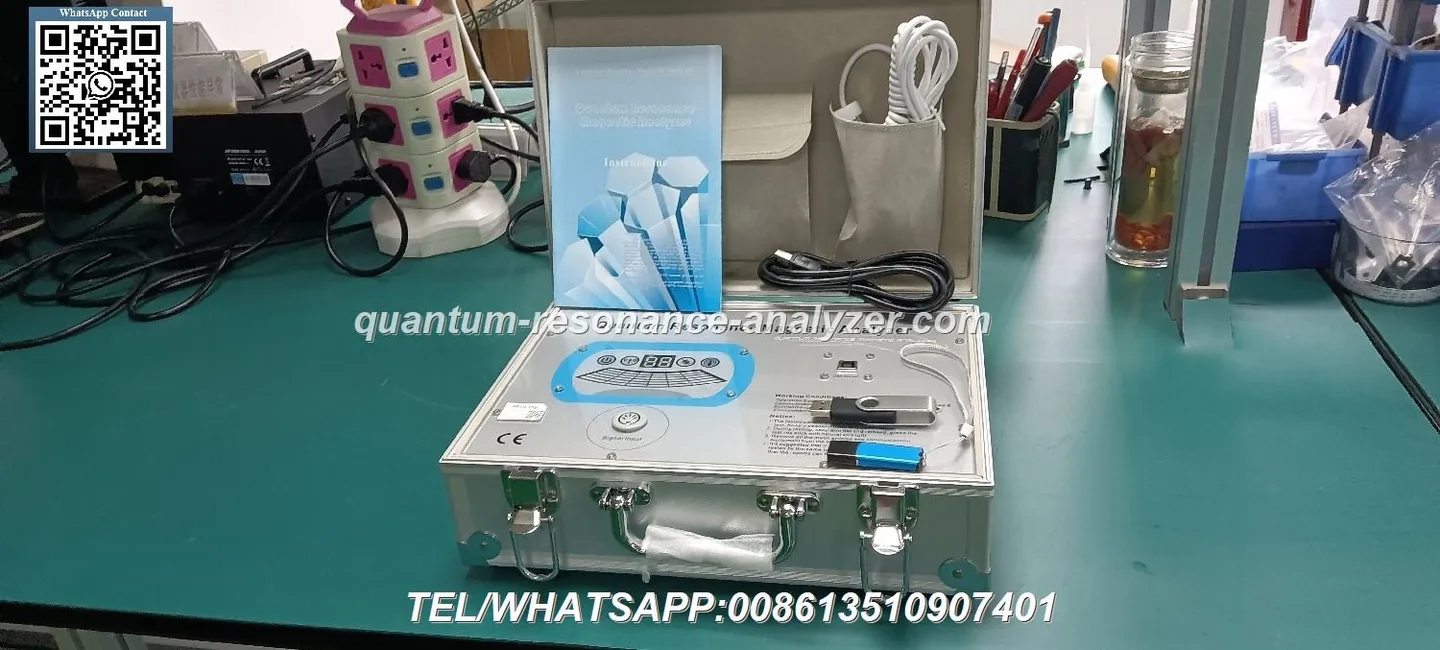
Before accepting or using any unit, verify the following:
On the day of a session, confirm the client’s informed consent (signed) and show them a short explanation sheet that restates the device’s non-medical role.
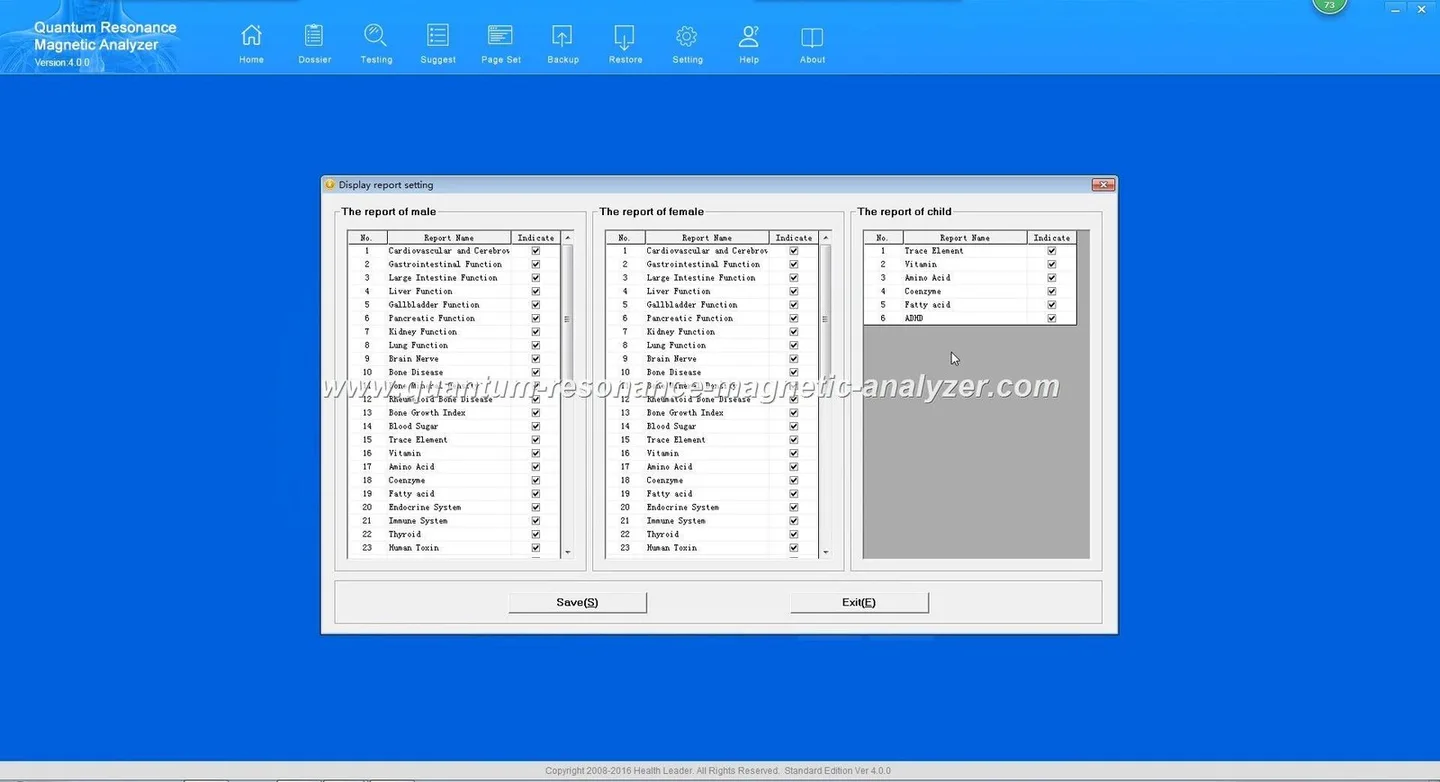
The MK001 software supports Windows XP through Windows 11 (data-fact-id=”118″). For stable operation we recommend:
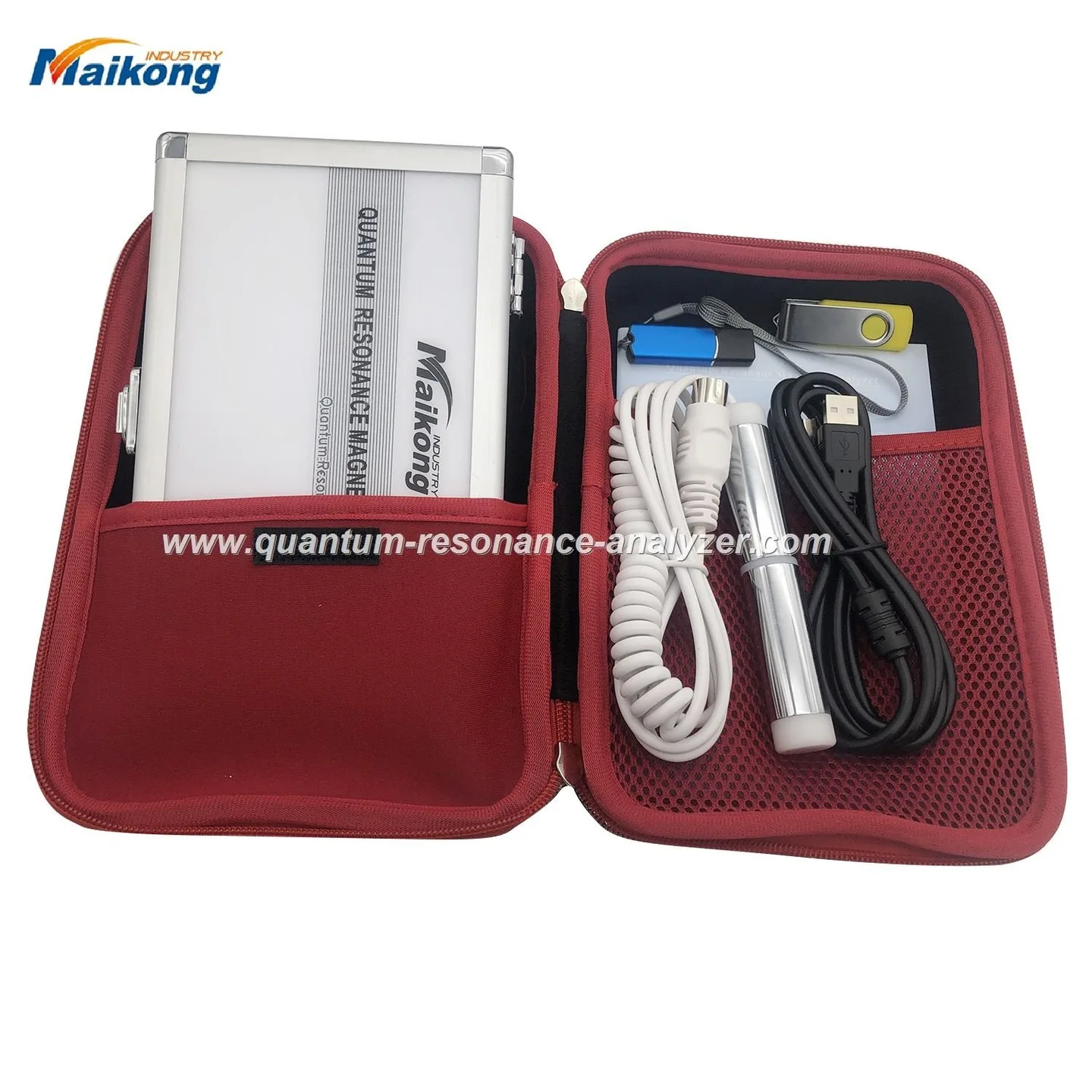
Installation is typically a software install plus a USB-connected sensor. If you run older Windows machines, ask the supplier for compatibility checks. If you plan to store client records digitally, ensure compliance with Nigerian data-protection expectations and get client consent for electronic records.
Keep the sensor clean between clients — use surface-appropriate disinfectant wipes and follow the device cleaning guidelines provided by the manufacturer; MAIKONG publishes best-practice cleaning and maintenance notes on their site (see maintenance link below). Log maintenance activity in a simple register and schedule monthly software checks. For data handling: encrypt stored reports, limit access to trained staff, and keep signed consent forms in the physical or digital client file.
Think through these operational choices first — they determine the configuration you actually need:
Prepare these answers before requesting a quote. For MK001-specific configurations, confirm included software version, merchant terms and whether OEM branding or additional language packs are available.
No. Use the analyzer for screening and education. Always refer clients to clinicians for diagnosis and treatment.
MAIKONG reports support multiple languages; tell us which languages you need when requesting a quote so we can confirm available templates.
MAIKONG lists a one-year warranty for the MK001 and provides ongoing software updates; ask for the warranty terms and local support options when you enquire (data-fact-id=”118″).
Contact: lucy@quantumanalyzer.ng or +8613510907401. Provide the four items above in your first message so we can match a configuration and confirm lead time, warranty and language pack availability.
Further reading: MAIKONG’s software and report pages provide sample reports and maintenance notes — see our Quantum Resonance Magnetic Analyzer Software page for details: Quantum Resonance Magnetic Analyzer Software.
Localised disclaimer: The information in this article is for health management and client-education purposes only and cannot replace professional medical diagnosis or treatment. We do not claim the analyzer diagnoses or treats disease.
This content is provided for learning, information sharing and professional communication only. It is not medical advice and is not a basis for treatment or diagnosis. Confirm suitability, operation and purchasing requirements against the product manual, local regulations and qualified professional guidance.
If you want a quote or a configuration recommendation, contact our sales team and include the following so we can prepare a tailored response:
