
Categories
- FQA (215)
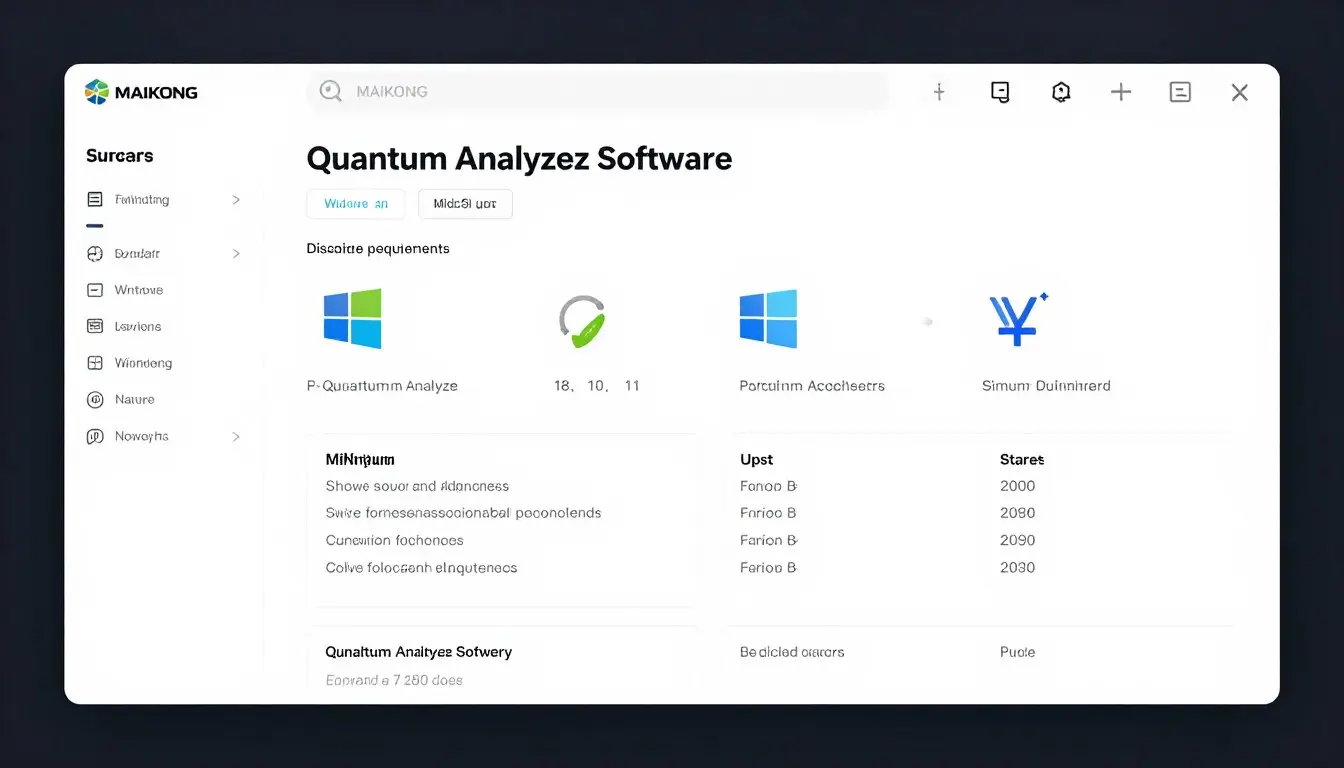
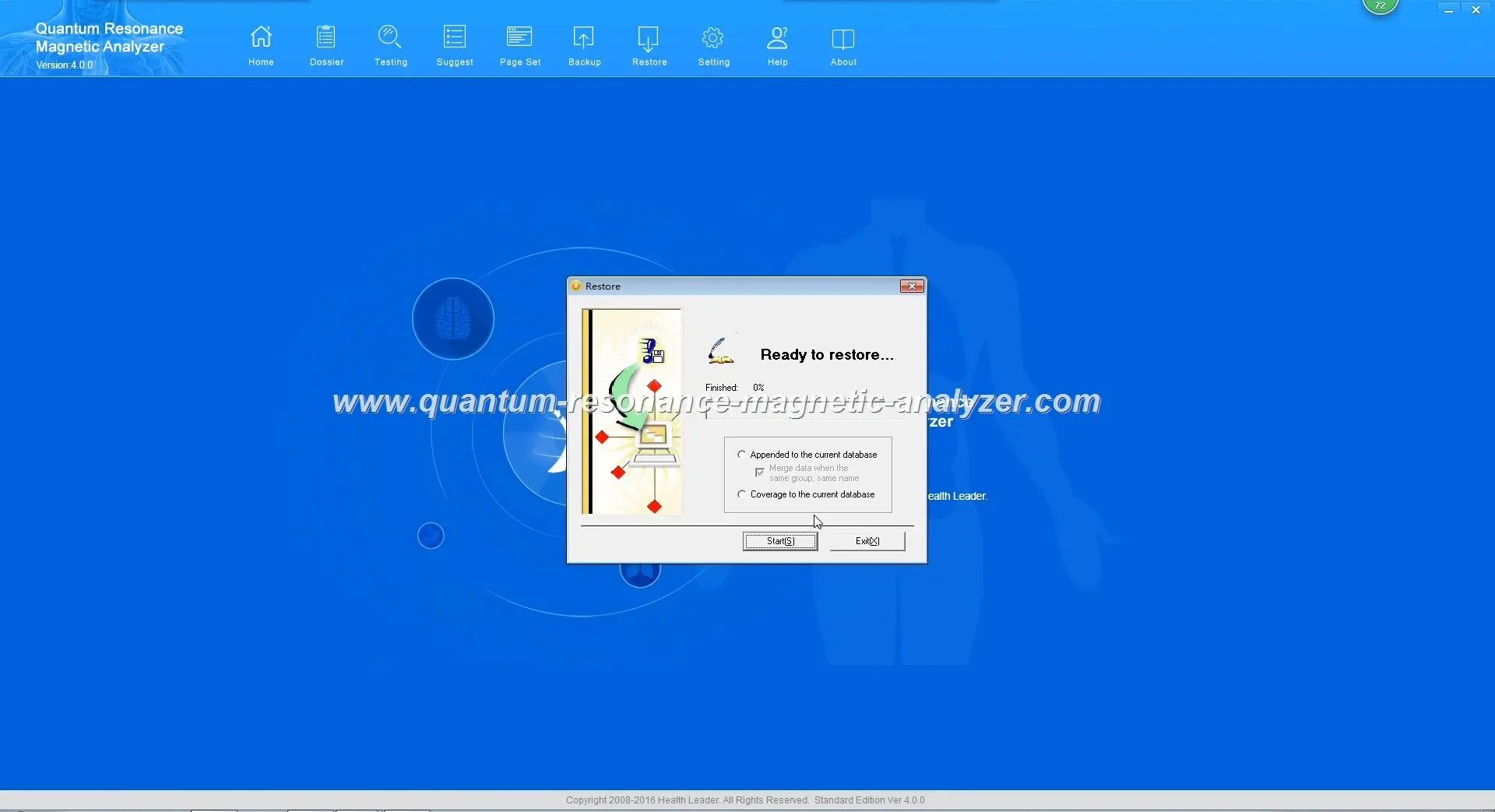
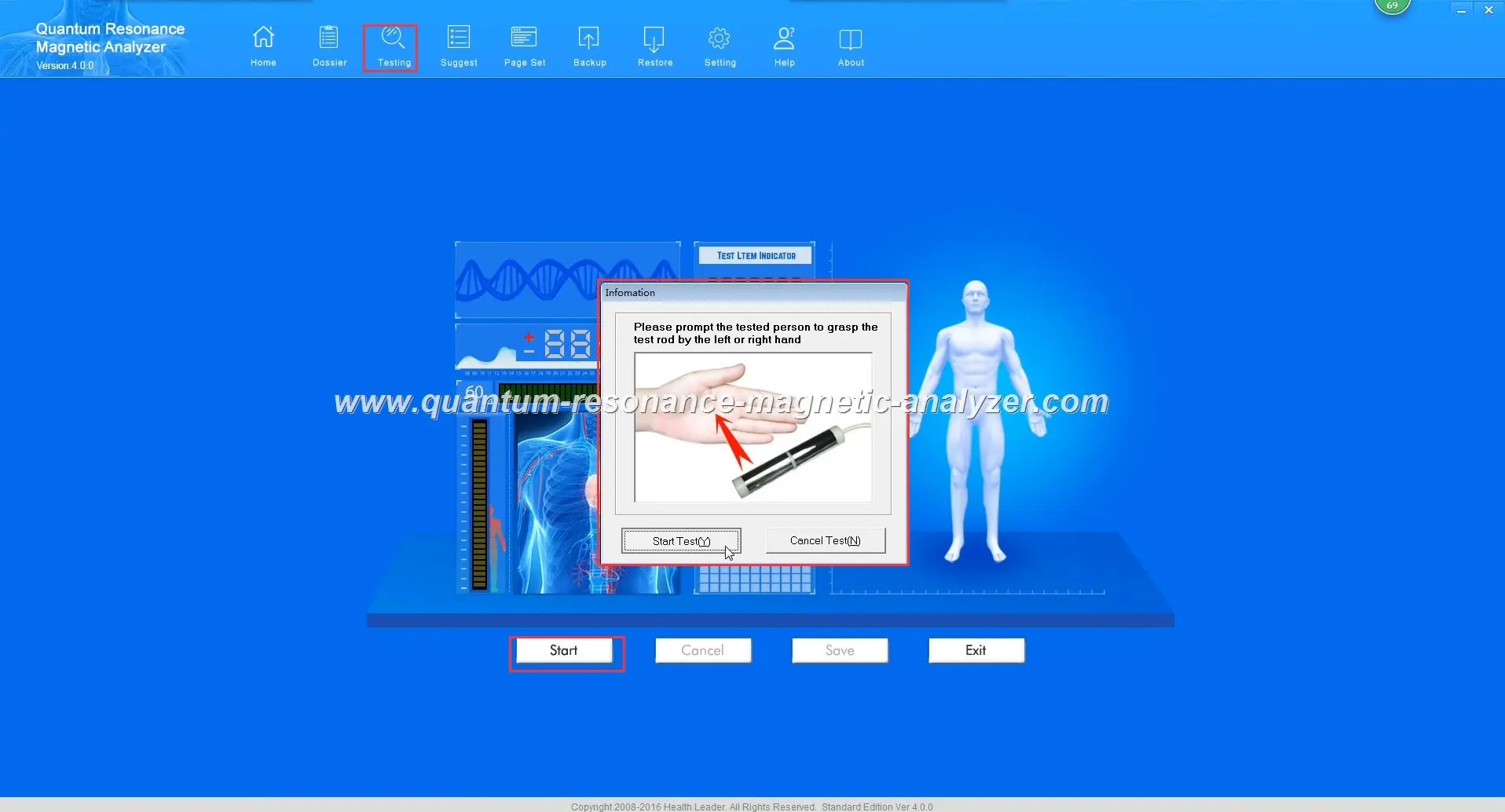
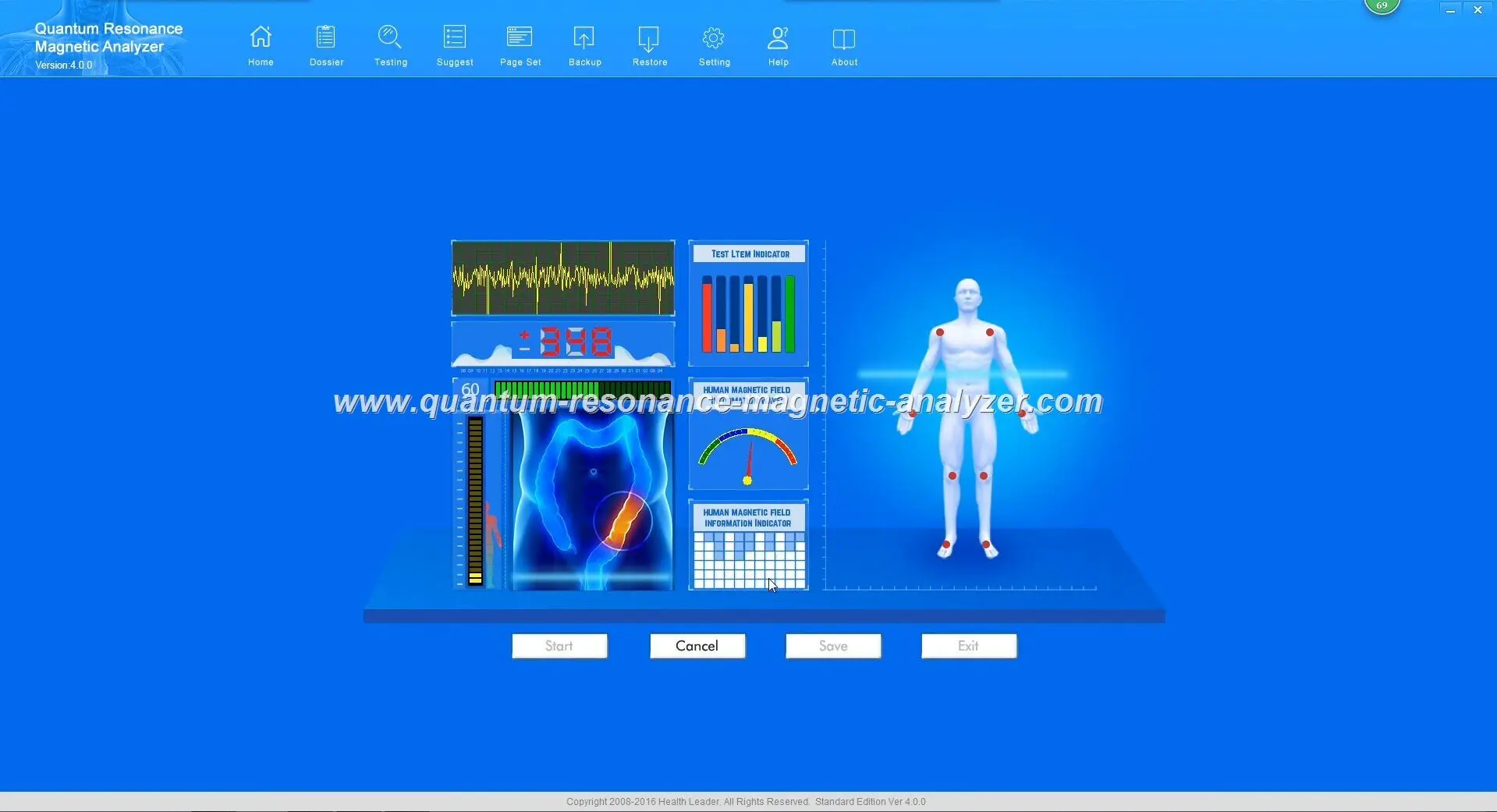
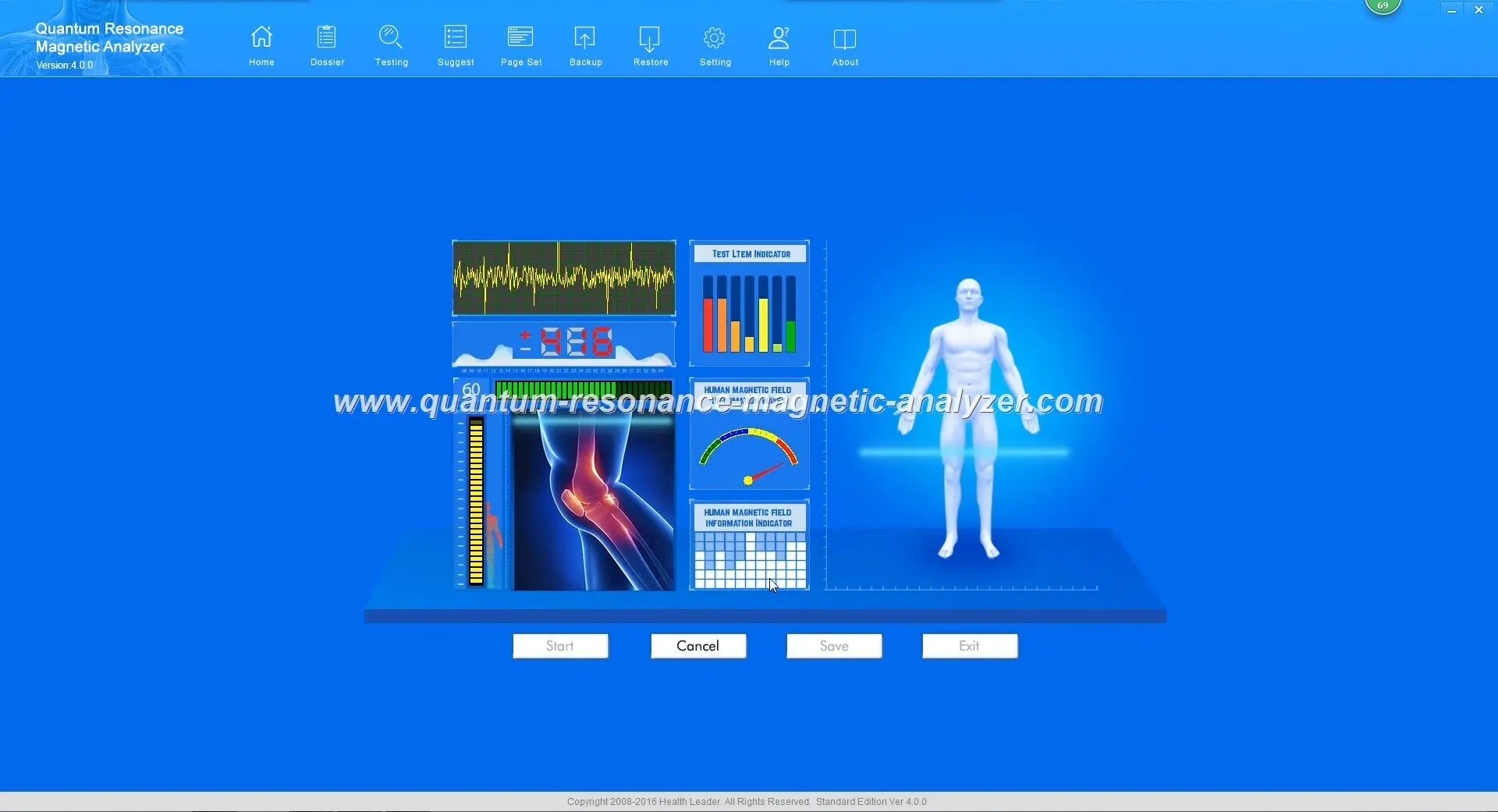
Before troubleshooting specific errors, it’s essential to verify that your system meets the basic requirements for running the Quantum Analyzer Software. Many issues stem from incompatible operating systems or insufficient hardware specifications.
MAIKONG Quantum Analyzer Software system requirements screen
| Requirement | Minimum Specification | Recommended Specification |
| Operating System | Windows XP, Vista | Windows 7, 8, 10, 11 |
| Processor | Intel Core i3 or equivalent | Intel Core i5 or higher |
| RAM | 2GB | 4GB or higher |
| Hard Disk Space | 5GB free space | 10GB free space |
| USB Ports | 1 USB 2.0 port | USB 3.0 port |
| Display Resolution | 1024 x 768 | 1920 x 1080 or higher |
Important Note: The MAIKONG Quantum Analyzer Software is NOT compatible with Android, Apple Mac OS, Linux, or Unix operating systems. Attempting to run the software on these platforms will result in installation failures or unpredictable behavior.
Ensure you’re using the most up-to-date version of our software for optimal performance and compatibility with all MAIKONG devices.
Installation issues are among the most common problems Nigerian users encounter when setting up their Quantum Analyzer Software. Here are the most frequent installation errors and their solutions.
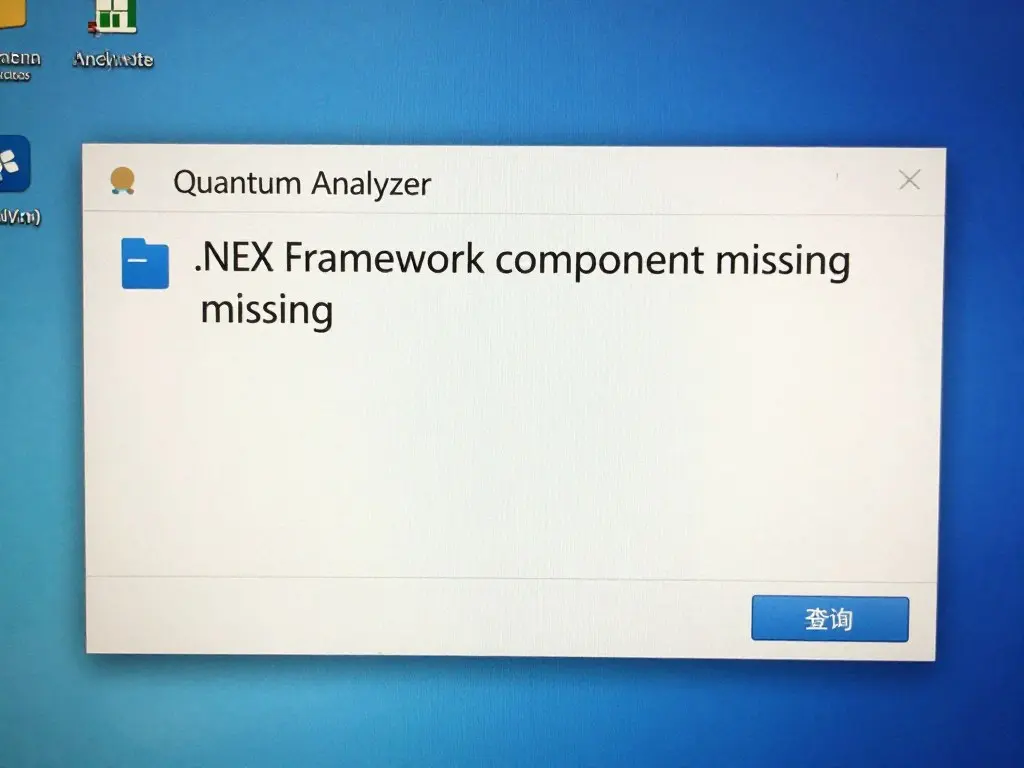
Common .NET Framework error during installation
This error occurs when your system lacks the required .NET Framework version that the Quantum Analyzer Software depends on.
Windows security features sometimes block driver installation for hardware devices like the MAIKONG Quantum Analyzer.
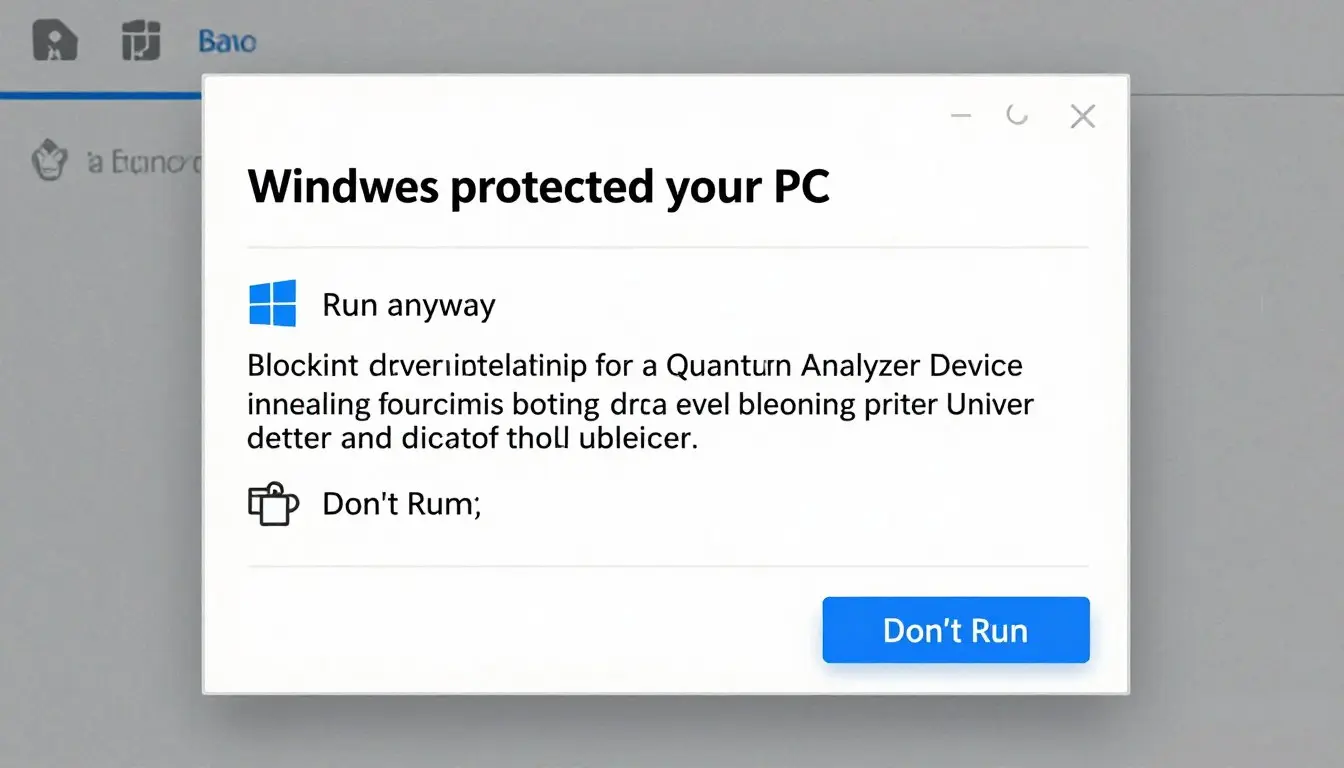
Windows security blocking driver installation
Pro Tip: Always download the Quantum Analyzer Software directly from the official MAIKONG website to avoid security issues and ensure compatibility with your device.
After successful installation, connection issues between your computer and the MAIKONG Quantum Analyzer device are the next most common category of problems. These issues often relate to USB connectivity or encryption lock authentication.
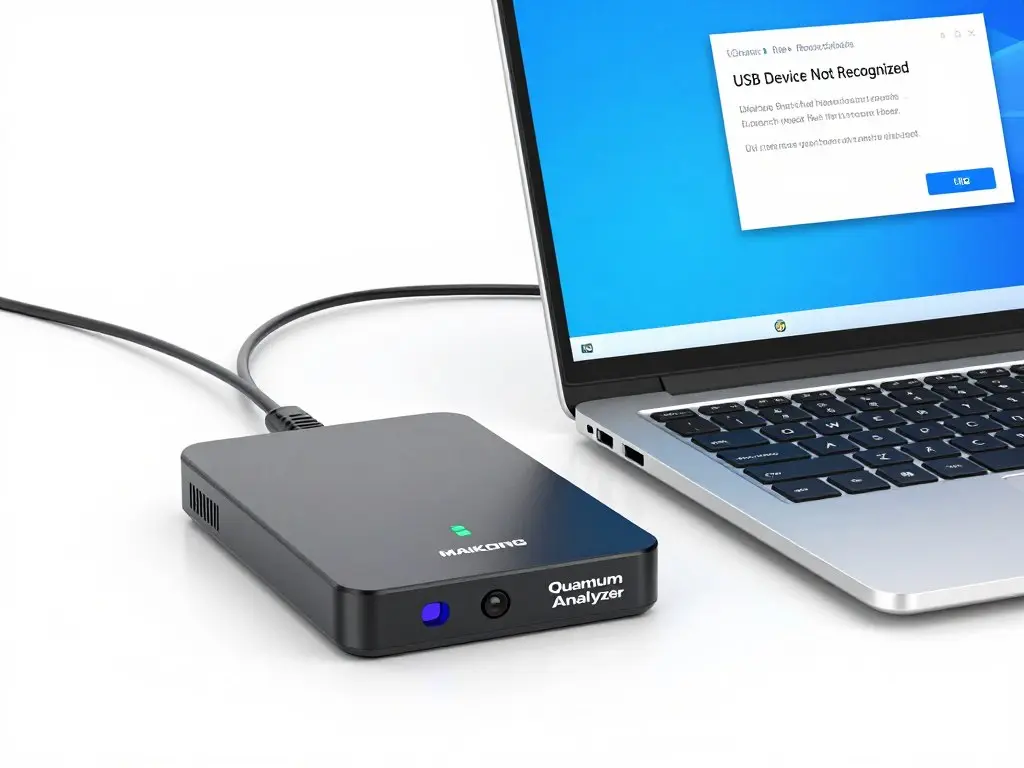
USB device not recognized error
This common error occurs when Windows cannot properly identify the MAIKONG Quantum Analyzer hardware.
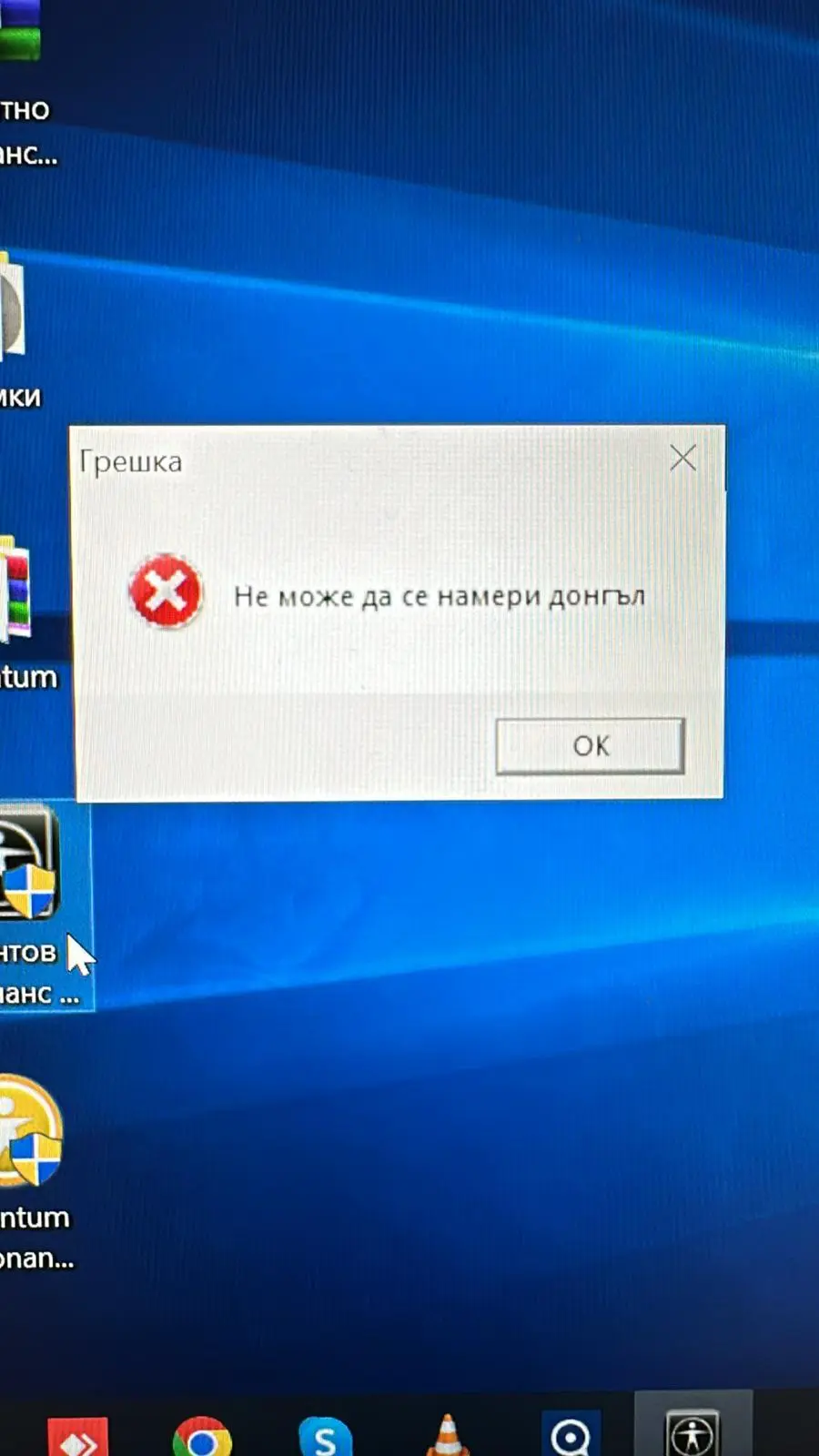
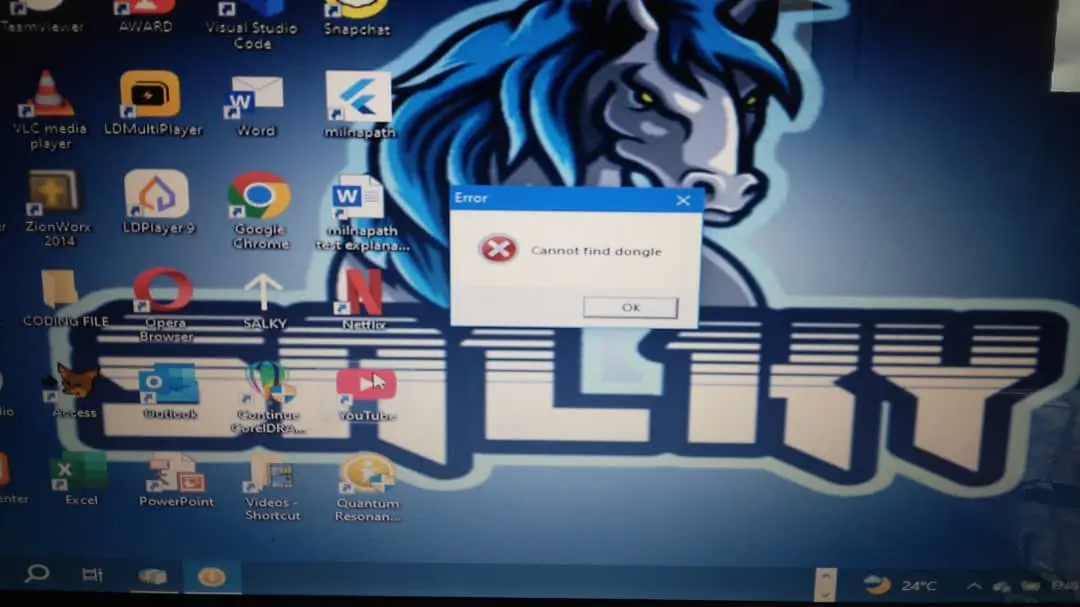
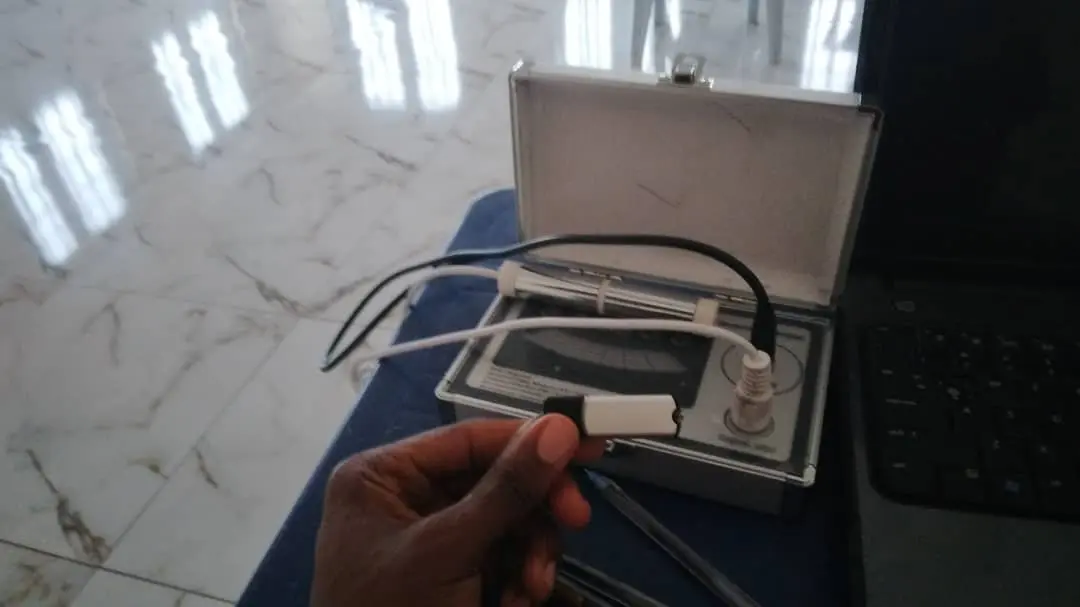
The MAIKONG Quantum Analyzer requires a valid encryption lock (USB key) to authenticate the software. Authentication failures are common when the key is not properly recognized.
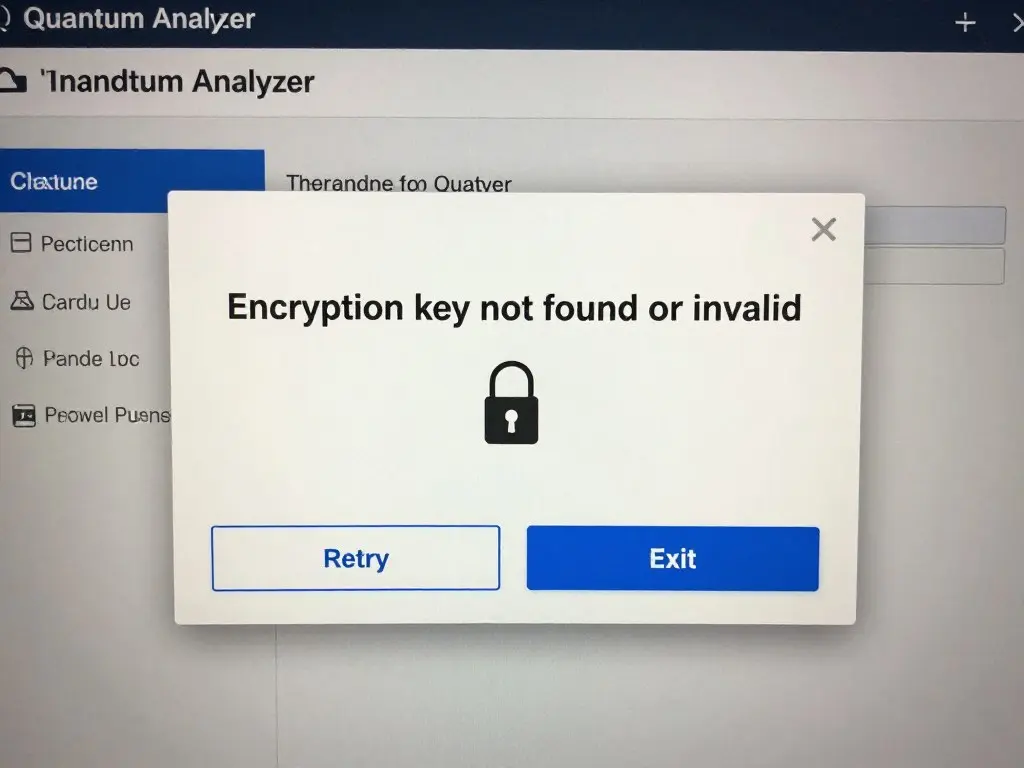
Encryption lock authentication error
Our technical team is available to help Nigerian users resolve device connection problems quickly.
Once your MAIKONG Quantum Analyzer is connected, you may encounter issues with sensor readings or data acquisition during testing. These errors affect the quality and reliability of health analysis results.
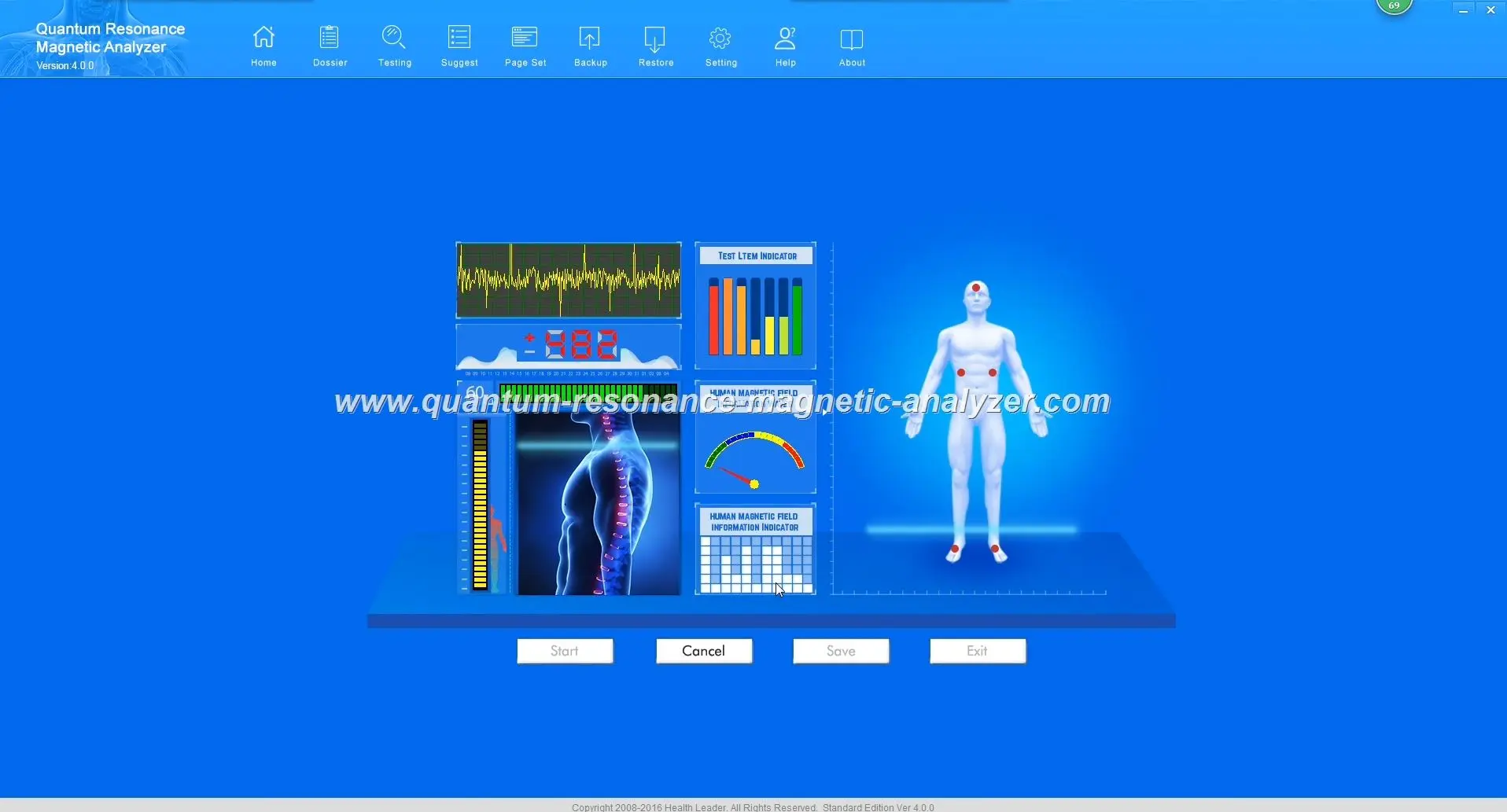
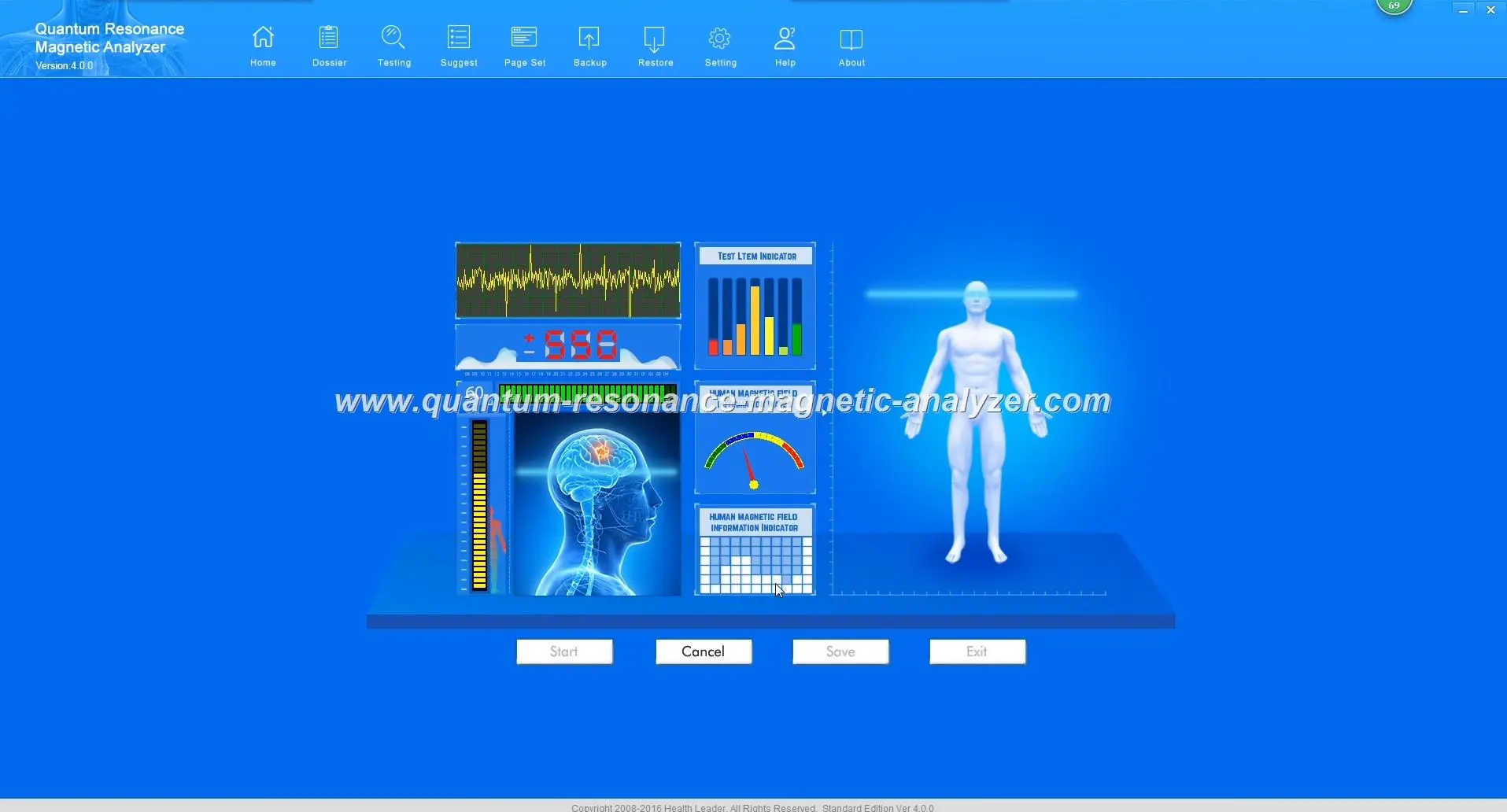
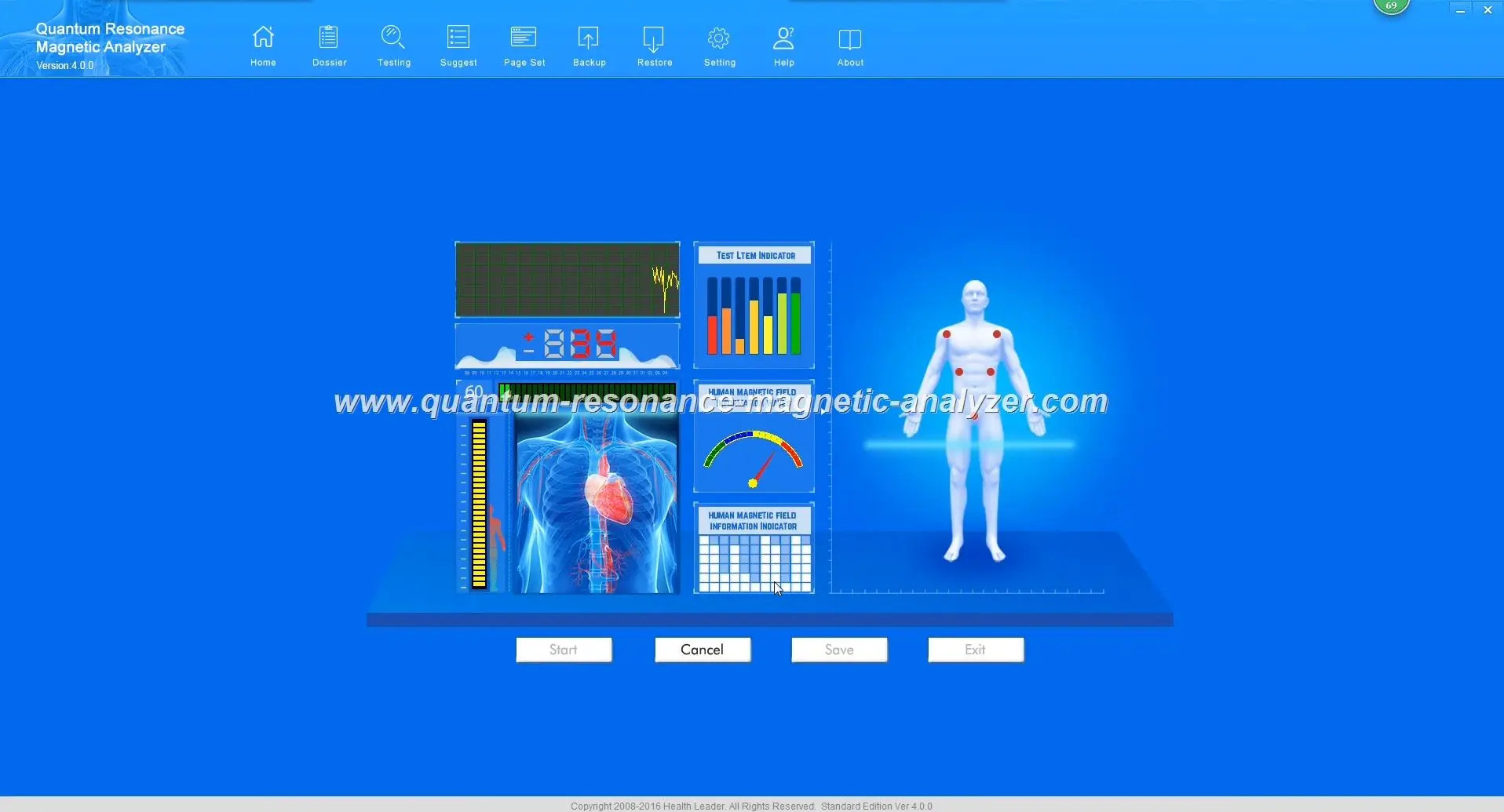
Unstable sensor readings in the Quantum Analyzer Software
This problem manifests as fluctuating or absent sensor values during testing, resulting in inaccurate health analysis.
This error indicates that the Quantum Analyzer is not receiving sufficient electromagnetic signals from the client to perform accurate analysis.
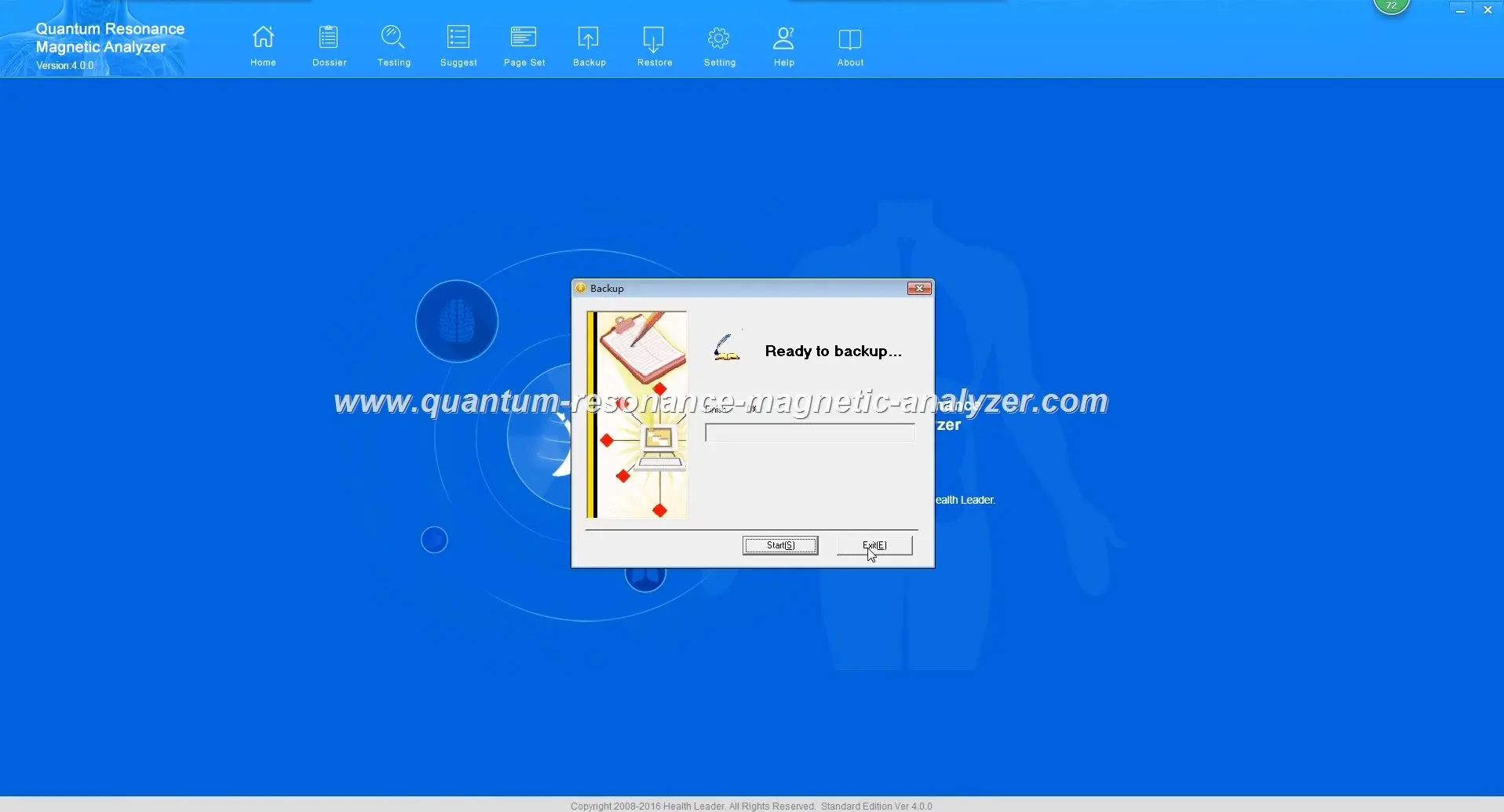
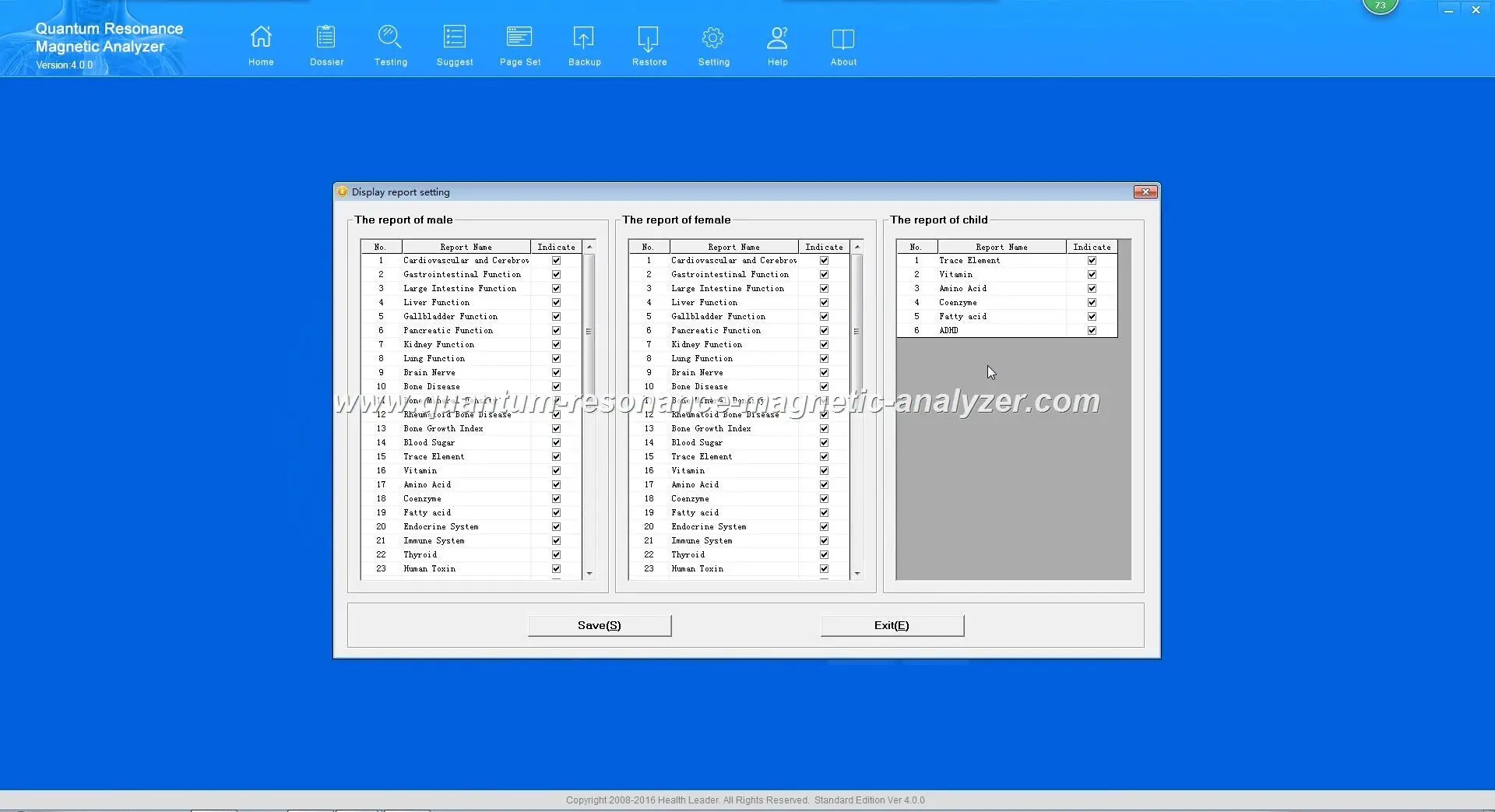
“Signal Too Weak” error during testing
Important: If sensor errors persist after trying these solutions, your device may require professional calibration or repair. Contact MAIKONG technical support for assistance.
The final category of common issues involves problems with generating reports or general software operation. These errors can prevent you from accessing the valuable health analysis data your MAIKONG Quantum Analyzer produces.
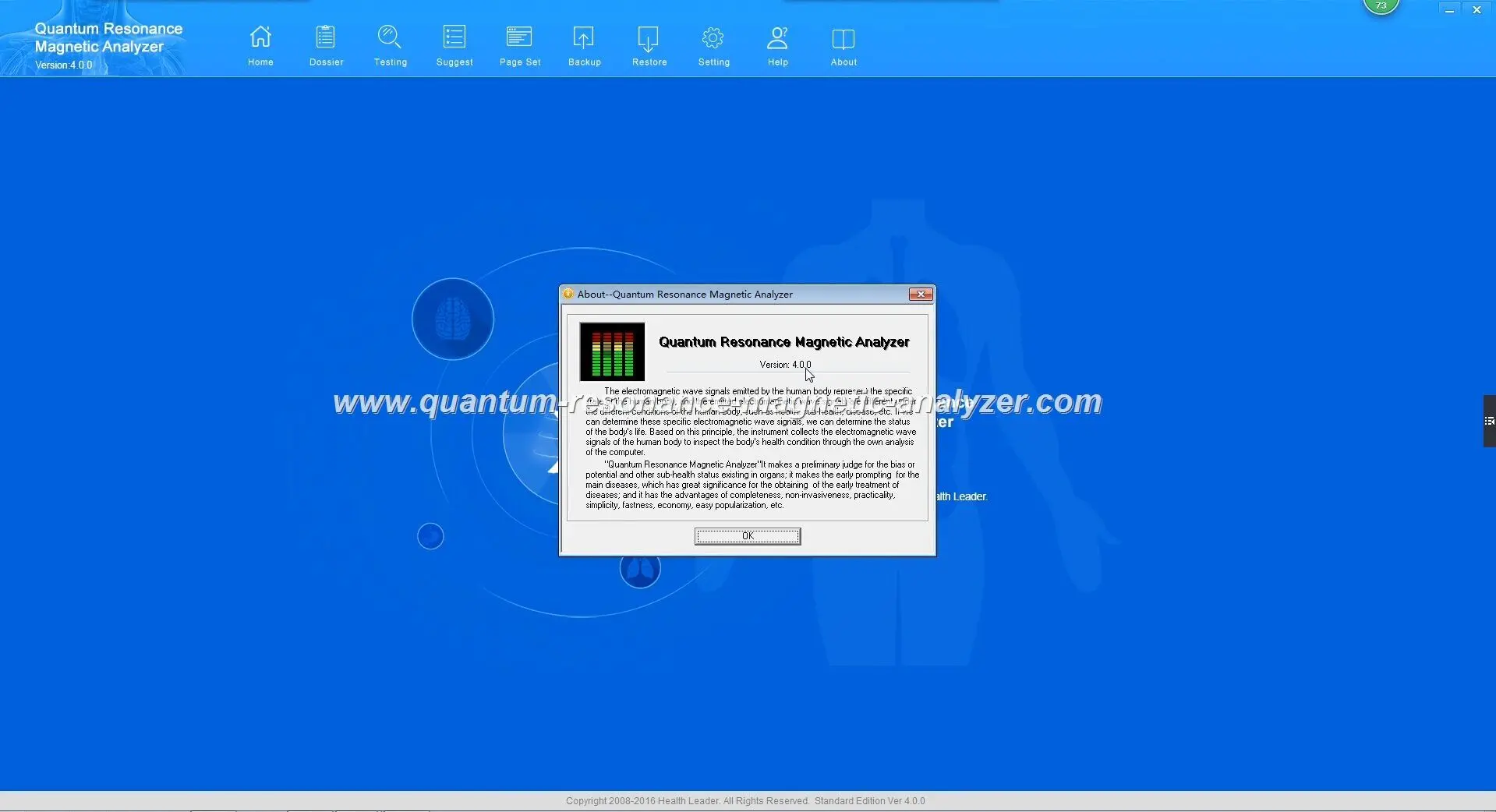
Software freeze during test with progress bar stuck
This frustrating issue occurs when the Quantum Analyzer Software becomes unresponsive during a health analysis test.
This error prevents you from saving test results or produces incomplete or corrupted reports.
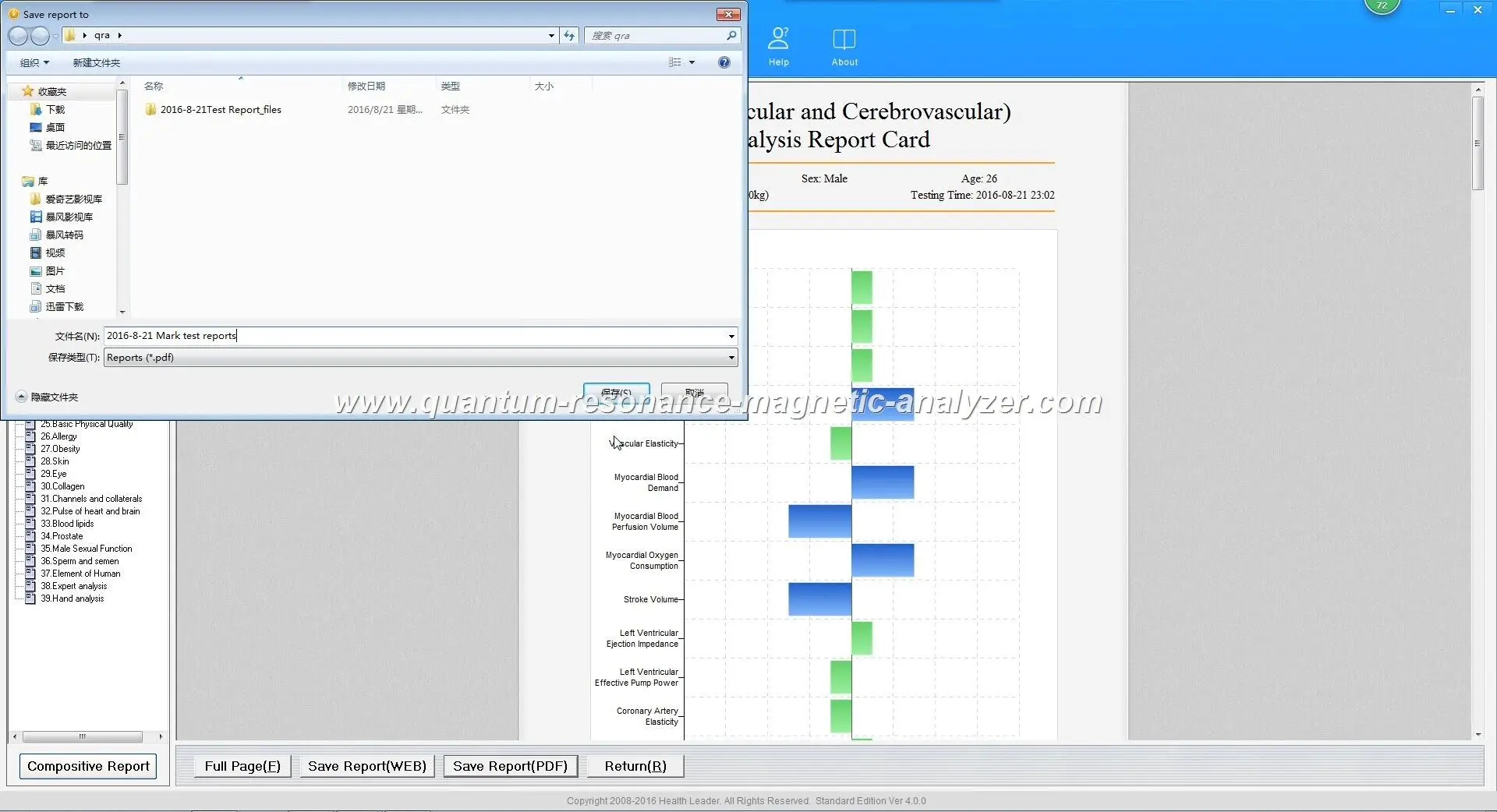
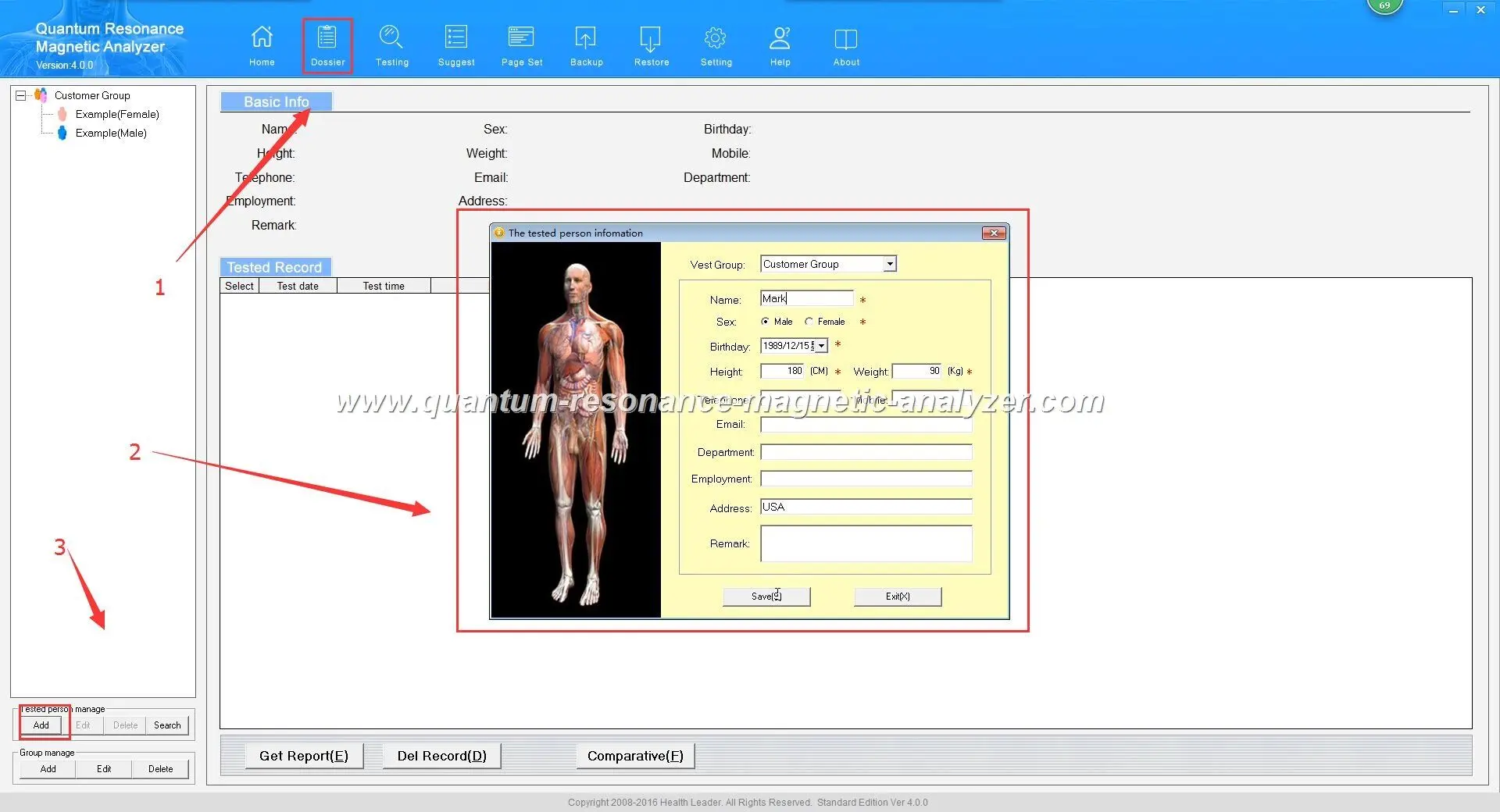
Error when attempting to save analysis report
While many Quantum Analyzer Software issues can be resolved using the troubleshooting steps above, some problems require professional technical assistance. Contact MAIKONG support if:
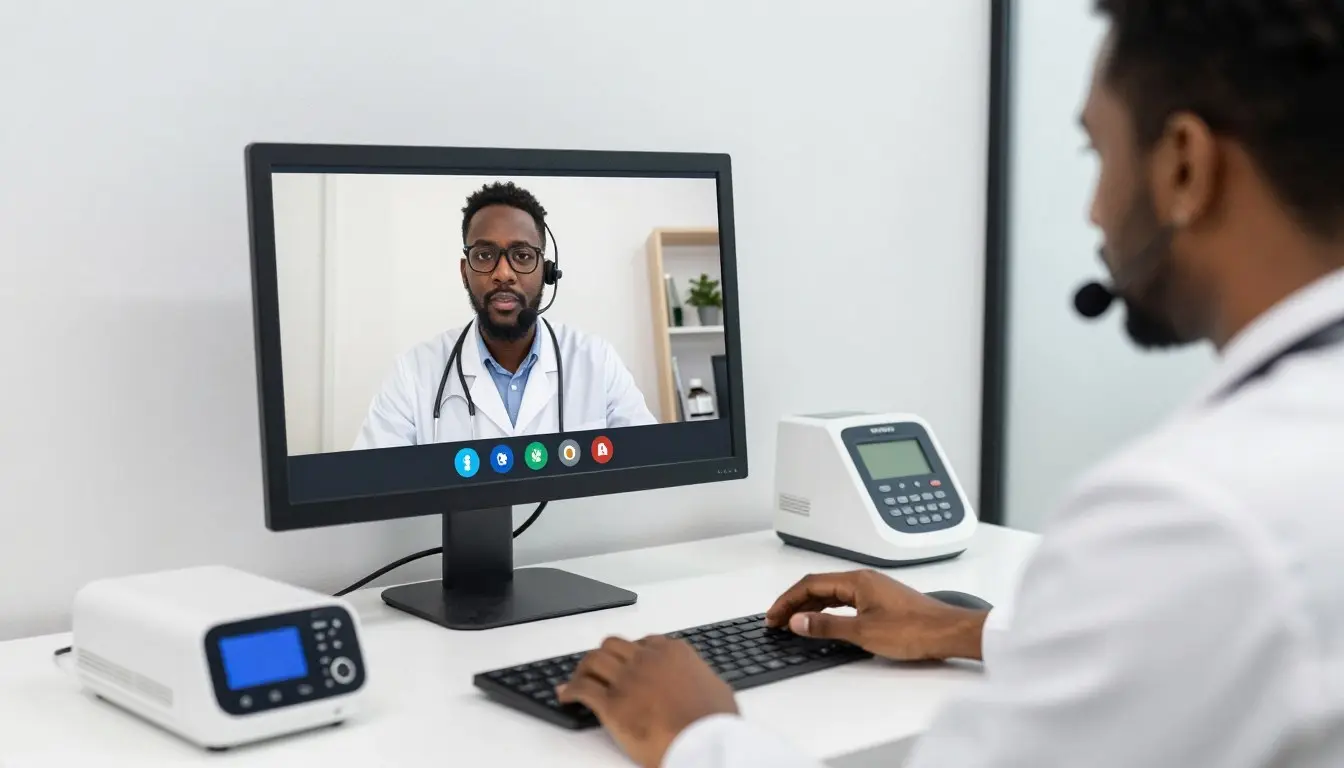
MAIKONG technical support providing remote assistance
Our dedicated technical team is available to assist Nigerian users with complex Quantum Analyzer Software issues. Contact us through your preferred channel:
Or reach us via email:
For Nigerian clients, we typically respond to WhatsApp messages within 2-4 hours during business hours (9 AM – 5 PM WAT). Email inquiries are usually answered within 24 hours. For urgent issues, WhatsApp is the recommended contact method.
Yes, our technical team can provide remote assistance using screen sharing tools to diagnose and fix complex software issues. This service is available to all MAIKONG customers in Nigeria at no additional cost.
To minimize future errors and ensure optimal performance of your MAIKONG Quantum Analyzer, follow these preventive maintenance recommendations:
Regular software updates help prevent common errors
The MAIKONG Quantum Analyzer Software is a powerful tool for health assessment that occasionally requires troubleshooting like any sophisticated technology. By following the solutions outlined in this guide, Nigerian healthcare professionals can quickly resolve common errors and maintain optimal functionality of their Quantum Health Analyzer systems.
Remember that MAIKONG is committed to supporting our Nigerian clients with responsive technical assistance and continuous product improvements. If you encounter persistent issues not addressed in this guide, don’t hesitate to contact our dedicated support team.
Interested in representing MAIKONG’s innovative health analysis technology across Nigeria? We’re seeking dedicated partners to expand our presence nationwide.
MAIKONG Quantum Health Analyzer in use at a leading Nigerian healthcare facility