Encryption Lock for the Quantum Analyzer MK001 — Practical Guide for Nigerian Wellness Centres · hero
Quick answer
Yes — the MK001 can operate with an encryption (software/license) lock supplied by MAIKONG. For a Nigerian wellness centre this matters because the lock controls which software features and report formats your clients and staff can access, and it helps protect exported reports and client files from casual alteration or unauthorised copying. To use it you must run the Quantum Analyzer Software 2026 on a supported Windows PC, confirm a valid licence tied to your device or account, and request an encryption-enabled configuration or replacement licence from MAIKONG if one is not already installed. Follow the step checklist below to verify and activate without disrupting daily appointments.
Contents
What an encryption lock (software/license lock) is — a plain practical definition
An encryption lock in this context is a software protection and licence control that restricts access to the Quantum Analyzer software and to encrypted report files. It typically ties a licence key (or an activation token) to a machine identity or account and enforces licensed feature sets at runtime. Put simply: it’s not a physical padlock on the MK001 cabinet — it’s a software barrier that decides who can run the analysis software, generate certain reports, and open or export encrypted client files.
How the encryption lock is applied to the Quantum Analyzer MK001 and Quantum Analyzer Software 2026 (what the supplier provides)
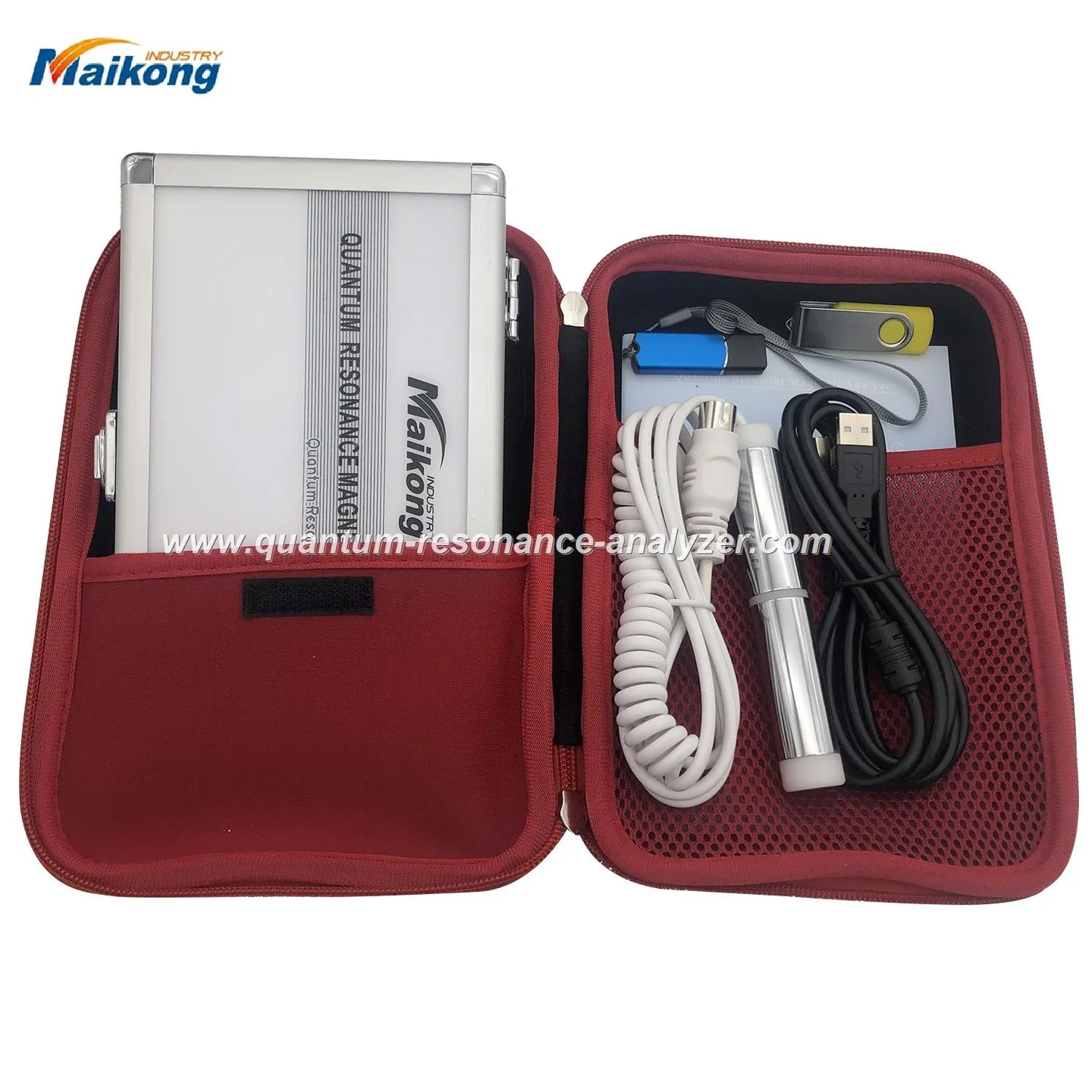
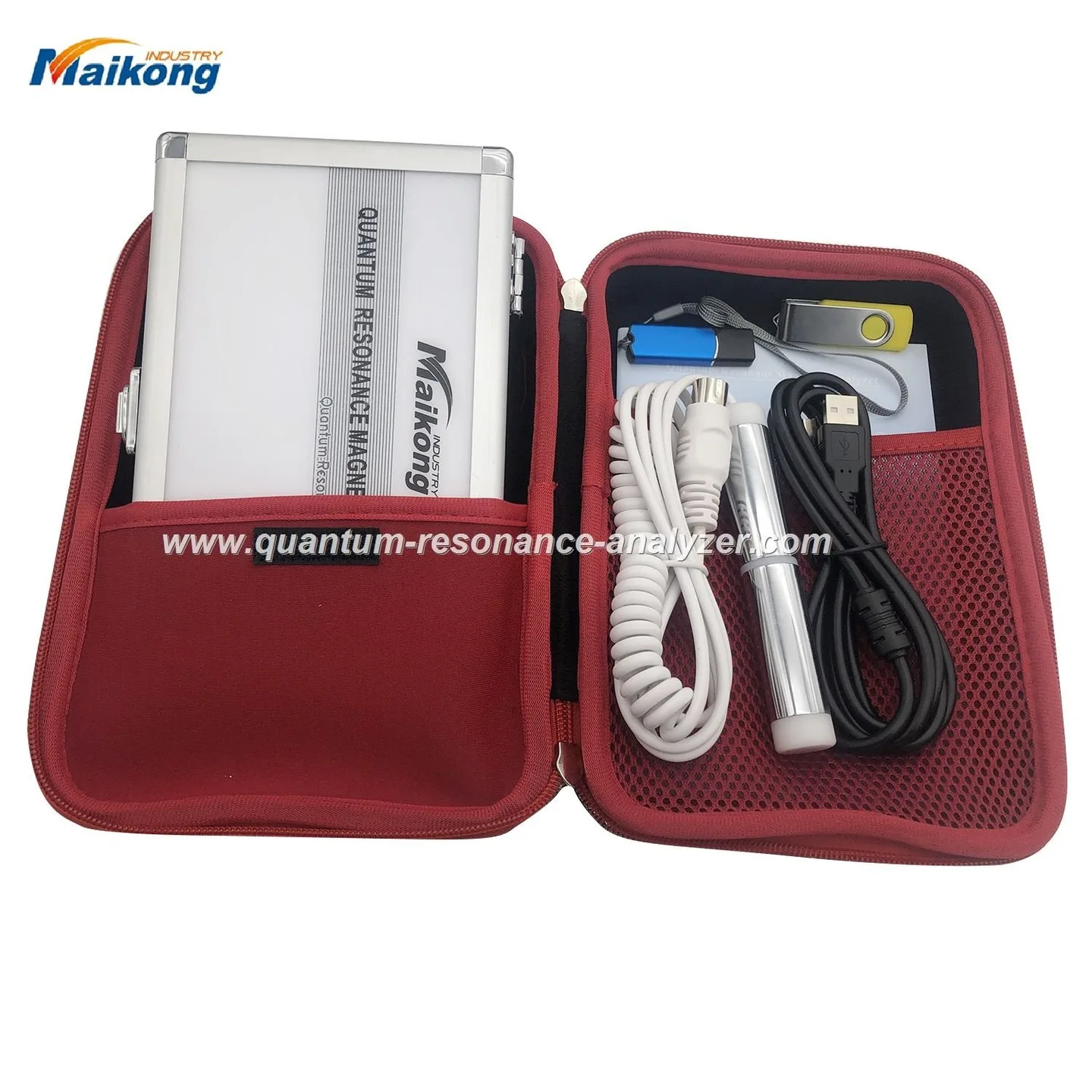
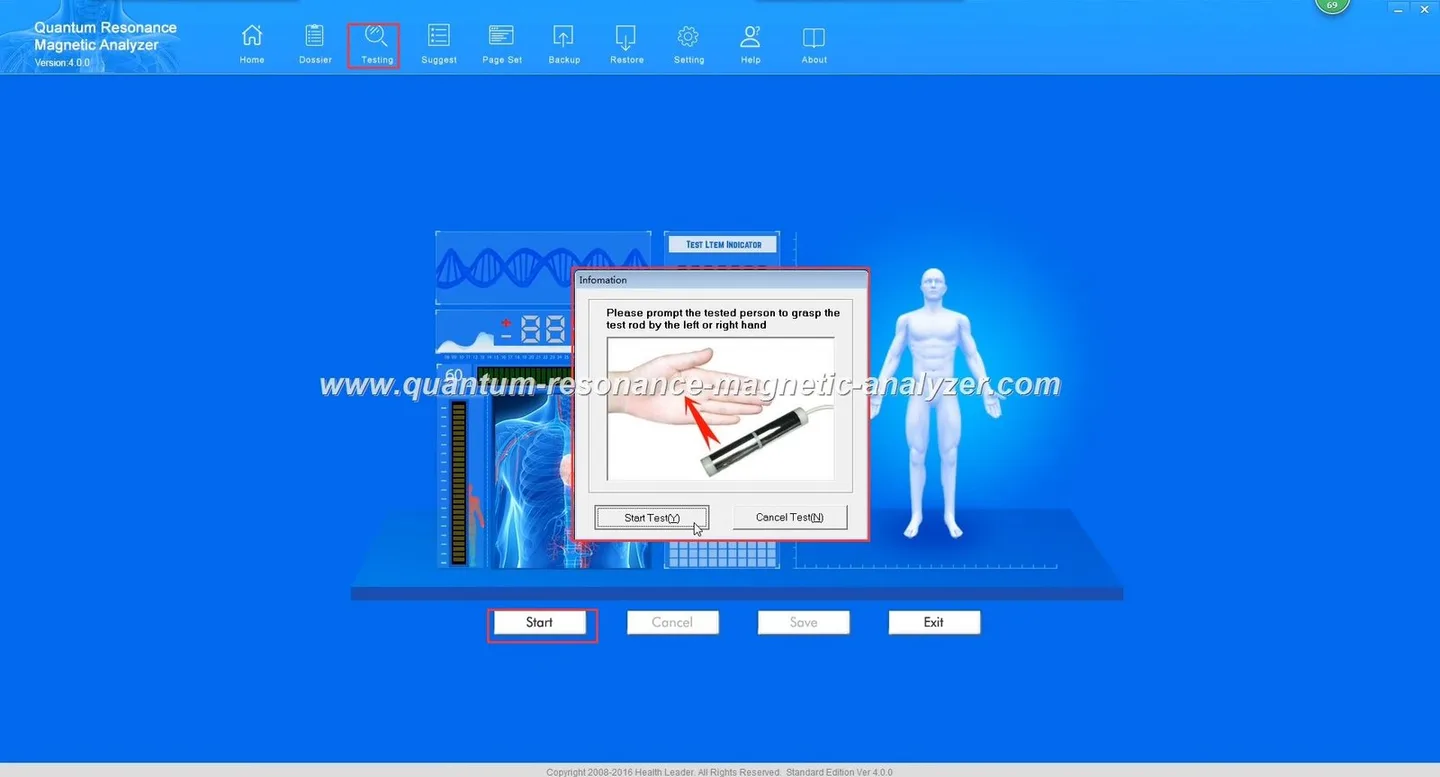
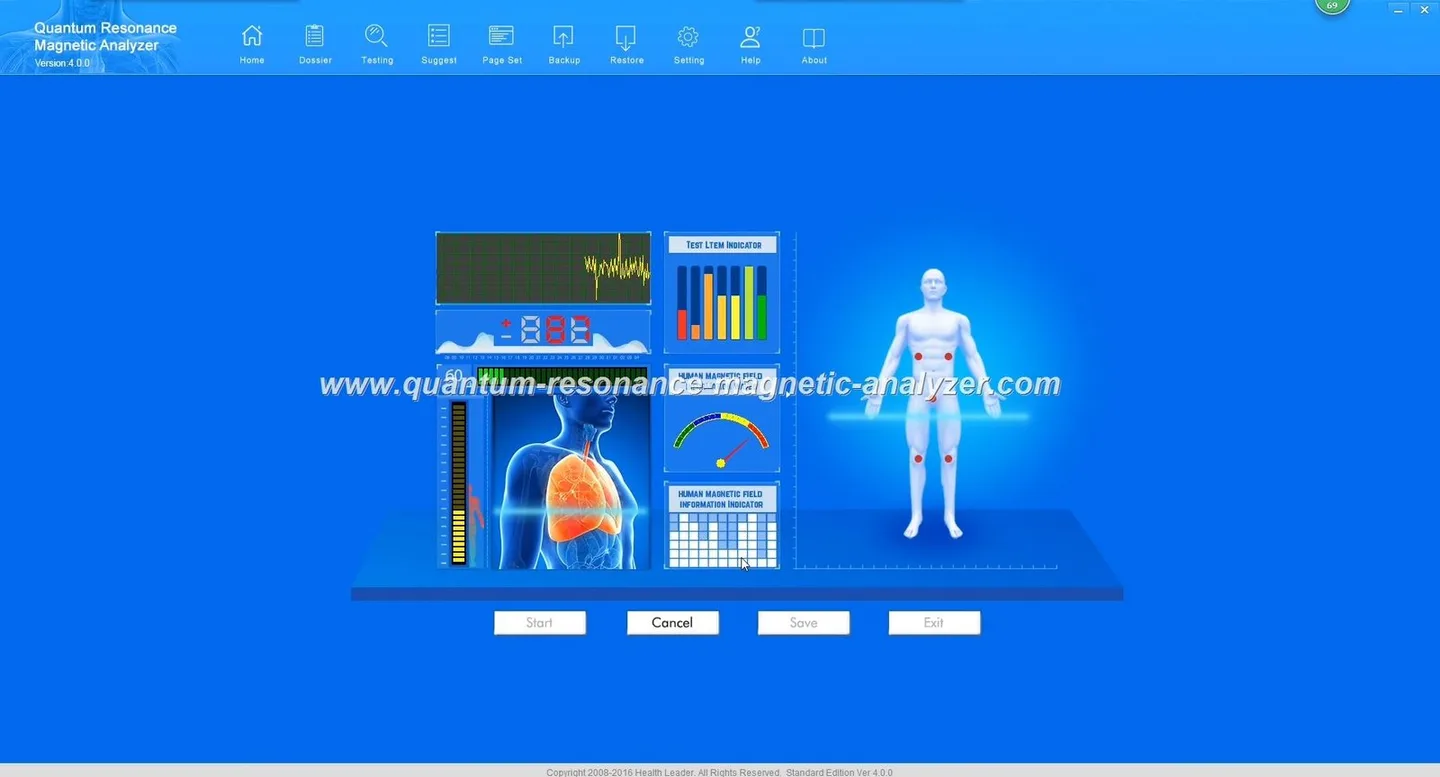
MAIKONG supplies the MK001 together with the Quantum Analyzer Software 2026 for Windows systems. The software environment and licence model are supplier-controlled, so encryption locks are implemented at the software layer and issued as licences or activation files bound to a specific MK001 installation or PC. If you purchase the MK001 you will receive the base software; an encryption-enabled configuration can be included at order or supplied later as a licence update.
What the encryption lock protects — client data, software features, and report integrity
For a wellness centre owner the practical protections are:
Control over which analysis modules and report templates staff can run or export.
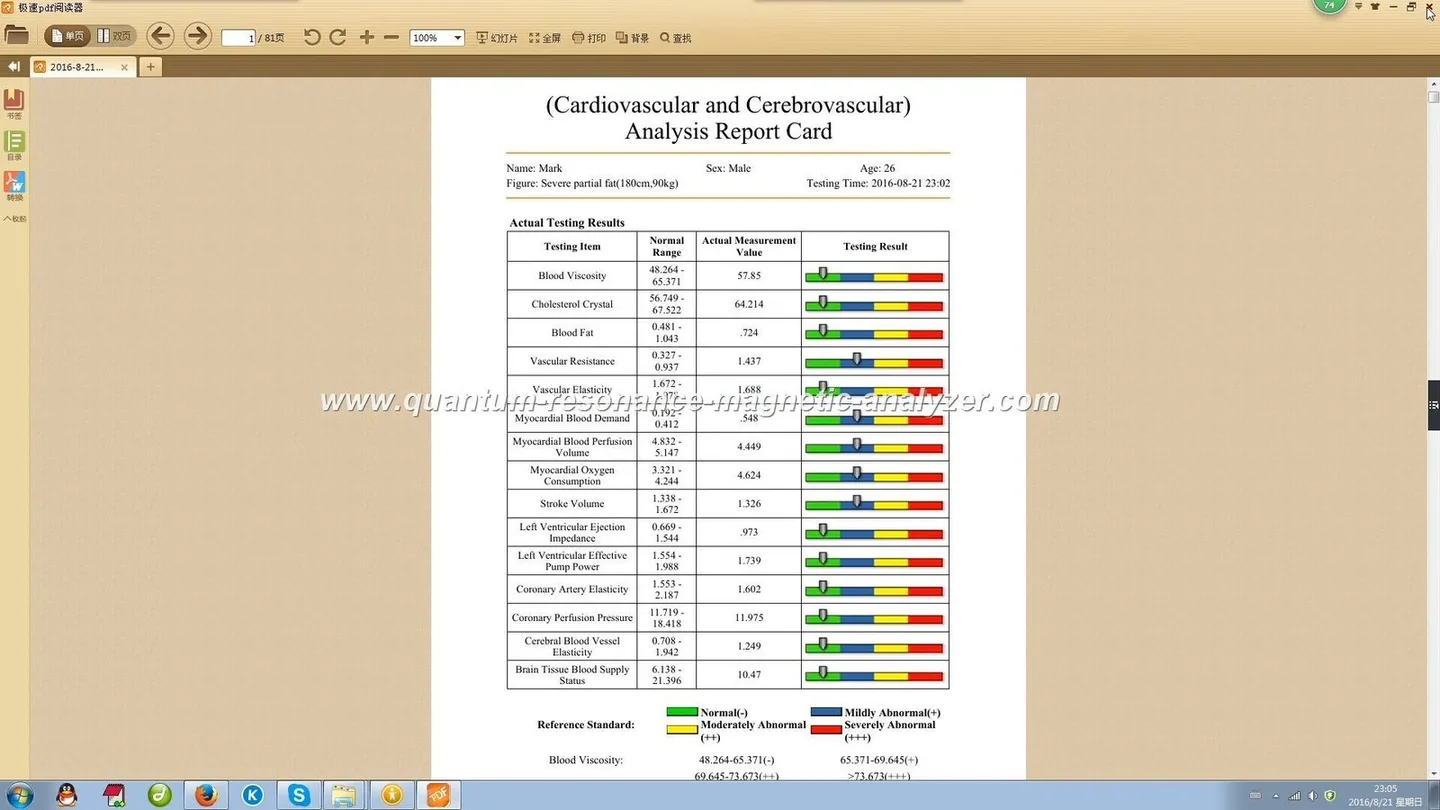
Encryption of saved client reports so formatted PDF or proprietary report files cannot be opened or altered by unauthorised software.
Licence enforcement so features only available under a purchased licence are not accidentally used in trial or demo modes.
Note: We do not claim the encryption lock replaces secure operational processes such as user authentication, secure backups or client consent. It reduces specific software-level risks, not institutional responsibilities.
Operational steps: how to check if your MK001 has an active encryption lock
Encryption Lock for the Quantum Analyzer MK001 — Practical Guide for Nigerian Wellness Centres · body
The following checks are practical and do not require special tools:
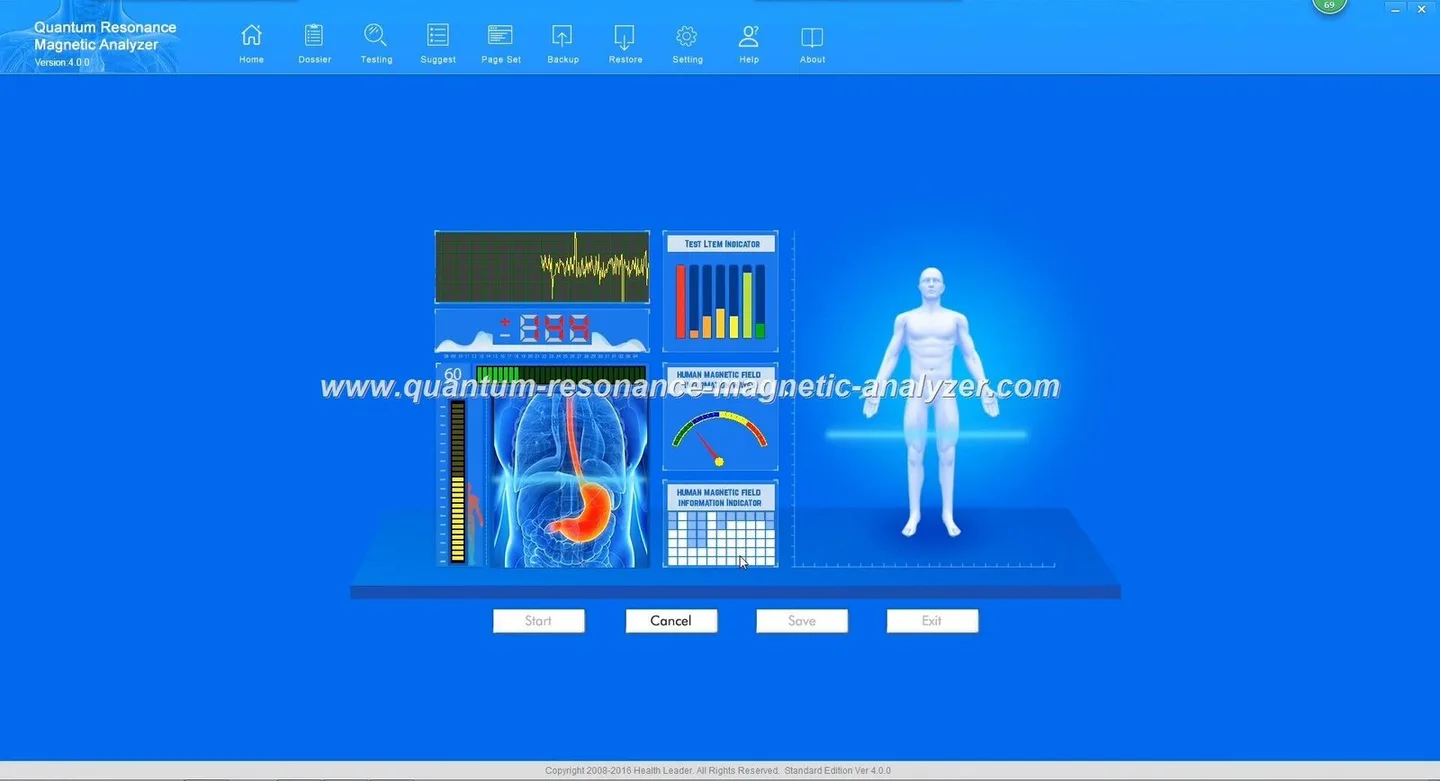
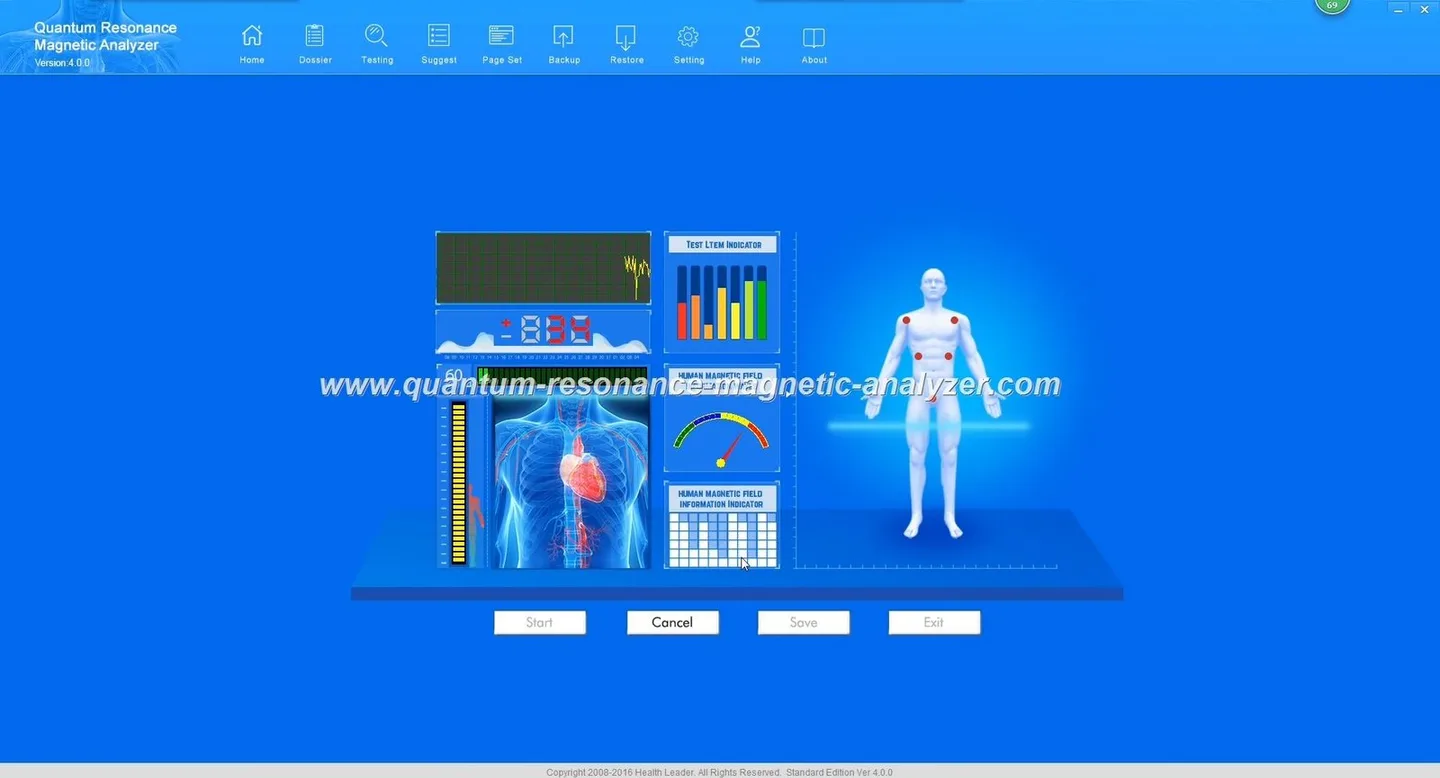
Confirm the installed software: open the Quantum Analyzer Software and note the version (look for “2026”). The software version is the first indicator the supplied licence will be compatible.
Open the software’s About / Licence / Activation panel. If a licence key or machine ID is visible, the device likely has an active licence; if the panel shows “Trial” or “Unlicensed” then an encryption lock is not active.
Attempt to export a report to the usual formats you use (PDF, proprietary format). If the software requires a password or shows “Encrypted export” this shows encryption is applied.
Check for a supplied licence file in the program folder or the Windows user profile path used by the software. Licence files commonly have recognizable names but the exact file name is determined by the supplier’s distribution.
Enabling and activating encryption lock on-site: steps a wellness centre must follow
Encryption Lock for the Quantum Analyzer MK001 — Practical Guide for Nigerian Wellness Centres · body
We recommend this sequence to enable encryption with minimal downtime:
Confirm the PC that will run the Quantum Analyzer Software meets the supported systems (Windows XP/7/8/10/11 as listed for the 2026 release).
Collect the MK001 serial number and the PC machine identifier (we can guide you on what the software needs). Do not share activation tokens publicly.
Decide which features and export permissions you want encrypted or restricted (for example: block report-editing, require password to export raw files). We will translate those choices into licence options.
Request the licence from MAIKONG and supply the device identifiers. We will issue an activation file or licence key to apply locally — you paste or import it into the Software’s Licence/Activation panel.
Verify by running a test client report, exporting it and confirming the intended restrictions and encryption are in place.
If you are scheduling patient appointments, perform the activation during low-traffic hours. The activation does not require hardware modification to the MK001 itself.
Common issues with encryption locks and quick troubleshooting steps
Encryption Lock for the Quantum Analyzer MK001 — Practical Guide for Nigerian Wellness Centres · body
Common problems we see and the quick checks to resolve them:
Licence shows “invalid” or “mismatch”: Confirm the licence was issued for the exact machine ID. Re-request a licence tied to the correct identifier.
Exported file won’t open on another workstation: The file may be machine-bound. Export an unencrypted PDF for sharing, or request a portable licence for cross-station review.
Software reports feature locked after Windows update: Re-open the Licence panel; sometimes a re-import of the licence file is required after system changes.
Network activation failing: Check outbound firewall rules and proxy settings; if your centre restricts internet access, request an offline activation method.
Security and compliance checklist for running an encrypted MK001 in Nigeria
Encryption Lock for the Quantum Analyzer MK001 — Practical Guide for Nigerian Wellness Centres · body
Use this checklist to evaluate readiness before enabling encryption:
Confirmed Quantum Analyzer Software 2026 installed and updated
Designated PC with Windows version supported by 2026
Clear policy on who can access encrypted exports and master passwords
Backups: secure off-device backups of exported reports (encrypted where possible)
Staff training: short session to show how licence activation works and who to contact on licence loss
Privacy and consent forms aligned with encrypted record handling
What changes for daily workflow — client intake, report export and multi-user access
Encryption Lock for the Quantum Analyzer MK001 — Practical Guide for Nigerian Wellness Centres · body
Expect three small operational adjustments:
Intake: capture explicit consent for storing encrypted digital reports and note who may view them.
Export: encrypted exports will require a password or an authorised reader; plan how you will share results with clients (e.g., provide printed PDFs or controlled digital access).
Multi-user access: licences are typically per-machine or per-user. If multiple operators need simultaneous access, order the appropriate licence or a server-side solution if available.
These are procedural changes rather than technological hurdles; most centres adapt in a few days.
When to request an encryption-enabled configuration or a replacement licence from MAIKONG
Encryption Lock for the Quantum Analyzer MK001 — Practical Guide for Nigerian Wellness Centres · body
You receive a new MK001 and want encrypted exports from day one.
You are moving the software to a different workstation and the licence must be reissued.
You expand staff and need additional concurrent licences.
You lose access to the licence file or the activation becomes invalid after system repair.
Provide the MK001 serial, the PC identifier, and a brief description of the feature set you require. We will advise whether an activation file or licence key is needed.
Evidence summary: MAIKONG-declared product and software details relevant to encryption locks
Encryption Lock for the Quantum Analyzer MK001 — Practical Guide for Nigerian Wellness Centres · body
Relevant MAIKONG-declared product details:
These company-provided facts identify the exact software and model name to reference when ordering an encryption-enabled licence or requesting technical support.
Limitations and operational risks
Important limitations to keep in mind:
We describe the software-level encryption and licence model as supplied. The strength of encryption, exact licence binding method and offline activation workflow depend on the version of the software and the licence you purchase; those technical details are defined in the licence files we issue.
We do not provide country-specific electrical, installation or regulatory compliance guidance for Nigeria in this article; verify local electrical and data-protection regulations separately.
The MK001 and its software are tools for health screening and record handling. Encrypted reports and analysis do not substitute professional medical diagnosis; staff must follow clinical referral procedures where indicated.
Frequently asked questions for Nigerian operators
Will encryption prevent me from printing client reports?
No — printing is normally supported. Encryption typically applies to digital export files; you can configure whether printed copies require an operator authorisation or a watermark.
Can I transfer a licence between centres?
Do I need internet for activation?
We support both online and offline activation workflows. If your centre blocks outbound connections, request an offline activation option when you order the licence.
Next step — how to request an encryption-enabled configuration or quote
If you would like an encryption-enabled MK001 or a replacement licence for an existing installation, email lucy@quantumanalyzer.ng with:
MK001 serial number and current software version (Quantum Analyzer Software 2026 if installed)
Your PC operating system and whether the machine is permanently at the centre or a shared laptop
Which features or exports you want encrypted or restricted
Or call/WhatsApp +8613510907401 to discuss a suitable licence configuration. Pricing and specific activation details are provided on enquiry.
Disclaimer: Our devices and software are tools for wellness assessment and record management. The information here is for operational planning and security preparation only and does not replace professional medical diagnosis or local regulatory advice.
This content is provided for learning, information sharing and professional communication only. It is not medical advice and is not a basis for treatment or diagnosis. Confirm suitability, operation and purchasing requirements against the product manual, local regulations and qualified professional guidance.
If any of these checks are unclear, capture screenshots of the About/Licence screens and prepare them when you contact us — that speeds verification.
Contact us for an encryption-enabled configuration or replacement licence when any of the following apply:
Transfers are possible but require reissuing a licence keyed to the new machine ID. Contact us with the destination identifiers so we can prepare a replacement licence.