
Categories
- FQA (177)
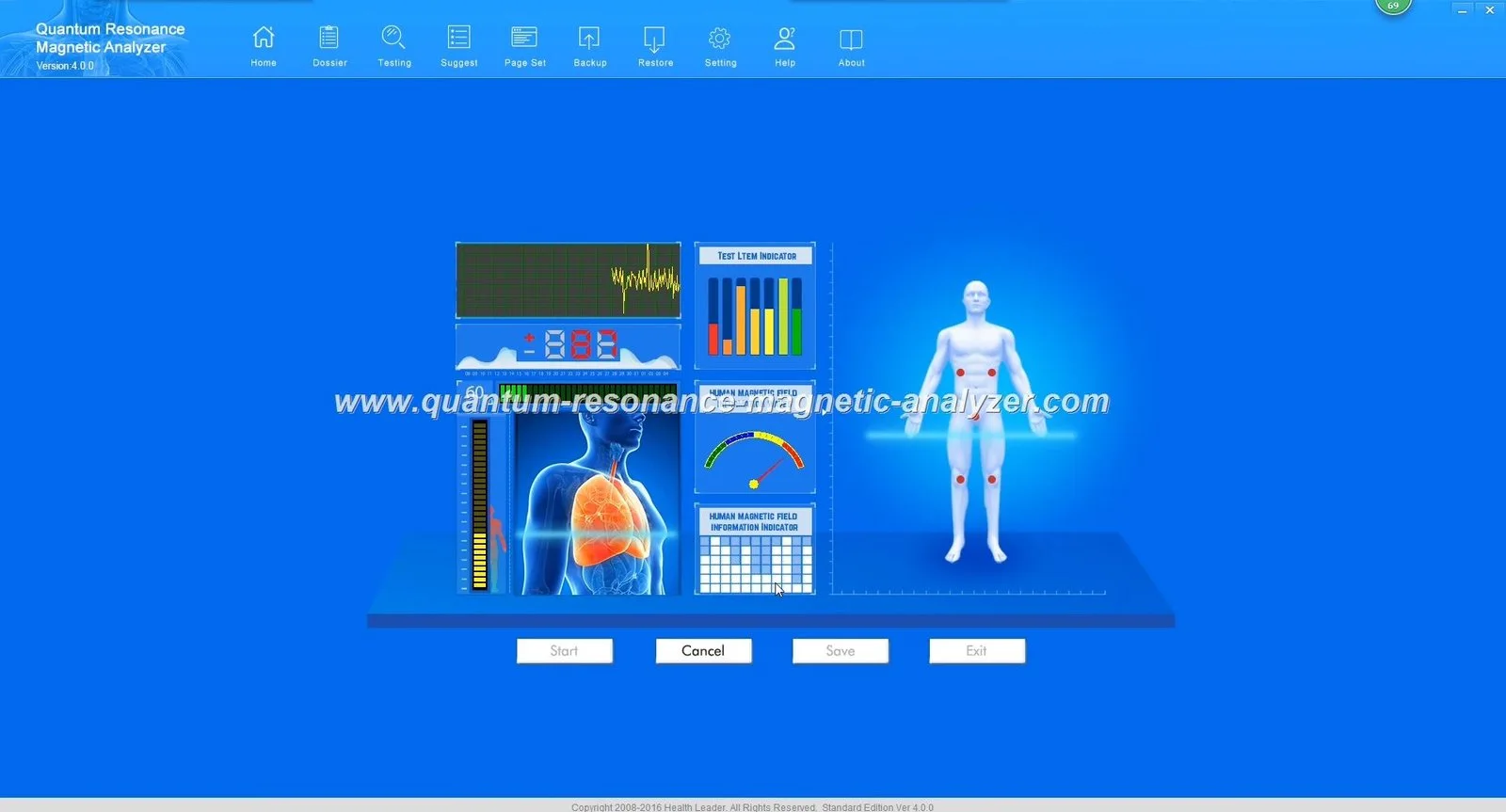
A quantum analyser such as our Quantum Analyzer MK001 can be a practical screening and client‑engagement tool for a Nigerian weight‑management centre: it provides a multi‑item wellness report useful for baseline screening, tracking broad trends, and structuring coaching conversations, but it does not diagnose disease or replace clinical assessment. If you need a device to speed onboarding, produce repeatable progress reports for monthly memberships, and offer add‑on screening services, the MK001 is suitable — provided you accept its boundaries, follow informed‑consent procedures, and pair results with standard clinical measures (weight, BMI, waist, blood pressure, lab tests when needed). (See evidence and limits below.)
Separately, MAIKONG reports that our devices produce multi‑item wellness reports and offers multilingual support and after‑sales services; these are company declarations and useful for procurement conversations, but they do not substitute independent clinical validation.
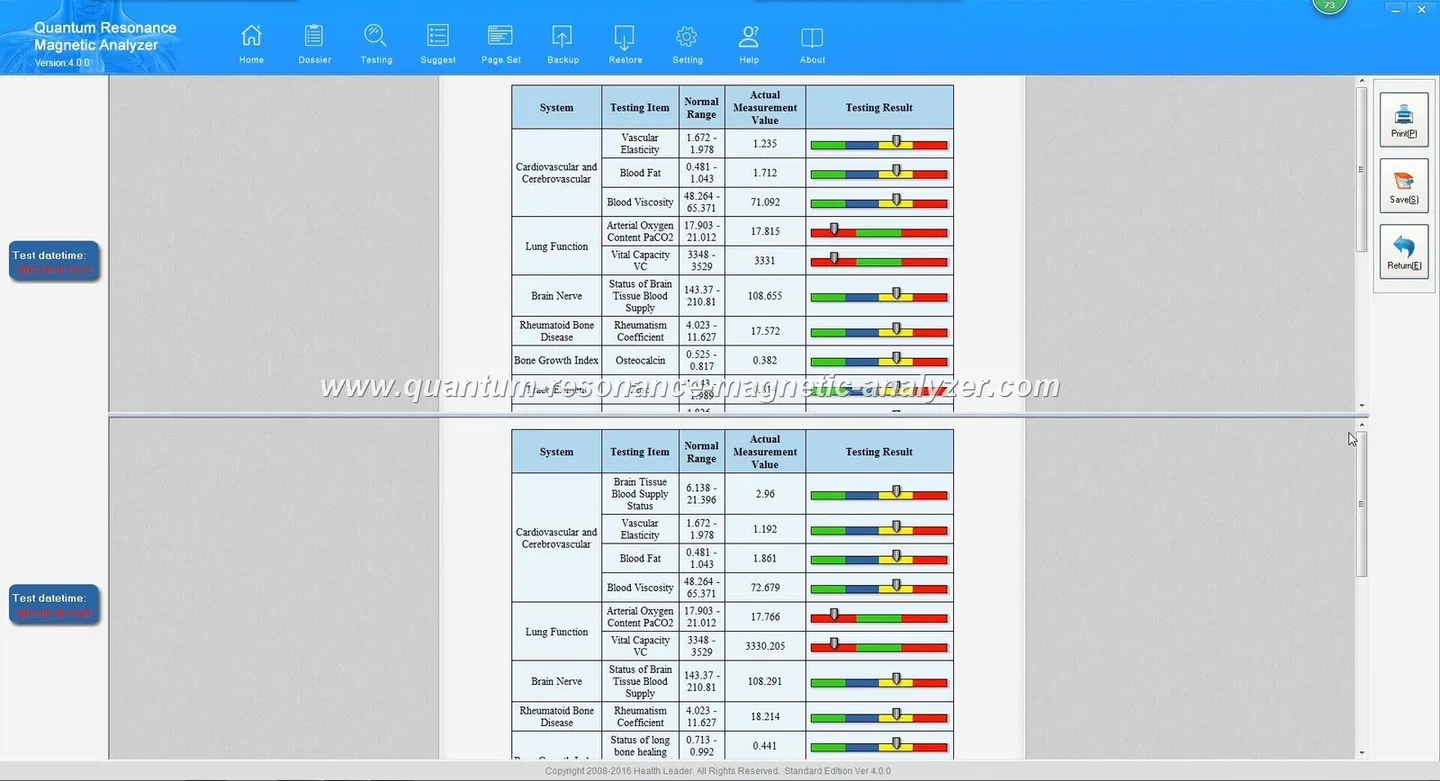
If you want printable detail on the software or sample report format before you decide, visit our Quantum Resonance Magnetic Analyzer report and Quantum Resonance Magnetic Analyzer Software pages for screenshots and sample PDFs.
The MK001 runs with the supplied Quantum Analyzer Software 2026 on Windows systems listed as Window xp/7/8/10/11 (data-fact-id=”118″). That means the software can be installed on a wide set of legacy and current Windows machines, but it does not imply any particular laptop is recommended — you should choose a stable, supported Windows build (Windows 10 or 11 is preferable for security).
We recommend using the MK001 as a structured screening and monitoring tool in four pragmatic steps that fit a typical weight‑management programme. This protocol keeps the device’s role clear: supportive, not diagnostic.
Reception logs the appointment and confirms consent documents. The client completes quick questionnaires while the staff enters basic details into Software 2026. The technician runs the MK001 scan in a private room, exports the PDF report, and hands it to the coach for a 10–15 minute review with the client. File the digital copy in the client record and schedule the next visit. Train staff to flag any alarming subjective answers to a clinician for follow‑up rather than interpreting report elements as clinical emergencies.
Our reports are formatted to show multiple wellness items that clients and coaches can use as a conversation framework. They simplify trend tracking and help visual learners understand progress between visits. MAIKONG supplies sample report images and templates in the product gallery (see evidence images).
Important limits: the report is for health management and screening; it does not constitute a medical diagnosis, lab confirmation or treatment prescription. Use objective clinical tests when decisions require diagnostic certainty. Always state report items as “screening indicators” or “software‑reported wellness items” when you share them with clients.
Keep scanned files in a secure folder with restricted access. If you plan to translate reports into Nigerian local languages for client understanding, verify that the software export supports editable templates; otherwise use an internal cover sheet that summarises key points in the client’s preferred language. Obtain explicit consent to store personal data and follow Nigeria’s applicable data‑protection expectations.
A trained technician or wellness coach can operate the MK001 after a short hands‑on session; however, results interpretation should be curated by a senior clinician or an experienced coach who understands the device’s role. Training should cover: device setup, informed consent wording, software account management, report export/filing, and scripted language to avoid clinical claims.
The MK001 is most useful as a value add to existing services rather than a stand‑alone weight‑loss cure. Practical revenue uses we see work well:
The main operational risks are overreliance on device output, insecure data handling, and using unsupported or outdated PCs connected to networks. Clinically, mislabeling a screening indicator as a diagnosis can delay proper medical care. MAIKONG’s product facts do not include electrical ratings or complete clinical validation data in the public snapshot; request the model manual and validation documents if you require them before procurement (data-fact-id=”118″).
| Field | MAIKONG value |
|---|
Localised disclaimer: This information is for health management and educational use only. The MK001 report is not a medical diagnosis and does not replace professional clinical assessment or laboratory testing.
This content is provided for learning, information sharing and professional communication only. It is not medical advice and is not a basis for treatment or diagnosis. Confirm suitability, operation and purchasing requirements against the product manual, local regulations and qualified professional guidance.
If you want a tailored configuration, sample report PDF or a quotation for one or more units, contact our sales team and request the MK001 model manual and installation sheet so your facilities and IT team can review power and connectivity needs before ordering. Email lucy@quantumanalyzer.ng or WhatsApp/phone +8613510907401 to request a quote or sample report.
