Nigeria Quantum Resonance Magnetic Analyzer

FQA

» FQA

Common Quantum Analyzer Software Errors and How to Fix Them Quickly

January 6, 2026

The Quantum Analyzer Software is a sophisticated tool that powers MAIKONG’s health analysis technology, providing comprehensive health assessments through non-invasive methods. However, like any advanced software, users occasionally encounter technical issues that can interrupt their workflow. This guide addresses the most common errors Nigerian users face with their Quantum Analyzer Software and provides step-by-step solutions to resolve them quickly, ensuring your health analysis operations continue smoothly.

System Compatibility Requirements for Quantum Analyzer Software

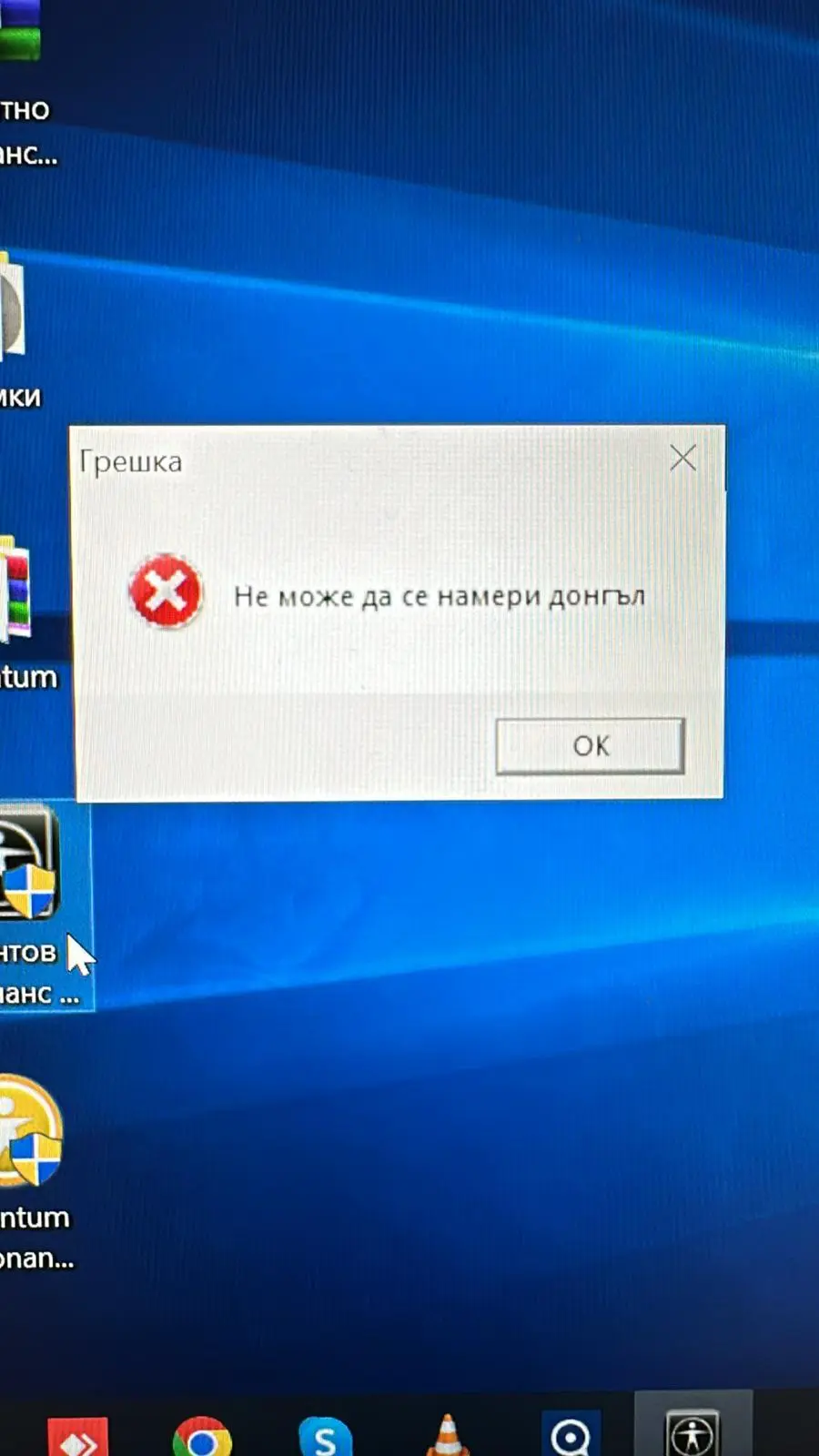
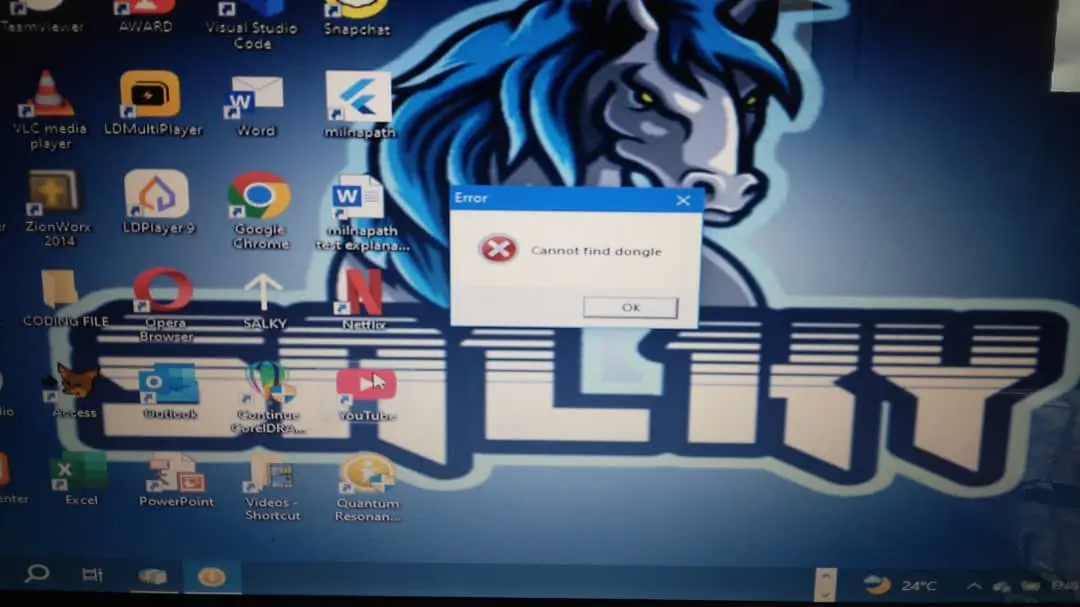
Greenlife Quantum Therapy Analyzer Encryption Lock error Nigeria Samuel Quantum Magnetic Resonance Analyzer Encryption Lock cannot find dongle Error Nigeria Quantum Magnetic Resonance Analyzer

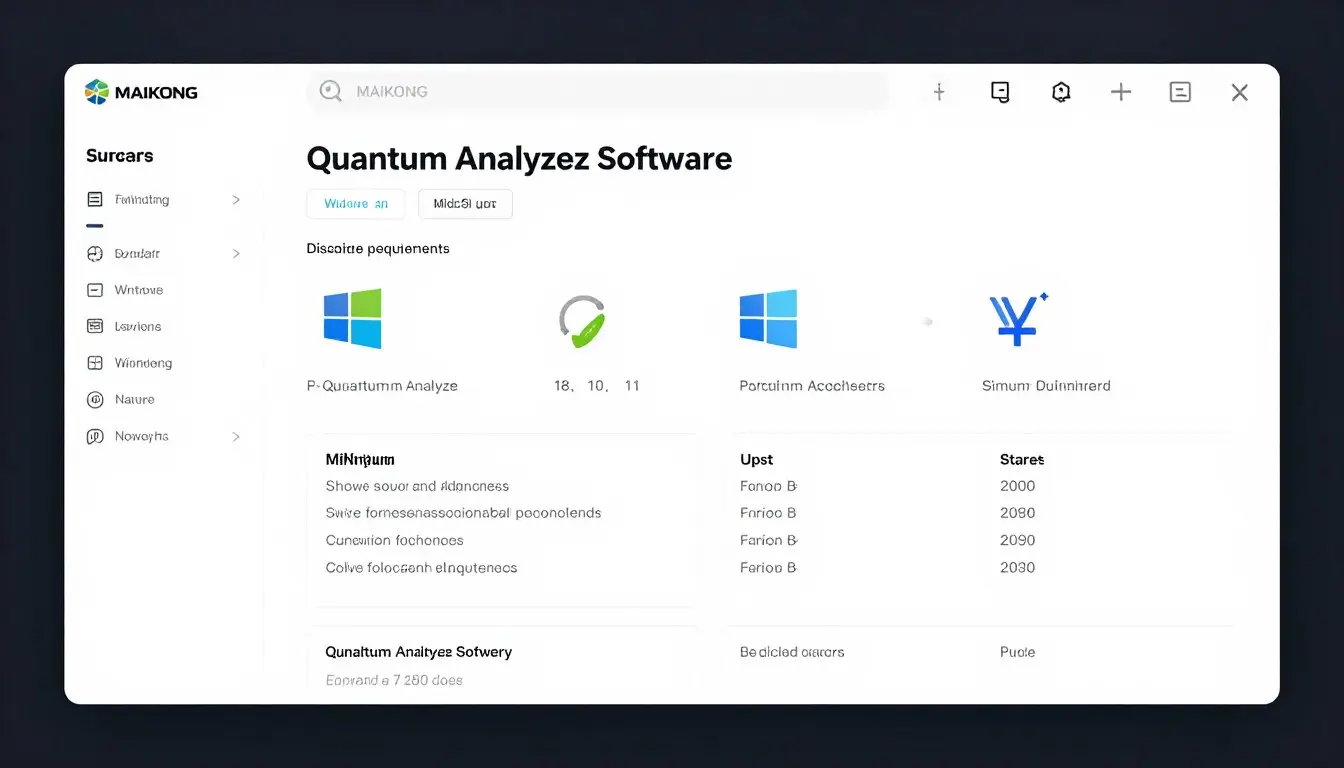
MAIKONG Quantum Analyzer Software system requirements screen showing compatible Windows versions

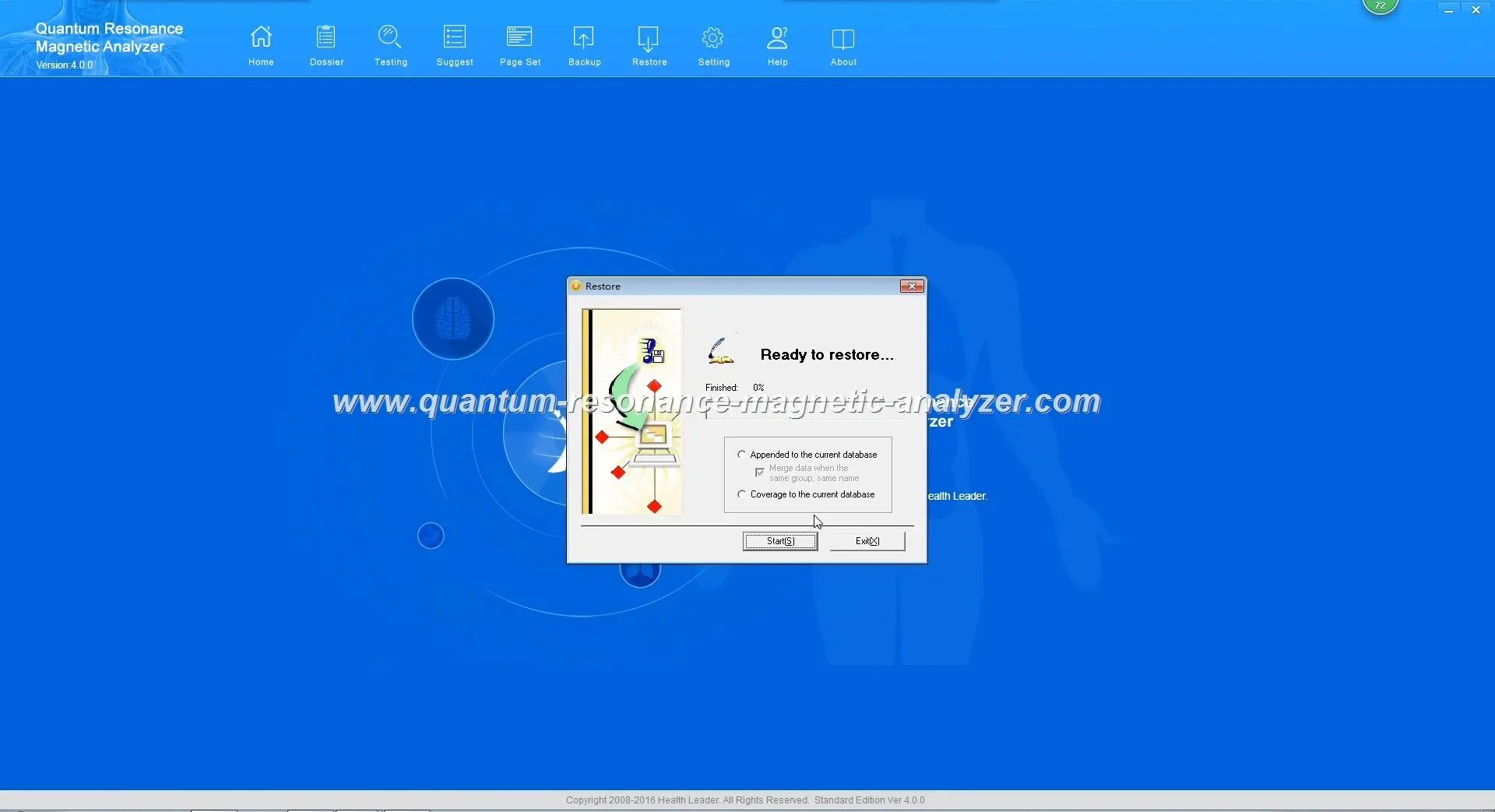
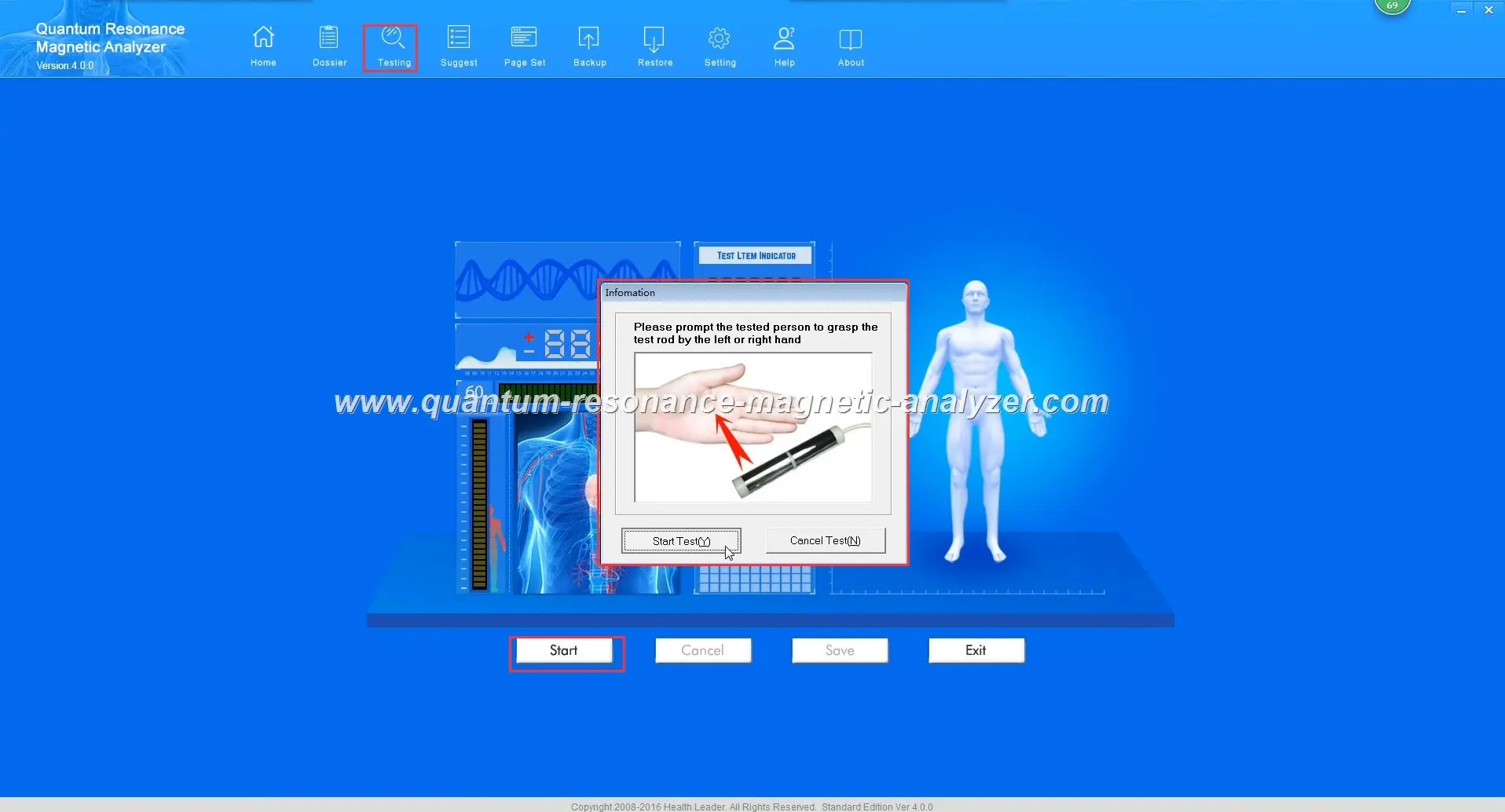
Quantum Resonance Magnetic Analyzer software Quantum Resonance Magnetic Analyzer software quantum resonance magnetic analyzer SOFTWARE Quantum Resonance Magnetic Analyzer software

Before troubleshooting specific errors, it’s essential to verify that your system meets the basic requirements for running the Quantum Analyzer Software. Many issues stem from incompatible operating systems or insufficient hardware specifications.

MAIKONG Quantum Analyzer Software system requirements screen

Requirement Minimum Specification Recommended Specification
Operating System Windows XP, Vista Windows 7, 8, 10, 11
Processor Intel Core i3 or equivalent Intel Core i5 or higher
RAM 2GB 4GB or higher
Hard Disk Space 5GB free space 10GB free space
USB Ports 1 USB 2.0 port USB 3.0 port
Display Resolution 1024 x 768 1920 x 1080 or higher

Important Note: The MAIKONG Quantum Analyzer Software is NOT compatible with Android, Apple Mac OS, Linux, or Unix operating systems. Attempting to run the software on these platforms will result in installation failures or unpredictable behavior.

Need the Latest Quantum Analyzer Software?

Ensure you’re using the most up-to-date version of our software for optimal performance and compatibility with all MAIKONG devices.

Download Latest Software

Installation and Setup Errors

Installation issues are among the most common problems Nigerian users encounter when setting up their Quantum Analyzer Software. Here are the most frequent installation errors and their solutions.
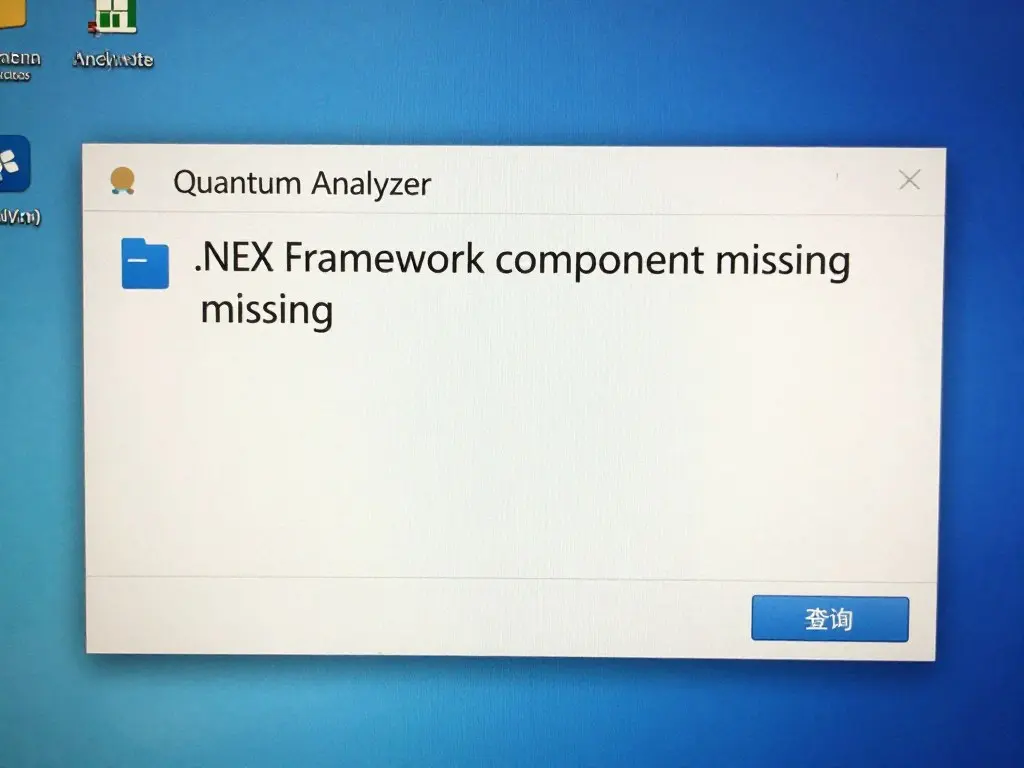
MAIKONG Quantum Analyzer Software installation error message showing .NET Framework missing

Common .NET Framework error during installation

Error: “.NET Framework Component Missing”

This error occurs when your system lacks the required .NET Framework version that the Quantum Analyzer Software depends on.

Solution Steps:

  1. Download the appropriate .NET Framework version (typically 4.0 or higher) from the Microsoft website
  2. Install the .NET Framework completely before attempting to reinstall the Quantum Analyzer Software
  3. Restart your computer after the .NET Framework installation
  4. Run the Quantum Analyzer Software installer as Administrator by right-clicking and selecting “Run as Administrator”

Error: “Driver Installation Blocked”

Windows security features sometimes block driver installation for hardware devices like the MAIKONG Quantum Analyzer.
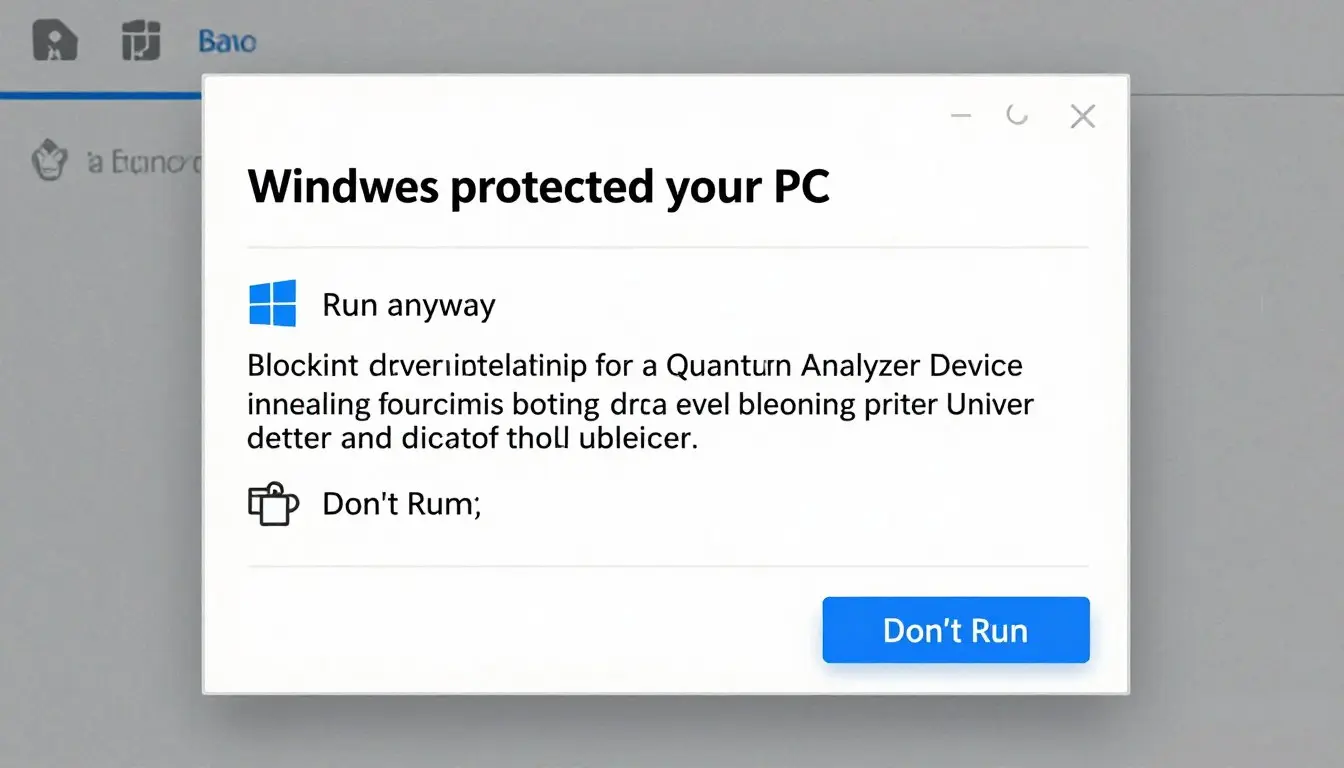
Windows security dialog blocking driver installation for MAIKONG Quantum Analyzer device

Windows security blocking driver installation

Solution Steps:

  1. When the security warning appears, click “More info” to expand the dialog
  2. Select “Run anyway” to proceed with the driver installation
  3. If using Windows 10/11, temporarily disable Driver Signature Enforcement:
    • Go to Settings > Update & Security > Recovery
    • Under Advanced startup, click “Restart now”
    • Select Troubleshoot > Advanced options > Startup Settings > Restart
    • Press F7 to disable driver signature enforcement
  4. After installation completes, restart your computer to restore normal security settings

Pro Tip: Always download the Quantum Analyzer Software directly from the official MAIKONG website to avoid security issues and ensure compatibility with your device.

Device Connection and Communication Errors

After successful installation, connection issues between your computer and the MAIKONG Quantum Analyzer device are the next most common category of problems. These issues often relate to USB connectivity or encryption lock authentication.
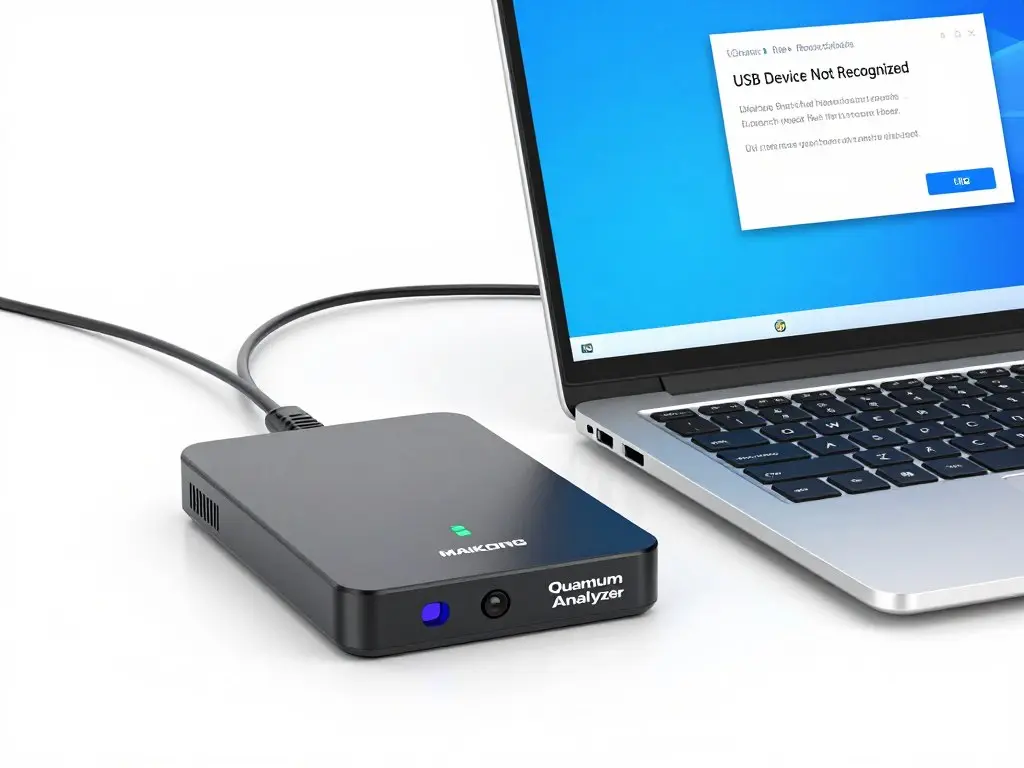
MAIKONG Quantum Analyzer device connected to laptop with error message showing device not recognized

USB device not recognized error

“Device Not Recognized” USB Errors

This common error occurs when Windows cannot properly identify the MAIKONG Quantum Analyzer hardware.

Solution Steps:

  1. Try connecting the device to a different USB port (preferably a direct port on the computer, not a USB hub)
  2. Check the USB cable for damage and replace if necessary
  3. Restart your computer with the device disconnected, then reconnect after Windows has fully loaded
  4. Update or reinstall USB drivers:
    • Open Device Manager (right-click Start menu and select “Device Manager”)
    • Expand “Universal Serial Bus controllers”
    • Right-click on each USB controller and select “Update driver”
    • If problems persist, right-click on problematic devices (often shown with yellow warning icons) and select “Uninstall device”
    • Restart your computer to allow Windows to reinstall the drivers

Encryption Lock (USB Key) Authentication Failures

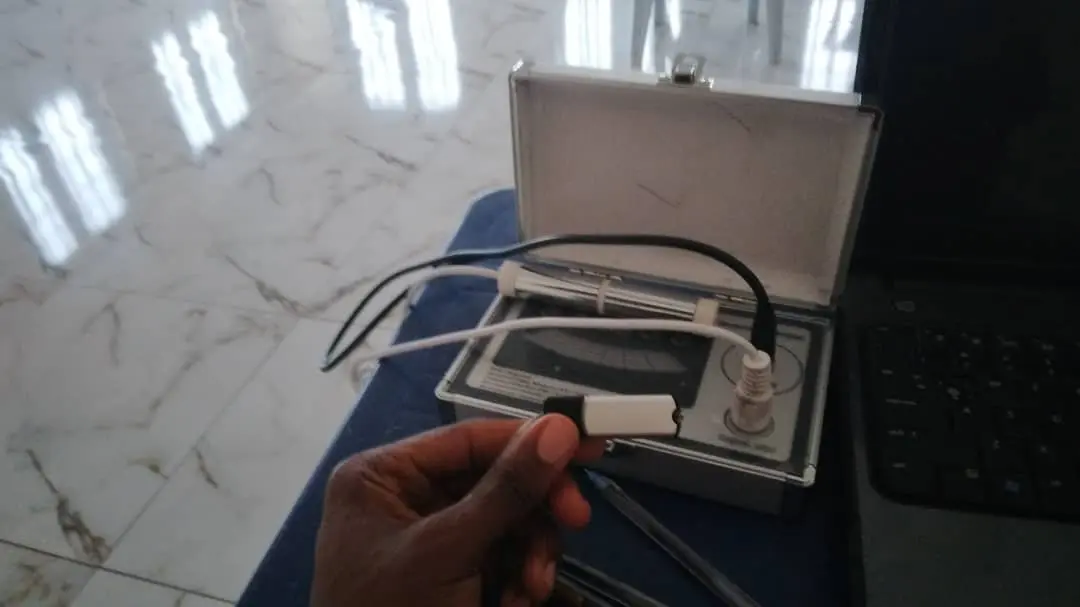
The MAIKONG Quantum Analyzer requires a valid encryption lock (USB key) to authenticate the software. Authentication failures are common when the key is not properly recognized.
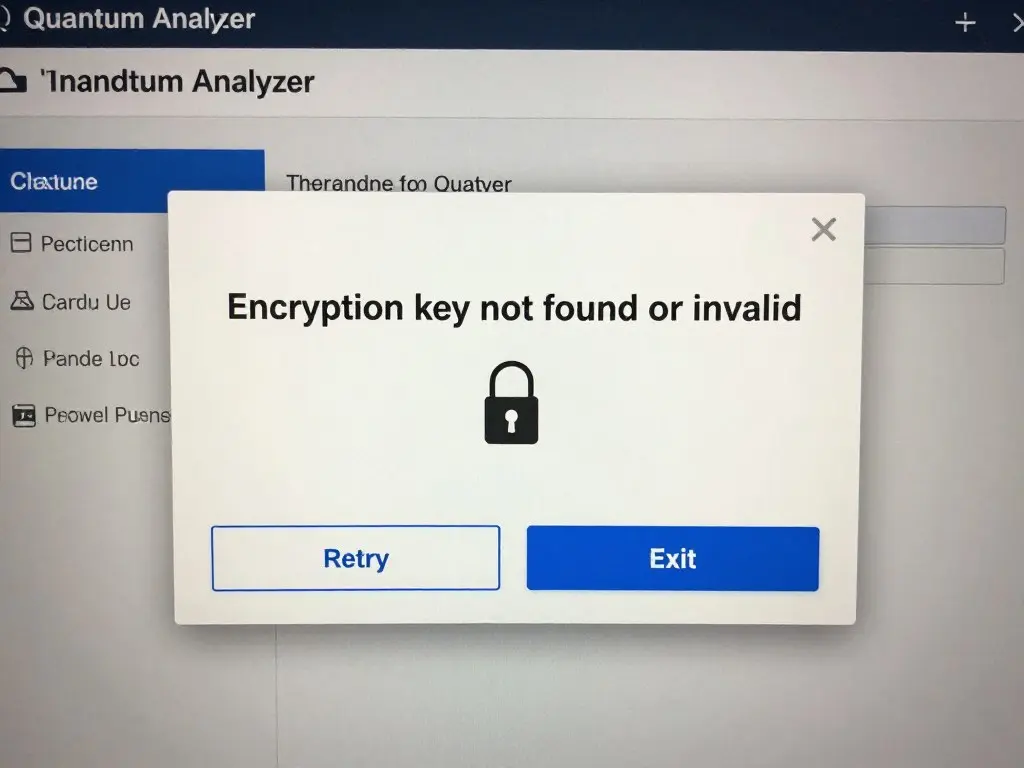
MAIKONG Quantum Analyzer Software showing encryption lock authentication error dialog

Encryption lock authentication error

Solution Steps:

  1. Ensure the encryption lock (USB key) is firmly inserted into a working USB port
  2. Try a different USB port, preferably USB 2.0 for older encryption locks
  3. Close and restart the Quantum Analyzer Software with the encryption lock already inserted
  4. Check for physical damage to the encryption lock
  5. Verify that the encryption lock LED light (if present) illuminates when connected
  6. Clean the USB connector gently with compressed air or a soft cloth

Need Technical Support for Connection Issues?

Our technical team is available to help Nigerian users resolve device connection problems quickly.

Contact via WhatsApp

Sensor and Data Acquisition Errors

Once your MAIKONG Quantum Analyzer is connected, you may encounter issues with sensor readings or data acquisition during testing. These errors affect the quality and reliability of health analysis results.
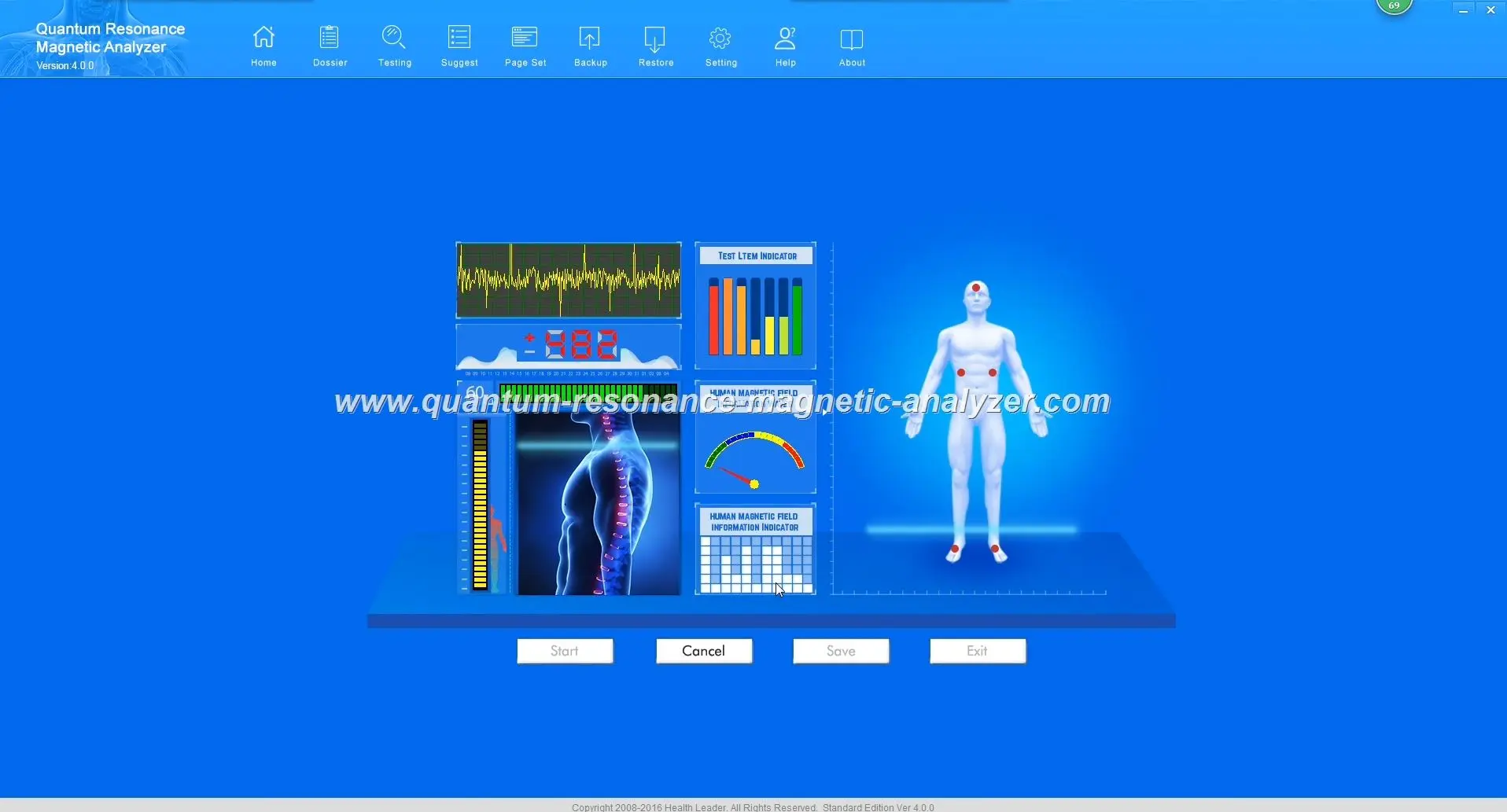
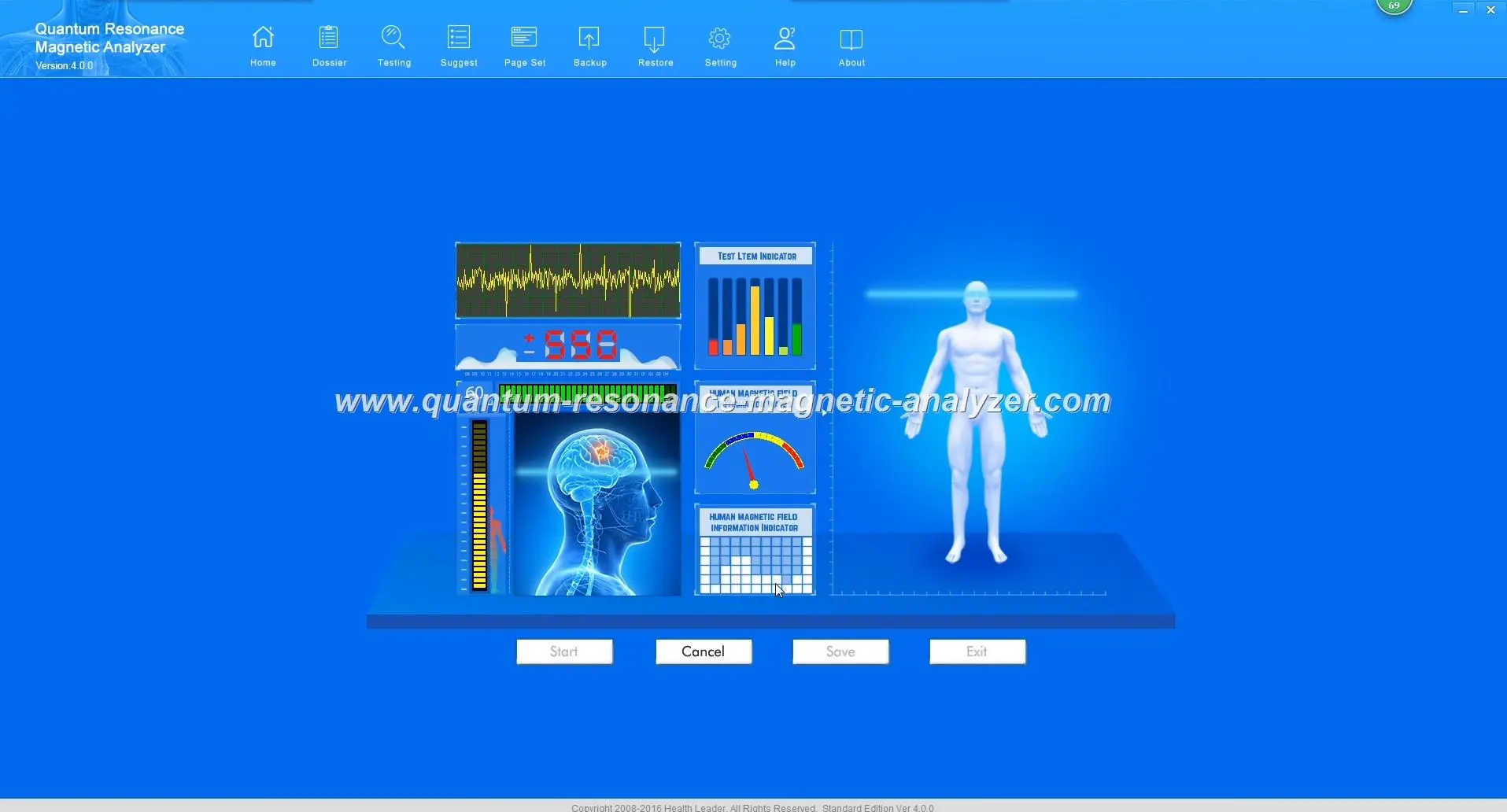
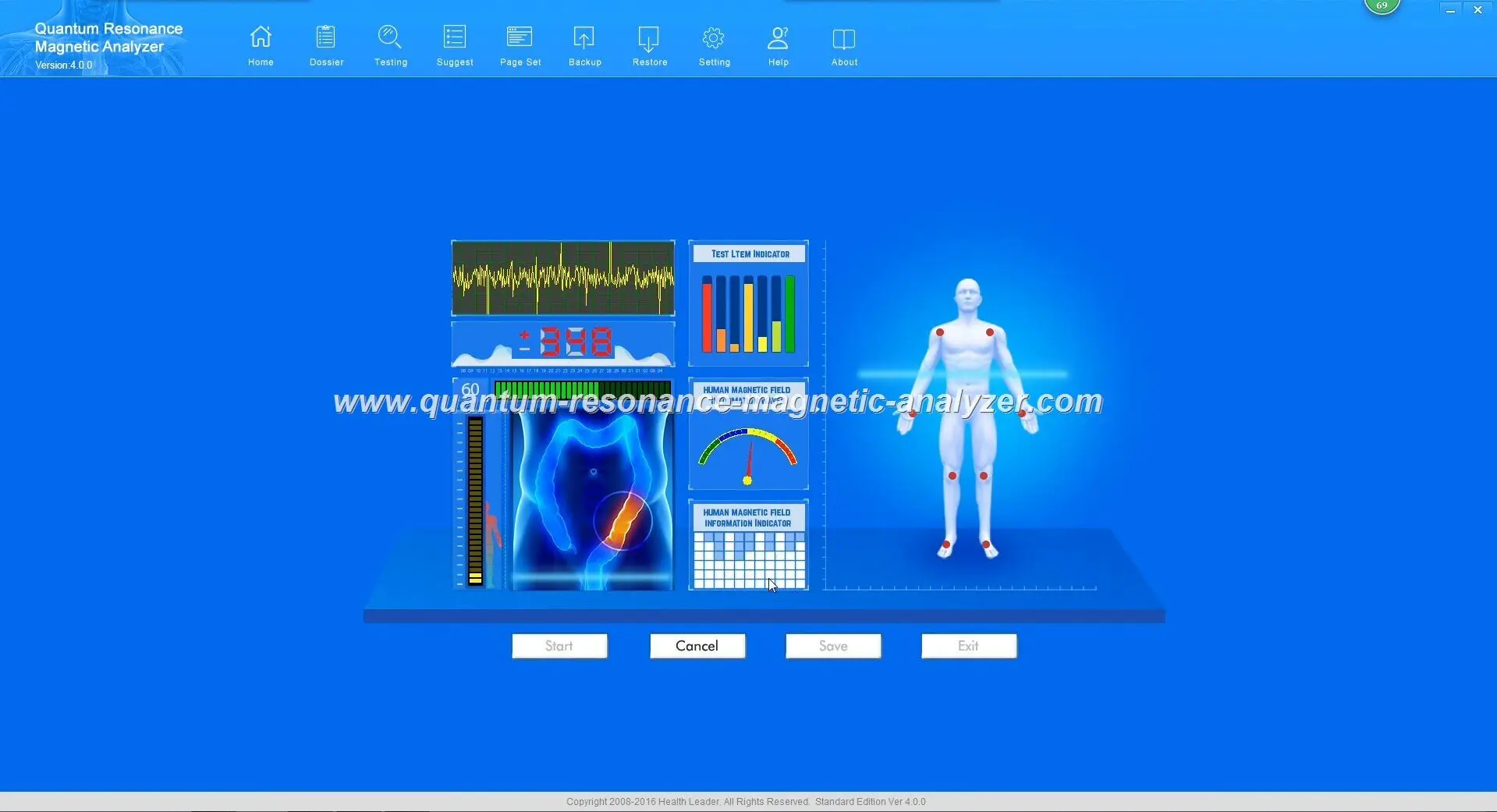
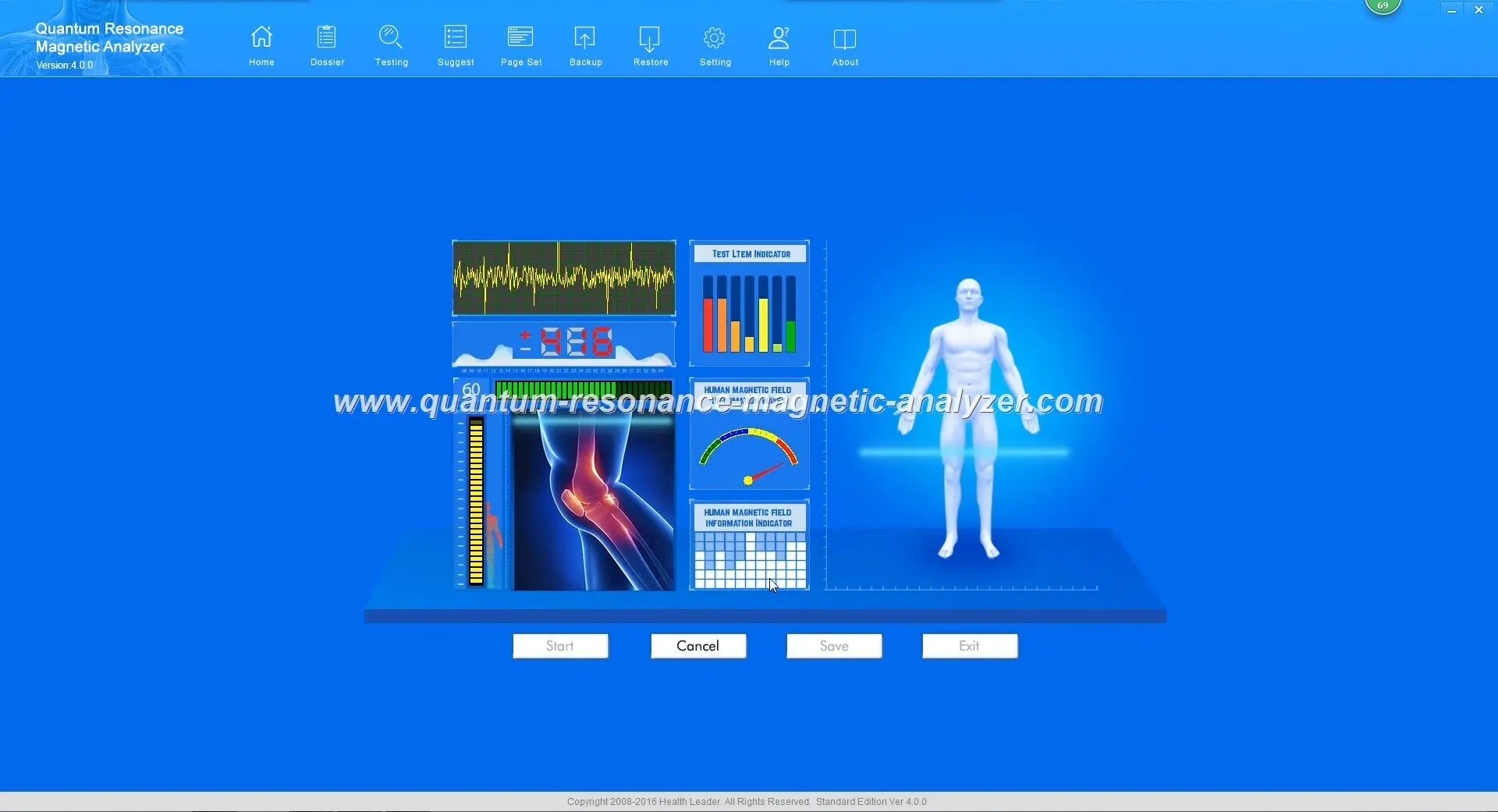
Quantum Resonance Magnetic Analyzer software Quantum Resonance Magnetic Analyzer software Quantum Resonance Magnetic Analyzer software Quantum Resonance Magnetic Analyzer software

Unstable sensor readings in the Quantum Analyzer Software

Unstable or No Sensor Readings

This problem manifests as fluctuating or absent sensor values during testing, resulting in inaccurate health analysis.

Solution Steps:

  1. Ensure the client is holding the sensor correctly:
    • The sensor should be held firmly but not squeezed
    • The client’s hand should be clean and dry
    • Remove any metallic items (watches, jewelry) from the client’s hands and wrists
  2. Check the sensor cable for damage or loose connections
  3. Verify that the client is sitting still and relaxed during the test
  4. Ensure no mobile phones or other electronic devices are within 1 meter of the analyzer during testing
  5. Clean the sensor contacts with a slightly damp cloth and allow to dry completely

“Signal Too Weak” Errors

This error indicates that the Quantum Analyzer is not receiving sufficient electromagnetic signals from the client to perform accurate analysis.
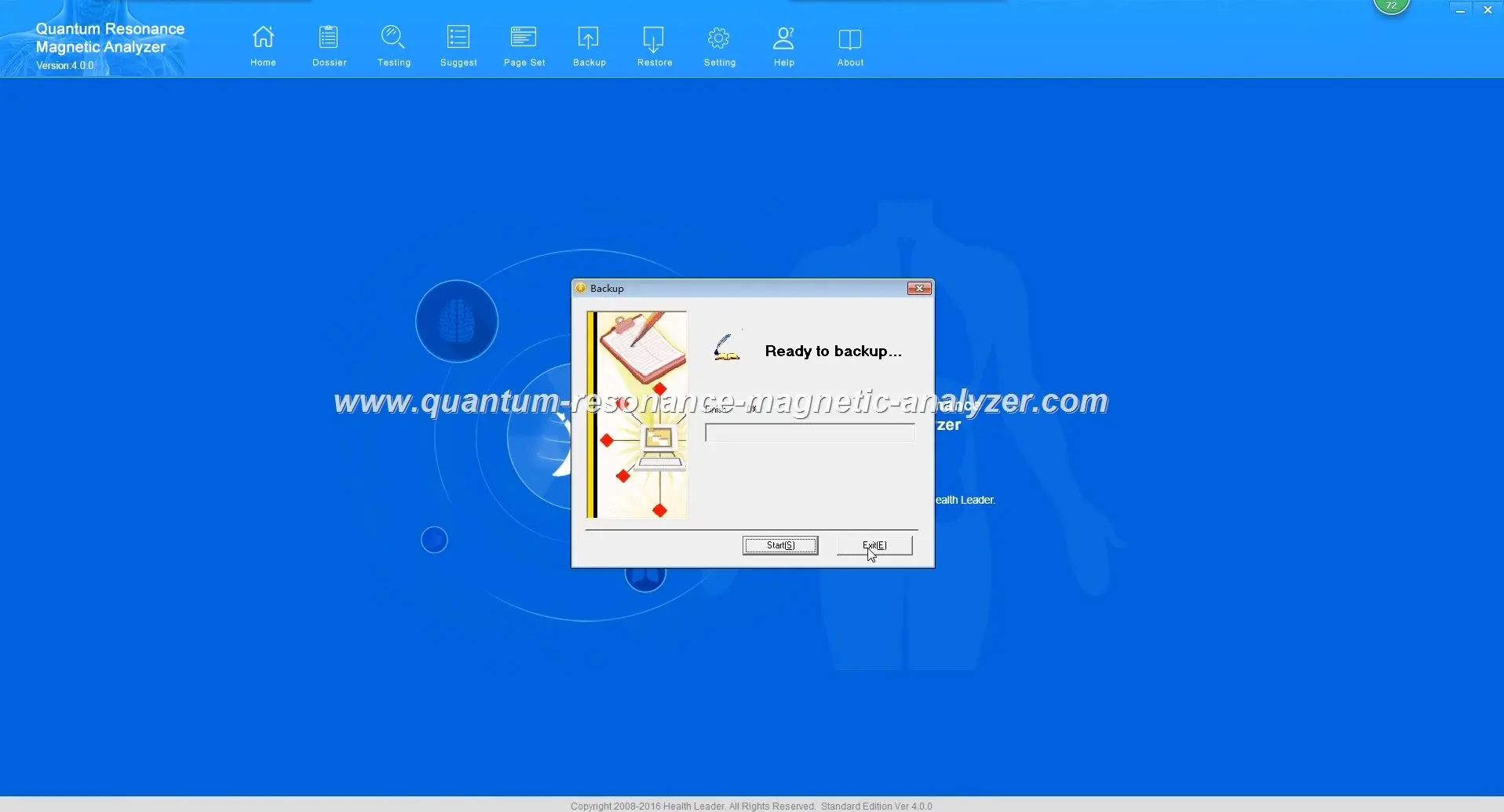
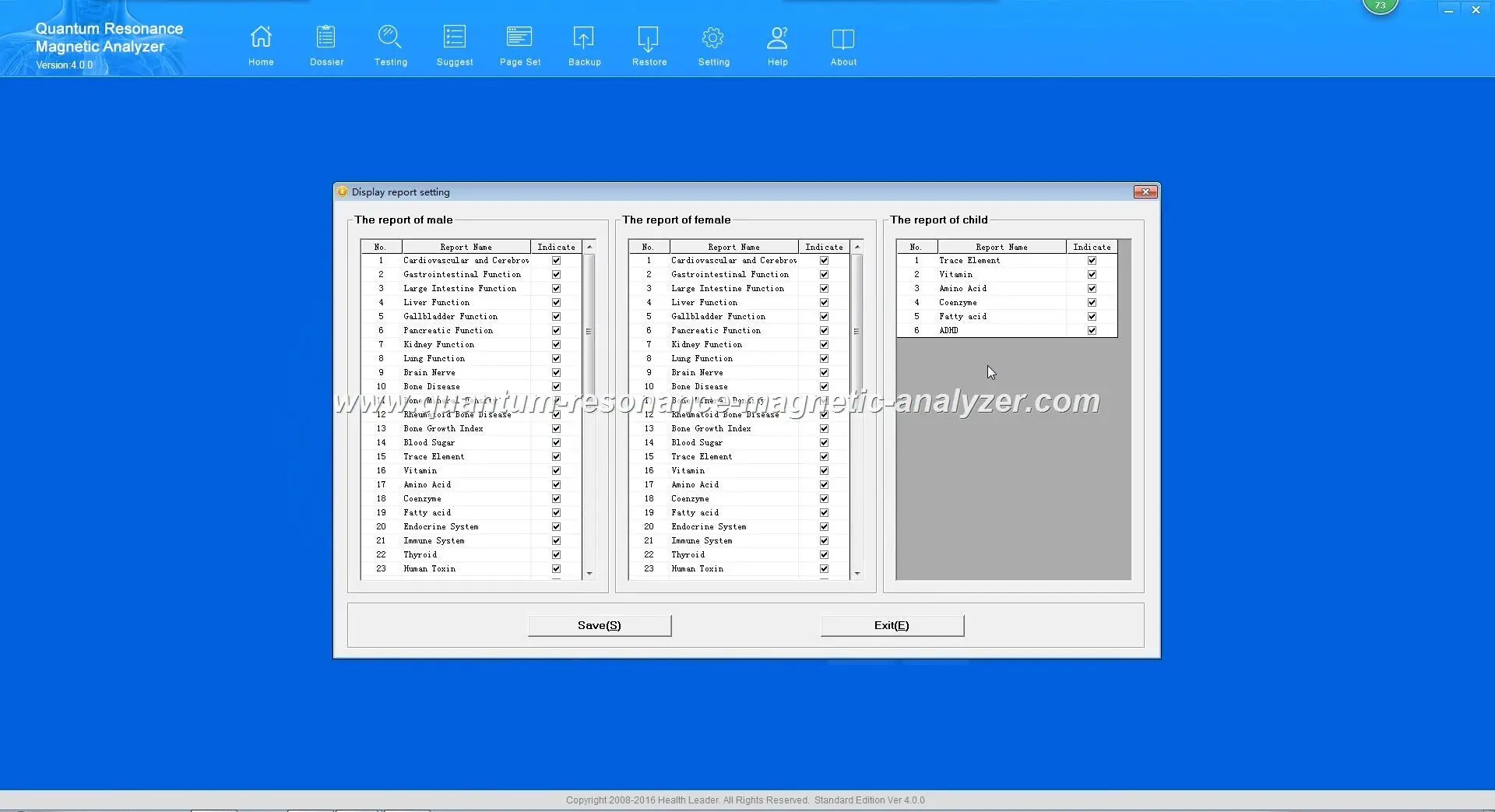
Quantum Resonance Magnetic Analyzer software Quantum Resonance Magnetic Analyzer software

“Signal Too Weak” error during testing

Solution Steps:

  1. Ensure the testing environment is free from electromagnetic interference:
    • Move away from large electronic equipment
    • Turn off nearby mobile phones
    • Ensure the analyzer is not placed on metal surfaces
  2. Check that the client is properly hydrated (dehydration can reduce signal strength)
  3. Verify that the client is not wearing synthetic gloves or has excessive hand lotion
  4. Try slightly moistening the client’s palm with a small amount of water
  5. Restart the device and software to reset the sensor calibration

Important: If sensor errors persist after trying these solutions, your device may require professional calibration or repair. Contact MAIKONG technical support for assistance.

Report Generation and Software Operation Errors

The final category of common issues involves problems with generating reports or general software operation. These errors can prevent you from accessing the valuable health analysis data your MAIKONG Quantum Analyzer produces.
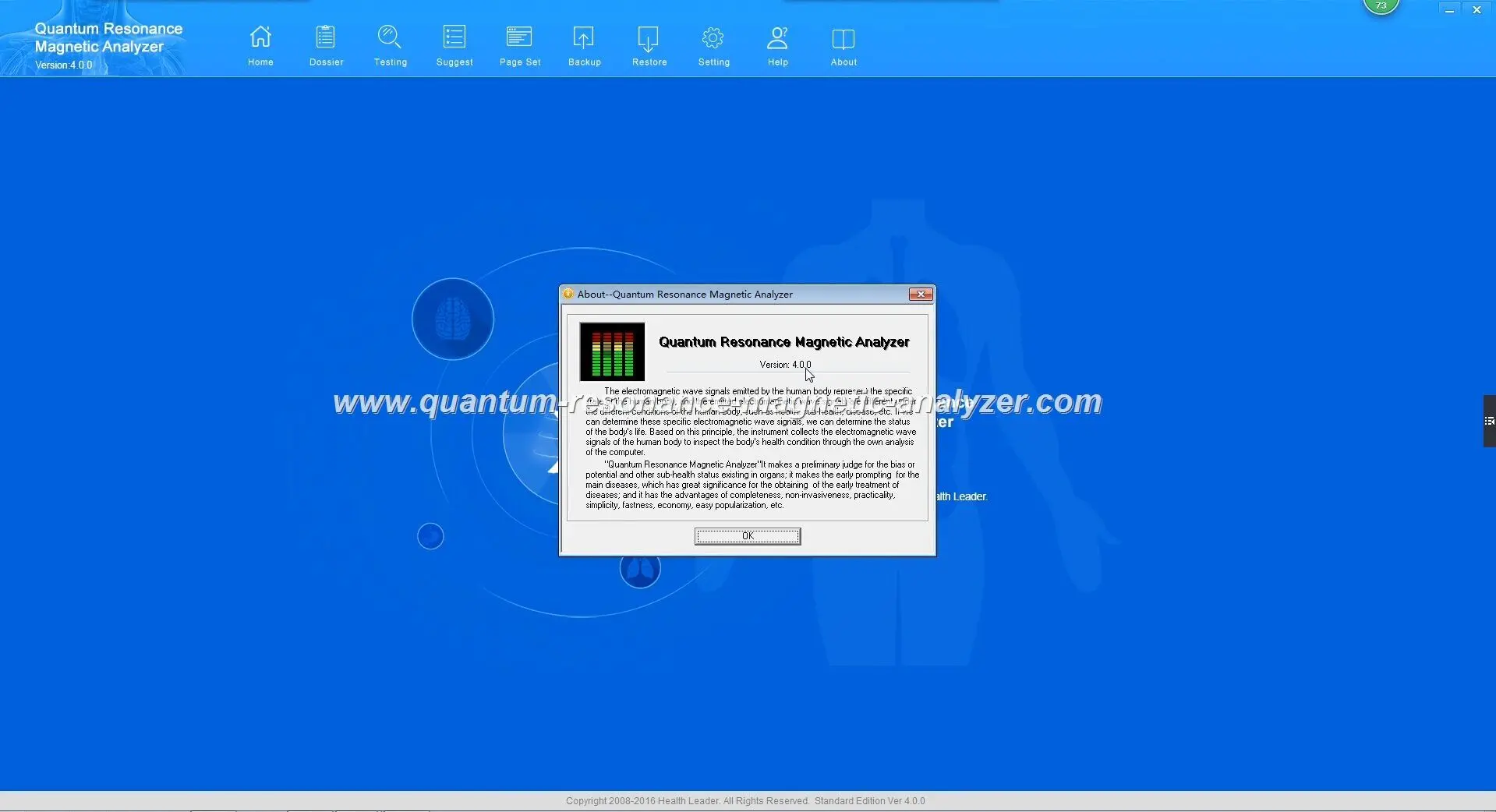
quantum resonance magnetic analyzer quantum resonance magnetic analyzer SOFTWARE

Software freeze during test with progress bar stuck

Software Freezes During Test

This frustrating issue occurs when the Quantum Analyzer Software becomes unresponsive during a health analysis test.

Solution Steps:

  1. Wait at least 2-3 minutes as some complex analyses require additional processing time
  2. If the software remains frozen, force close the application:
    • Press Ctrl+Alt+Delete and select “Task Manager”
    • Find the Quantum Analyzer Software in the list of processes
    • Select it and click “End Task”
  3. Restart your computer completely
  4. Launch the software with administrative privileges (right-click and select “Run as Administrator”)
  5. Reduce other running applications to free up system resources

Report Not Saving or Generating Incorrectly

This error prevents you from saving test results or produces incomplete or corrupted reports.
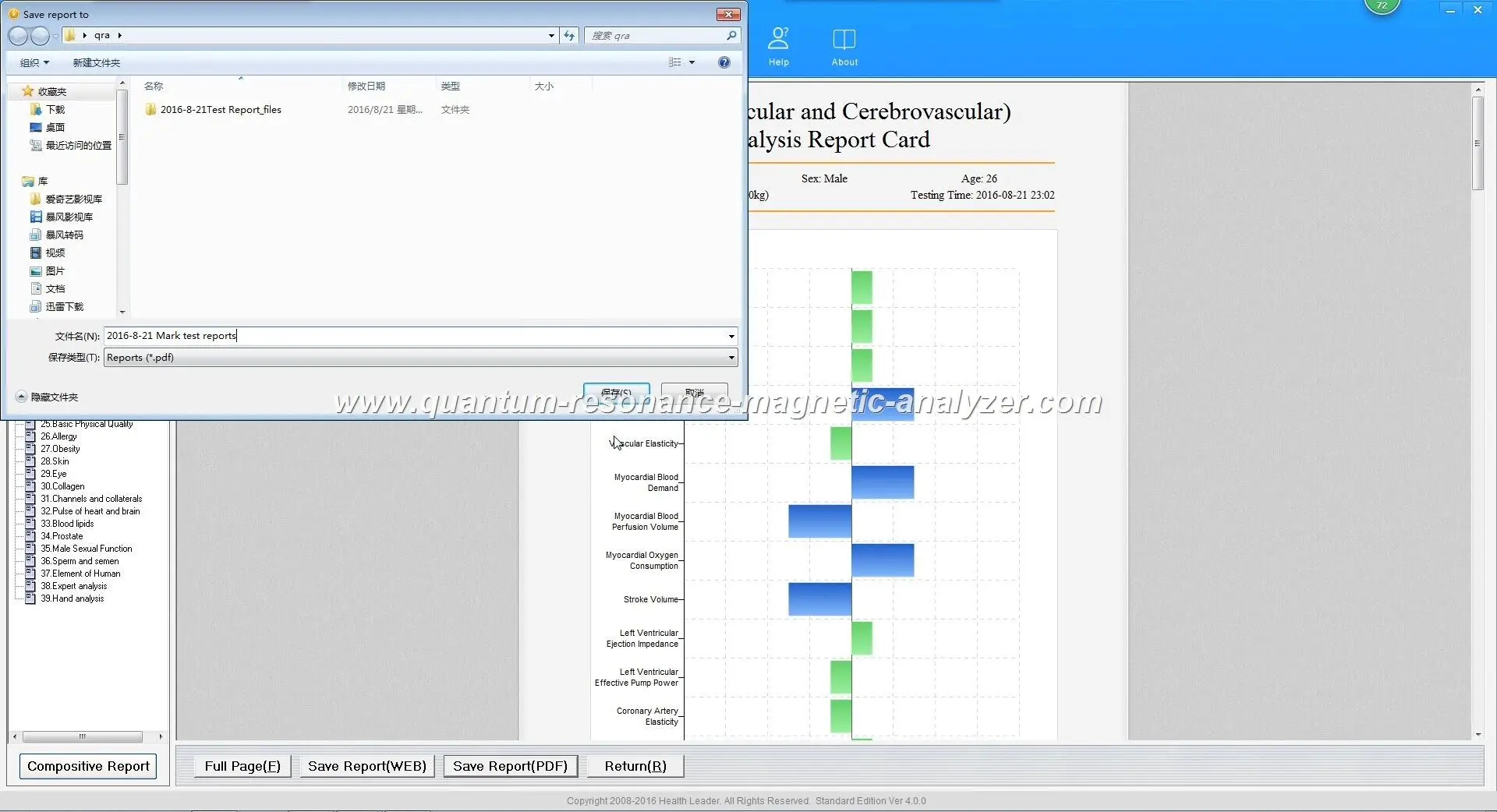
quantum resonance magnetic analyzer SOFTWARE quantum resonance magnetic analyzer SOFTWARE

Error when attempting to save analysis report

Solution Steps:

  1. Verify you have sufficient disk space (at least 500MB free) on the drive where reports are saved
  2. Ensure you have write permissions for the report destination folder:
    • Right-click on the destination folder and select “Properties”
    • Go to the “Security” tab and verify your user account has “Write” permissions
  3. Try saving to a different location, such as the Desktop
  4. Check if your antivirus software is blocking the report generation
  5. Reinstall or repair PDF components:
    • Go to Control Panel > Programs > Programs and Features
    • Find any PDF-related components and select “Repair”
    • Alternatively, install a free PDF reader like Adobe Acrobat Reader

When to Seek Professional Support from MAIKONG

While many Quantum Analyzer Software issues can be resolved using the troubleshooting steps above, some problems require professional technical assistance. Contact MAIKONG support if:
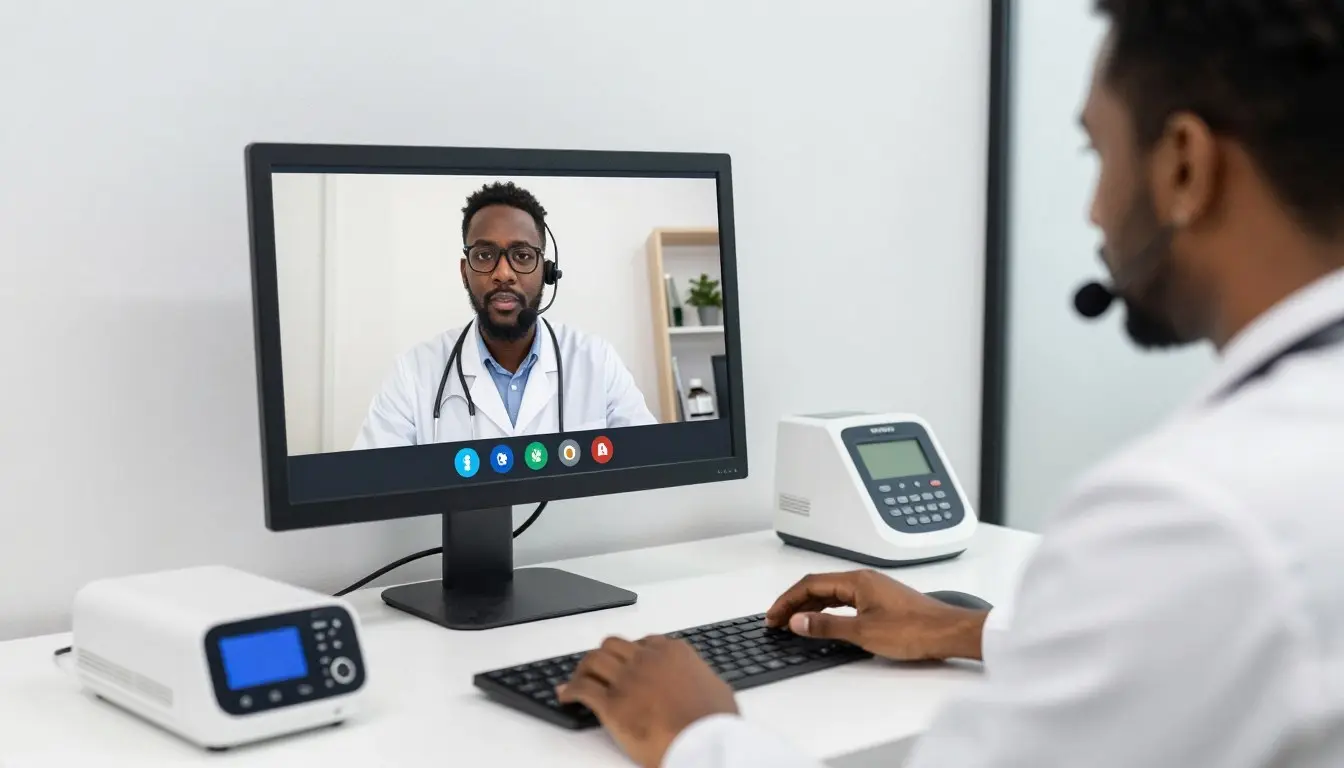
MAIKONG technical support specialist assisting a Nigerian client with Quantum Analyzer Software via video call

MAIKONG technical support providing remote assistance

Hardware Issues

  • Physical damage to the Quantum Analyzer device
  • Persistent sensor failures despite troubleshooting
  • Encryption lock physically damaged or completely unrecognized
  • Device overheating or making unusual noises
  • LED indicators not functioning properly

Software Issues

  • Persistent crashes that continue after reinstallation
  • Database corruption or missing reference data
  • Language or localization problems
  • Licensing or activation errors that persist
  • Consistent report generation failures

Need Expert Technical Support?

Our dedicated technical team is available to assist Nigerian users with complex Quantum Analyzer Software issues. Contact us through your preferred channel:

Or reach us via email:

Email Technical Support

How quickly can I expect a response from MAIKONG technical support?

For Nigerian clients, we typically respond to WhatsApp messages within 2-4 hours during business hours (9 AM – 5 PM WAT). Email inquiries are usually answered within 24 hours. For urgent issues, WhatsApp is the recommended contact method.

Is remote troubleshooting available for Nigerian users?

Yes, our technical team can provide remote assistance using screen sharing tools to diagnose and fix complex software issues. This service is available to all MAIKONG customers in Nigeria at no additional cost.

Preventive Maintenance for Your Quantum Analyzer Software

To minimize future errors and ensure optimal performance of your MAIKONG Quantum Analyzer, follow these preventive maintenance recommendations:
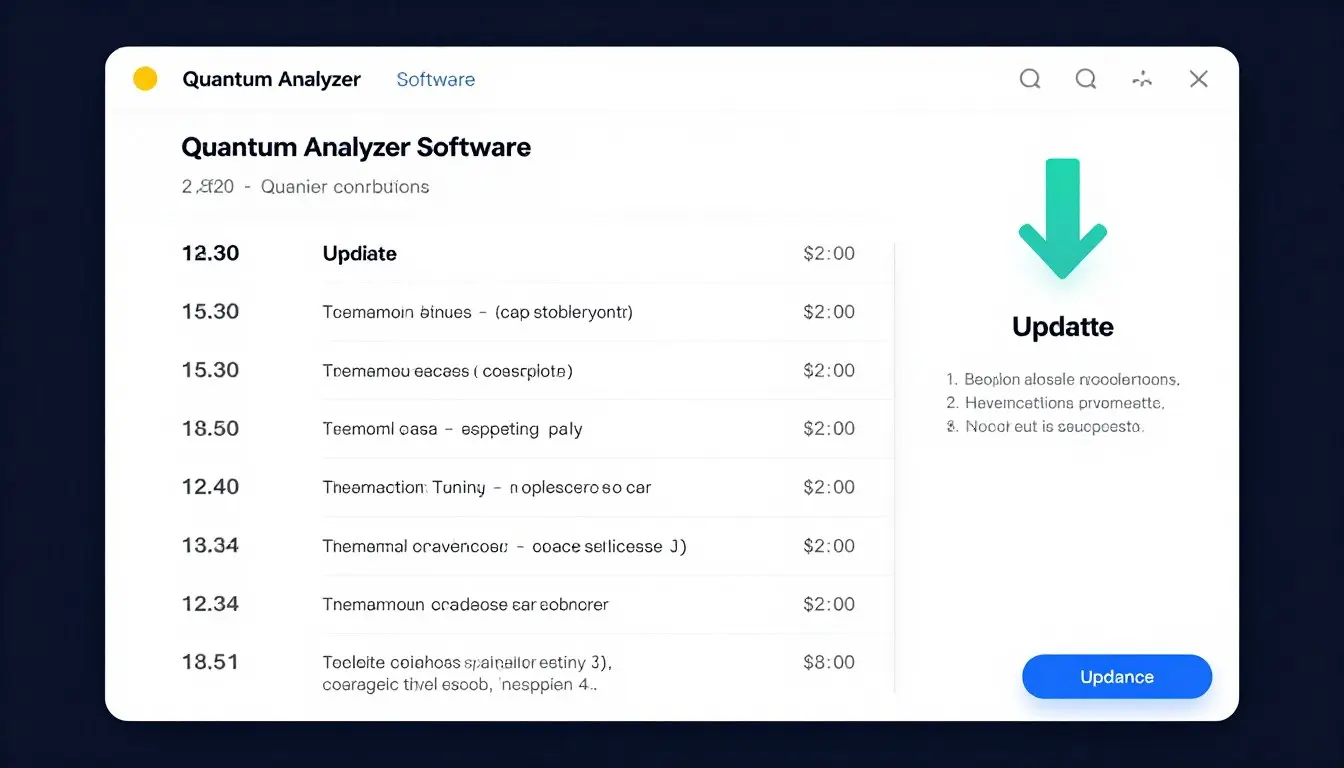
MAIKONG Quantum Analyzer Software update screen showing available updates

Regular software updates help prevent common errors

Preventive Maintenance Checklist:

  • Keep your Quantum Analyzer Software updated to the latest version
  • Regularly back up your patient database and reports
  • Schedule monthly system checks to verify all components are functioning properly
  • Clean the sensor contacts gently with alcohol wipes and allow to dry completely
  • Store the encryption lock safely when not in use
  • Maintain a clean, dust-free environment for your Quantum Analyzer device
  • Use a surge protector to prevent power fluctuation damage
  • Perform regular Windows updates to ensure system compatibility

Conclusion

The MAIKONG Quantum Analyzer Software is a powerful tool for health assessment that occasionally requires troubleshooting like any sophisticated technology. By following the solutions outlined in this guide, Nigerian healthcare professionals can quickly resolve common errors and maintain optimal functionality of their Quantum Health Analyzer systems.

Remember that MAIKONG is committed to supporting our Nigerian clients with responsive technical assistance and continuous product improvements. If you encounter persistent issues not addressed in this guide, don’t hesitate to contact our dedicated support team.

Become a MAIKONG Agent in Nigeria

Interested in representing MAIKONG’s innovative health analysis technology across Nigeria? We’re seeking dedicated partners to expand our presence nationwide.

Become an Agent

Quantum Resonance Magnetic Analyzer software Quantum Resonance Magnetic Analyzer software

MAIKONG Quantum Health Analyzer in use at a leading Nigerian healthcare facility



Contact us By WhatsApp:


maikong whatsapp

Maybe you like also

  • Categories